

From my experience with Dynobase, it stands out as a highly specialized and user-friendly GUI client for managing DynamoDB databases. Its visual query builder and inline data editor significantly reduce the complexity of interacting with DynamoDB, especially for developers who prefer a graphical interface over command-line tools. The cross-platform desktop app ensures consistent performance across operating systems, making it a reliable choice for backend developers and database administrators. However, the lack of a free tier beyond the trial and absence of web or mobile versions may limit accessibility for some users. Overall, if you work extensively with DynamoDB and want to streamline your workflow, Dynobase offers a robust and efficient solution.
Dynobase - Advanced DynamoDB GUI Client for Efficient Database Management
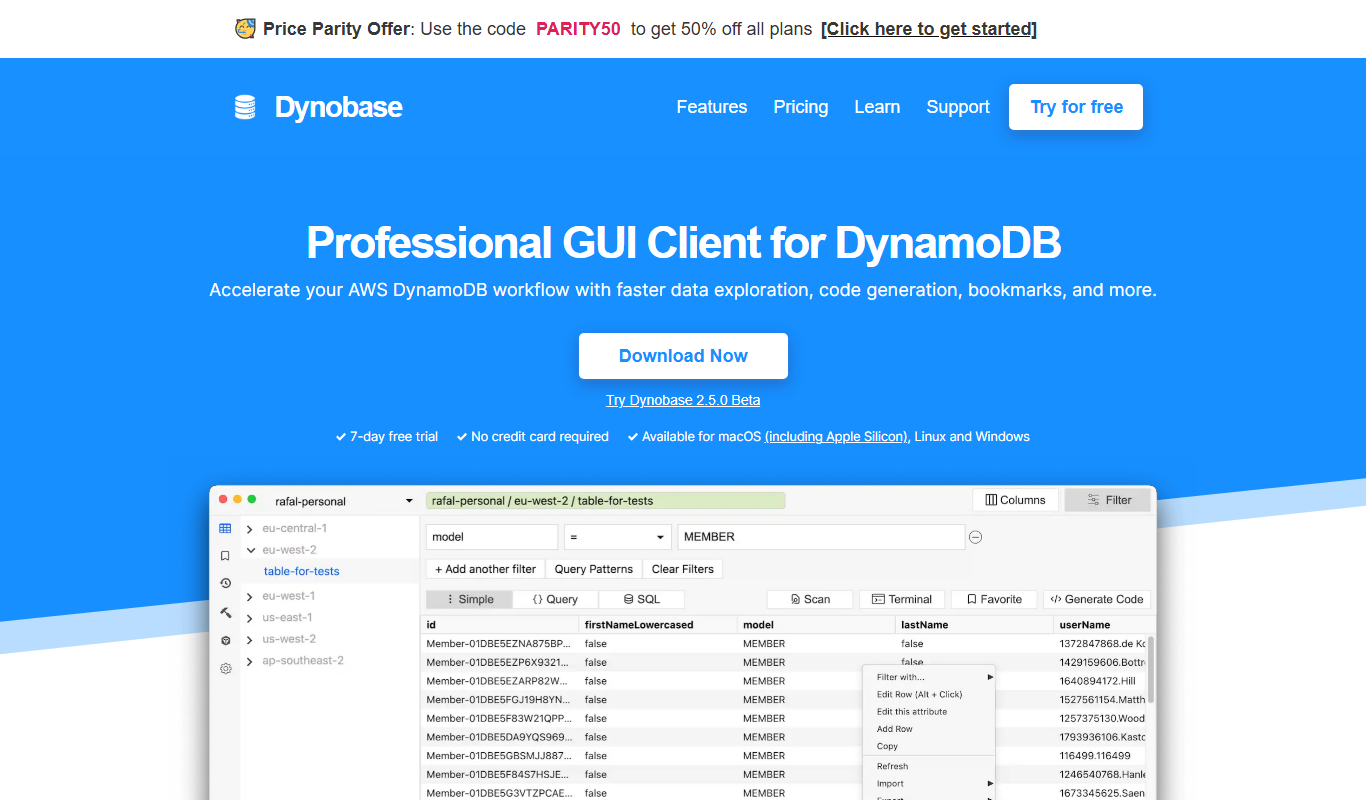
Dynobase is a desktop GUI client designed to simplify Amazon DynamoDB management by providing visual tools for table creation, data editing, and query building.
- Best for
- DynamoDB Table Management
- Key capability
- Visual Query Builder

What is Dynobase?
Dynobase is a powerful desktop GUI client designed specifically for Amazon DynamoDB, the NoSQL database service by AWS. It simplifies database management by providing an intuitive interface to create, query, and manage DynamoDB tables and data without requiring deep knowledge of AWS CLI or SDKs.
Key features of Dynobase
Dynobase offers features such as visual query building, data editing, table and index management, import/export capabilities, and support for complex DynamoDB data types, all wrapped in a responsive desktop application.
Visual Query Builder
Construct complex DynamoDB queries with an intuitive drag-and-drop interface.
Data Editor
Edit DynamoDB items inline, supporting all DynamoDB data types including nested attributes.
Table and Index Management
Create, update, and delete tables and secondary indexes easily.
Import/Export Support
Seamlessly import and export data in JSON or CSV formats.
Cross-Platform Desktop App
Available for Windows, macOS, and Linux with a native desktop experience.
Pros and cons of Dynobase
Pros
- User-friendly interface tailored for DynamoDB
- Supports complex data types and nested attributes
- Cross-platform desktop application
- Visual query builder reduces need for manual coding
- One-time pricing with lifetime updates
Cons
- No free tier beyond trial period
- Desktop app only, no web or mobile versions
- Limited to DynamoDB, not suitable for other databases
Key use cases for Dynobase
DynamoDB Table Management
Easily create, edit, and delete DynamoDB tables with a user-friendly graphical interface.
Data Browsing and Editing
Browse, filter, and modify DynamoDB items directly without writing complex queries.
Query Building
Build and execute DynamoDB queries visually to retrieve data efficiently.
Data Import and Export
Import data from JSON or CSV files and export table data for backup or migration.
Index Management
Manage Global and Local Secondary Indexes with ease to optimize query performance.
How Dynobase works
- 1
Connect to DynamoDB
Set up your AWS credentials or connect to local DynamoDB instances to access your databases.
- 2
Manage Tables
Create new tables, modify existing ones, and manage indexes through an easy-to-use interface.
- 3
Browse and Edit Data
View your data in a tabular format, filter records, and edit items directly.
- 4
Build Queries Visually
Use the query builder to construct and run queries without writing code.
- 5
Import and Export Data
Import data from JSON/CSV files or export your tables for backup and sharing.
Who is using Dynobase
Dynobase pricing
Free Trial
$0 for 7 days
Full feature access for 7 days to evaluate the product.
Pro License
$49 one-time
Lifetime access to all features with free updates.
Plans and prices are as published by the vendor and can change. Check the official site before you buy. Open the pricing page (opens in a new tab)
Frequently asked questions about Dynobase
Yes, Dynobase can connect to local DynamoDB setups as well as AWS cloud instances.
Yes, Dynobase supports editing of complex nested data structures within items.
Dynobase is available for Windows, macOS, and Linux platforms.
Dynobase supports JSON and CSV formats for importing and exporting data.
This tool is designed to help users accomplish its core tasks more efficiently. It is typically used by individuals or teams looking to improve productivity and workflow.
Yes, it can help with that use case depending on how you configure it and what features are available. You’ll get the best results with clear inputs and a defined goal.
Pricing depends on the plan and included features. For the most accurate and up-to-date details, check the official pricing page.
Data handling and security practices vary by provider. Review the official privacy policy to understand how your data is stored and used.
Sign in to review this tool.
Sign In to ReviewNo reviews yet
Be the first to share how this tool worked for you.
Ask about pricing, limits, or how it compares — or answer someone else.
Sign In to AskNo questions yet
Have a question about using or paying for this tool? Be the first to ask.
Featured on TiorAI



Alternative Tools
Explore similar AI tools that might fit your needs
TablePlus
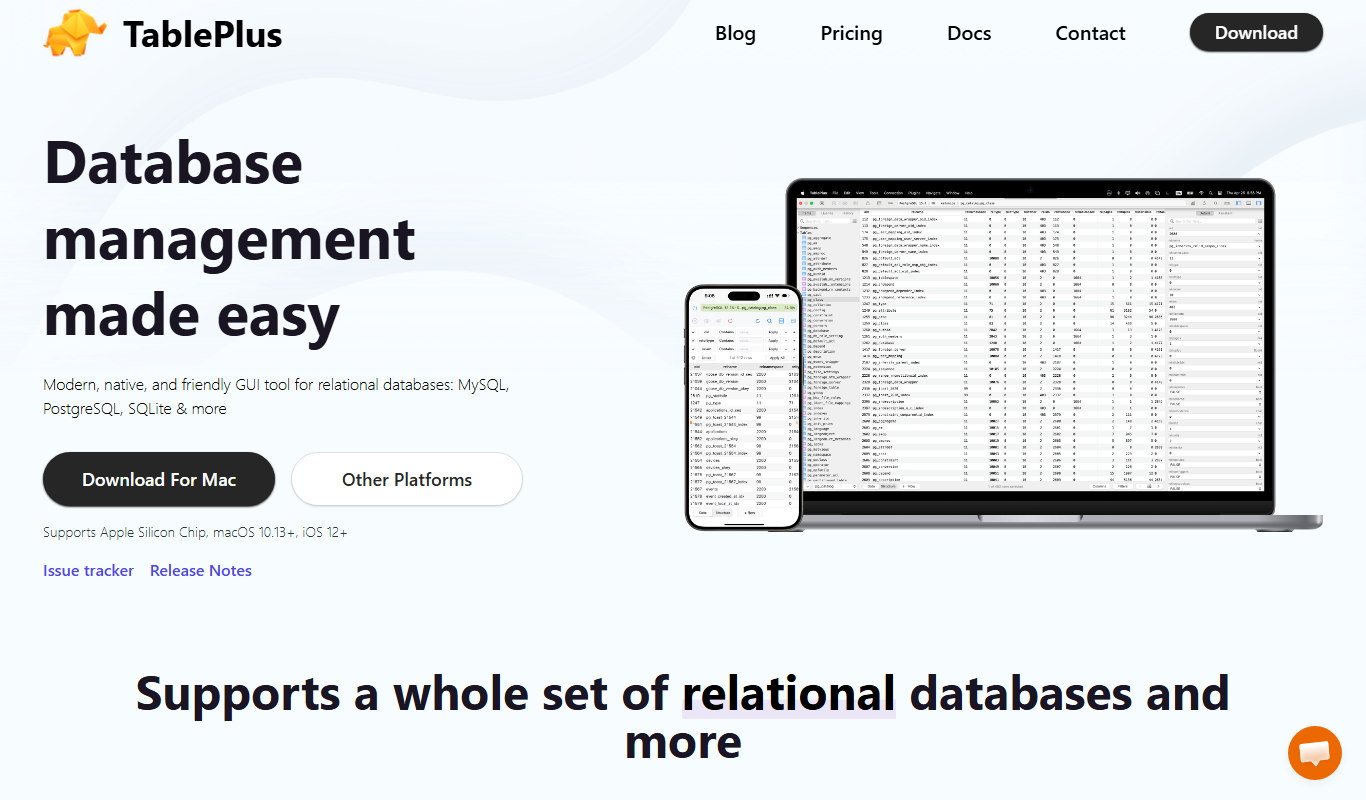
TablePlus is a native database management tool supporting multiple databases with features like advanced SQL editor, inline data editing, and secure connections.

DBeaver
DBeaver is a cross-platform database management tool that supports numerous database types, offering features like SQL editing, data visualization, and team collaboration.
More AI Code Generator tools
Other tools in the same category, for when this one is not quite the fit.

Rectangle
Rectangle is an AI code assistant that generates, explains, and helps debug code using natural language inputs, designed to accelerate software development.
CodeWP
CodeWP is an AI-powered tool that generates WordPress-specific PHP and JavaScript code snippets from natural language prompts, helping developers speed up plugin and theme development.
Symmetry AI
Symmetry AI is an AI-driven platform that generates code from natural language prompts, offers real-time code completions, and assists with bug detection to streamline software development.

Diffblue Cover
Diffblue Cover is an AI-driven tool that automatically generates Java unit tests to improve code coverage and reduce manual testing effort.

Open Interpreter
Open Interpreter is an open-source AI tool that translates natural language instructions into executable code, enabling users to automate tasks and write code without programming expertise.
AI Buddy
AI Buddy is an AI chatbot platform that helps businesses automate customer support and lead generation through customizable conversational bots and analytics.

CraftAI
CraftAI is an AI-driven content creation and marketing automation platform by Craftable Pro that helps users generate high-quality content efficiently and automate marketing workflows.

Shipixen
Shipixen is a web-based shipping software that helps e-commerce businesses manage multi-carrier shipments, automate label creation, and track packages in real-time.