

From my experience with DynamicAds, I found it excels at simplifying the complex process of creating and optimizing dynamic advertisements using AI. The platform’s ability to integrate multiple ad accounts and provide real-time analytics makes campaign management more efficient, especially for marketers juggling several platforms. However, the lack of mobile app support and limited language options may restrict accessibility for some users. Overall, if you need an AI-driven tool to automate and enhance your ad campaigns across major platforms, DynamicAds offers a robust and user-friendly solution.
DynamicAds - AI-Powered Dynamic Ad Creation and Optimization Platform
DynamicAds is an AI-powered platform that automates the creation and optimization of dynamic advertisements across multiple ad platforms, enhancing campaign performance through real-time analytics and AI-driven insights.
- Best for
- Automated Dynamic Ad Creation
- Key capability
- AI-Powered Dynamic Creative Generation

Do you recommend this tool?
What is DynamicAds?
DynamicAds is an AI-powered advertising platform designed to automate the creation, optimization, and management of dynamic ad campaigns. It leverages machine learning to personalize ads in real-time, enhancing engagement and conversion rates across multiple digital channels.
Key features of DynamicAds
Key features include automated dynamic ad generation, AI-driven optimization, multi-platform campaign management, and real-time analytics dashboards to track campaign performance effectively.
AI-Powered Dynamic Creative Generation
Automatically produce personalized ad creatives that adapt to user behavior and preferences.
Cross-Platform Campaign Management
Manage and synchronize campaigns across multiple advertising platforms from one dashboard.
Real-Time Performance Analytics
Track key metrics and receive actionable insights to optimize campaigns on the fly.
Automated Budget Allocation
AI algorithms dynamically allocate budget to best-performing ads and audience segments.
User-Friendly Interface
Intuitive design that simplifies complex ad management tasks for marketers of all skill levels.
Pros and cons of DynamicAds
Pros
- Automates complex ad creation and optimization tasks
- Supports multiple advertising platforms in one place
- Provides actionable real-time analytics
- User-friendly interface suitable for beginners and experts
- Flexible pricing plans including a free tier
Cons
- Limited language support (English only)
- No mobile app available currently
- Advanced features require paid subscription
Key use cases for DynamicAds
Automated Dynamic Ad Creation
Generate personalized and dynamic advertisements automatically based on user data and campaign goals.
Ad Performance Optimization
Continuously optimize ad creatives and targeting to improve engagement and conversion rates.
Multi-Platform Campaign Management
Manage and deploy ad campaigns across multiple platforms such as Facebook, Instagram, and Google Ads from a single interface.
Real-Time Analytics and Reporting
Access detailed performance metrics and insights to make data-driven decisions for ad campaigns.
How DynamicAds works
- 1
Sign Up and Connect Ad Accounts
Create an account on DynamicAds and link your advertising accounts such as Facebook Ads and Google Ads.
- 2
Set Campaign Goals and Audience
Define your campaign objectives and target audience parameters within the platform.
- 3
Generate Dynamic Ads
Use AI tools to automatically create personalized ad creatives tailored to your audience segments.
- 4
Launch and Monitor Campaigns
Deploy campaigns across connected platforms and monitor performance through real-time analytics.
- 5
Optimize Using AI Insights
Leverage AI-driven recommendations to adjust creatives, targeting, and budgets for improved results.
Who is using DynamicAds
Digital marketing agencies
E-commerce businesses
Small to medium-sized enterprises
Social media marketers
Advertising professionals
DynamicAds pricing
Free
$0/month
Basic access with limited ad creations and standard analytics.
Pro
$49/month
Advanced features including unlimited dynamic ads, AI optimization, and priority support.
Enterprise
Custom pricing
Tailored solutions with dedicated account management and custom integrations.
Plans and prices are as published by the vendor and can change. Check the official site before you buy. Open the pricing page (opens in a new tab)
Frequently asked questions about DynamicAds
Yes, DynamicAds supports integration with multiple ad accounts across platforms like Facebook and Google Ads.
No, the platform is designed with an intuitive interface suitable for marketers with varying levels of technical expertise.
The AI analyzes real-time performance data to adjust creatives, targeting, and budget allocation to maximize ROI.
Yes, DynamicAds offers a free plan with limited features to get started.
This tool is designed to help users accomplish its core tasks more efficiently. It is typically used by individuals or teams looking to improve productivity and workflow.
It depends on your specific needs and how you plan to use the tool. The official website and documentation are the best sources for the latest details.
Yes, it can help with that use case depending on how you configure it and what features are available. You’ll get the best results with clear inputs and a defined goal.
Some tools offer a free plan or trial with limited features. Availability can vary, so confirm on the official website.
Sign in to review this tool.
Sign In to ReviewNo reviews yet
Be the first to share how this tool worked for you.
Ask about pricing, limits, or how it compares — or answer someone else.
Sign In to AskNo questions yet
Have a question about using or paying for this tool? Be the first to ask.
Featured on TiorAI



More Advertising Technology tools
Other tools in the same category, for when this one is not quite the fit.

Free Trial
SmartBids.ai
SmartBids.ai is an AI-powered bid management platform that automates bid optimization across multiple advertising channels to improve campaign performance and ROI.

Freemium
Noiz
Noiz is a blockchain-based advertising platform that provides transparent, fraud-resistant digital marketing solutions by rewarding users with tokens for ad engagement.

Freemium
OptimizerAI
OptimizerAI is an AI-driven marketing optimization platform that automates budget allocation, campaign management, and performance analytics to improve digital advertising results.

Custom Pricing
marpipe.com
Marpipe is an AI-driven platform that automates multivariate testing of ad creatives to identify the best-performing ads and optimize digital marketing campaigns.
Custom Pricing
marpipe.com
Marpipe is an automated platform that generates and tests multiple ad creative variations simultaneously to identify the best-performing ads, helping marketers optimize digital campaigns efficiently.

Custom Pricing
Promoted.com
Promoted.com is a mobile marketing platform that helps app marketers acquire users, optimize campaigns, and grow their apps through multi-network management and analytics.
Free Trial
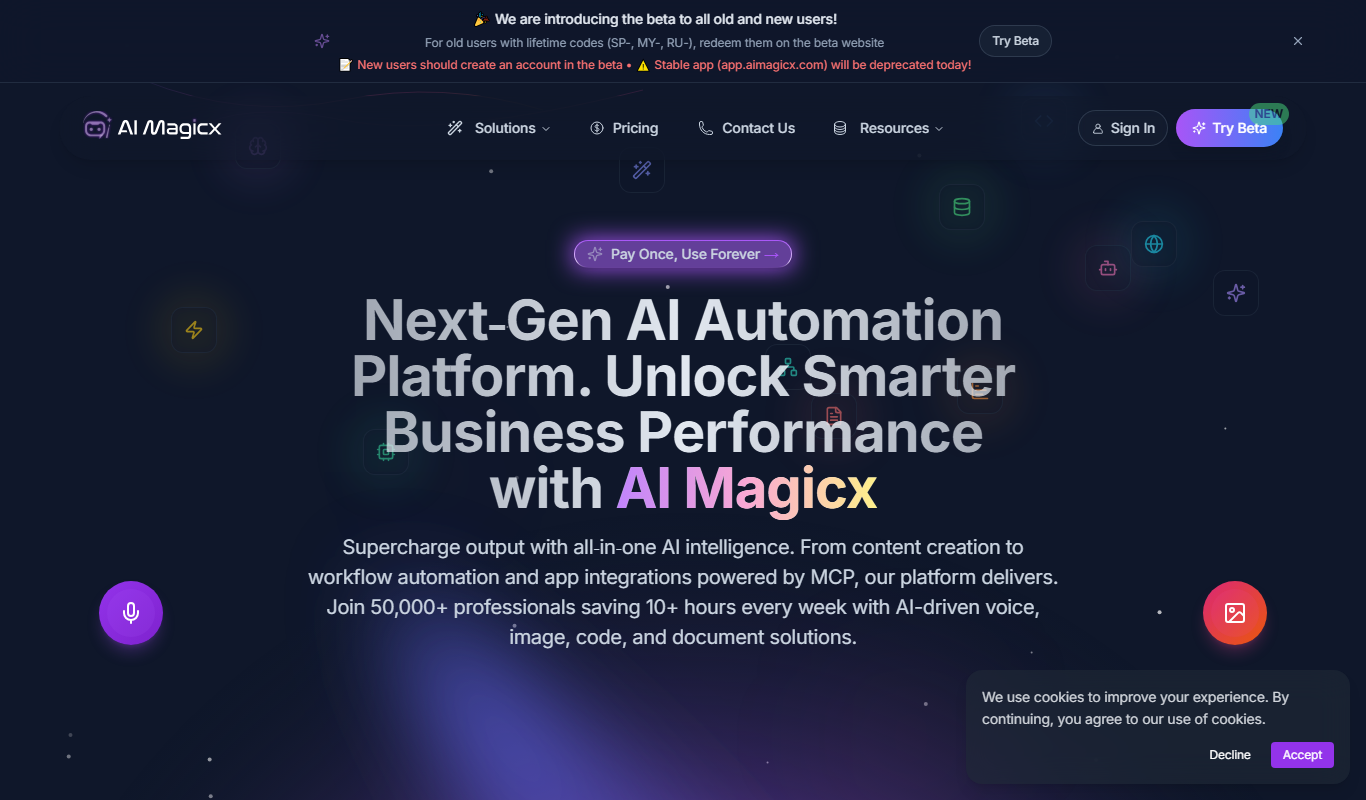
AI Magicx
AI Magicx is an AI-driven marketing automation platform that helps businesses automate and optimize advertising campaigns across multiple platforms like Facebook, Google, and TikTok to improve performance and ROI.

Freemium
Adstra
Adstra is an AI-driven platform that automates the creation, management, and optimization of digital advertising campaigns across multiple platforms to improve efficiency and ROI.