

From my experience with Dovetail, I found it excels at simplifying the complex process of qualitative data analysis by providing intuitive tagging and collaborative features. Spending time with the platform, it’s clear that Dovetail is particularly well-suited for user researchers and product teams who need to organize and share insights efficiently. However, the lack of a permanent free tier and focus solely on qualitative data may limit smaller teams or those needing quantitative analysis. Overall, if your goal is to streamline user research workflows and improve cross-team collaboration, Dovetail delivers solid, practical tools.
Dovetail User Research Platform for Qualitative Data Analysis and Insights
Dovetail is a cloud-based user research platform that enables teams to collect, tag, analyze, and share qualitative data from interviews, surveys, and usability tests to generate actionable insights.
- Best for
- User Research Analysis
- Key capability
- Centralized Research Repository
Your actions
Save Dovetail, follow its updates and vote on it — everything stays in your account.
Sign in or create a free account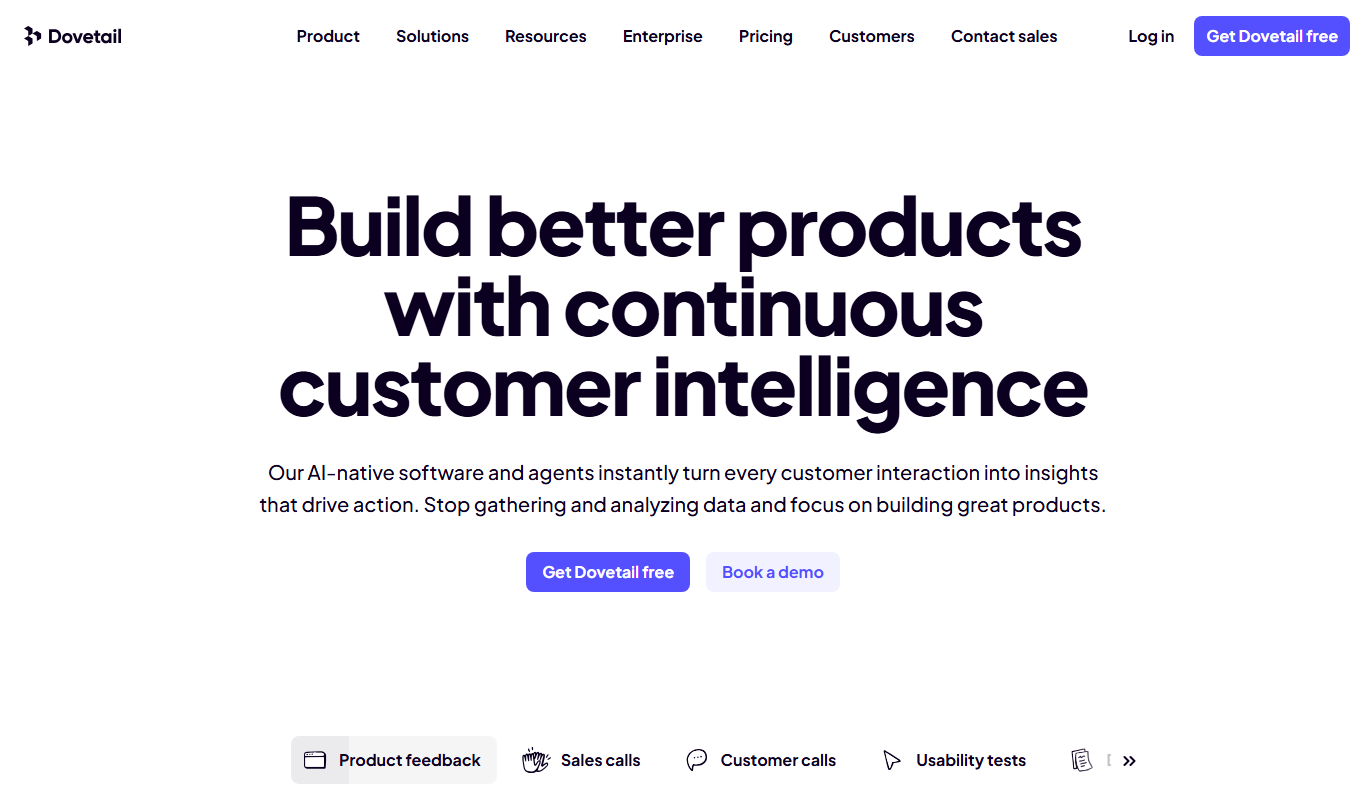
What is Dovetail?
Dovetail is a cloud-based user research platform designed to help teams collect, analyze, and share qualitative data. It streamlines the process of organizing research notes, tagging insights, and collaborating across teams to make data-driven decisions. The platform supports various research methods including interviews, surveys, and usability testing, enabling product teams to better understand their users and improve experiences.
Key features of Dovetail
Dovetail offers features such as centralized data storage, tagging and coding of qualitative data, collaborative workspaces, customizable reports, and integrations with popular research tools. Its intuitive interface helps teams efficiently synthesize complex user feedback and share actionable insights.
Centralized Research Repository
Store all qualitative research data in one accessible location.
Tagging and Coding Tools
Easily tag and categorize data to uncover insights and trends.
Collaborative Workspaces
Enable multiple users to work together on research projects in real time.
Customizable Reporting
Create tailored reports and visualizations to communicate findings effectively.
Integrations
Connect with tools like Zoom, Slack, and others to streamline workflows.
Pros and cons of Dovetail
Pros
- Intuitive interface for organizing qualitative data
- Strong collaboration features for teams
- Powerful tagging and coding capabilities
- Customizable reporting tools
- Good integration options with popular tools
Cons
- No permanently free plan beyond trial
- Limited to qualitative data analysis, not quantitative
- Primarily web-based with no dedicated mobile app
Key use cases for Dovetail
User Research Analysis
Analyze qualitative data from interviews, surveys, and usability tests to uncover user needs and behaviors.
Customer Feedback Management
Organize and synthesize customer feedback to inform product decisions and improve user experience.
Team Collaboration
Enable cross-functional teams to collaborate on research projects with shared notes, tags, and insights.
Insight Reporting
Generate reports and visualizations to communicate research findings effectively to stakeholders.
Data Tagging and Coding
Tag and code qualitative data to identify patterns and themes across large datasets.
How Dovetail works
- 1
Create a Project
Start by setting up a research project to organize your data and notes.
- 2
Import or Add Data
Upload transcripts, notes, survey responses, or other qualitative data into the platform.
- 3
Tag and Code Data
Apply tags and codes to segments of data to identify themes and patterns.
- 4
Collaborate with Team
Invite team members to review, comment, and contribute to the research analysis.
- 5
Generate Insights and Reports
Use built-in tools to create visual reports and share findings with stakeholders.
Who is using Dovetail
User researchers
Product managers
UX designers
Customer experience teams
Market researchers
Dovetail pricing
Free Trial
$0 for 14 days
Access all features with a 14-day free trial to evaluate the platform.
Team
$12 per user/month
Full access to research tools, collaboration features, and unlimited projects.
Organization
Custom pricing
Advanced security, dedicated support, and enterprise features for larger teams.
Plans and prices are as published by the vendor and can change. Check the official site before you buy. Open the pricing page (opens in a new tab)
Frequently asked questions about Dovetail
Yes, Dovetail supports importing transcripts, notes, and survey data from various sources.
Dovetail offers a 14-day free trial but does not have a permanently free plan.
Yes, multiple users can collaborate on projects with shared access and commenting.
You can analyze interviews, usability tests, surveys, and other qualitative data.
This tool is designed to help users accomplish its core tasks more efficiently. It is typically used by individuals or teams looking to improve productivity and workflow.
Yes, it can help with that use case depending on how you configure it and what features are available. You’ll get the best results with clear inputs and a defined goal.
Pricing depends on the plan and included features. For the most accurate and up-to-date details, check the official pricing page.
Sign in to review this tool.
Sign In to ReviewNo reviews yet
Be the first to share how this tool worked for you.
Ask about pricing, limits, or how it compares — or answer someone else.
Sign In to AskNo questions yet
Have a question about using or paying for this tool? Be the first to ask.
Featured on TiorAI



Alternative Tools
Explore similar AI tools that might fit your needs

Free
Airtable
Airtable is a no-code platform that lets users create custom databases, automate workflows, and collaborate in real time without programming skills.

Custom Pricing
UserTesting
UserTesting is a platform that provides video-based user feedback and usability testing to help businesses improve their digital products by understanding real user experiences.
More Customer Insights tools
Other tools in the same category, for when this one is not quite the fit.

Free Trial
U-xer
U-xer is a remote UX research platform that enables teams to conduct usability tests with real users, collect video feedback, and analyze user behavior to improve product design.
Free Trial
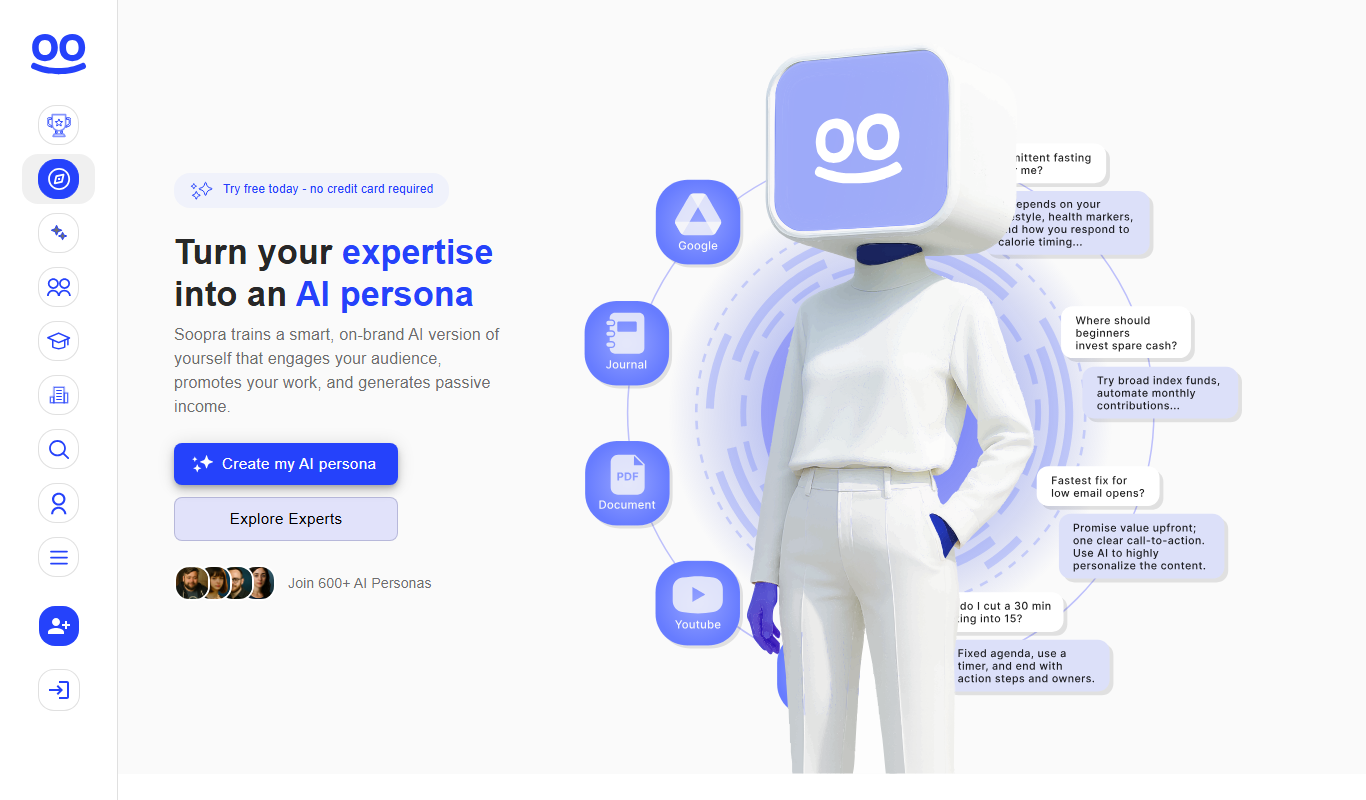
Soopra AI Personality Engine
Soopra AI Personality Engine uses AI to analyze digital behavior and generate personality profiles, helping businesses improve customer engagement and recruitment.

Free
Value Proposition Canvas AI
Value Proposition Canvas AI is a web-based tool that uses artificial intelligence to help businesses develop and refine their value propositions by analyzing customer needs and aligning products accordingly.
Free Trial
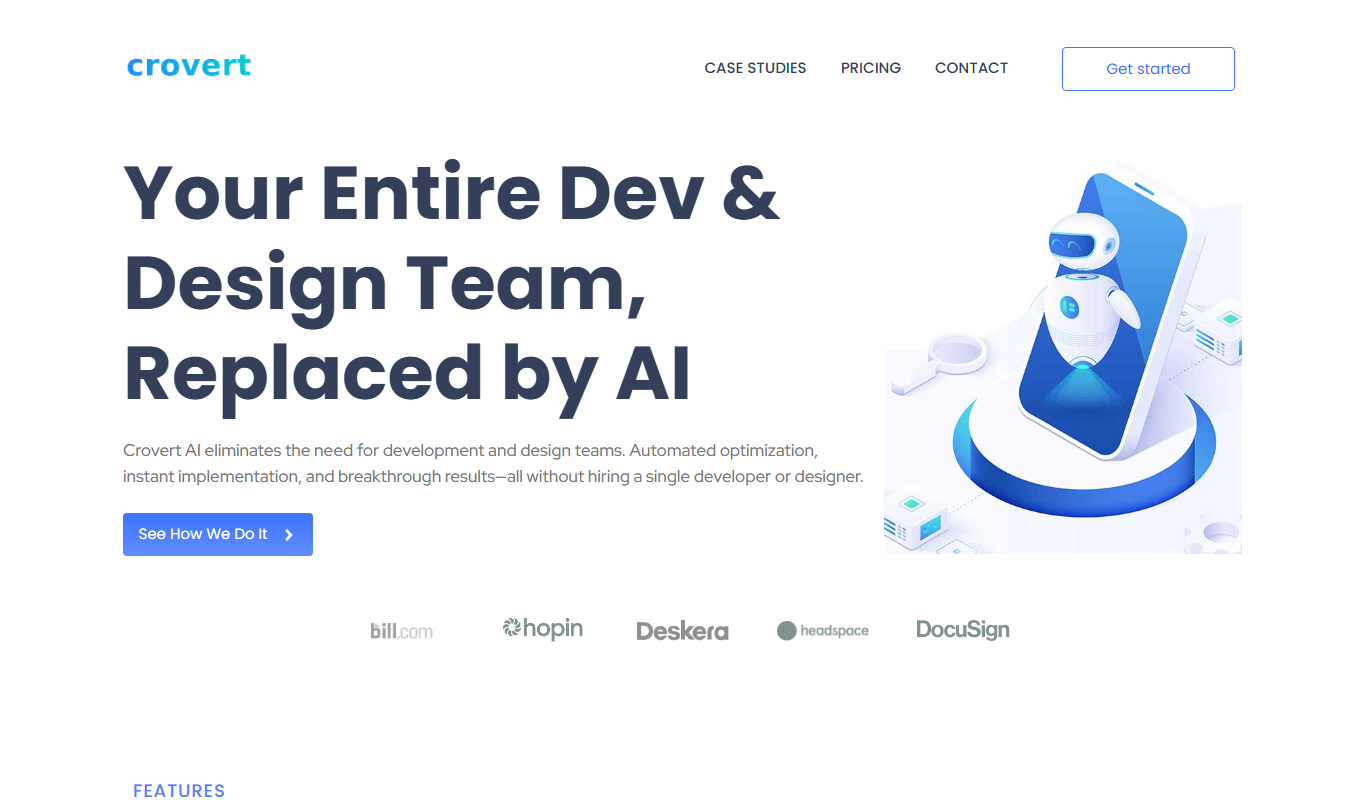
crovert
Crovert is a remote user testing platform that records video and audio of users interacting with websites or prototypes to provide UX insights.
Custom Pricing
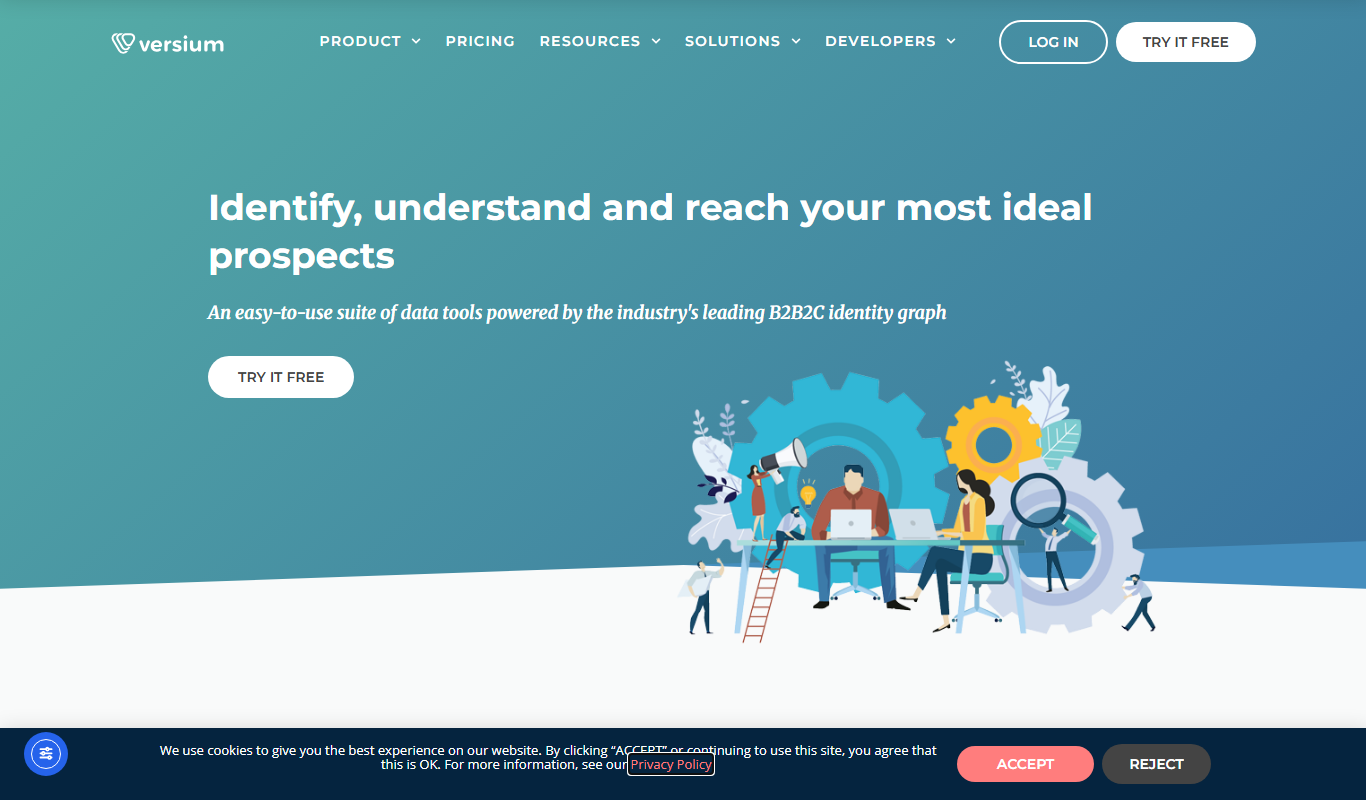
Versium REACH
Versium REACH is a data enrichment and customer insights platform that enhances customer databases with additional data, applies predictive lead scoring, and enables audience segmentation to optimize marketing and sales efforts.