

From my experience with Crovert, I found it excels at providing authentic user feedback through remote video sessions, which is invaluable for understanding real user behavior. The platform’s ease of use and flexible participant recruitment make it a practical choice for UX researchers and product teams aiming to improve usability. However, Crovert’s limited support for native mobile app testing and relatively higher pricing might be a consideration for smaller teams or mobile-focused projects. Overall, if your goal is to gather qualitative insights from web users efficiently, Crovert delivers solid, actionable results.
Crovert User Testing Platform for UX Research and Customer Insights
Crovert is a remote user testing platform that records video and audio of users interacting with websites or prototypes to provide UX insights.
- Best for
- User Experience Research
- Key capability
- Remote Video User Testing
Your actions
Save crovert, follow its updates and vote on it — everything stays in your account.
Sign in or create a free account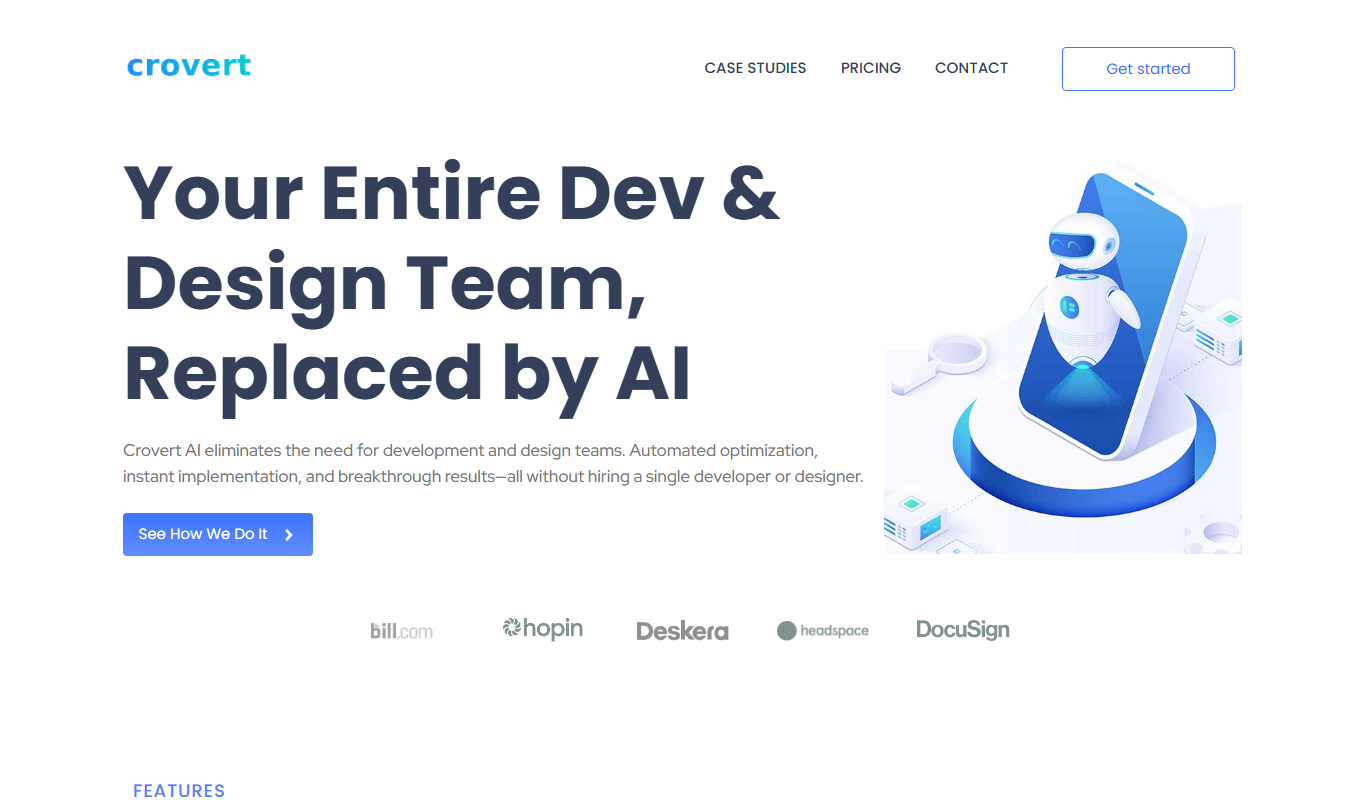
What is crovert?
Crovert is a user testing platform designed to help businesses and UX professionals gather authentic user feedback through remote video sessions. It enables teams to observe real users interacting with websites, apps, or prototypes, capturing their thoughts and behaviors to inform design and product decisions.
Key features of crovert
Crovert offers features such as remote moderated and unmoderated testing, video recordings of user sessions, participant recruitment, and detailed analytics to help teams understand user experience challenges and opportunities.
Remote Video User Testing
Capture video and audio of users interacting with your product remotely.
Participant Recruitment
Access a panel of testers or bring your own participants for testing.
Task and Survey Builder
Create custom tasks and surveys to guide users and collect structured feedback.
Session Playback and Analysis
Watch recorded sessions with timestamps and notes to extract actionable insights.
Team Collaboration
Share test results with stakeholders and collaborate on findings within the platform.
Pros and cons of crovert
Pros
- Easy setup for remote user testing
- Video recordings provide rich qualitative insights
- Flexible participant recruitment options
- Supports both moderated and unmoderated tests
Cons
- Limited support for native mobile app testing
- Pricing may be high for small teams
- No disclosed API integrations
Key use cases for crovert
User Experience Research
Conduct remote user testing sessions to gather qualitative feedback on websites and apps.
Customer Insight Collection
Understand customer behavior and preferences through video recordings and surveys.
Product Usability Testing
Identify usability issues and improve product design based on real user interactions.
Marketing Campaign Feedback
Test marketing materials and landing pages with target audiences before launch.
Prototype Validation
Validate early-stage prototypes with users to iterate designs effectively.
How crovert works
- 1
Create a Test
Set up your user test by defining tasks, questions, and target audience.
- 2
Recruit Participants
Invite users or use Crovert’s participant pool to find testers matching your criteria.
- 3
Conduct Testing
Users complete tasks while their screen and voice are recorded for analysis.
- 4
Analyze Feedback
Review video sessions and user responses to identify usability issues and insights.
Who is using crovert
UX researchers
Product managers
Marketing teams
Design agencies
Startups and SMBs
crovert pricing
Free Trial
$0
Limited access to test features for evaluation purposes.
Standard
$49/month
Access to core testing features with participant recruitment options.
Professional
$99/month
Advanced features including team collaboration and detailed analytics.
Plans and prices are as published by the vendor and can change. Check the official site before you buy. Open the pricing page (opens in a new tab)
Frequently asked questions about crovert
Yes, Crovert allows you to invite your own users or customers to participate in tests.
Crovert primarily supports web-based testing but can be used for mobile web and prototypes.
Sessions are recorded remotely capturing screen activity, audio, and optionally video of the user.
Yes, you can share test results and collaborate with team members within the platform.
This tool is designed to help users accomplish its core tasks more efficiently. It is typically used by individuals or teams looking to improve productivity and workflow.
It depends on your specific needs and how you plan to use the tool. The official website and documentation are the best sources for the latest details.
Yes, it can help with that use case depending on how you configure it and what features are available. You’ll get the best results with clear inputs and a defined goal.
It depends on your specific needs and how you plan to use the tool. The official website and documentation are the best sources for the latest details.
Sign in to review this tool.
Sign In to ReviewNo reviews yet
Be the first to share how this tool worked for you.
Ask about pricing, limits, or how it compares — or answer someone else.
Sign In to AskNo questions yet
Have a question about using or paying for this tool? Be the first to ask.
Featured on TiorAI



Alternative Tools
Explore similar AI tools that might fit your needs

Custom Pricing
UserTesting
UserTesting is a platform that provides video-based user feedback and usability testing to help businesses improve their digital products by understanding real user experiences.
More AI Analytics Assistant tools
Other tools in the same category, for when this one is not quite the fit.

Freemium
MeasureUp
MeasureUp is an online platform providing realistic practice exams and detailed explanations to help individuals prepare for professional certification tests, primarily in IT and business domains.
Custom Pricing
Pollfish
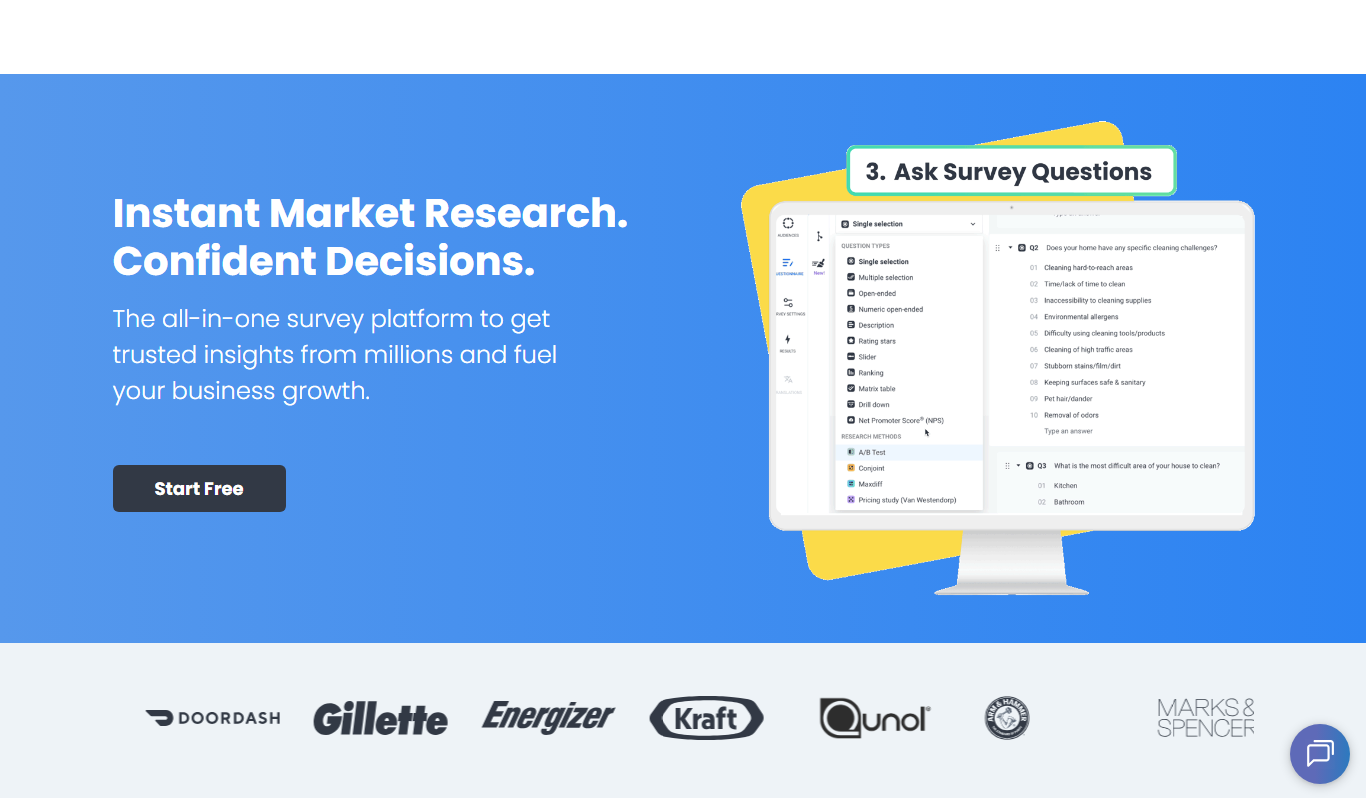
Pollfish is an online survey platform that enables businesses to collect targeted consumer insights quickly through mobile sampling and real-time data analytics.

Paid
MarketResearch.com
MarketResearch.com is an online platform offering extensive market research reports and industry analysis from multiple publishers, helping businesses and investors make informed decisions.

Custom Pricing
Geofencing.com
Geofencing.com is a location-based marketing platform that enables businesses to target customers with digital ads when they enter specific geographic areas, improving ad relevance and measuring offline conversions.

Custom Pricing
Percepto Autonomous Inspection
Percepto Autonomous Inspection is an AI-powered autonomous drone platform that automates industrial site inspections, providing real-time anomaly detection, 3D mapping, and remote asset monitoring to enhance safety and operational efficiency.

Custom Pricing
Visier People Analytics
Visier People Analytics is a cloud-based platform that helps organizations analyze workforce data to improve talent management, predict turnover, and support strategic HR decisions.

Freemium
Holdem Manager
Holdem Manager is a Windows-based poker tracking software that imports hand histories, provides a real-time HUD, and offers advanced post-game analysis to help online poker players improve their performance.

One-time purchase
PokerTracker
PokerTracker is a poker tracking software that helps online players analyze hand histories, track sessions, and use a real-time HUD to improve their poker strategy.