

DocAI AI Wellness Guidance for Symptoms and Lab Reports
DocAI is AI wellness guidance for exploring symptoms, understanding lab reports and preparing better questions for your clinician.
- Best for
- Understanding lab reports
- Key capability
- AI wellness assistant
Save Doc AI, follow its updates and vote on it — everything stays in your account.
Sign in or create a free account

What is Doc AI?
DocAI is an AI wellness guidance service that helps people explore symptoms, understand lab reports and prepare better questions for their clinician. It offers educational guidance, not a diagnosis.
Key features of Doc AI
DocAI offers an AI wellness assistant for symptom questions, plain-language explanations of uploaded lab results and medical documents, saved health context for follow-up questions, symptom and home-test tracking, and a find-a-doctor feature.
AI wellness assistant
Describe a symptom, upload a report or add your health history and get plain-language explanations of natural and conventional options.
Report and lab uploads
Upload lab results, bloodwork, discharge summaries, prescriptions and health exports as images, PDFs or spreadsheets.
Saved health context
Chat history and saved health context are kept for continuity across follow-up questions.
Symptom tracking
Track symptoms, home-test readings and recurring concerns over time.
Integration Support
Ability to connect with other software systems via APIs or export formats.
Pros and cons of Doc AI
Pros
- 3 free questions without an account
- Reads lab results and medical documents in plain language
- User-friendly web interface
- Customizable extraction rules
- Integration capabilities
Cons
- Educational guidance only; not a diagnosis or emergency care
- Daily message limits on every plan
Key use cases for Doc AI
Understanding lab reports
Understand bloodwork, report flags and uploaded medical documents in plain language.
Comparing options
Compare natural support ideas with conventional options in one answer.
Preparing for appointments
Prepare more organized questions before speaking with a clinician.
Compliance and Record Keeping
Digitally archive and organize documents with extracted metadata for easier retrieval and regulatory compliance.
How Doc AI works
- 1
Bring it together
Describe a symptom, upload a report or add your health history.
- 2
Make sense of it
Explore plain-language explanations and natural and conventional options.
- 3
Know what to ask next
Organize your thoughts and prepare better questions for a qualified clinician.
- 4
Export and Integrate
Structured data is exported or integrated into other business systems for further processing.
Who is using Doc AI
Doc AI pricing
DocAI Free
$0.00 per month
10 AI messages per day, basic symptom and report support, no card required.
DocAI Pro
$9.99 per month, 14-day card trial
150 AI messages per day with expanded support for repeated document uploads and trend tracking.
DocAI Enterprise
$99.00 per month, 14-day card trial
500 AI messages per day for families, teams or very high-volume users.
Plans and prices are as published by the vendor and can change. Check the official site before you buy. Open the pricing page (opens in a new tab)
Frequently asked questions about Doc AI
Lab results, bloodwork, discharge summaries, prescriptions, health exports and similar documents, as images, PDFs, spreadsheets and other common file formats.
Yes. DocAI Free includes 10 AI messages per day and does not require a payment card.
DocAI stores chat history and saved health context for continuity; uploaded files are processed to generate a response and are not retained afterward, and data can be deleted from the profile page.
No. DocAI is designed for guidance, organization and education and is not emergency care, a diagnosis or a substitute for a licensed clinician.
It depends on your specific needs and how you plan to use the tool. The official website and documentation are the best sources for the latest details.
Yes, it can help with that use case depending on how you configure it and what features are available. You’ll get the best results with clear inputs and a defined goal.
Integration support depends on the tool and its available connectors or API. Check the official documentation or integrations page to confirm what is supported.
Some tools offer a free plan or trial with limited features. Availability can vary, so confirm on the official website.
Conclusion
Health questions, symptoms and uploaded reports go into one conversation with an AI wellness assistant, which answers in plain language and can set natural support ideas next to conventional options. Lab results, bloodwork, discharge summaries and prescriptions can be uploaded as images, PDFs or spreadsheets, and saved health context carries over to follow-up questions. Uploaded files are processed for a response and are not retained afterward.
The service is built for people trying to make sense of health information and preparing questions before speaking with a clinician. It is described as education and organization, not emergency care or diagnosis, and urgent symptoms still need in-person care. A free account works with a daily message limit, while the Pro and Enterprise subscriptions raise that limit and start with a 14-day card trial.
Sources
Sign in to review this tool.
Sign In to ReviewNo reviews yet
Be the first to share how this tool worked for you.
Ask about pricing, limits, or how it compares — or answer someone else.
Sign In to AskNo questions yet
Have a question about using or paying for this tool? Be the first to ask.
Featured on TiorAI



Alternative Tools
Explore similar AI tools that might fit your needs

Rossum
Rossum is an AI-driven document processing platform that automates data extraction from business documents like invoices and purchase orders using deep learning, eliminating manual data entry and template setup.

Hypatos
Hypatos is an AI-powered document processing platform that automates data extraction from invoices and financial documents to optimize accounts payable workflows.
More AI Healthcare & Wellness Tools tools
Other tools in the same category, for when this one is not quite the fit.

BookedSolid
BookedSolid is the AI receptionist for healthcare clinics: it handles every call, message and booking and syncs with your practice management software.
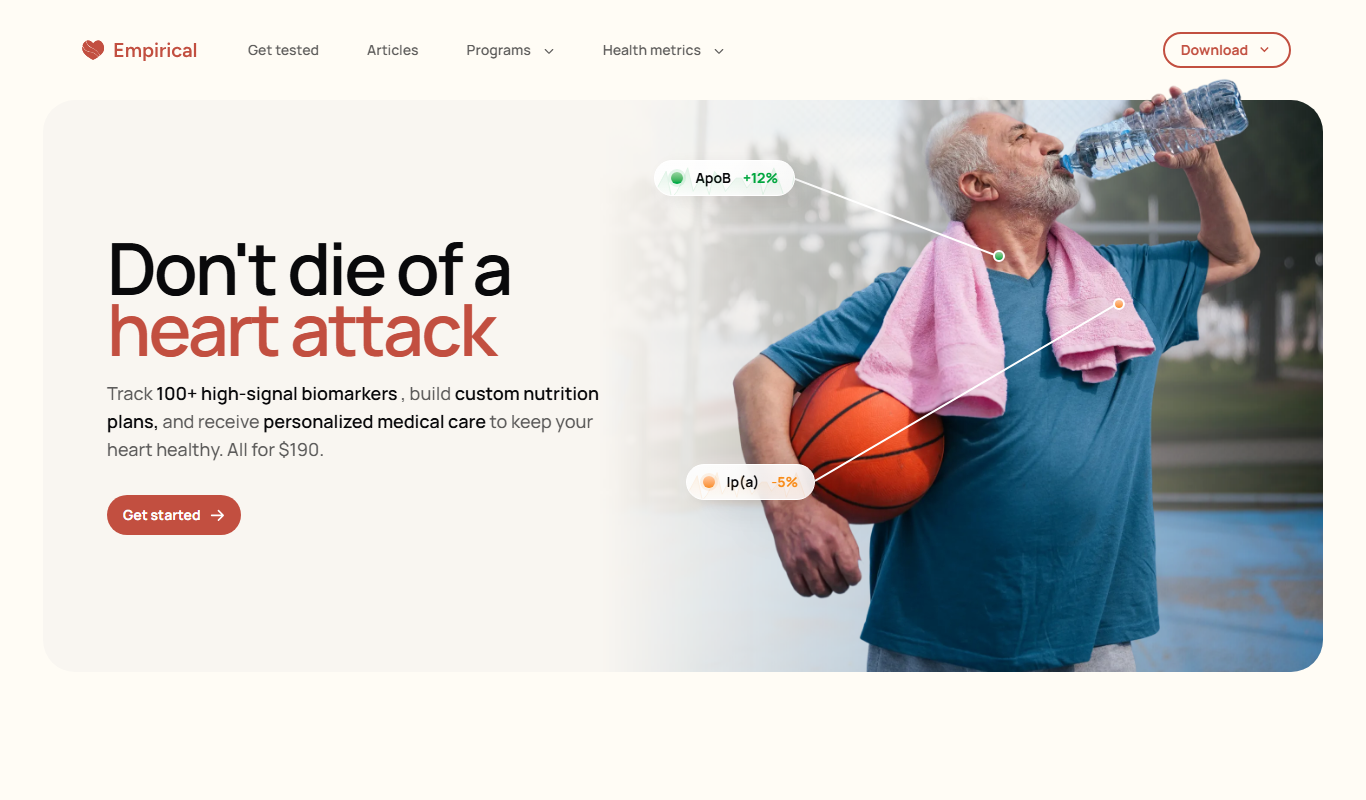
Empirical Health
Empirical Health helps you track 100+ high-signal biomarkers, build custom nutrition plans and receive personalized medical care to keep your heart healthy.

Freed AI Medical Scribe
Freed AI Medical Scribe is an AI-driven tool that automates medical note-taking by transcribing and structuring physician-patient conversations, integrating seamlessly with EHR systems to improve clinical workflow.

Emocional
Emocional is a platform of wellbeing, training and benefits for employees, combining courses, therapy, coaching and nutrition sessions, emoticoin rewards and the Eva AI assistant.

meals.chat
Meals.Chat is an AI calorie counter in iMessage, WhatsApp or Telegram: send a photo of anything you eat and get calories, macros and ingredients back in seconds.
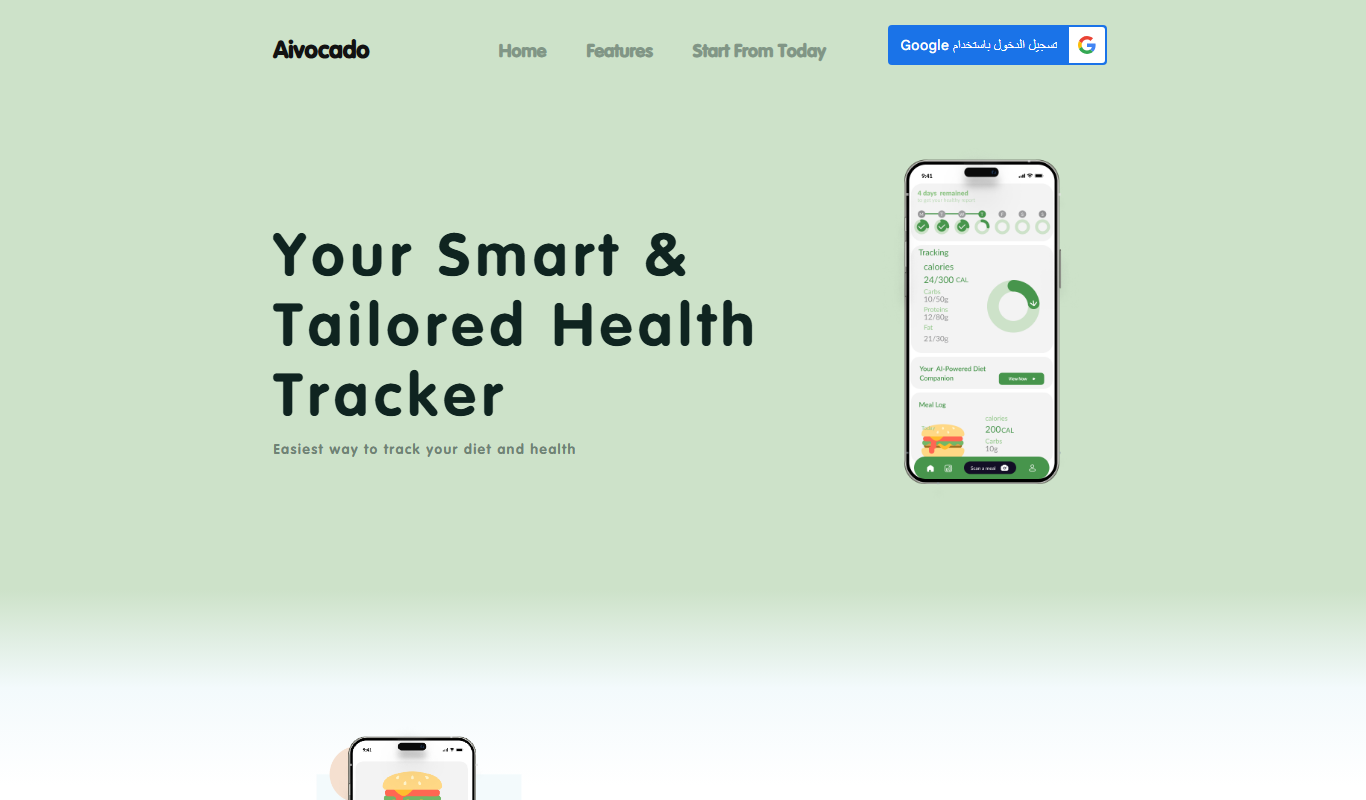
Aivocado
Aivocado is an AI diet and health tracker that gives a nutrition analysis and tailored diet advice from a photo of your meal.

Cal AI
Cal AI is an AI calorie tracker app: snap a photo, scan a barcode or describe your meal and get instant calorie and nutrient info.

Astra Health AI
Astra Health is a multilingual AI medical scribe that drafts structured clinical notes from consultations, with a 14-day free trial.