

From my experience with Diode, I found it excels at creating engaging live streams that actively involve the audience through interactive features like polls and Q&A. The platform’s ease of use and real-time tools make it particularly well-suited for content creators, educators, and marketers looking to foster genuine viewer participation. However, the lack of a dedicated mobile app and limited language options may restrict accessibility for some users. Overall, if your goal is to host interactive live events with meaningful audience engagement, Diode offers a solid and reliable solution.
Diode Live Streaming Platform for Interactive Video and Audience Engagement
Diode is a web-based live streaming platform that enables interactive video experiences with real-time audience engagement tools such as polls, Q&A, and chat.
- Best for
- Interactive Live Events
- Key capability
- Real-Time Interactive Tools
Do you recommend this tool?
What is Diode?
Diode is a live streaming platform designed to facilitate interactive video experiences that engage audiences in real time. It enables creators, brands, and organizations to host live events with integrated tools such as polls, Q&A, and chat, fostering meaningful interaction between streamers and viewers.
Key features of Diode
Diode offers a suite of features including real-time audience engagement tools, customizable interactive overlays, seamless video streaming, and analytics to measure viewer participation and event success.
Real-Time Interactive Tools
Engage viewers with live polls, Q&A sessions, and chat features integrated directly into the stream.
Customizable Overlays
Add branded and interactive overlays to enhance the visual experience and engagement.
High-Quality Video Streaming
Deliver smooth, low-latency video streams optimized for various audience sizes.
Audience Analytics
Access detailed metrics on viewer participation, engagement rates, and event reach.
API Access
Integrate Diode’s streaming and interaction capabilities into custom applications via API.
Pros and cons of Diode
Pros
- Easy to set up and use for live interactive events
- Robust real-time engagement tools
- High-quality video streaming with low latency
- Detailed audience analytics
- API available for custom integrations
Cons
- Limited language support (English only)
- No dedicated mobile app currently
Key use cases for Diode
Interactive Live Events
Host live events with real-time audience participation through polls, Q&A, and chat.
Virtual Conferences
Create engaging virtual conferences with seamless video streaming and interactive features.
Online Workshops and Classes
Deliver live workshops or educational sessions with tools to engage and interact with attendees.
Product Launches and Marketing
Stream product launches and marketing events with integrated audience feedback and interaction.
Community Building
Build and nurture communities by hosting live streams that encourage active viewer participation.
How Diode works
- 1
Create an Account
Sign up on the Diode platform to access the live streaming dashboard.
- 2
Set Up Your Live Event
Configure your live stream settings, including interactive elements like polls and Q&A.
- 3
Go Live
Start streaming your event to your audience with real-time interaction enabled.
- 4
Engage Your Audience
Use built-in tools to interact with viewers, gather feedback, and foster community.
- 5
Analyze Performance
Review analytics post-event to understand audience engagement and improve future streams.
Who is using Diode
Content creators and influencers
Event organizers and marketers
Educators and trainers
Brands hosting product launches
Community managers
Diode pricing
Free
$0/month
Basic live streaming with limited audience size and standard interactive features.
Pro
$49/month
Enhanced streaming quality, larger audience capacity, advanced interactive tools, and analytics.
Plans and prices are as published by the vendor and can change. Check the official site before you buy. Open the pricing page (opens in a new tab)
Frequently asked questions about Diode
Yes, Diode offers a free plan with basic features suitable for smaller audiences.
Diode supports live polls, Q&A, chat, and customizable overlays to engage viewers.
Yes, Diode provides API access for integrating streaming and interaction features into other applications.
Diode is primarily a web-based platform accessible via modern browsers.
This tool is designed to help users accomplish its core tasks more efficiently. It is typically used by individuals or teams looking to improve productivity and workflow.
It depends on your specific needs and how you plan to use the tool. The official website and documentation are the best sources for the latest details.
Some tools offer a free plan or trial with limited features. Availability can vary, so confirm on the official website.
Integration support depends on the tool and its available connectors or API. Check the official documentation or integrations page to confirm what is supported.
Sign in to review this tool.
Sign In to ReviewNo reviews yet
Be the first to share how this tool worked for you.
Ask about pricing, limits, or how it compares — or answer someone else.
Sign In to AskNo questions yet
Have a question about using or paying for this tool? Be the first to ask.
Featured on TiorAI



Alternative Tools
Explore similar AI tools that might fit your needs

Free
StreamYard
StreamYard is a web-based live streaming platform that allows users to host multi-guest broadcasts, add custom branding, and stream simultaneously to multiple social media platforms without software downloads.

Free
Restream
Restream is a live streaming platform that allows users to broadcast their video content simultaneously to multiple streaming services, manage chats in one place, and access real-time analytics to grow their audience.

Free
Be.Live
Be.Live is a web-based platform that enables users to create interactive live streams with multiple guests, screen sharing, and direct social media integration for Facebook and YouTube.
More AI Domain Name Generator tools
Other tools in the same category, for when this one is not quite the fit.

Contact Sales
COMSENSEI
COMSENSEI is an AI-driven platform that analyzes customer feedback across multiple channels using sentiment analysis and voice of customer analytics to help businesses improve customer experience.

Free
NameWizard
NameWizard is an AI-powered tool that generates unique business and brand names based on user inputs and checks domain availability to help secure your online presence.

Free
NameHassle
NameHassle is a free online tool that generates domain and brand name ideas based on keywords and checks domain availability instantly.
Free
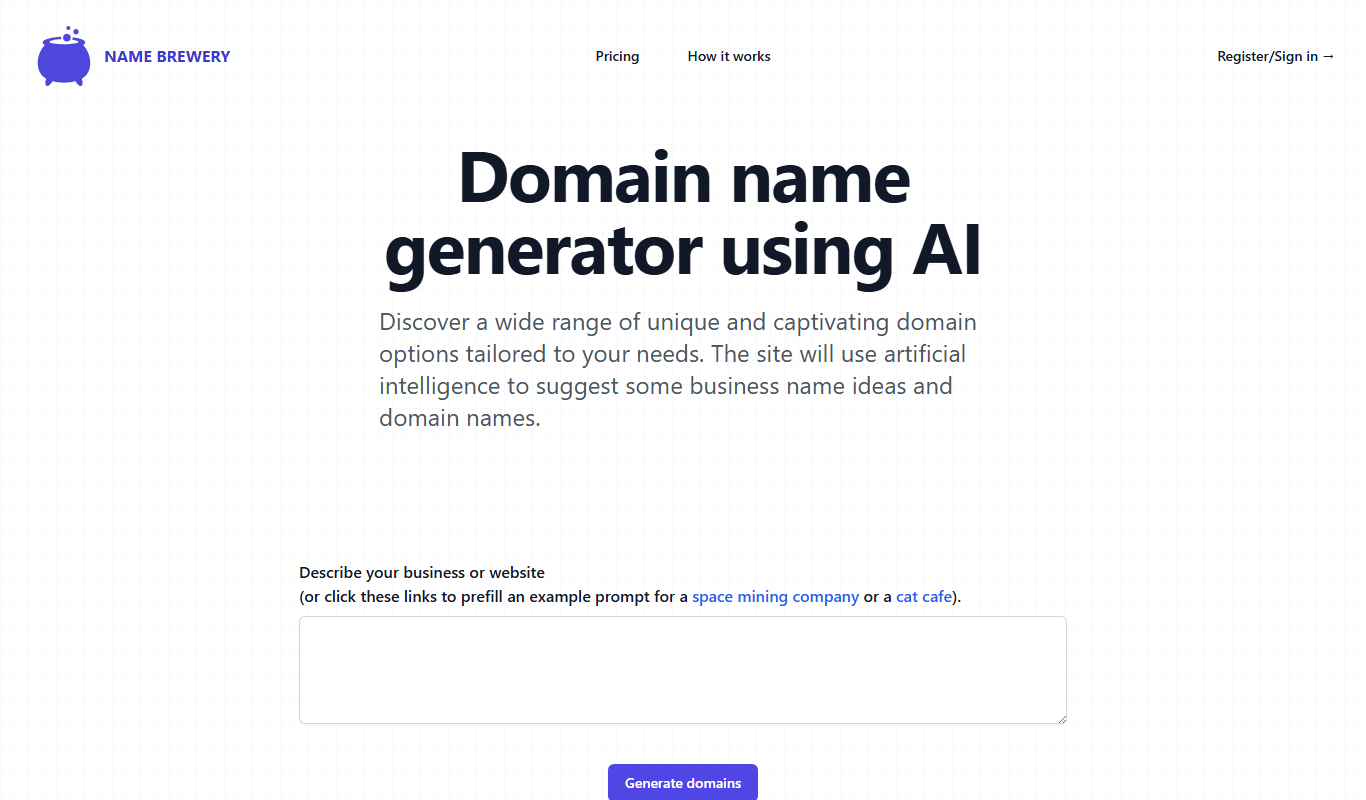
Name Brewery
Name Brewery is an AI-based business name generator that creates unique, brandable names and checks domain availability to help startups and entrepreneurs find the perfect name quickly.

Pay As You Go
Fast Domain
Fast Domain is a web-based platform providing affordable domain registration, transfers, and DNS management with a focus on simplicity and speed.

Free
Domain Crafter
Domain Crafter is an AI-powered tool that generates creative domain name ideas based on your keywords and checks their availability instantly.

Free
Near Domain
Near Domain is a web-based SEO tool that helps users find relevant and expired domains using semantic keyword analysis and provides domain authority and backlink metrics to support SEO and branding strategies.
Free
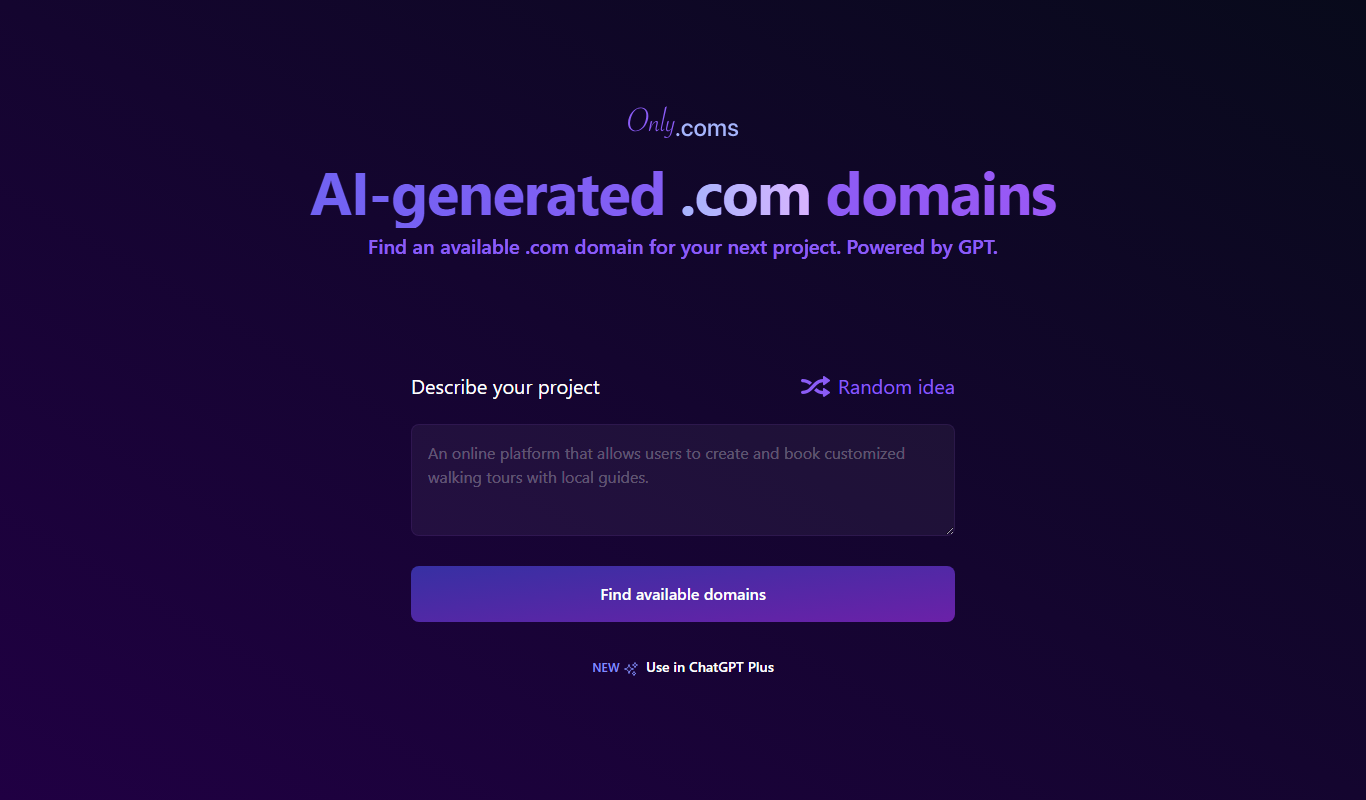
Onlycoms.com
Onlycoms.com is a team communication platform offering real-time messaging, file sharing, and collaboration tools accessible via web and mobile devices.