

From my experience with Domain Crafter, I found it excels at quickly generating creative and brandable domain name ideas using AI. The instant availability check saves valuable time during the naming process. After spending time with the platform, I can say it’s particularly well-suited for startups and small businesses looking for fresh domain ideas without the hassle of manual brainstorming. However, a trade-off is that domain registration must be done separately through a registrar, which adds an extra step. Overall, if you need a fast and intelligent way to discover domain names, Domain Crafter delivers solid, practical results.
Domain Crafter AI Domain Name Generator for Creative Brand Ideas
Domain Crafter is an AI-powered tool that generates creative domain name ideas based on your keywords and checks their availability instantly.
- Best for
- Startup Naming
- Key capability
- AI-Powered Name Generation

Do you recommend this tool?
What is Domain Crafter?
Domain Crafter is an AI-powered domain name generator designed to help entrepreneurs, marketers, and businesses find creative, brandable domain names quickly. It leverages artificial intelligence to generate unique name suggestions based on user input keywords, ensuring domain availability and relevance to your brand.
Key features of Domain Crafter
The tool offers AI-driven name generation, instant domain availability checks, filtering options by domain extensions, and a user-friendly interface to streamline the naming process for startups and brands.
AI-Powered Name Generation
Uses advanced AI algorithms to produce creative and relevant domain name ideas.
Real-Time Domain Availability
Checks domain availability instantly to save time and avoid unavailable options.
Multiple Domain Extensions
Supports various domain extensions like .com, .net, .io, allowing flexible choices.
User-Friendly Interface
Clean and intuitive design that simplifies the domain search and selection process.
Pros and cons of Domain Crafter
Pros
- Quick and creative AI-generated domain suggestions
- Instant domain availability checking
- Simple and clean user interface
Cons
- Limited language support (English only)
- Domain registration not handled within the platform
Key use cases for Domain Crafter
Startup Naming
Generate unique and brandable domain names for new startups using AI-powered suggestions.
Brand Development
Find creative domain names that align with your brand identity and marketing goals.
Domain Availability Checking
Instantly check the availability of generated domain names to secure your online presence.
Creative Brainstorming
Use AI to explore innovative name ideas beyond traditional brainstorming methods.
How Domain Crafter works
- 1
Enter Keywords
Input relevant keywords that describe your brand, product, or idea.
- 2
Generate Names
The AI processes your input to create a list of unique, creative domain name suggestions.
- 3
Check Availability
Review the suggested names and instantly see which domains are available for registration.
- 4
Select and Register
Choose your preferred domain name and proceed to register it through your chosen registrar.
Who is using Domain Crafter
Entrepreneurs and startups
Brand managers and marketers
Small business owners
Creative agencies
Domain Crafter pricing
Free
$0
Access to basic domain name generation with limited suggestions.
Pro
$9.99/month
Unlimited name generation, advanced filters, and priority support.
Plans and prices are as published by the vendor and can change. Check the official site before you buy. Open the pricing page (opens in a new tab)
Frequently asked questions about Domain Crafter
Yes, Domain Crafter offers a free plan with limited domain name suggestions.
No, Domain Crafter helps you find available domain names but you must register them through a domain registrar.
The tool supports popular extensions such as .com, .net, .io, and others.
Currently, Domain Crafter primarily supports English keywords.
It depends on your specific needs and how you plan to use the tool. The official website and documentation are the best sources for the latest details.
Some tools offer a free plan or trial with limited features. Availability can vary, so confirm on the official website.
Yes, it can help with that use case depending on how you configure it and what features are available. You’ll get the best results with clear inputs and a defined goal.
Sign in to review this tool.
Sign In to ReviewNo reviews yet
Be the first to share how this tool worked for you.
Ask about pricing, limits, or how it compares — or answer someone else.
Sign In to AskNo questions yet
Have a question about using or paying for this tool? Be the first to ask.
Featured on TiorAI



More AI Branding Tools tools
Other tools in the same category, for when this one is not quite the fit.

Freemium
Logomaster
Logomaster AI is an online platform that uses artificial intelligence to generate customizable logo designs quickly, allowing users to create professional branding assets without design experience.

Subscription
°Ai waitlist—generative brand guidelines
°Ai waitlist is an AI-powered web tool by Corebook AI that automatically generates detailed brand guidelines to help businesses maintain consistent branding across all channels.
Free
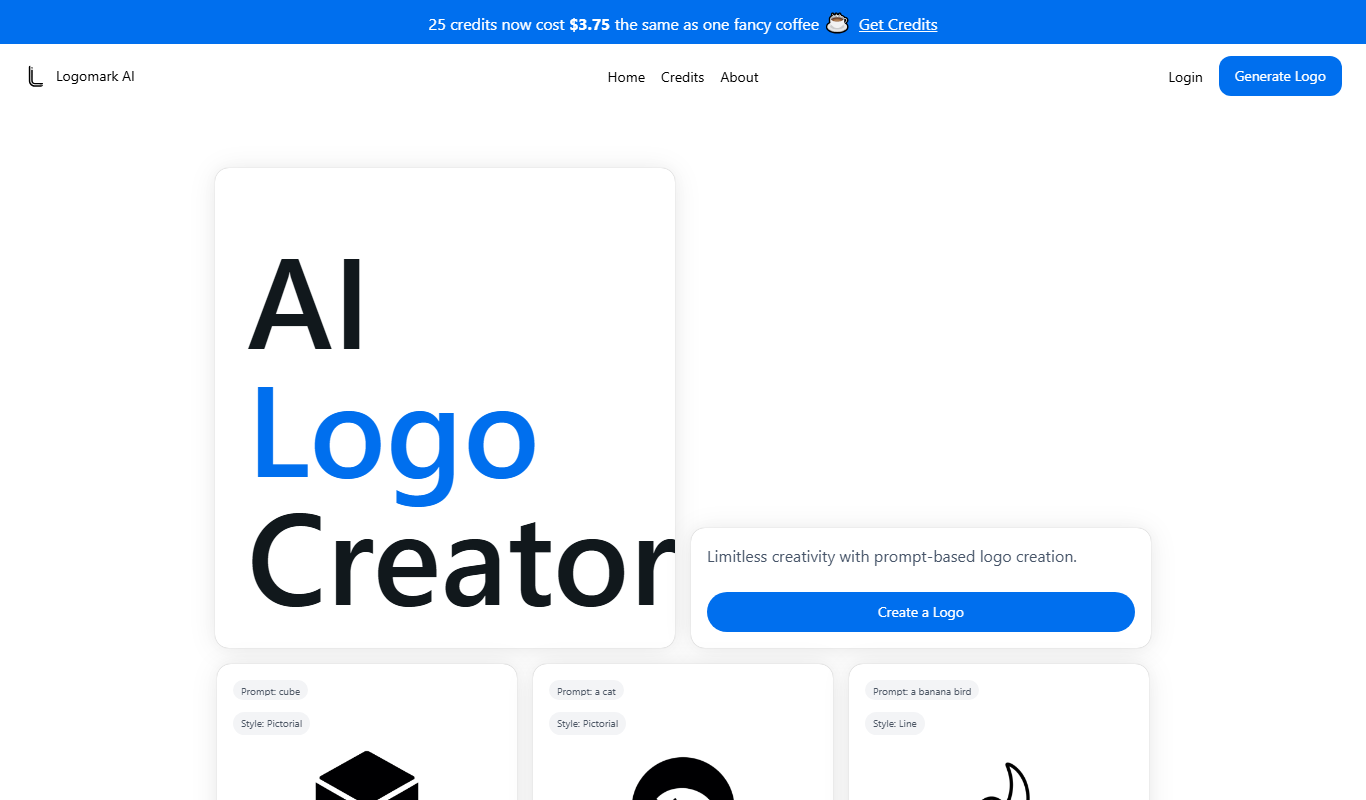
Logomark AI
Logomark AI is an AI-driven logo maker that generates professional logos based on your business name and industry, allowing easy customization and high-resolution downloads for branding needs.

Freemium
Design0
Design0 is an AI-driven graphic design tool that generates logos and branding materials quickly, allowing easy customization and export for businesses and entrepreneurs.

Freemium
LogoAI
LogoAI is an AI-driven online logo maker that generates customizable logo designs based on your business details and style preferences, enabling quick creation of professional brand logos.

Freemium
Design Sparks
Design Sparks is an AI-based graphic design tool that helps users create logos, brand identities, and marketing graphics quickly with customizable templates and AI-generated suggestions.

Custom Pricing
Down Right Design
Down Right Design is a creative agency providing custom web design, branding, and graphic design services tailored for small businesses and startups.

Freemium
DesignYay
DesignYay is an online graphic design tool that helps users create custom logos and branding materials easily using templates and a drag-and-drop editor.