

From my experience researching Design Interactive, I found it excels at delivering highly customized eLearning solutions that align closely with organizational training goals. The company’s strength lies in its instructional design expertise and ability to integrate courses seamlessly with existing LMS platforms. This makes it particularly well-suited for medium to large organizations needing tailored, compliance-focused training. However, the lack of transparent pricing and limited public technical details may require direct consultation to fully understand project scope and costs. Overall, if you need bespoke eLearning development with strong support for blended and mobile learning, Design Interactive offers solid, professional services.
Design Interactive - Custom eLearning Development and Training Solutions
Design Interactive is a custom eLearning development company offering tailored training solutions including course design, multimedia integration, and LMS compatibility for organizations.
- Best for
- Custom eLearning Development
- Key capability
- Custom Instructional Design

Do you recommend this tool?
What is Design Interactive?
Design Interactive is a custom eLearning development company specializing in creating tailored training solutions for organizations. They focus on instructional design, multimedia development, and LMS integration to deliver engaging and effective learning experiences that align with client goals.
Key features of Design Interactive
The company offers custom course development, interactive multimedia, mobile learning, LMS integration, and compliance training solutions designed to enhance workforce skills and knowledge retention.
Custom Instructional Design
Tailored course development focused on client-specific learning objectives.
Interactive Multimedia
Use of videos, animations, and simulations to engage learners.
LMS Integration
Seamless deployment of courses within existing learning management systems.
Mobile Learning Compatibility
Courses optimized for access on smartphones and tablets.
Compliance Training
Development of courses to meet regulatory and certification standards.
Pros and cons of Design Interactive
Pros
- Highly customized eLearning solutions
- Strong focus on instructional design and learner engagement
- Expertise in LMS integration
- Mobile-friendly course development
- Support for compliance and certification training
Cons
- No fixed pricing; costs vary by project
- Primarily serves medium to large organizations, may not suit small businesses
- Limited information on technology stack publicly available
Key use cases for Design Interactive
Custom eLearning Development
Design Interactive creates tailored eLearning courses that meet specific organizational training needs, including interactive multimedia and scenario-based learning.
Learning Management System (LMS) Integration
They provide integration services to ensure eLearning content works seamlessly with existing LMS platforms.
Instructor-Led Training Support
Design Interactive supports blended learning by developing materials that complement instructor-led sessions.
Mobile Learning Solutions
They develop mobile-friendly training content accessible on various devices to support learning on the go.
Compliance and Certification Training
The company designs courses that help organizations meet regulatory compliance and certification requirements.
How Design Interactive works
- 1
Consultation and Needs Analysis
Design Interactive collaborates with clients to understand training objectives and learner needs.
- 2
Custom Course Design
They develop tailored instructional content using multimedia and interactive elements.
- 3
Review and Feedback
Clients review prototypes and provide feedback for revisions to ensure alignment with goals.
- 4
Deployment and Integration
Finalized courses are integrated into the client’s LMS or delivered through other platforms.
- 5
Ongoing Support
Design Interactive offers maintenance and updates to keep training content current.
Who is using Design Interactive
Corporate training departments
Educational institutions
Healthcare organizations
Government agencies
Large enterprises requiring compliance training
Design Interactive pricing
Custom Pricing
Varies
Pricing is tailored based on project scope and client requirements.
Plans and prices are as published by the vendor and can change. Check the official site before you buy. Open the pricing page (opens in a new tab)
Frequently asked questions about Design Interactive
No, they specialize in custom eLearning development tailored to client needs.
Design Interactive works to ensure compatibility with most major LMS platforms.
Yes, courses are designed to be mobile-friendly for learning on various devices.
Yes, they provide maintenance and updates to keep content current.
It depends on your specific needs and how you plan to use the tool. The official website and documentation are the best sources for the latest details.
Yes, it can help with that use case depending on how you configure it and what features are available. You’ll get the best results with clear inputs and a defined goal.
Integration support depends on the tool and its available connectors or API. Check the official documentation or integrations page to confirm what is supported.
Sign in to review this tool.
Sign In to ReviewNo reviews yet
Be the first to share how this tool worked for you.
Ask about pricing, limits, or how it compares — or answer someone else.
Sign In to AskNo questions yet
Have a question about using or paying for this tool? Be the first to ask.
Featured on TiorAI



Alternative Tools
Explore similar AI tools that might fit your needs

Subscription
Articulate 360
Articulate 360 is an all-in-one eLearning authoring platform that enables users to create interactive, responsive online courses using tools like Storyline 360 and Rise 360, suitable for corporate training and education.
More AI Custom Software Tools tools
Other tools in the same category, for when this one is not quite the fit.

Custom Pricing
Digital Software Labs
Digital Software Labs is a US-based company providing custom software development, mobile and web applications, and IT consulting services tailored to diverse industries.

Custom Pricing
neoteric.eu
Neoteric is a Poland-based software development company specializing in custom agile software solutions, product development, and technology consulting for European businesses.
Custom Pricing
tryolabs.com
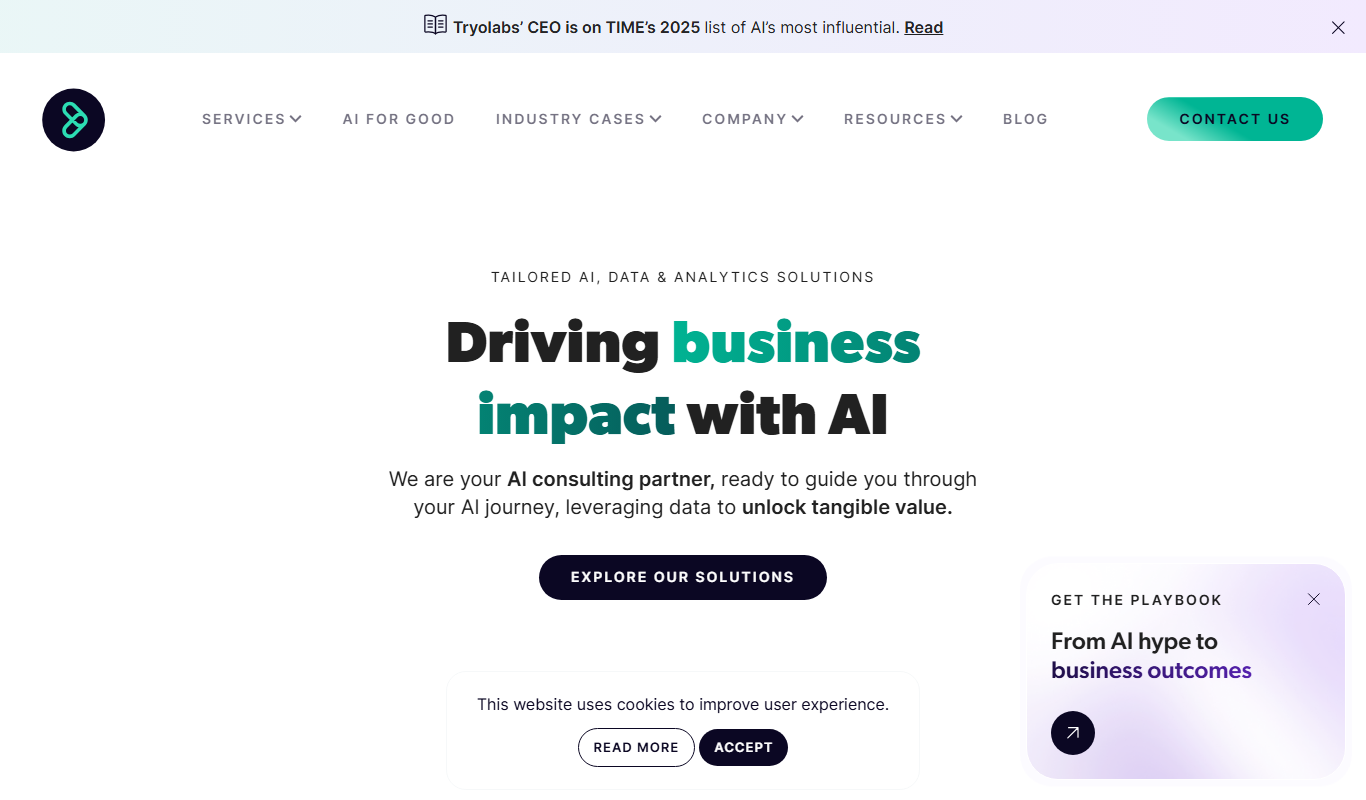
Tryolabs provides custom AI and machine learning development services, specializing in data science consulting, NLP, and computer vision solutions tailored to business needs.