

From my experience with DeepL, I found it excels at delivering highly accurate and natural translations that often feel more fluent than other machine translators. Its ability to preserve document formatting and offer customizable glossaries makes it particularly well-suited for professional translators and businesses needing reliable multilingual communication. However, the free tier limits usage, and pricing can be steep for heavy users. Overall, if you require precise translations with contextual understanding and integration options, DeepL is a strong choice.
DeepL Translator - Accurate AI-Powered Language Translation Tool Online
DeepL is an AI-based translation service that provides highly accurate and natural translations for text and documents across multiple languages, with options for API integration and desktop/mobile apps.
- Best for
- Professional Document Translation
- Key capability
- Neural Machine Translation
Your actions
Save DeepL, follow its updates and vote on it — everything stays in your account.
Sign in or create a free account
What is DeepL?
DeepL is an AI-powered translation service that uses advanced neural network technology to provide highly accurate and natural-sounding translations across multiple languages. It supports text, documents, and website translation, aiming to bridge language barriers for individuals and businesses worldwide.
Key features of DeepL
DeepL offers real-time text translation, document translation with formatting retention, API access for developers, and desktop and mobile apps for seamless multilingual communication. Its neural network approach delivers context-aware translations that often outperform traditional machine translation services.
Neural Machine Translation
Uses deep learning models to provide context-aware, fluent translations.
Document Translation with Formatting
Supports translation of complex documents while preserving layout and formatting.
API Access
Allows developers to integrate DeepL translation into applications and services.
Desktop and Mobile Apps
Offers dedicated apps for Windows, macOS, iOS, and Android for on-the-go translations.
Glossary Feature
Users can customize translations by specifying preferred terms for consistent output.
Pros and cons of DeepL
Pros
- Highly accurate and natural translations using neural networks
- Supports document translation with formatting retention
- User-friendly interface across web and apps
- Customizable glossary for consistent terminology
- API available for seamless integration
Cons
- Limited free tier with character and feature restrictions
- Some languages have less nuanced translations compared to major European languages
- Pricing can be expensive for heavy users or enterprises
Key use cases for DeepL
Professional Document Translation
Translate complex documents with high accuracy for business, legal, or academic purposes.
Website Localization
Quickly translate website content to reach global audiences with natural language output.
Multilingual Communication
Facilitate communication across languages in emails, chats, and meetings.
Content Creation and Editing
Assist writers and editors in producing multilingual content with contextual accuracy.
API Integration for Developers
Integrate DeepL’s translation capabilities into apps, platforms, or workflows via API.
How DeepL works
- 1
Input Text or Upload Document
Users enter text or upload supported document files (e.g., Word, PowerPoint) for translation.
- 2
Select Source and Target Languages
Choose the original language and the desired language for translation from DeepL’s supported list.
- 3
AI-Powered Translation Processing
DeepL’s neural networks analyze the input, considering context and nuances to generate accurate translations.
- 4
Review and Edit Translation
Users can review the translated output and make manual adjustments if needed.
- 5
Download or Copy Translated Content
Final translations can be downloaded in original formatting or copied for immediate use.
Who is using DeepL
Professional translators and linguists
Businesses requiring multilingual communication
Content creators and marketers
Software developers integrating translation APIs
Students and academics needing accurate translations
DeepL pricing
Free
$0/month
Basic translation features with character limits and limited document translation.
DeepL Pro Starter
€5.99/month
Increased character limits, faster translations, and access to API with limited usage.
DeepL Pro Advanced
€19.99/month
Higher usage limits, priority support, and advanced document translation features.
DeepL Pro Ultimate
Custom pricing
Enterprise-grade features, unlimited usage, dedicated support, and custom integrations.
Plans and prices are as published by the vendor and can change. Check the official site before you buy. Open the pricing page (opens in a new tab)
Frequently asked questions about DeepL
DeepL supports translation between 28 languages including English, German, French, Spanish, Italian, Dutch, Polish, Portuguese, Russian, Japanese, and Chinese.
Yes, DeepL supports document translation for formats like Microsoft Word, PowerPoint, and PDF while preserving formatting.
Yes, DeepL offers a free tier with basic translation capabilities and character limits.
Yes, DeepL offers an API that allows integration of its translation services into third-party applications.
The best alternative depends on your workflow, features you need, and budget. Compare plans, integrations, and output quality to choose the closest fit.
Yes, it can help with that use case depending on how you configure it and what features are available. You’ll get the best results with clear inputs and a defined goal.
Some tools offer a free plan or trial with limited features. Availability can vary, so confirm on the official website.
Integration support depends on the tool and its available connectors or API. Check the official documentation or integrations page to confirm what is supported.
Sign in to review this tool.
Sign In to ReviewNo reviews yet
Be the first to share how this tool worked for you.
Ask about pricing, limits, or how it compares — or answer someone else.
Sign In to AskNo questions yet
Have a question about using or paying for this tool? Be the first to ask.
Featured on TiorAI



More AI Ai Tools tools
Other tools in the same category, for when this one is not quite the fit.

Free
Pogo Travel
Pogo Travel is an AI-driven platform that generates personalized travel itineraries based on your preferences, travel dates, and interests, offering collaborative planning and offline access.

Freemium
PlaninGo
PlaninGo is an AI travel planning tool that generates personalized trip itineraries and guides based on your preferences, helping you plan efficient and enjoyable trips.

Freemium
TravelBot AI Travel Assistant
TravelBot AI Travel Assistant is a web-based platform that uses artificial intelligence to help users create personalized travel itineraries, book flights and hotels, and receive tailored travel recommendations based on preferences and budget.

Free
AIJOURNEY
AIJOURNEY is an AI-driven career development tool that provides personalized career path recommendations, identifies skill gaps, and offers curated learning resources to help users advance professionally.

Free Trial
AI VYX
AI VYX is an AI-driven video creation platform that automates script generation and video assembly to help marketers and content creators produce professional videos quickly and easily.

Free
Webo.AI
Webo.AI is an AI-powered no-code website builder that automates website design and content creation, enabling users to launch responsive websites quickly without coding skills.

Freemium
Langtail
Langtail is an AI-driven translation platform that automates multilingual content management through machine learning, API integration, and collaborative editing features.
Freemium
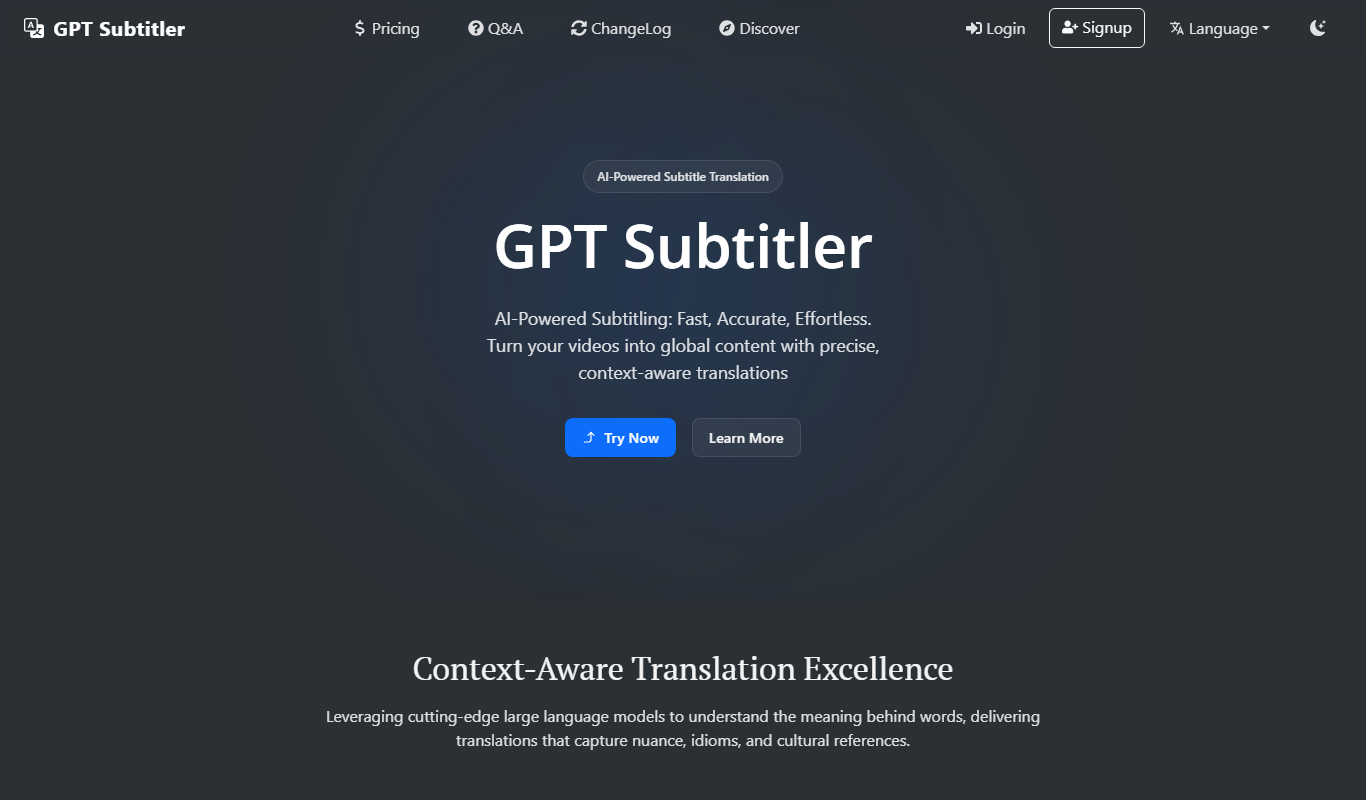
GPT Subtitler
GPT Subtitler is an AI-based tool that automatically generates synchronized subtitles for videos, enabling quick and accurate captioning to improve accessibility and engagement.