

From my experience with DeckDeckGo, I found it excels at providing a lightweight, flexible presentation platform that works seamlessly in the browser without requiring installation. Its open source nature and progressive web app capabilities make it particularly well-suited for educators, remote teams, and developers who want customizable and accessible slide decks. However, it lacks some of the advanced design polish and features found in traditional desktop software like PowerPoint or Keynote. Overall, if you need a free, modern, and web-native presentation tool with live sharing and offline support, DeckDeckGo delivers solid results.
DeckDeckGo - Open Source Web-Based Presentation Tool for Modern Slides
DeckDeckGo is an open source, web-based presentation tool that allows users to create, edit, and share slide decks online or offline with live sharing and embeddable features.
- Best for
- Creating Presentations
- Key capability
- Open Source and Free

Do you recommend this tool?
What is DeckDeckGo?
DeckDeckGo is an open source, web-based presentation tool designed to create, edit, and share slide decks easily. It leverages modern web technologies to provide a progressive web app experience, allowing users to work online or offline without installing native software. The platform focuses on simplicity, flexibility, and accessibility, making it ideal for individuals and teams who want to build interactive presentations accessible from any device.
Key features of DeckDeckGo
DeckDeckGo offers a rich set of features including a drag-and-drop slide editor, support for various slide types (text, images, code snippets, charts), live presentation sharing, offline editing, and the ability to embed presentations on other sites. Its open source nature allows developers to customize and extend the tool to their needs.
Open Source and Free
Completely free to use with source code available for customization and contribution.
Progressive Web App
Works offline and can be installed on desktops and mobile devices like a native app.
Live Presentation Sharing
Share presentations in real-time with remote audiences via a simple URL.
Rich Slide Components
Supports text, images, code snippets with syntax highlighting, charts, and more.
Embeddable Presentations
Easily embed your presentations into websites or blogs using iframe or web components.
Pros and cons of DeckDeckGo
Pros
- Open source with no cost
- Works offline as a progressive web app
- Supports live remote presentation sharing
- Customizable and extendable by developers
- Embeddable presentations for websites
Cons
- Limited advanced design features compared to desktop software
- Relies on modern browsers for full functionality
Key use cases for DeckDeckGo
Creating Presentations
Design and build modern, interactive slide decks directly in the browser without installing software.
Remote Presentations
Share presentations online easily with remote audiences using URL sharing and live synchronization.
Open Source Customization
Developers and teams can customize and extend the open source platform to fit specific presentation needs.
Offline Presentation Editing
Use the progressive web app capabilities to edit and present slides offline without internet connection.
Embedding Presentations
Embed interactive presentations into websites or blogs using iframe or web components.
How DeckDeckGo works
- 1
Access the Platform
Open DeckDeckGo in a web browser or install the progressive web app on your device.
- 2
Create a New Presentation
Start a new slide deck using templates or from scratch with the intuitive editor.
- 3
Add and Customize Slides
Use various slide components like text, images, and code blocks to build your presentation.
- 4
Present or Share
Present live, share a URL with your audience, or embed the presentation on your website.
Who is using DeckDeckGo
Educators and trainers
Remote teams and presenters
Developers wanting customizable presentation tools
Small businesses and startups
Content creators and marketers
DeckDeckGo pricing
Free
$0
Full access to all features as an open source tool with no paid plans.
Plans and prices are as published by the vendor and can change. Check the official site before you buy. Open the pricing page (opens in a new tab)
Frequently asked questions about DeckDeckGo
Yes, DeckDeckGo is completely free and open source.
Yes, as a progressive web app, it supports offline editing and presenting.
No, it runs entirely in the web browser or as a progressive web app.
Yes, you can share presentations via URLs for live remote viewing.
It depends on your specific needs and how you plan to use the tool. The official website and documentation are the best sources for the latest details.
It depends on your specific needs and how you plan to use the tool. The official website and documentation are the best sources for the latest details.
Sign in to review this tool.
Sign In to ReviewNo reviews yet
Be the first to share how this tool worked for you.
Ask about pricing, limits, or how it compares — or answer someone else.
Sign In to AskNo questions yet
Have a question about using or paying for this tool? Be the first to ask.
Featured on TiorAI



Alternative Tools
Explore similar AI tools that might fit your needs
Free
Prezi
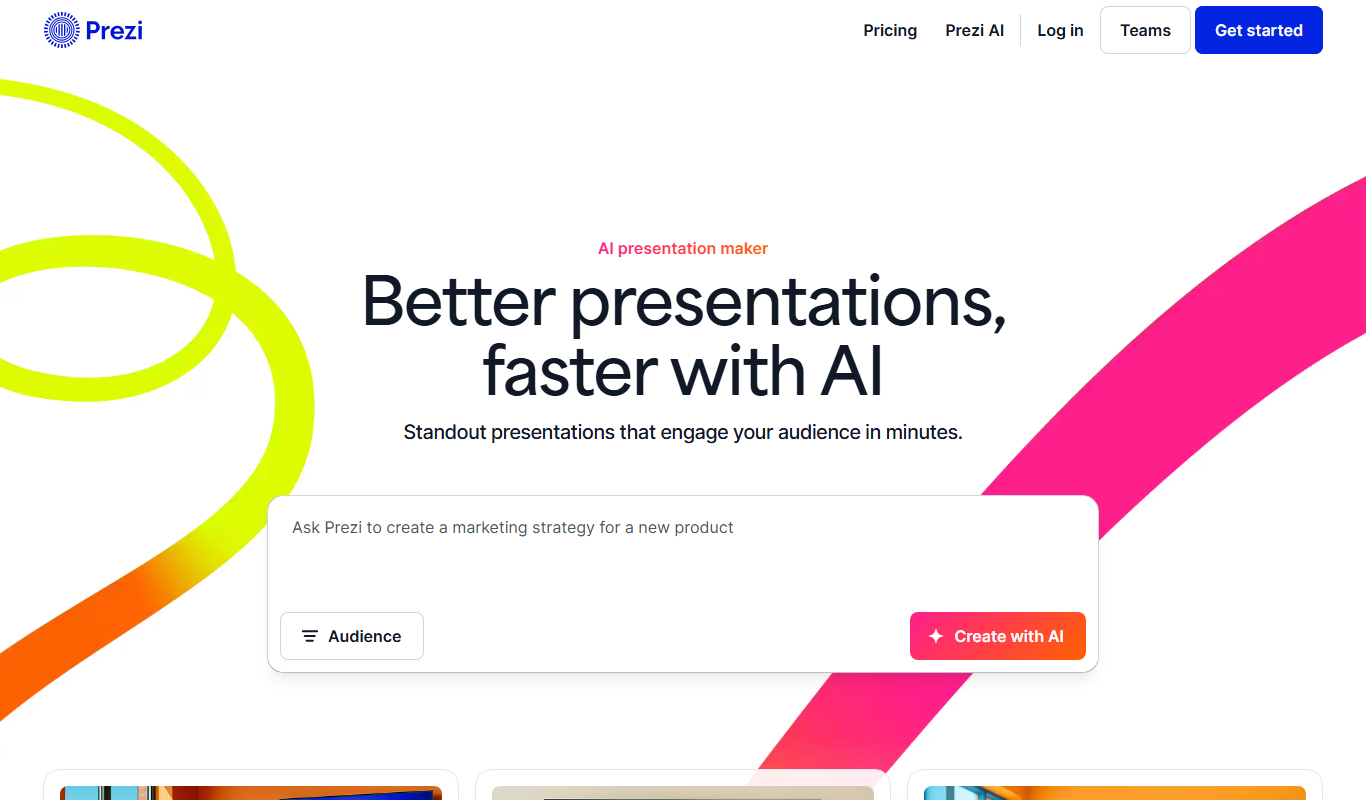
Prezi is a cloud-based presentation tool that uses a zoomable canvas to create engaging, non-linear presentations with real-time collaboration and multimedia support.
More Business Management tools
Other tools in the same category, for when this one is not quite the fit.

Free
Roadtrippers
Roadtrippers is a travel planning app that helps users create detailed road trip itineraries by mapping routes, discovering attractions, and optimizing travel plans.

Free
TripIt
TripIt is a travel app that automatically organizes your travel plans into a single itinerary by parsing confirmation emails, providing real-time flight alerts, and allowing itinerary sharing.

Free
FormSwift
FormSwift is an online platform that provides customizable legal and business document templates, PDF editing, and electronic signature capabilities to help users create and manage important documents easily.

Pay As You Go
TextMagic
TextMagic is a cloud-based SMS marketing platform that enables businesses to send bulk text messages, automate notifications, and engage customers with two-way messaging and API integration.

Free Trial
EZ Texting
EZ Texting is a cloud-based SMS marketing platform that enables businesses to send mass text messages, automate campaigns, and engage customers with two-way messaging.

Free Trial
SimpleTexting
SimpleTexting is a cloud-based SMS marketing platform that enables businesses to send mass text messages, automate SMS workflows, and engage customers with two-way messaging to improve communication and marketing effectiveness.

Free
Spocket
Spocket is a dropshipping platform that helps ecommerce entrepreneurs source products from vetted US and EU suppliers, automate order fulfillment, and integrate with major online store platforms like Shopify and WooCommerce.

Free
Oberlo
Oberlo is a dropshipping app for Shopify that automates product importing, inventory management, and order fulfillment, enabling entrepreneurs to run ecommerce stores without holding inventory.