

From my experience with CVFormatter, I found it excels at simplifying the CV creation process with its clean interface and professional templates. It’s particularly well-suited for job seekers who want to quickly build or update their resumes without design hassles. However, the free plan is somewhat limited in features and templates, and the lack of a mobile app means you need to use a desktop or laptop. Overall, if you need an easy-to-use, web-based CV builder with solid formatting options, CVFormatter delivers reliable results.
CVFormatter - Online CV Builder and Resume Formatting Tool for Professionals
CVFormatter is an online CV builder that helps users create, format, and customize professional resumes with various templates and export options.
- Best for
- Professional CV Creation
- Key capability
- Variety of Professional Templates
Your actions
Save CVFormatter, follow its updates and vote on it — everything stays in your account.
Sign in or create a free account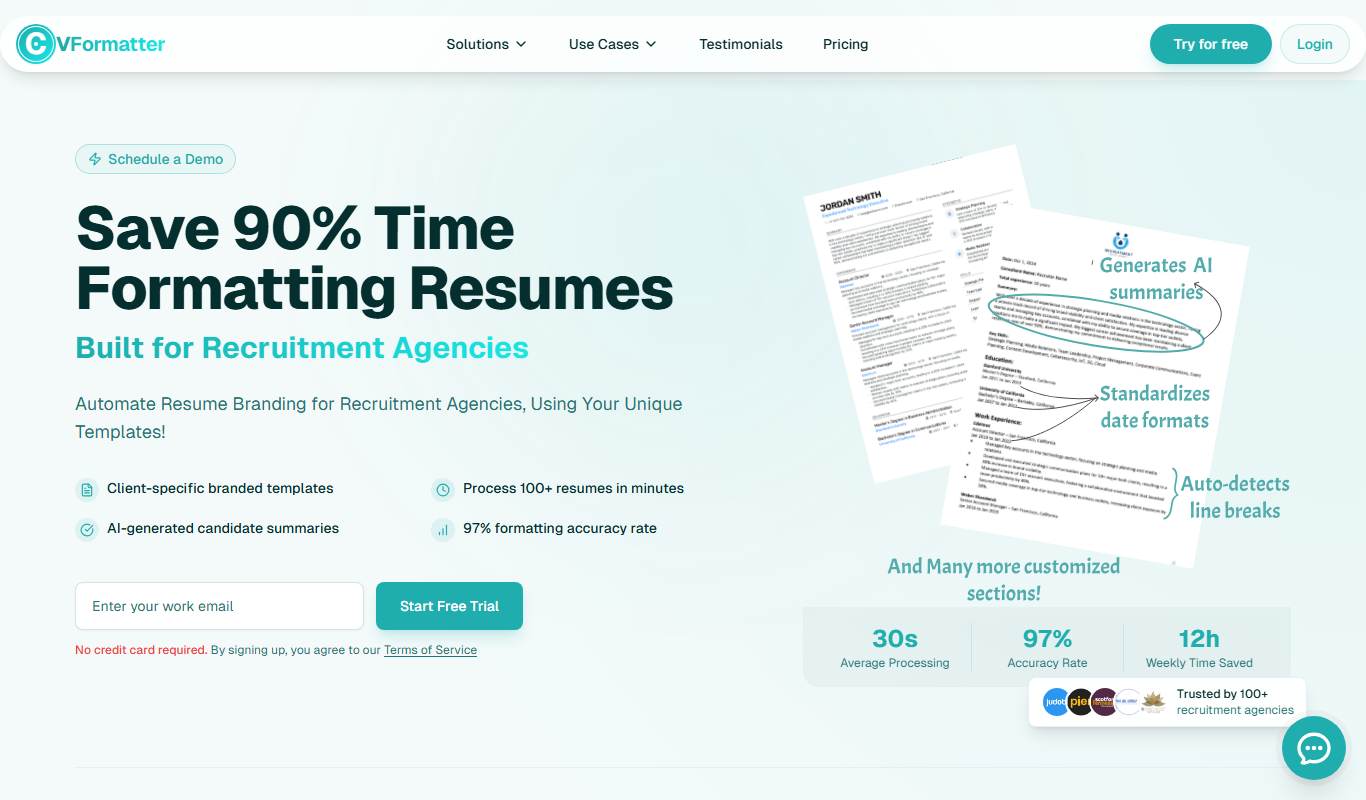
What is CVFormatter?
CVFormatter is an online platform designed to help users create, format, and customize professional CVs and resumes easily. It offers a variety of templates and formatting options to ensure that job seekers can present their qualifications clearly and attractively to potential employers.
Key features of CVFormatter
The tool provides a user-friendly interface for building CVs, multiple template options, customization features, and export capabilities in popular formats like PDF. It streamlines the resume creation process, making it accessible even for users with limited design skills.
Variety of Professional Templates
Access multiple CV templates designed to meet industry standards and preferences.
Easy-to-Use Editor
Intuitive interface that allows quick input and editing of CV content without technical skills.
Customizable Layouts
Modify sections, fonts, and styles to create a personalized CV.
Export Options
Download CVs in PDF format for easy sharing and printing.
Cloud Storage
Save CVs online for future editing and access from any device.
Pros and cons of CVFormatter
Pros
- User-friendly interface suitable for beginners
- Multiple professional CV templates available
- Cloud storage allows easy access and editing
- Affordable premium plan with advanced features
Cons
- Limited free plan features and templates
- No mobile app available, web-only platform
Key use cases for CVFormatter
Professional CV Creation
Create well-structured and visually appealing CVs tailored to various industries and job roles.
Resume Formatting
Format existing resumes to improve readability and presentation for job applications.
Job Application Preparation
Prepare polished CVs quickly to meet application deadlines and increase chances of interview calls.
Template Customization
Customize CV templates to highlight skills, experience, and education effectively.
How CVFormatter works
- 1
Sign Up or Access the Platform
Visit the CVFormatter website and create an account or start building your CV immediately.
- 2
Choose a Template
Select from a range of professional CV templates suited for different industries.
- 3
Enter Your Information
Fill in your personal details, work experience, education, skills, and other relevant sections.
- 4
Customize and Format
Adjust the layout, fonts, and sections to tailor the CV to your preferences.
- 5
Download or Share
Export your completed CV in PDF format or share it directly with potential employers.
Who is using CVFormatter
Job seekers
Recent graduates
Career changers
HR professionals
Recruiters
CVFormatter pricing
Free
$0/month
Basic access with limited templates and export options.
Premium
$9.99/month
Full access to all templates, unlimited CVs, and advanced customization features.
Plans and prices are as published by the vendor and can change. Check the official site before you buy. Open the pricing page (opens in a new tab)
Frequently asked questions about CVFormatter
Yes, CVFormatter offers a free plan with access to basic templates and features.
You can export your CV in PDF format, which is widely accepted by employers.
Yes, CVFormatter stores your data securely in the cloud with privacy measures in place.
You can edit your CV anytime on the platform and download updated versions.
Some tools offer a free plan or trial with limited features. Availability can vary, so confirm on the official website.
It depends on your specific needs and how you plan to use the tool. The official website and documentation are the best sources for the latest details.
It depends on your specific needs and how you plan to use the tool. The official website and documentation are the best sources for the latest details.
Sign in to review this tool.
Sign In to ReviewNo reviews yet
Be the first to share how this tool worked for you.
Ask about pricing, limits, or how it compares — or answer someone else.
Sign In to AskNo questions yet
Have a question about using or paying for this tool? Be the first to ask.
Featured on TiorAI



Alternative Tools
Explore similar AI tools that might fit your needs

Free
Resume.io
Resume.io is an online resume builder that helps users create professional resumes and cover letters with customizable templates, expert advice, and job application tracking.
More AI Career Tools tools
Other tools in the same category, for when this one is not quite the fit.
Free
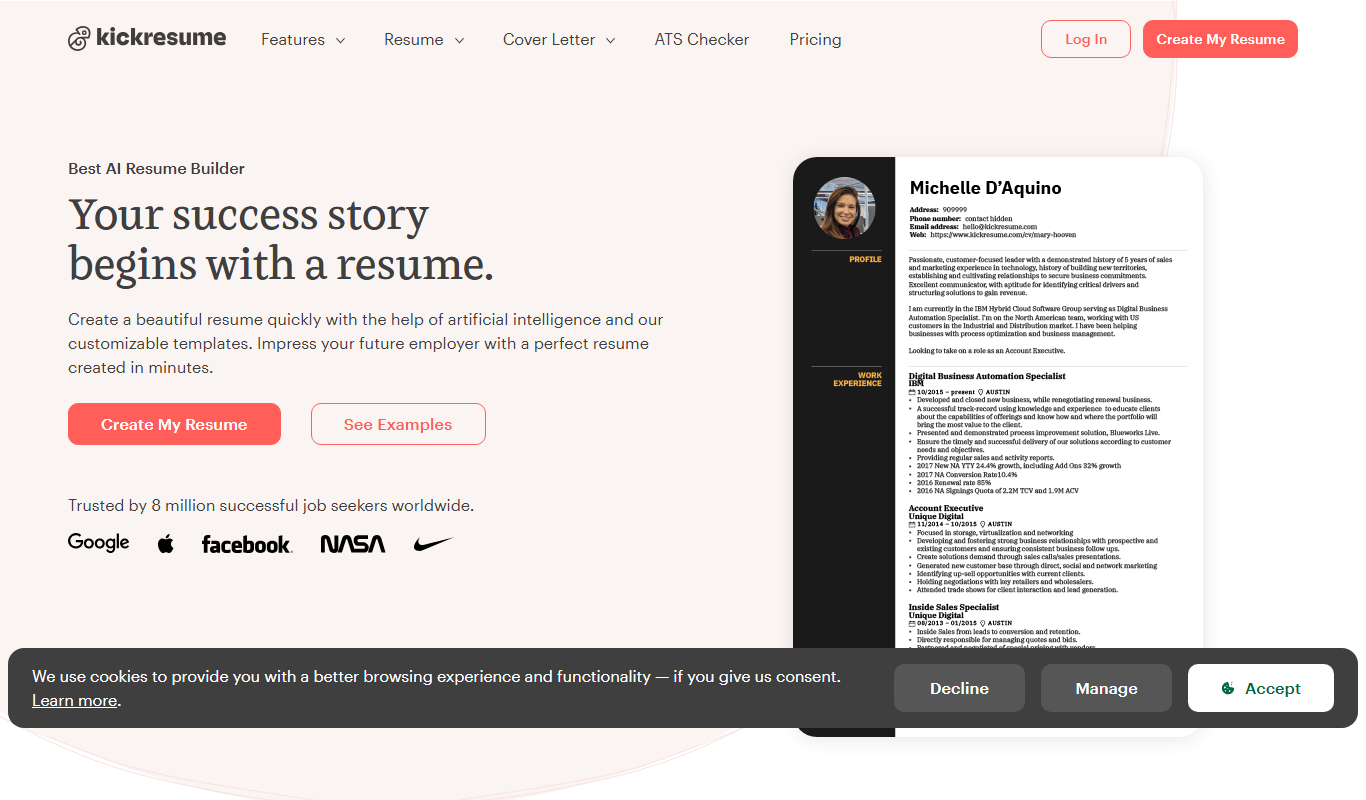
Kickresume
Kickresume is an online platform that helps users create professional resumes and cover letters using customizable templates and AI-powered content suggestions, designed to improve job application success.

Free
LazyApply
LazyApply is a web tool that automates job applications on platforms like LinkedIn and Indeed, allowing users to apply to multiple jobs quickly by managing resumes and cover letters and tracking applications in one dashboard.
Free
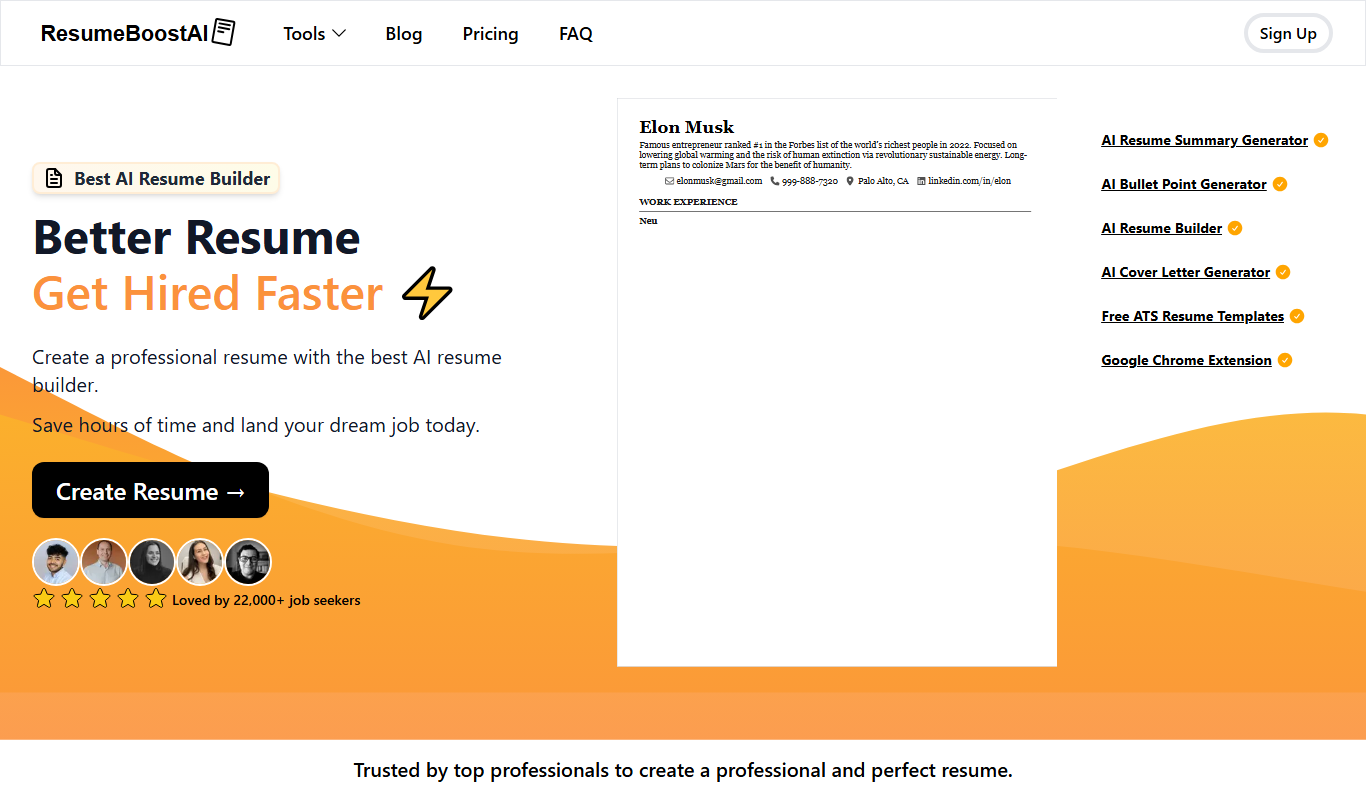
ResumeBoostAI
ResumeBoostAI is an AI-driven online tool that helps users create optimized resumes and cover letters tailored for job applications, featuring ATS compatibility and professional templates.

Free
Resume Revival
Resume Revival is an AI-driven resume builder that helps users create and optimize resumes with keyword enhancements and professional templates to improve job application success.

Free
ResBee.me
ResBee.me is an AI-powered resume builder that helps users create, edit, and optimize professional resumes and cover letters with customizable templates and AI suggestions.
Free
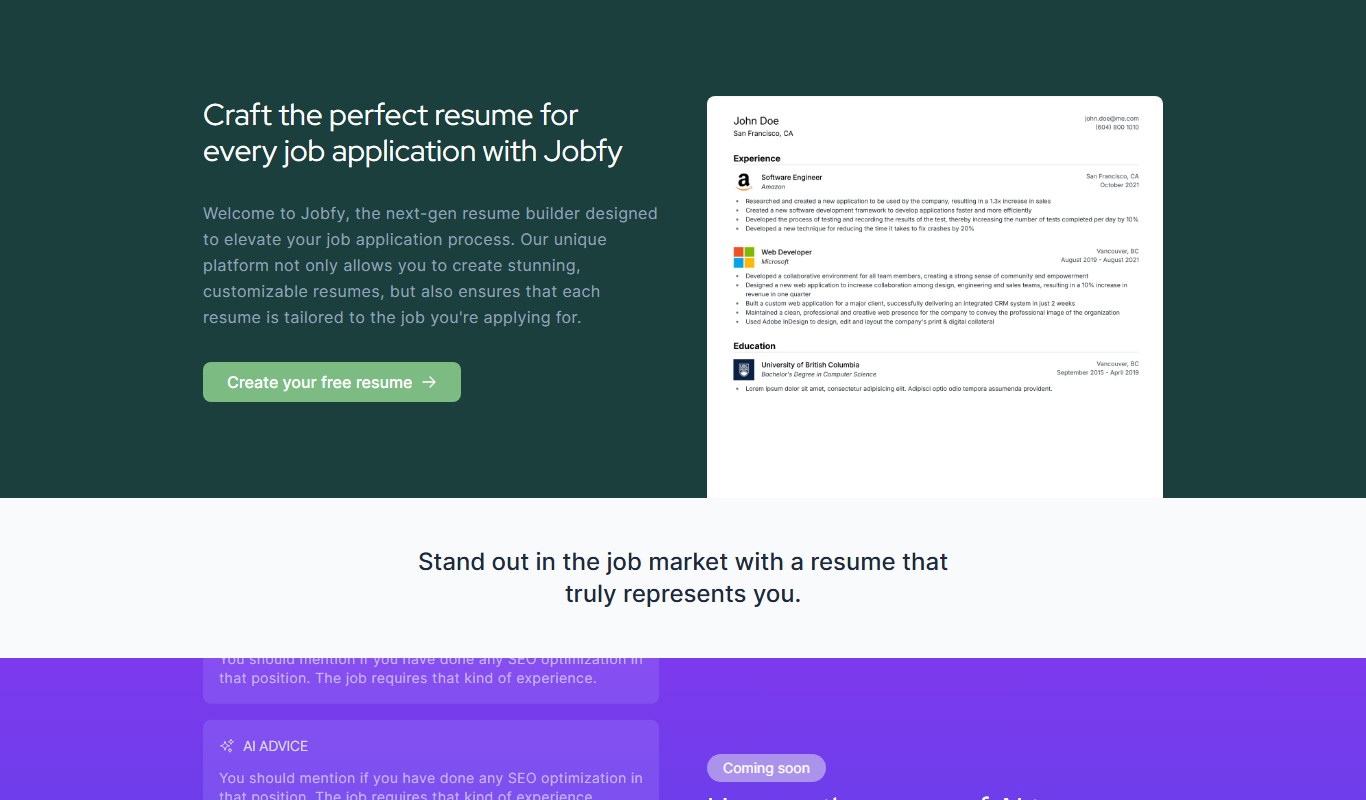
Jobfy – New gen resume builder
Jobfy is an online resume builder that helps users create professional, ATS-friendly resumes using modern templates and an intuitive editor.
Free
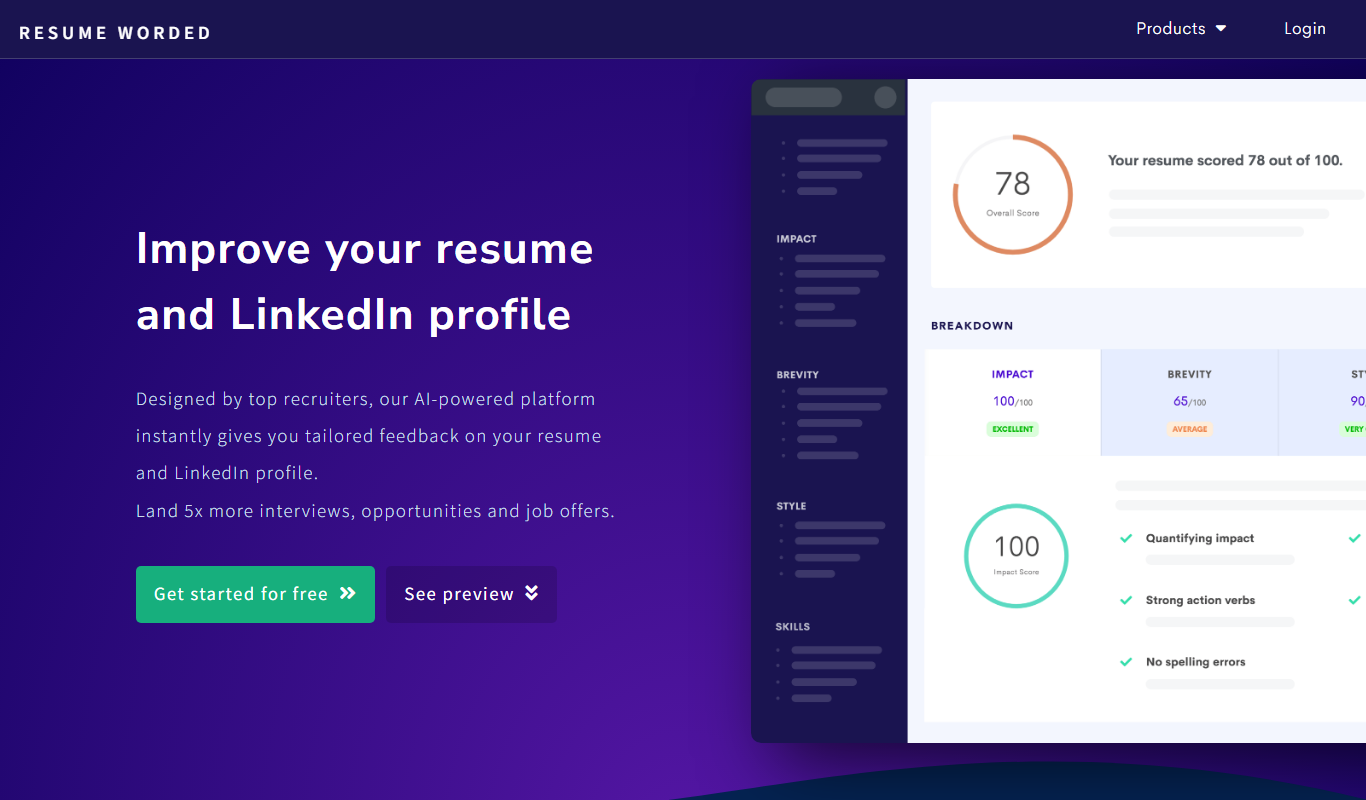
Resume Worded
Resume Worded is an AI-powered platform that analyzes and scores your resume and LinkedIn profile, providing actionable feedback to improve your job application materials and increase interview chances.

Free
AI Resume Checker
AI Resume Checker is an online tool that uses artificial intelligence to analyze resumes for formatting, keyword optimization, and ATS compatibility to help job seekers improve their chances of getting hired.