

Credly Digital Credentials Platform for Verified Professional Badges
Credly Digital Credentials is a platform that allows organizations to create, issue, and verify secure digital badges representing professional skills and achievements, enabling easy sharing and validation.
- Best for
- Professional Credentialing
- Key capability
- Custom Badge Design
Save Credly Digital Credentials, follow its updates and vote on it — everything stays in your account.
Sign in or create a free account
What is Credly Digital Credentials?
Credly Digital Credentials is a platform that enables organizations to issue, manage, and verify digital badges and certifications. These digital credentials represent verified skills, achievements, and professional qualifications that individuals can share across social media, resumes, and professional networks. Credly helps bridge the gap between traditional credentialing and modern digital recognition, providing a trusted way to showcase verified accomplishments.
Key features of Credly Digital Credentials
Credly offers features such as badge creation and issuance, credential verification, analytics on badge engagement, integrations with learning management systems, and APIs for custom workflows. The platform supports secure, verifiable digital credentials that recipients can easily share and employers or institutions can validate instantly.
Custom Badge Design
Create visually appealing badges tailored to your brand and credentialing needs.
Secure Credential Verification
Ensure badges are tamper-proof and verifiable by third parties.
Analytics and Reporting
Track badge issuance, acceptance, and sharing metrics to measure impact.
Integration Capabilities
Connect with learning management systems and HR platforms via APIs.
Recipient Engagement Tools
Enable badge recipients to easily share and promote their achievements.
Pros and cons of Credly Digital Credentials
Pros
- Trusted platform for verified digital credentials
- Easy badge creation and issuance process
- Strong verification and security features
- Good integration options with LMS and HR tools
- Supports recipient engagement and sharing
Cons
- Pricing details are not fully transparent without contacting sales
- Limited language support primarily in English
- No dedicated mobile app for badge management
Key use cases for Credly Digital Credentials
Professional Credentialing
Organizations can issue verified digital badges to recognize skills, certifications, and achievements of individuals.
Employee Skill Verification
Employers can validate and showcase employee skills and certifications through digital credentials.
Learning and Development Tracking
Educational institutions and training providers can track learner progress and award digital badges for completed courses.
Talent Acquisition and Recruitment
Recruiters can assess candidate qualifications and verified skills quickly using Credly’s digital credential platform.
Brand Building and Marketing
Organizations can enhance their brand reputation by publicly recognizing achievements and skills of their community members.
How Credly Digital Credentials works
- 1
Create Digital Badges
Organizations design and configure digital badges that represent specific skills or achievements.
- 2
Issue Credentials
Badges are awarded to individuals upon meeting criteria such as course completion or certification.
- 3
Recipients Share Badges
Recipients share their digital badges on social media, professional profiles, or resumes.
- 4
Verify Credentials
Employers and other stakeholders verify the authenticity of badges through Credly’s platform.
Who is using Credly Digital Credentials
Credly Digital Credentials pricing
Free
$0/month
Basic badge issuance with limited features and recipient support.
Annual contract
Contact sales
There is no free plan for issuers; pricing is an annual contract agreed after a demo.
Plans and prices are as published by the vendor and can change. Check the official site before you buy. Open the pricing page (opens in a new tab)
Frequently asked questions about Credly Digital Credentials
A digital credential is an online representation of a skill, achievement, or certification that can be shared and verified electronically.
Credly uses secure technology to make badges tamper-proof and verifiable by employers or other stakeholders.
Yes, recipients can easily share their digital badges on platforms like LinkedIn, Twitter, and Facebook.
Yes, Credly offers integrations and APIs to connect with various LMS and HR systems.
It depends on your specific needs and how you plan to use the tool. The official website and documentation are the best sources for the latest details.
Yes, it can help with that use case depending on how you configure it and what features are available. You’ll get the best results with clear inputs and a defined goal.
Yes, it can help with that use case depending on how you configure it and what features are available. You’ll get the best results with clear inputs and a defined goal.
Conclusion
Organizations design badges tailored to their brand and credentialing needs, then award them once individuals meet criteria such as course completion or certification. Recipients share those badges on social media, professional profiles or resumes, and employers verify their authenticity through the platform. Badges are tamper-proof, and issuers can track issuance, acceptance and sharing metrics.
On the issuing side it serves educational institutions, professional certification bodies and corporations with employee training programs. Learning management systems and HR platforms connect via APIs, and mobile apps are available on the App Store and Google Play. There is no free plan for issuers, and pricing is an annual contract agreed after a demo.
Sources
Sign in to review this tool.
Sign In to ReviewNo reviews yet
Be the first to share how this tool worked for you.
Ask about pricing, limits, or how it compares — or answer someone else.
Sign In to AskNo questions yet
Have a question about using or paying for this tool? Be the first to ask.
Featured on TiorAI



More AI Customer Service tools
Other tools in the same category, for when this one is not quite the fit.

CalorieMama
CalorieMama is an AI-driven app that helps users track calories and nutrition by recognizing foods from photos, making diet management easier and more accurate.

Grip
Grip is an AI-driven virtual event platform that facilitates personalized networking and engagement through AI matchmaking, personalized agendas, and interactive sessions for virtual and hybrid events.
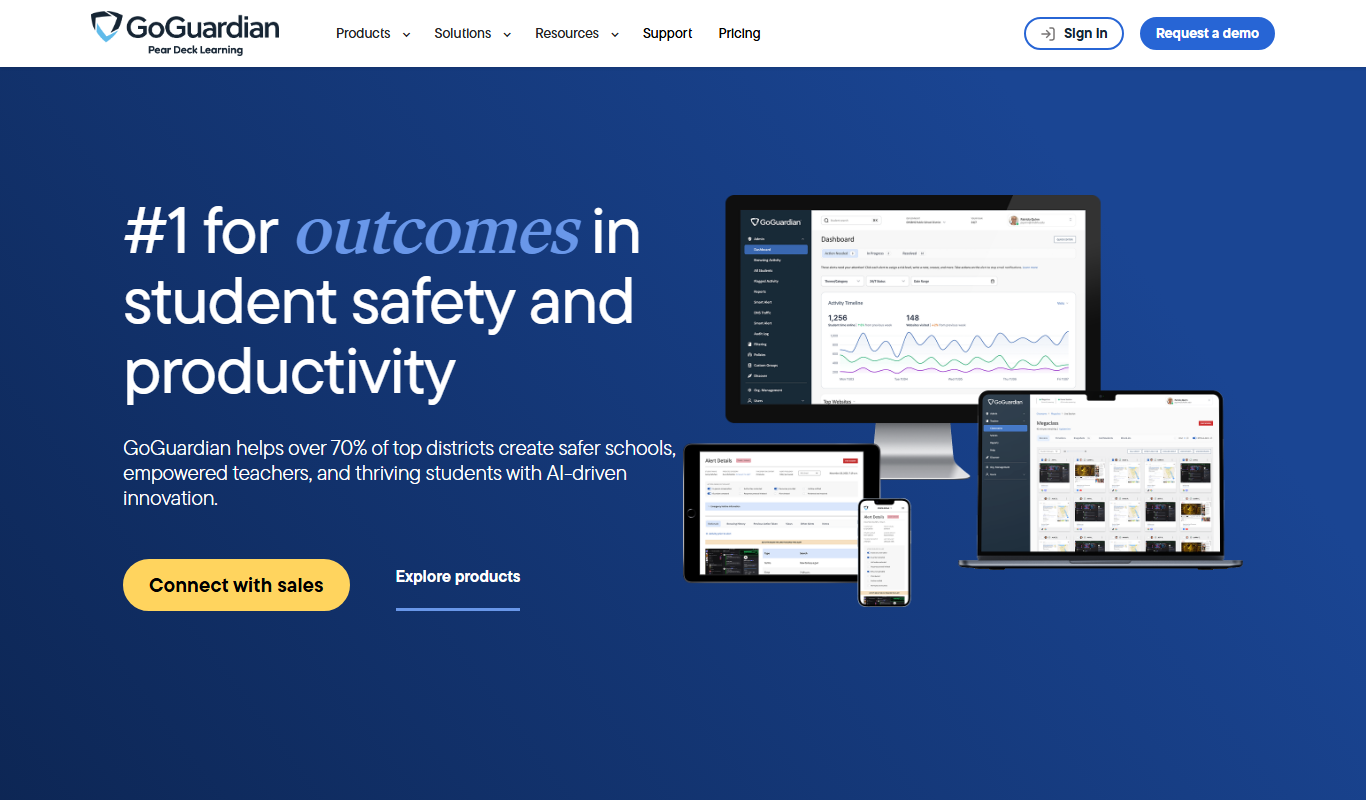
GoGuardian
GoGuardian is an education technology platform that helps K-12 schools monitor student activity, manage classrooms, and ensure online safety through AI-powered tools and real-time device monitoring.

MoneyGuidePro
MoneyGuidePro is a financial planning software that helps advisors create personalized, goal-based financial plans with interactive tools for retirement and wealth management.

Nutrium
Nutrium is a nutrition software platform that helps dietitians and health professionals manage clients, create personalized meal plans, analyze nutrition data, and conduct remote consultations.

AiCure
AiCure is an AI-powered platform that remotely monitors patient medication adherence using video confirmation, primarily for clinical trials and healthcare providers.

OptinMonster
OptinMonster is a lead generation software that helps websites convert visitors into subscribers and customers using popups, exit-intent triggers, and targeted campaigns integrated with email marketing services.

LifeLock
LifeLock is a subscription-based service offering identity theft protection, credit monitoring, fraud alerts, and identity restoration support to help users safeguard their personal information.