

From my experience with Coverposts, I found it excels at simplifying social media scheduling for Instagram and Facebook through its intuitive drag-and-drop calendar. It’s particularly well-suited for small businesses and social media managers who want to maintain a consistent posting schedule without juggling multiple tools. However, the platform is limited to just two social networks and lacks a mobile app, which might be a drawback for users needing broader platform support or on-the-go access. Overall, if your focus is streamlined Instagram and Facebook content automation, Coverposts delivers an effective and user-friendly solution.
Coverposts Social Media Content Scheduler for Instagram and Facebook
Coverposts is a web-based social media scheduling tool that helps users plan, schedule, and automate posts on Instagram and Facebook using a drag-and-drop calendar interface.
- Best for
- Instagram Content Scheduling
- Key capability
- Drag-and-Drop Content Calendar
Your actions
Save Coverposts, follow its updates and vote on it — everything stays in your account.
Sign in or create a free account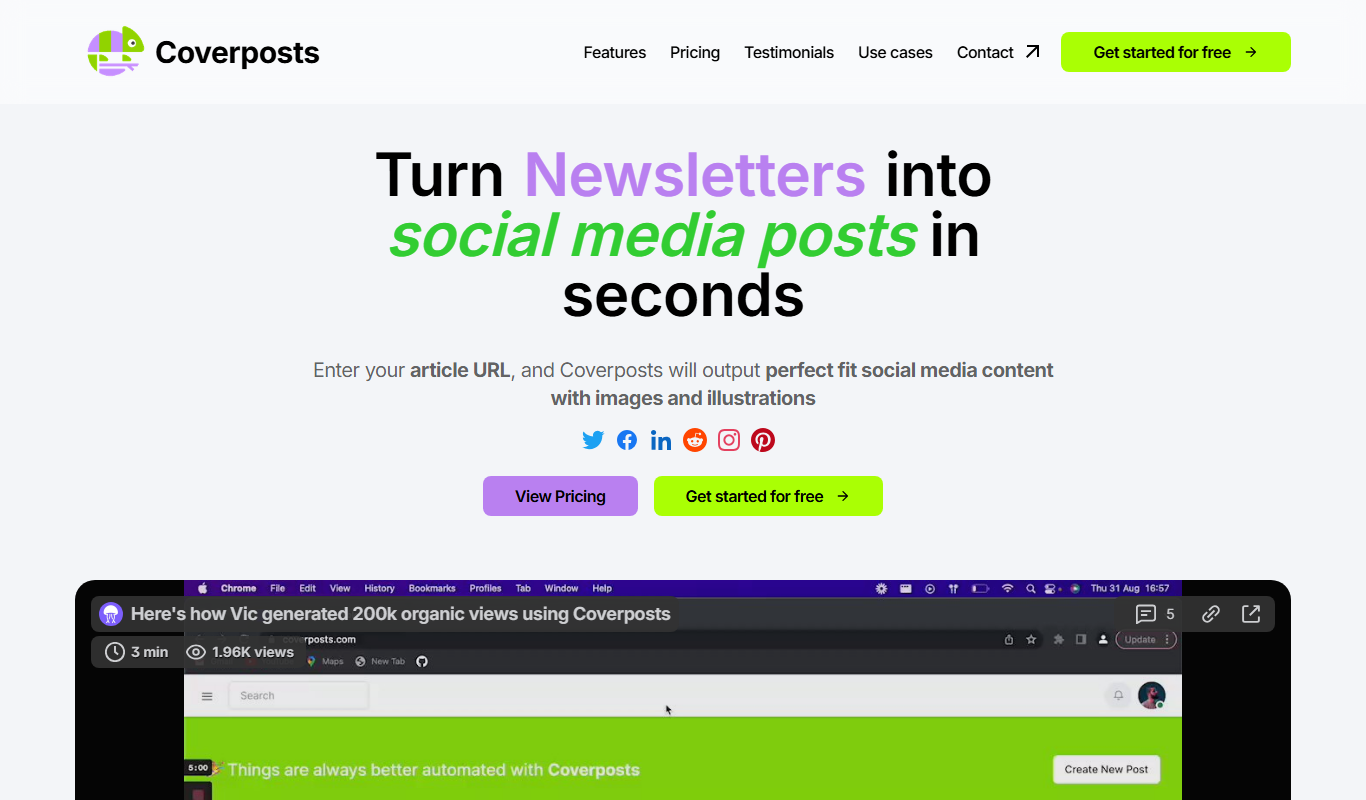

What is Coverposts?
Coverposts is a web-based social media content scheduling tool designed to help individuals and businesses plan, schedule, and automate posts on Instagram and Facebook. It provides a simple interface to organize content calendars, ensuring consistent social media presence without manual posting.
Key features of Coverposts
Coverposts offers features such as drag-and-drop calendar scheduling, multi-account management, post previews, and automated publishing for Instagram and Facebook. It streamlines social media workflows by allowing users to plan content ahead of time and maintain engagement.
Drag-and-Drop Content Calendar
Easily organize and reschedule posts with a visual calendar interface.
Multi-Account Support
Manage multiple Instagram and Facebook accounts from a single dashboard.
Automated Publishing
Schedule posts to be automatically published without manual intervention.
Post Preview
Preview how your posts will appear on Instagram and Facebook before publishing.
Pros and cons of Coverposts
Pros
- Simple and intuitive drag-and-drop calendar interface
- Supports both Instagram and Facebook scheduling
- Automates post publishing to save time
- Allows management of multiple social media accounts
Cons
- Limited to Instagram and Facebook platforms
- No dedicated mobile app available
- Pricing details are not extensively detailed on the website
Key use cases for Coverposts
Instagram Content Scheduling
Plan and schedule Instagram posts and stories to maintain consistent engagement.
Facebook Post Management
Schedule and manage Facebook page posts to optimize audience reach.
Social Media Campaign Planning
Organize and automate social media campaigns across Instagram and Facebook.
Content Calendar Management
Visualize and manage your social media content calendar for better workflow.
How Coverposts works
- 1
Create an Account
Sign up on the Coverposts website to start scheduling your social media posts.
- 2
Connect Social Media Accounts
Link your Instagram and Facebook accounts to enable post scheduling.
- 3
Plan Your Content
Use the calendar interface to drag and drop posts, set captions, and schedule publishing times.
- 4
Automate Posting
Coverposts automatically publishes your scheduled posts on Instagram and Facebook at the set times.
Who is using Coverposts
Social media managers
Small business owners
Content creators
Marketing agencies
Freelancers managing social media
Coverposts pricing
Free
$0/month
Basic scheduling features with limited posts per month.
Pro
$9/month
Unlimited scheduling, multi-account management, and priority support.
Plans and prices are as published by the vendor and can change. Check the official site before you buy. Open the pricing page (opens in a new tab)
Frequently asked questions about Coverposts
Coverposts supports scheduling and automation for Instagram and Facebook.
Yes, Coverposts allows you to manage multiple Instagram and Facebook accounts from one dashboard.
Yes, there is a free plan with basic scheduling features and limited posts.
No, Coverposts is a web-based platform accessible via browsers.
It depends on your specific needs and how you plan to use the tool. The official website and documentation are the best sources for the latest details.
Some tools offer a free plan or trial with limited features. Availability can vary, so confirm on the official website.
Yes, it can help with that use case depending on how you configure it and what features are available. You’ll get the best results with clear inputs and a defined goal.
Sign in to review this tool.
Sign In to ReviewNo reviews yet
Be the first to share how this tool worked for you.
Ask about pricing, limits, or how it compares — or answer someone else.
Sign In to AskNo questions yet
Have a question about using or paying for this tool? Be the first to ask.
Featured on TiorAI



Alternative Tools
Explore similar AI tools that might fit your needs

Free Trial
Later
Later is an influencer marketing and social media management platform for brands, creators and social media managers, with tools to plan, schedule and analyze posts on Instagram, Facebook, TikTok, Pinterest, LinkedIn, YouTube and more.
More AI Album Cover Generator tools
Other tools in the same category, for when this one is not quite the fit.

Enterprise
qdrant.io
Qdrant is an open-source vector search engine that enables scalable, real-time semantic search and AI-powered applications by efficiently managing and querying high-dimensional vector data.

Free Trial
Packify.ai
Packify.ai is an AI-driven online tool that helps users design custom product packaging with 3D mockups and direct ordering.
Free
YACSS
YACSS is a lightweight atomic CSS framework that provides utility classes for fast and responsive web design without JavaScript dependencies.

Free Trial
Opus
Opus AI is an AI-powered video creation tool that automates video editing and generation from scripts or raw footage, designed for marketers and content creators.

Free Trial
Novo AI
Novo AI is a web-based platform that uses artificial intelligence to automate video creation, enabling marketers and content creators to produce professional marketing videos quickly without advanced editing skills.

Free
AI Hits
AI Hits is an AI-driven music generation platform that creates royalty-free, customizable music tracks for content creators, marketers, and developers via a simple web interface.

Freemium
CoverDesignAI
CoverDesignAI is a web-based AI design tool that helps authors and publishers create professional book covers quickly through AI-generated templates and easy customization.