
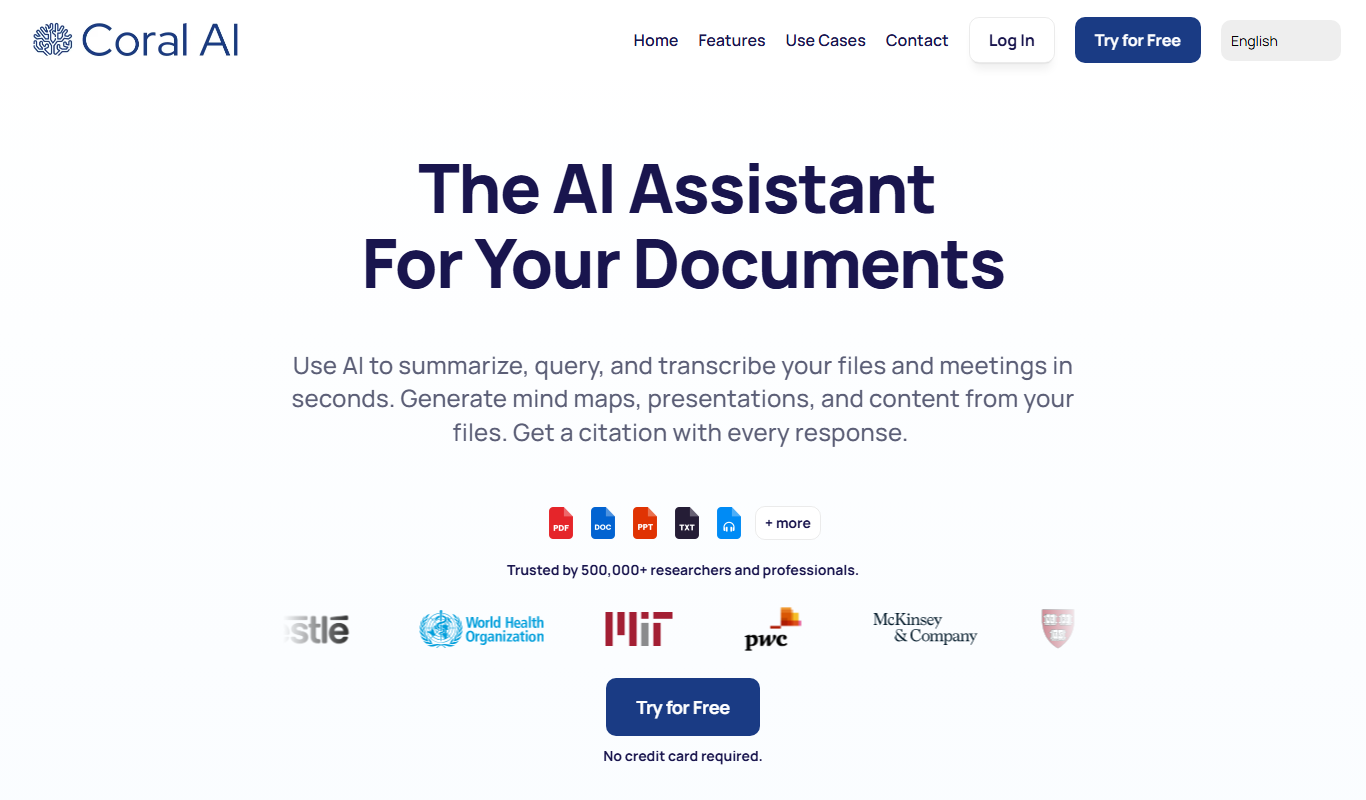
From my experience with Coral AI, I found it excels at providing a streamlined, collaborative environment for annotating diverse data types essential for machine learning projects. The platform’s automated labeling suggestions and quality control features significantly reduce manual effort while maintaining accuracy. It’s particularly well-suited for teams working on computer vision and NLP datasets who need reliable, scalable annotation workflows. However, the pricing after the trial period may be a consideration for smaller teams, and the platform currently supports English only. Overall, if you require a robust, user-friendly annotation tool with collaboration capabilities, Coral AI delivers solid results.

Coral AI Review: AI-Powered Data Annotation and Labeling Platform
Coral AI is a cloud-based platform that simplifies data annotation for machine learning by supporting image, video, and text labeling with collaborative and automated tools.
Categories:
Machine Learning
Tech Stack:
Node.js
Python
React
What is Coral AI?
Coral AI is a cloud-based data annotation platform designed to streamline the process of labeling datasets for machine learning projects. It provides tools for image, video, and text annotation, enabling teams to create high-quality labeled data efficiently. The platform supports collaborative workflows, quality control, and integrates with popular machine learning pipelines.
Key Features of Coral AI
Multi-Modal Annotation Support
Supports image, video, and text annotation within a single platform.
Collaborative Workflows
Role-based access controls and task assignments facilitate team collaboration.
Automated Annotation Assistance
Leverages AI to suggest labels and speed up the annotation process.
Quality Control Tools
Includes review and validation features to ensure annotation accuracy.
Integration Friendly
Exports data in multiple formats compatible with popular machine learning frameworks.
Pros and Cons of Coral AI
Pros
- Supports multiple data types (image, video, text)
- User-friendly interface with collaboration tools
- Automated annotation suggestions speed up labeling
- Robust quality control features
- Flexible export options for ML workflows
Cons
- Pricing may be high for small teams after trial
- Limited language support (English only)
- No offline annotation capabilities
Key Use Cases for Coral AI
Computer Vision Model Training
Label images and videos accurately to train computer vision models for object detection, segmentation, and classification.
Natural Language Processing
Annotate text data for tasks like entity recognition, sentiment analysis, and intent classification.
Autonomous Vehicles
Prepare high-quality annotated datasets to improve perception systems in autonomous driving applications.
Healthcare AI
Label medical images and records to support AI diagnostics and research.
Quality Assurance in AI Datasets
Manage and review annotations to ensure dataset accuracy and consistency.
How Coral AI Works
-
1
Create an Account
Sign up on the Coral AI website to access the annotation platform.
-
2
Upload Data
Import images, videos, or text datasets into the platform for annotation.
-
3
Annotate Data
Use the platform’s tools to label data manually or leverage automated suggestions.
-
4
Collaborate and Review
Assign tasks to team members and review annotations for quality assurance.
-
5
Export Labeled Data
Download annotated datasets in formats compatible with your machine learning workflows.
Who's Using Coral AI
Machine learning engineers
Data scientists
AI research teams
Autonomous vehicle developers
Healthcare AI professionals
Coral AI Pricing
Free Trial
$0 for 14 days
Access to core features with limited annotation volume to evaluate the platform.
Professional
$99/month
Full access with increased annotation limits, collaboration features, and priority support.
Enterprise
Custom pricing
Tailored solutions with dedicated support, advanced integrations, and SLA guarantees.
Frequently Asked Questions About Coral AI
Coral AI supports annotation of images, videos, and text data for various machine learning applications.
Yes, the platform includes role-based access and task assignment features to facilitate teamwork.
Yes, Coral AI allows exporting data in formats compatible with frameworks like TensorFlow and PyTorch.
Yes, Coral AI offers a 14-day free trial to test the platform’s features.
This tool is designed to help users accomplish its core tasks more efficiently. It is typically used by individuals or teams looking to improve productivity and workflow.
Yes, it can help with that use case depending on how you configure it and what features are available. You’ll get the best results with clear inputs and a defined goal.
Data handling and security practices vary by provider. Review the official privacy policy to understand how your data is stored and used.
Share your review
Reviews are limited to one per logged-in user and are published after moderation.
You need an account to review this tool.
0.0
★
★
★
★
★
0 reviews
5 star
0
4 star
0
3 star
0
2 star
0
1 star
0
No reviews yet
Be the first to share how this tool worked for you.
Questions from the community
Read questions and answers about this tool, or ask your own.
No questions yet
Start the conversation by asking the first question about this tool.
Is this tool helpful?
Free
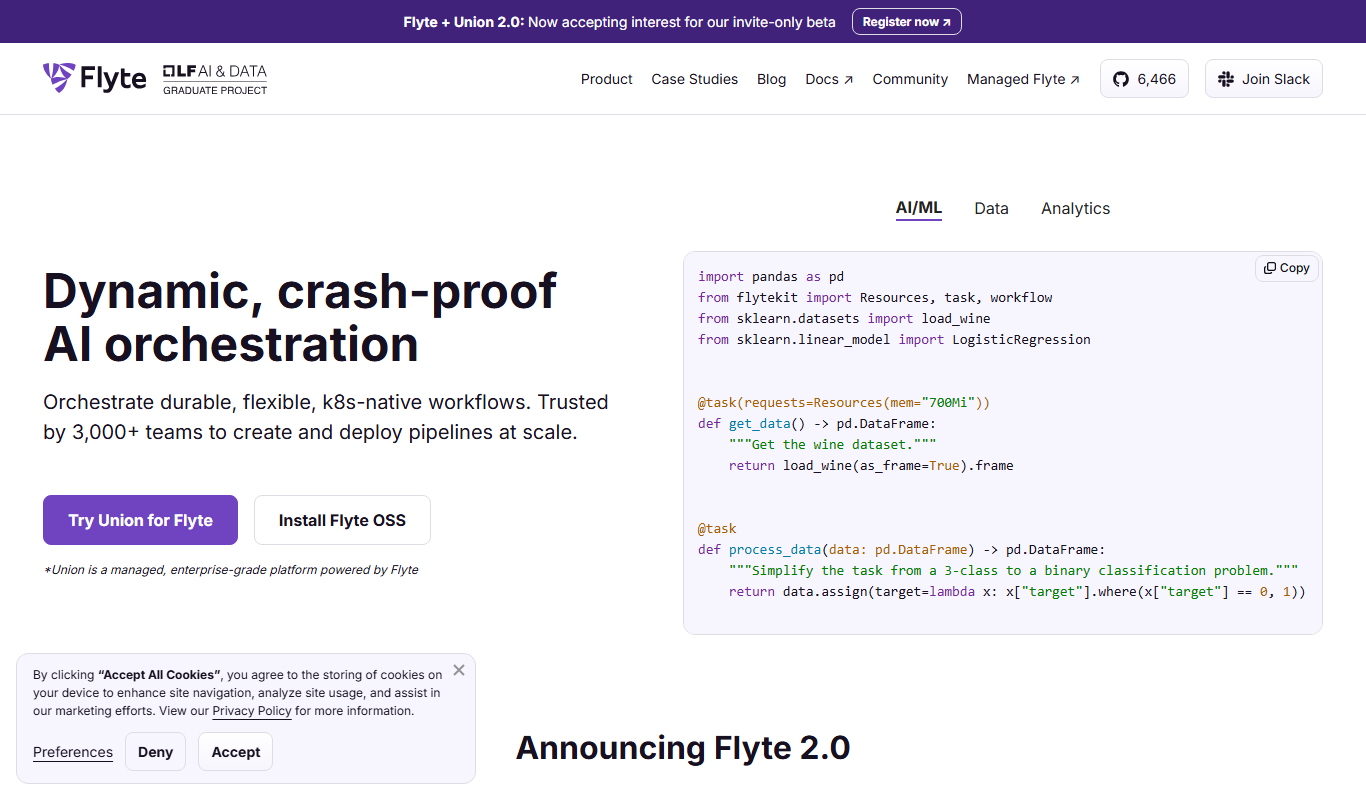
Flyte v1.3.0
Flyte v1.3.0 is an open source cloud native workflow orchestration platform that automates complex data and machine learning workflows on Kubernetes, providing versioning, data lineage, and scalability.

Free
enaiblr
enaiblr is an open source AI platform that provides tools and frameworks to develop ethical, transparent, and fair machine learning models.
Custom Pricing
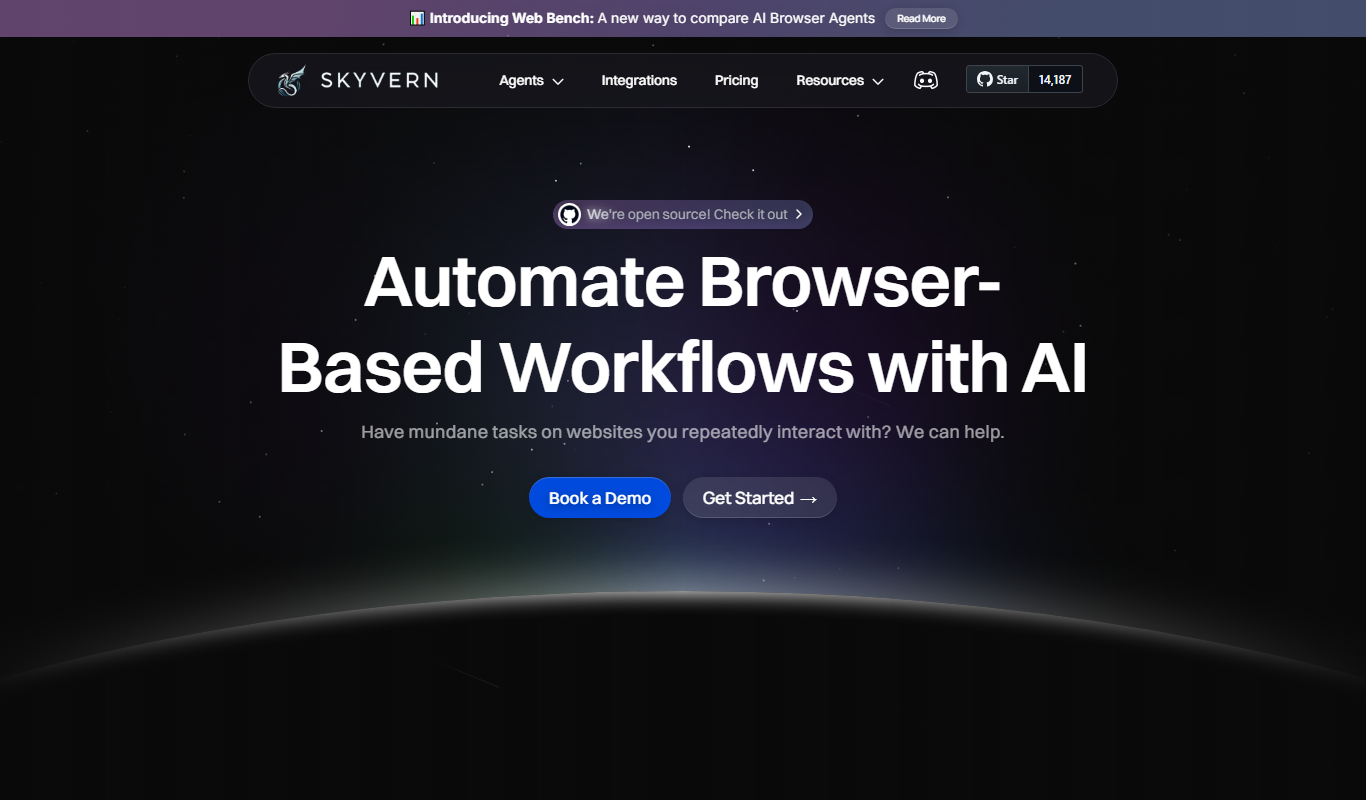
Skyvern
Skyvern is an AI-driven data annotation platform providing high-quality labeled datasets for machine learning projects across various industries.

Free
liteLLM
liteLLM is a platform that enables efficient deployment and API-based serving of lightweight large language models, optimized for reduced resource usage and fast inference.
Contact for pricing
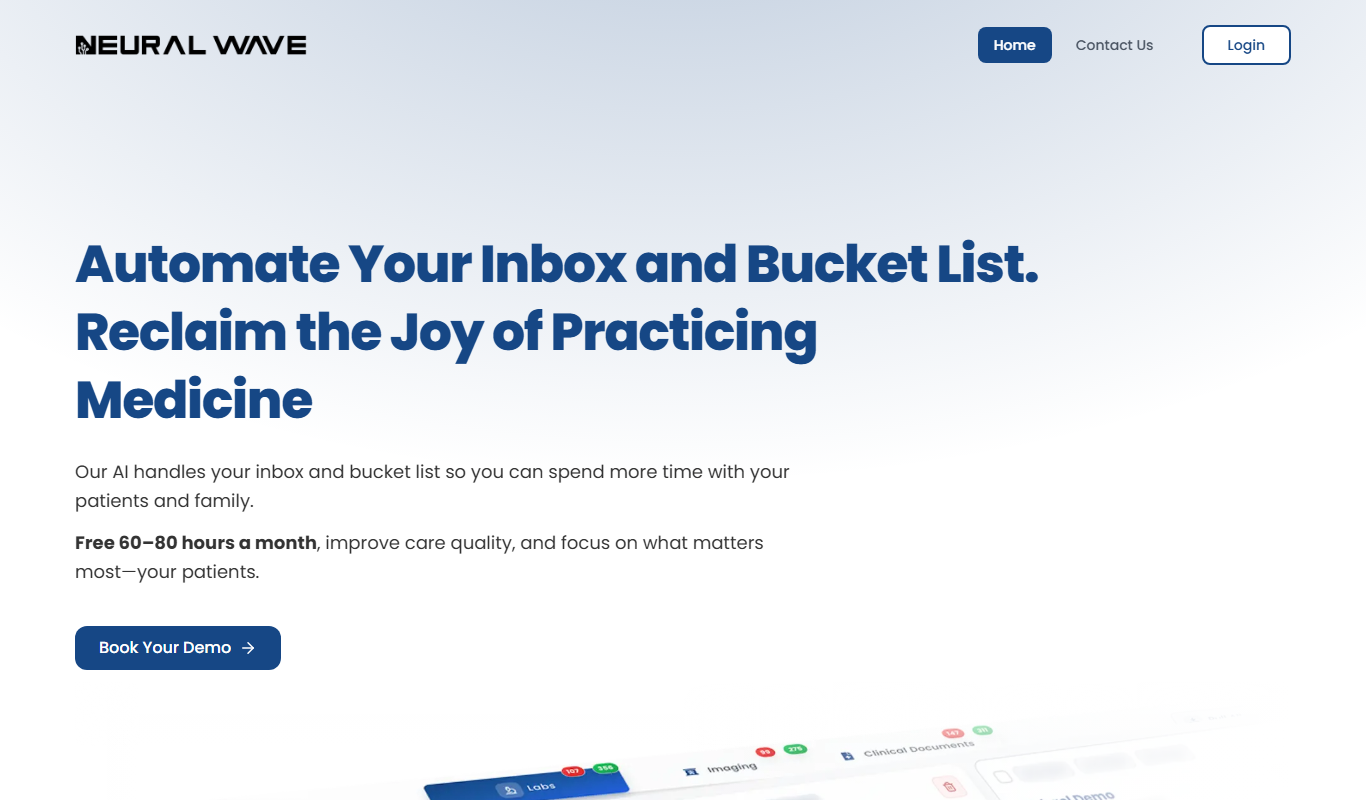
Neural Wave
Neural Wave is an AI platform specializing in speech recognition, audio enhancement, and voice biometrics, offering APIs for real-time and custom audio processing.