

From my experience with Cooklist, I found it excels at simplifying meal planning by intelligently syncing your pantry inventory with local grocery store data. This real-time integration makes grocery shopping more efficient and helps reduce food waste, which is a practical benefit for busy households. After spending time with the platform, I can say it’s particularly well-suited for home cooks and families who want to streamline meal prep and budgeting. However, the premium features require a subscription, and store availability may vary by location, which could limit some users. Overall, if you want a smart, connected approach to meal planning and grocery management, Cooklist delivers solid results.
Cooklist Smart Grocery App for Meal Planning and Food Inventory Management
Cooklist is a smart meal planning and grocery app that tracks your pantry, suggests recipes, and syncs grocery lists with local store inventories to optimize shopping and reduce food waste.
- Best for
- Meal Planning
- Key capability
- Smart Meal Planning
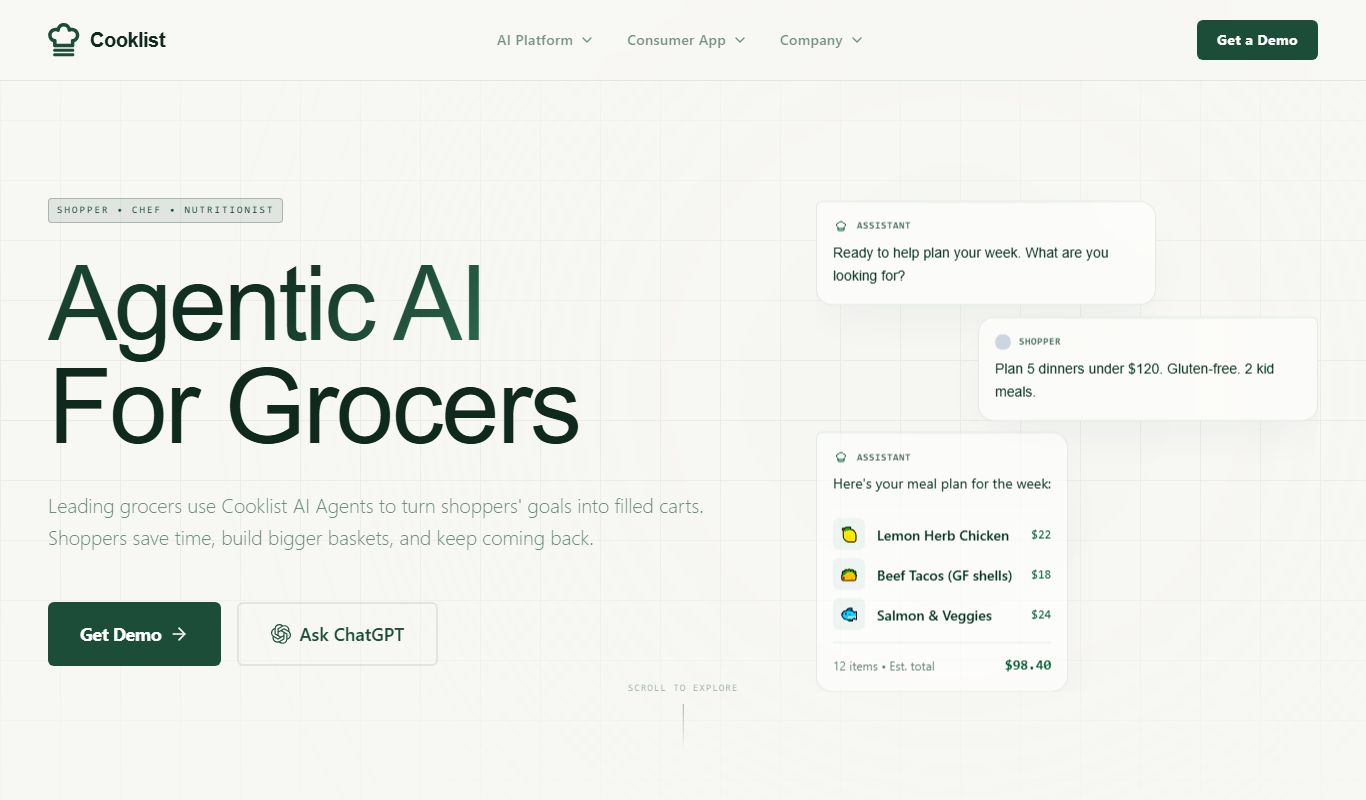
What is Cooklist?
Cooklist is a smart grocery and meal planning app that helps users manage their food inventory, plan meals, and create optimized grocery lists. It integrates with local grocery stores to provide real-time pricing and availability, enabling efficient shopping and reducing food waste.
Key features of Cooklist
Cooklist offers automated meal planning, grocery list generation, food inventory tracking, recipe recommendations, and store integration for real-time product availability and pricing.
Smart Meal Planning
Automated meal plans tailored to your pantry and dietary needs.
Food Inventory Tracking
Keep an updated list of ingredients at home to minimize waste.
Grocery List Optimization
Generate efficient shopping lists synced with local store inventories.
Recipe Recommendations
Discover recipes based on what you have and your preferences.
Store Integration
Access real-time pricing and availability from nearby grocery stores.
Pros and cons of Cooklist
Pros
- Integrates real-time grocery store data for accurate shopping lists
- Helps reduce food waste by tracking pantry inventory
- User-friendly meal planning and recipe discovery
- Available on multiple platforms including mobile and web
Cons
- Premium features require subscription
- Limited language support (English only)
- Store integration may vary by location
Key use cases for Cooklist
Meal Planning
Plan weekly meals by selecting recipes and automatically generating grocery lists.
Grocery Shopping
Create and manage grocery lists that sync with local store inventories for efficient shopping.
Food Inventory Management
Track food items at home to reduce waste and optimize ingredient usage.
Recipe Discovery
Discover recipes based on ingredients you already have or dietary preferences.
Budget Management
Manage grocery budgets by tracking prices and optimizing shopping lists.
How Cooklist works
-
1
Create an Account
Sign up on the Cooklist app or website to start managing your meals and groceries.
-
2
Add Your Pantry Items
Input or scan your current food inventory to keep track of what you have at home.
-
3
Plan Your Meals
Select recipes or let Cooklist suggest meals based on your inventory and preferences.
-
4
Generate Grocery List
Cooklist automatically creates a grocery list with items you need to buy.
-
5
Shop with Real-Time Data
Use the app to check local store availability and prices while shopping.
Who is using Cooklist
Home cooks and meal planners
Busy families managing grocery shopping
Health-conscious individuals tracking diet
People aiming to reduce food waste
Budget-conscious shoppers
Cooklist pricing
Free
$0/month
Basic meal planning and grocery list features with limited store integration.
Premium
$7.99/month
Full access to smart meal planning, inventory tracking, and real-time store data.
Plans and prices are as published by the vendor and can change. Check the official site before you buy. Open the pricing page (opens in a new tab)
Frequently asked questions about Cooklist
Yes, Cooklist connects with many local stores to provide real-time pricing and product availability.
Absolutely, you can add and manage your pantry items to reduce food waste.
Yes, Cooklist is available on both iOS and Android platforms.
Yes, it recommends recipes tailored to your current pantry items and preferences.
Yes, it can help with that use case depending on how you configure it and what features are available. You’ll get the best results with clear inputs and a defined goal.
Yes, it can help with that use case depending on how you configure it and what features are available. You’ll get the best results with clear inputs and a defined goal.
Some tools offer a free plan or trial with limited features. Availability can vary, so confirm on the official website.
It depends on your specific needs and how you plan to use the tool. The official website and documentation are the best sources for the latest details.
Sign in to review this tool.
No reviews yet
Be the first to share how this tool worked for you.
Ask about pricing, limits, or how it compares — or answer someone else.
No questions yet
Have a question about using or paying for this tool? Be the first to ask.
Featured on TiorAI



Alternative Tools
Explore similar AI tools that might fit your needs
Free
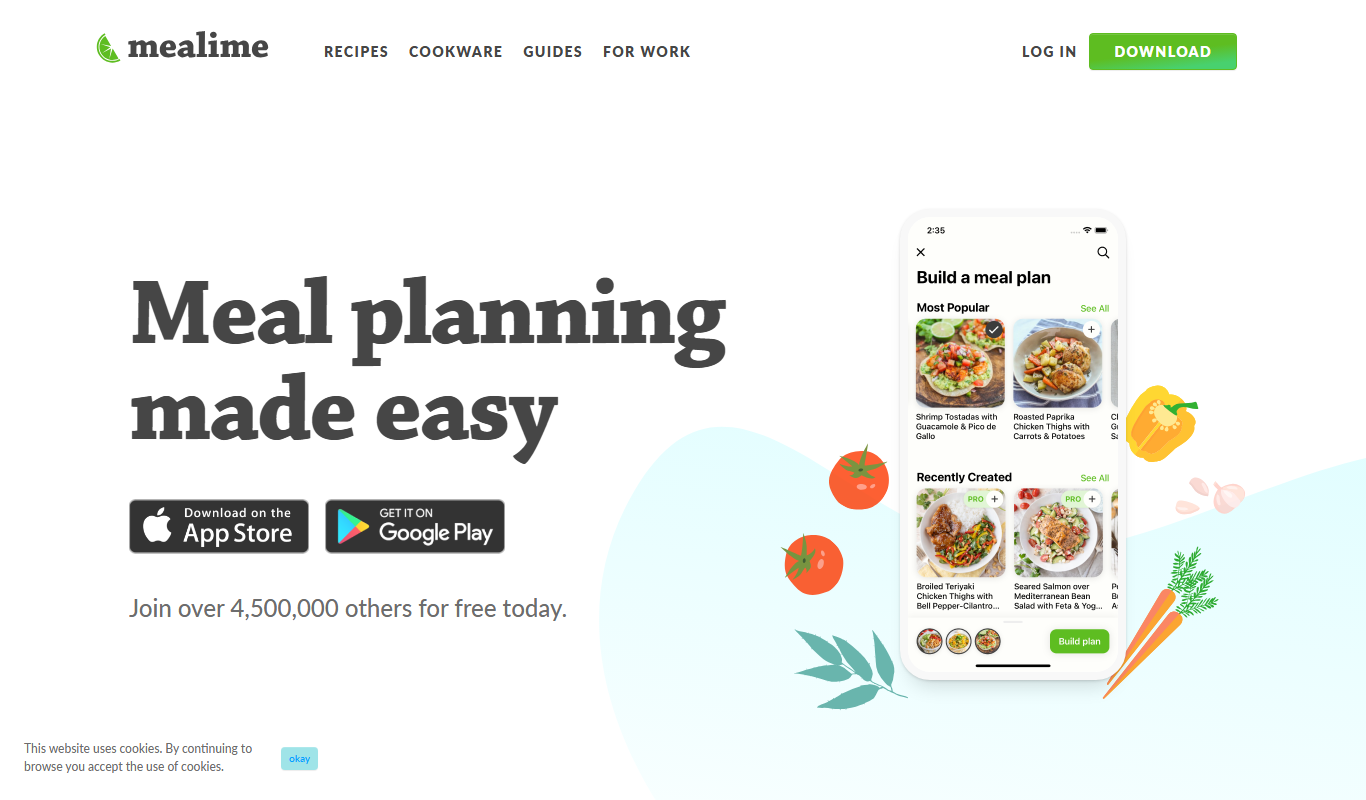
Mealime
Mealime is a meal planning app that helps users create personalized meal plans, generate grocery lists, and follow step-by-step cooking instructions to eat healthier and save time.
One-time purchase
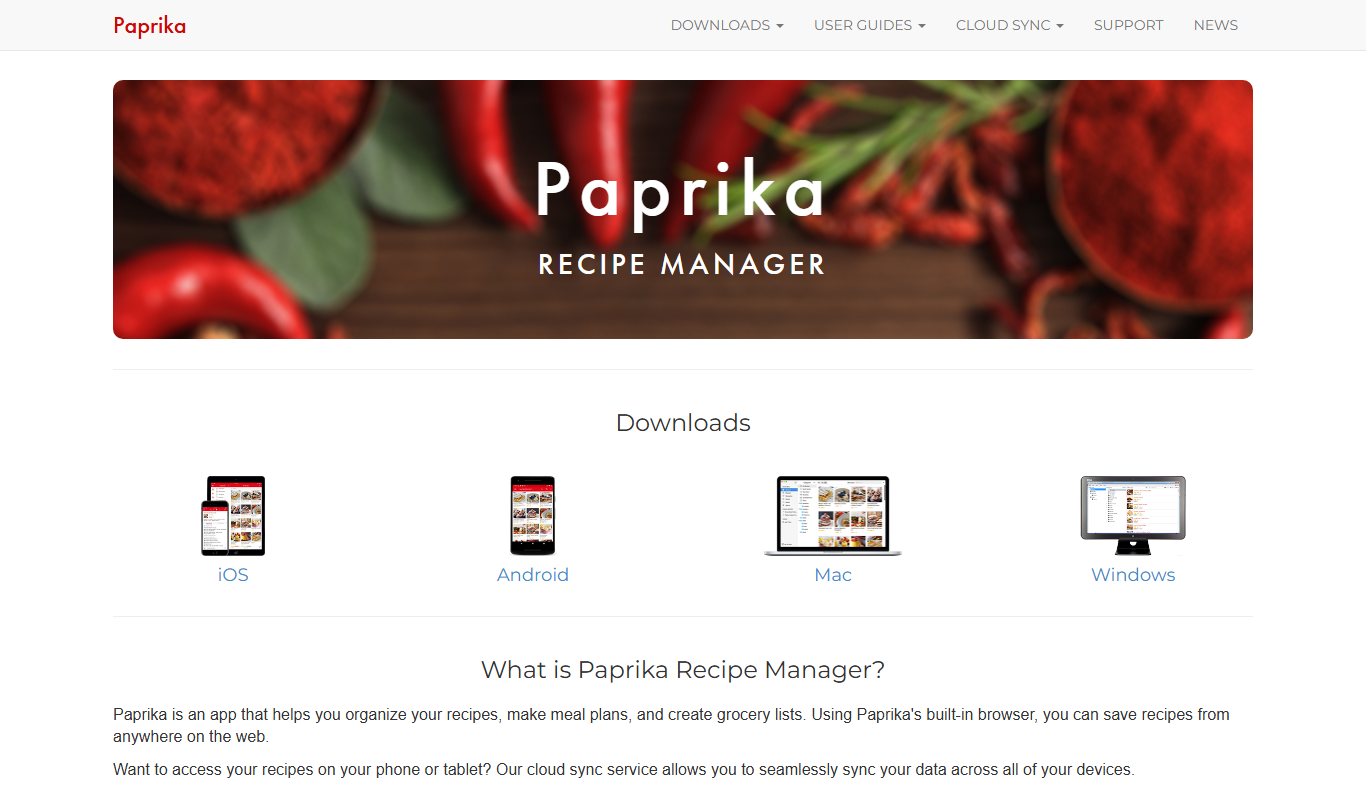
Paprika Recipe Manager
Paprika Recipe Manager is a multi-platform app that helps users collect, organize, and plan recipes and meals, featuring recipe importing, meal planning calendar, grocery list automation, and cross-device syncing.
Free
Yummly
Yummly is an AI-driven recipe and meal planning app that personalizes cooking recommendations, generates grocery lists, and integrates with smart kitchen appliances to streamline meal preparation.
More AI Workflow tools
Other tools in the same category, for when this one is not quite the fit.

Free
Furkot
Furkot is a web-based trip planner that helps users create multi-stop routes, optimize travel paths, schedule accommodations and activities, and share itineraries for efficient road trip planning.

Free
EcoCart
EcoCart is a plugin that integrates with e-commerce platforms to calculate and offset the carbon footprint of online purchases, allowing customers to contribute to verified climate projects during checkout.

Contact for pricing
Trials.ai
Trials.ai is an AI-driven platform that helps medical researchers design optimized clinical trial protocols, improve patient recruitment, and ensure regulatory compliance to accelerate trial success.

Free
ZipBooks
ZipBooks is a cloud-based accounting software designed for small businesses and freelancers to manage invoicing, expenses, payments, and financial reporting with ease.

Free Trial
Lookeen
Lookeen is a Windows desktop search software that enables fast and comprehensive searching of emails, files, and documents, integrating deeply with Microsoft Outlook and supporting network drives.
Custom Pricing
Ataccama
Ataccama is an AI-driven data management platform that integrates data governance, master data management, and data quality automation to help enterprises manage and improve their data assets efficiently.

Enterprise
FloQast
FloQast is a cloud software designed to streamline and automate the accounting month-end close process, improving accuracy and collaboration for finance teams.

Custom Pricing
Talentsoft
Talentsoft is a cloud-based talent management software that integrates recruitment, learning, performance management, and succession planning to help organizations manage their workforce effectively.