

Content Suite by Senuto – SEO and Content Marketing Platform for Data-Driven Strategies
Content Suite by Senuto is an SEO and content marketing platform that helps users perform keyword research, optimize content, analyze competitors, and track search rankings to improve organic traffic.
- Best for
- Keyword Research
- Key capability
- Keyword Research Tool
Save Content Suite by Senuto, follow its updates and vote on it — everything stays in your account.
Sign in or create a free account
What is Content Suite by Senuto?
Content Suite by Senuto is a comprehensive SEO and content marketing platform designed to help marketers, SEO specialists, and content creators develop data-driven strategies. It offers tools for keyword research, content optimization, competitive analysis, and SERP monitoring, enabling users to improve their organic search visibility and content effectiveness.
Key features of Content Suite by Senuto
The platform provides an integrated environment for discovering valuable keywords, analyzing competitors, optimizing content with actionable insights, and tracking search rankings. Its user-friendly dashboards and reports facilitate informed decision-making for SEO and content marketing campaigns.
Keyword Research Tool
Provides detailed metrics like search volume, difficulty, and trends to identify valuable keywords.
Content Optimization Module
Offers recommendations to enhance content relevance and SEO based on top-ranking pages.
Competitive Analysis
Allows users to analyze competitors’ keywords, backlinks, and content strategies.
SERP Features Tracking
Monitors presence of featured snippets, knowledge panels, and other SERP elements.
Customizable Reports
Generates reports tailored to user needs for tracking SEO and content marketing KPIs.
Pros and cons of Content Suite by Senuto
Pros
- Comprehensive SEO and content marketing features in one platform
- User-friendly interface with clear data visualizations
- Strong focus on data-driven content optimization
Cons
- Limited language support mainly for English and Polish
- Some advanced features require higher-tier plans
Key use cases for Content Suite by Senuto
Keyword Research
Discover relevant keywords with search volume, difficulty, and trends to optimize content strategy.
Content Optimization
Analyze and improve existing content based on data-driven recommendations to increase organic traffic.
Competitive Analysis
Monitor competitors’ SEO strategies, keyword rankings, and backlink profiles to identify opportunities.
SERP Monitoring
Track search engine results page (SERP) positions for targeted keywords to measure SEO performance.
Content Planning
Plan content calendars and topics based on keyword gaps and market demand insights.
How Content Suite by Senuto works
- 1
Create an Account
Sign up on the Senuto website to access the Content Suite platform.
- 2
Select Keywords or Domains
Enter keywords or competitor domains to analyze SEO metrics and opportunities.
- 3
Analyze Data
Review keyword difficulty, search volume, SERP features, and competitor strategies.
- 4
Optimize Content
Use content optimization tools to improve existing pages or plan new content.
- 5
Monitor Performance
Track keyword rankings and SEO progress over time with regular reports.
Who is using Content Suite by Senuto
Content Suite by Senuto pricing
Lite
EUR 35/month + VAT, EUR 420 annually
For small businesses and personal projects: 100 Visibility Analysis queries, 50 Keyword Explorer queries, 1 content plan and 5 Writer articles per month.
Basic
EUR 72/month + VAT, EUR 864 annually
For independent SEO and marketing specialists: 200 Visibility Analysis queries, 100 Keyword Explorer queries, 2 content plans and 15 Writer articles per month.
Advanced
EUR 146/month + VAT, EUR 1,752 annually
For marketing teams: 400 Visibility Analysis queries, 200 Keyword Explorer queries, 4 content plans, 35 Writer articles per month, API access and MCP access.
Prime
EUR 288/month + VAT, EUR 3,456 annually
For agencies and brands: 30,000 Visibility Analysis queries, 30,000 Keyword Explorer queries, 15 content plans and 150 Writer articles per month.
Enterprise
Individually customized package
For industry leaders and large corporations needing a tailored offer; may include additional solutions, products and reports.
Plans and prices are as published by the vendor and can change. Check the official site before you buy. Open the pricing page (opens in a new tab)
Frequently asked questions about Content Suite by Senuto
Senuto offers a 14-day free trial with full access and no credit card required.
Currently, the platform supports keyword tracking primarily for Poland and English-speaking markets.
Senuto offers integrations with Google Search Console, Slack, Make, Looker Studio and Google Sheets, plus API and MCP access.
It depends on your specific needs and how you plan to use the tool. The official website and documentation are the best sources for the latest details.
It depends on your specific needs and how you plan to use the tool. The official website and documentation are the best sources for the latest details.
Pricing depends on the plan and included features. For the most accurate and up-to-date details, check the official pricing page.
Conclusion
Writer is the centerpiece of Senuto’s plan, write and track strategy for content. For a chosen keyword and domain, Writer returns a keyword list, a recommended text length and a heading count. Its editor highlights keywords used too much or too little, and the text is ready once the content score reaches at least 80 points. Finished content can be copied to a CMS or downloaded as an HTML file.
Around the writer sit Visibility Analysis, Keyword Explorer, SERP Analysis and Rank Tracker, and results can be monitored in Google and AI Overviews. SEO copywriters, content managers and e-commerce owners without advanced SEO knowledge are among the intended users, and a mobile app is available. A 14-day free trial with full access precedes the paid plans, which scale query, project and article limits from Lite up to Prime.
Sources
Sign in to review this tool.
Sign In to ReviewNo reviews yet
Be the first to share how this tool worked for you.
Ask about pricing, limits, or how it compares — or answer someone else.
Sign In to AskNo questions yet
Have a question about using or paying for this tool? Be the first to ask.
Featured on TiorAI



More AI SEO Tools tools
Other tools in the same category, for when this one is not quite the fit.

Alt Text AI Generator
Alt Text AI Generator is a web tool that uses AI to create descriptive alternative text for images, helping improve website accessibility and SEO.

AI Blog Articles
AI Blog Articles is a web-based AI content generation tool that helps users create SEO-friendly blog posts efficiently by inputting topics or keywords and customizing tone and length.

AI Suggests
AI Suggests is an AI tool that generates ready-to-use content and new ideas for a business instantly.

Topicmojo
Topicmojo is a web-based SEO tool that helps users discover relevant topics and keywords to create optimized content and improve search rankings.
Parasite SEO
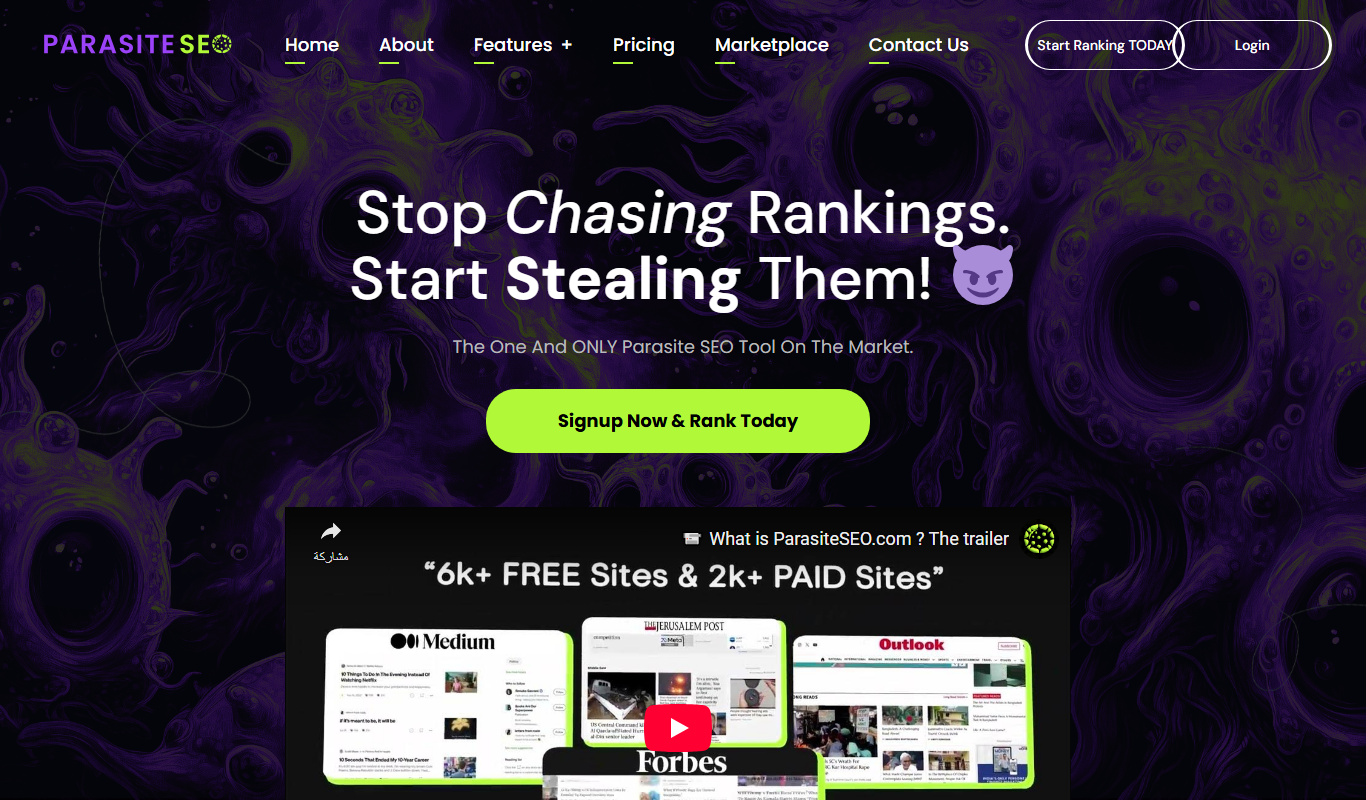
Parasite SEO is a platform that helps marketers build backlinks on authoritative third-party websites to improve their own site's search rankings by leveraging parasite hosting techniques.
Keywrds.ai
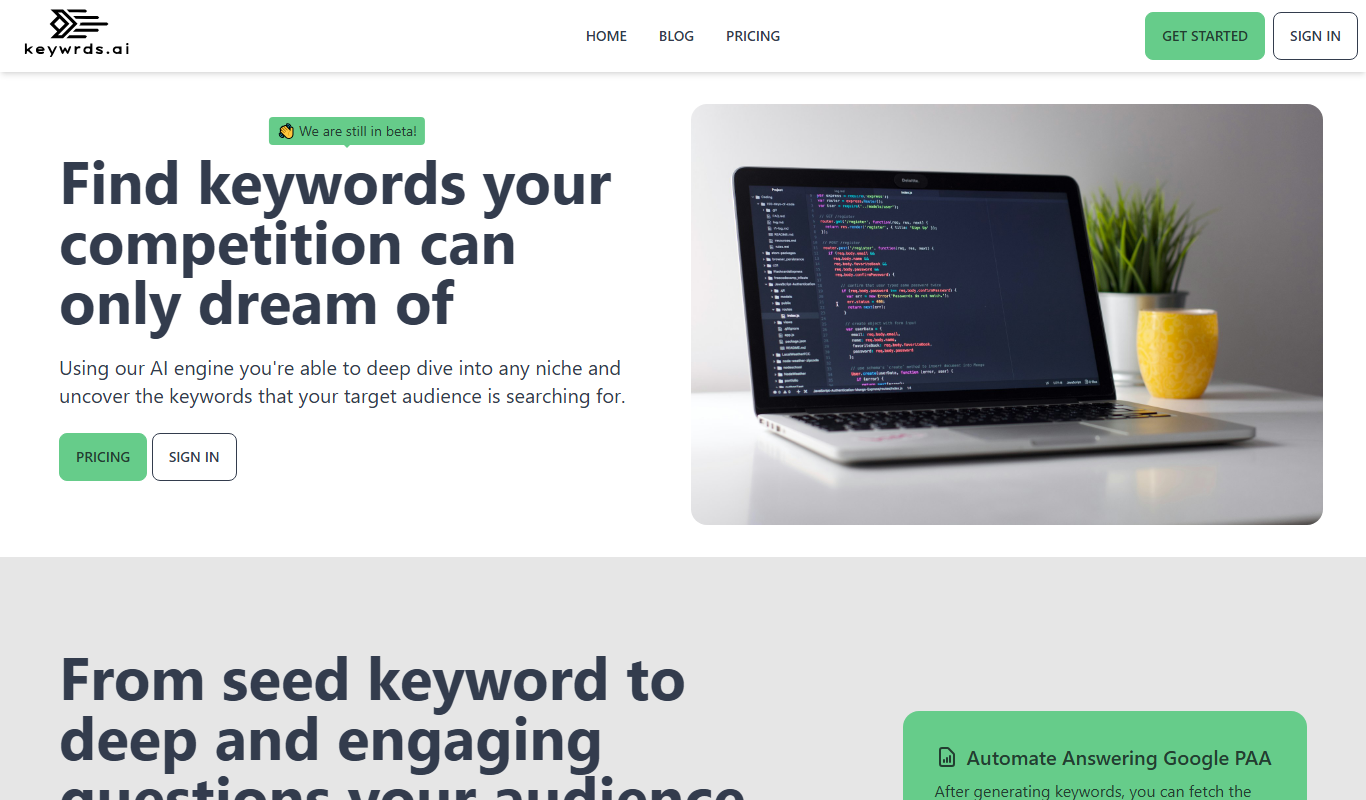
Keywrds.ai is an AI-driven keyword research tool that helps marketers discover relevant keywords, analyze search intent, and optimize SEO strategies through a user-friendly web platform.

AI Web Page Analyzer (AI WPA)
AI Web Page Analyzer is a 100% free and open-source tool that lets AI analyze any site for SEO recommendations, keyword extraction and content generation.

Just Rewrite
Just Rewrite is an AI-based content rewriting tool that helps users generate unique and natural paraphrased text to improve SEO and avoid plagiarism.