

From my experience with Conch AI, I found it excels at automating the tedious parts of podcast editing like removing filler words and long pauses, which can save hours of manual work. The transcription feature is accurate and easy to edit, making it useful for accessibility and content repurposing. However, it currently supports only English and lacks a desktop app, which might limit some users. Overall, if you’re a podcaster or content creator looking to streamline post-production and create polished episodes faster, Conch AI offers a practical and user-friendly solution.
Conch AI Review: AI-Powered Podcast Editing and Transcription Tool
Conch AI is an AI-based podcast editing platform that automates filler word removal and transcription to streamline podcast production.
- Best for
- Podcast Editing
- Key capability
- AI-Powered Filler Word Removal

Do you recommend this tool?
What is Conch AI?
Conch AI is an AI-driven podcast editing and transcription platform designed to simplify and speed up the post-production process. It uses advanced machine learning to automatically remove filler words, long pauses, and other unwanted audio segments, enabling podcasters to produce professional-quality episodes with less manual effort. Additionally, it provides accurate transcriptions and tools for content repurposing, making it easier to create engaging content from podcast recordings.
Key features of Conch AI
Conch AI offers automated filler word removal, precise transcription, easy editing via a web interface, and content repurposing capabilities. It streamlines podcast production by reducing manual editing time and enhancing content accessibility.
AI-Powered Filler Word Removal
Automatically detects and removes ums, ahs, and other filler words to improve audio flow.
Accurate Transcriptions
Generates detailed and time-stamped transcripts to enhance accessibility and content reuse.
Web-Based Editing Interface
Intuitive platform for reviewing edits, making manual changes, and collaborating with others.
Content Repurposing Tools
Create shareable clips and written content from podcast episodes easily.
Pros and cons of Conch AI
Pros
- Significantly reduces podcast editing time
- Accurate and easy-to-edit transcriptions
- User-friendly web interface
- Supports content repurposing
- Free trial available
Cons
- Supports English language only
- No desktop or mobile app versions yet
- Limited advanced audio editing features
Key use cases for Conch AI
Podcast Editing
Automate the editing process by removing filler words, long pauses, and ums to produce a polished podcast episode quickly.
Audio Transcription
Generate accurate transcriptions of podcast episodes to improve accessibility and enable content repurposing.
Content Repurposing
Extract highlights and create shareable clips or blog posts from podcast audio using AI-powered tools.
Collaboration
Share and review edits with team members or clients through an intuitive web interface.
How Conch AI works
- 1
Upload Audio
Users upload their raw podcast audio files to the Conch AI web platform.
- 2
Automatic Processing
The AI analyzes the audio to detect and remove filler words, long pauses, and other unwanted sounds.
- 3
Review and Edit
Users review the edited audio and transcription, making manual adjustments if needed.
- 4
Export and Share
Finalized audio and transcripts can be exported for publishing or repurposed into clips and other content.
Who is using Conch AI
Podcasters
Content creators
Podcast production teams
Marketing agencies
Media professionals
Conch AI pricing
Free Trial
$0
Limited usage to test core features with some restrictions.
Pro
$29/month
Full access to all features with higher usage limits and priority support.
Plans and prices are as published by the vendor and can change. Check the official site before you buy. Open the pricing page (opens in a new tab)
Frequently asked questions about Conch AI
Currently, Conch AI supports English language audio only.
Yes, the platform allows users to review and make manual corrections to transcripts.
Limits depend on the subscription plan; the Pro plan supports longer audio files.
It depends on your specific needs and how you plan to use the tool. The official website and documentation are the best sources for the latest details.
Yes, it can help with that use case depending on how you configure it and what features are available. You’ll get the best results with clear inputs and a defined goal.
Pricing depends on the plan and included features. For the most accurate and up-to-date details, check the official pricing page.
Sign in to review this tool.
Sign In to ReviewNo reviews yet
Be the first to share how this tool worked for you.
Ask about pricing, limits, or how it compares — or answer someone else.
Sign In to AskNo questions yet
Have a question about using or paying for this tool? Be the first to ask.
Featured on TiorAI



Alternative Tools
Explore similar AI tools that might fit your needs

Free Trial
Alitu
Alitu is a web-based podcast maker that automates audio editing, cleanup, and episode assembly to help podcasters produce professional-quality episodes quickly and easily.
Freemium
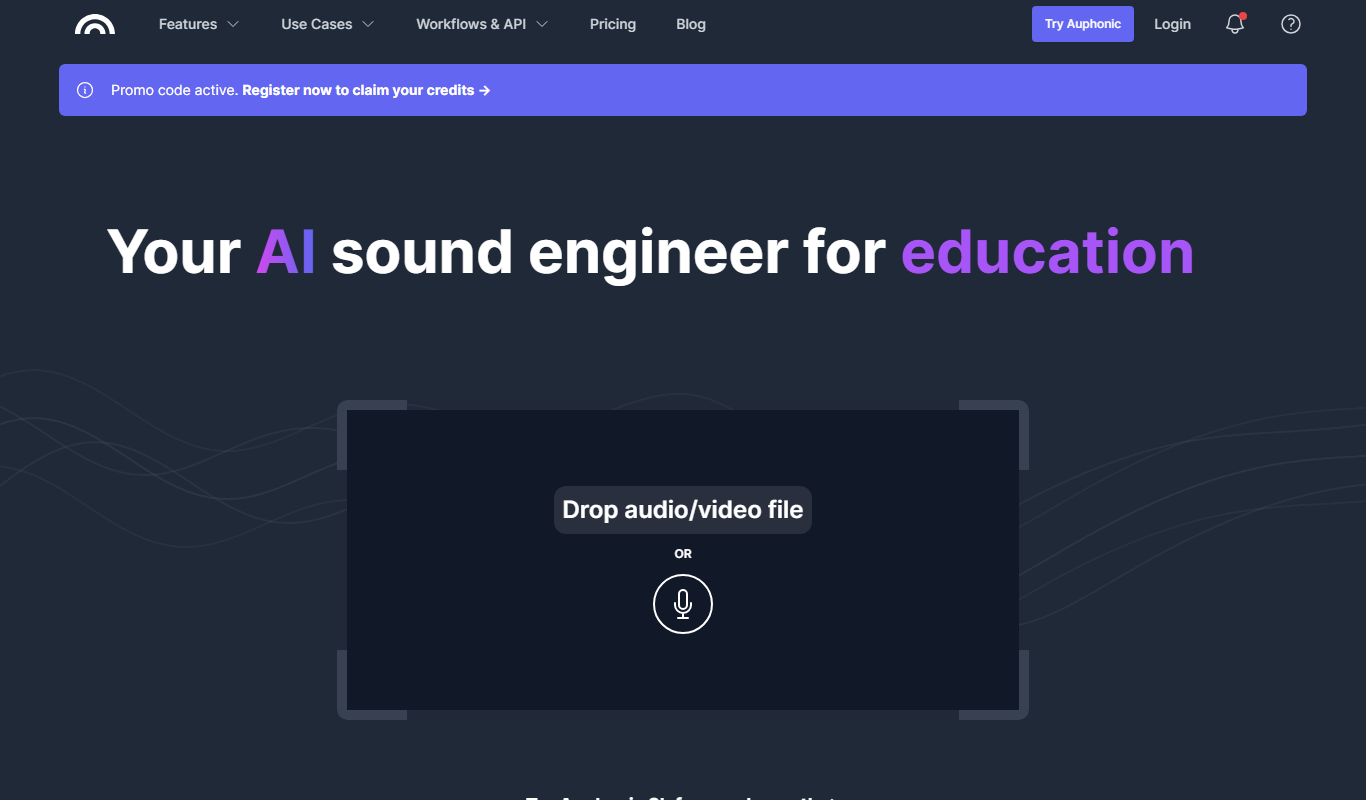
Auphonic
Auphonic is an AI-driven audio post-production tool that automates leveling, noise reduction, loudness normalization, and metadata tagging to produce professional-quality audio for podcasts and broadcasts.