

From my experience with College Tools, I found it excels at simplifying academic organization for college students. The platform’s intuitive calendar and task management features make it easy to keep track of classes, assignments, and exams without feeling overwhelmed. After spending time with the app, I can say it’s particularly well-suited for students who want a centralized place to manage their academic responsibilities and collaborate with peers. However, the free plan has limited advanced features, and offline access is not available, which may be a drawback for some users. Overall, if you need a straightforward tool to boost your academic productivity, College Tools delivers solid results.
College Tools Platform for Student Productivity and Academic Success
College Tools is a student productivity platform offering scheduling, task management, goal tracking, and collaboration features accessible via web and mobile apps.
- Best for
- Academic Planning
- Key capability
- Academic Calendar


Do you recommend this tool?
What is College Tools?
College Tools is a digital platform designed to help college students manage their academic life efficiently. It combines scheduling, task management, and study organization features to streamline student productivity and reduce stress. The platform is accessible via web and mobile apps, providing students with easy access to their academic plans anytime, anywhere.
Key features of College Tools
College Tools offers a comprehensive suite of features including a customizable academic calendar, assignment and exam trackers, to-do lists, goal setting modules, and collaboration options. These tools work together to help students stay organized, meet deadlines, and achieve academic success.
Academic Calendar
A customizable calendar to organize classes, exams, and assignment deadlines.
Task and To-Do Lists
Create and manage tasks with reminders to ensure timely completion.
Goal Setting
Set academic goals and track your progress throughout the semester.
Collaboration Tools
Share schedules and tasks with peers for better group coordination.
Mobile Accessibility
Access your academic plans on the go via iOS and Android apps.
Pros and cons of College Tools
Pros
- User-friendly interface tailored for students
- Comprehensive academic calendar and task management
- Mobile apps for on-the-go access
- Collaboration features for group work
- Affordable premium plan with useful extras
Cons
- Limited advanced features on free plan
- No offline access to data
- Currently supports only English language
Key use cases for College Tools
Academic Planning
Helps students organize their class schedules, assignments, and exams in one place.
Task Management
Allows users to create to-do lists and track deadlines to improve time management.
Study Organization
Provides tools to manage study sessions and keep notes organized for better retention.
Goal Tracking
Enables students to set academic goals and monitor their progress throughout the semester.
Collaboration
Facilitates sharing schedules and tasks with classmates or study groups.
How College Tools works
- 1
Create an Account
Sign up on the College Tools website or mobile app to start organizing your academic life.
- 2
Input Your Schedule
Add your classes, assignments, exams, and deadlines to the calendar.
- 3
Set Goals and Tasks
Define academic goals and create task lists to manage your workload effectively.
- 4
Track Progress
Monitor your task completion and goal achievement to stay on top of your studies.
- 5
Collaborate with Peers
Share schedules and tasks with classmates to coordinate study sessions and group projects.
Who is using College Tools
College and university students
Academic advisors
Student organizations
Study groups
Educational institutions
College Tools pricing
Free
$0/month
Basic access to scheduling and task management features.
Premium
$4.99/month
Unlocks advanced features such as enhanced collaboration, goal tracking, and priority support.
Plans and prices are as published by the vendor and can change. Check the official site before you buy. Open the pricing page (opens in a new tab)
Frequently asked questions about College Tools
Yes, College Tools offers a free plan with essential features. A premium plan is available for additional functionality.
Yes, College Tools has mobile apps for both iOS and Android devices.
Yes, users can share schedules and tasks with classmates to coordinate study efforts.
College Tools uses standard security measures to protect user data, though specific details are available on their privacy policy.
It depends on your specific needs and how you plan to use the tool. The official website and documentation are the best sources for the latest details.
Yes, it can help with that use case depending on how you configure it and what features are available. You’ll get the best results with clear inputs and a defined goal.
Sign in to review this tool.
Sign In to ReviewNo reviews yet
Be the first to share how this tool worked for you.
Ask about pricing, limits, or how it compares — or answer someone else.
Sign In to AskNo questions yet
Have a question about using or paying for this tool? Be the first to ask.
Featured on TiorAI



Alternative Tools
Explore similar AI tools that might fit your needs

Free
MyStudyLife
MyStudyLife is a cross-platform student planner app designed to organize academic schedules, track homework, and manage exams with reminders and offline access.

Free
Todoist
Todoist is a cross-platform task management app designed to help users organize tasks, set priorities, collaborate on projects, and track productivity efficiently.

Free
Notion
Notion is a versatile productivity tool that combines note-taking, task management, databases, and team collaboration in one customizable workspace accessible across devices.
More AI Education & Learning Tools tools
Other tools in the same category, for when this one is not quite the fit.

Free
bentolingo
BentoLingo is an AI-driven language learning platform that provides personalized speaking practice and real-time feedback to help users improve fluency in multiple languages.

Free Trial
Testnut
Testnut is an online exam platform that enables secure, scalable assessments with remote proctoring, automated grading, and detailed analytics, suitable for education and corporate use.

Freemium
Testbook.ai
Testbook.ai is an AI-driven platform offering personalized study plans, mock tests, and live classes to help students prepare effectively for competitive exams.

Free
AICamp
AICamp is an AI education platform offering project-based learning to teach AI, machine learning, and data science through hands-on projects and community mentorship.
Free
KidTales
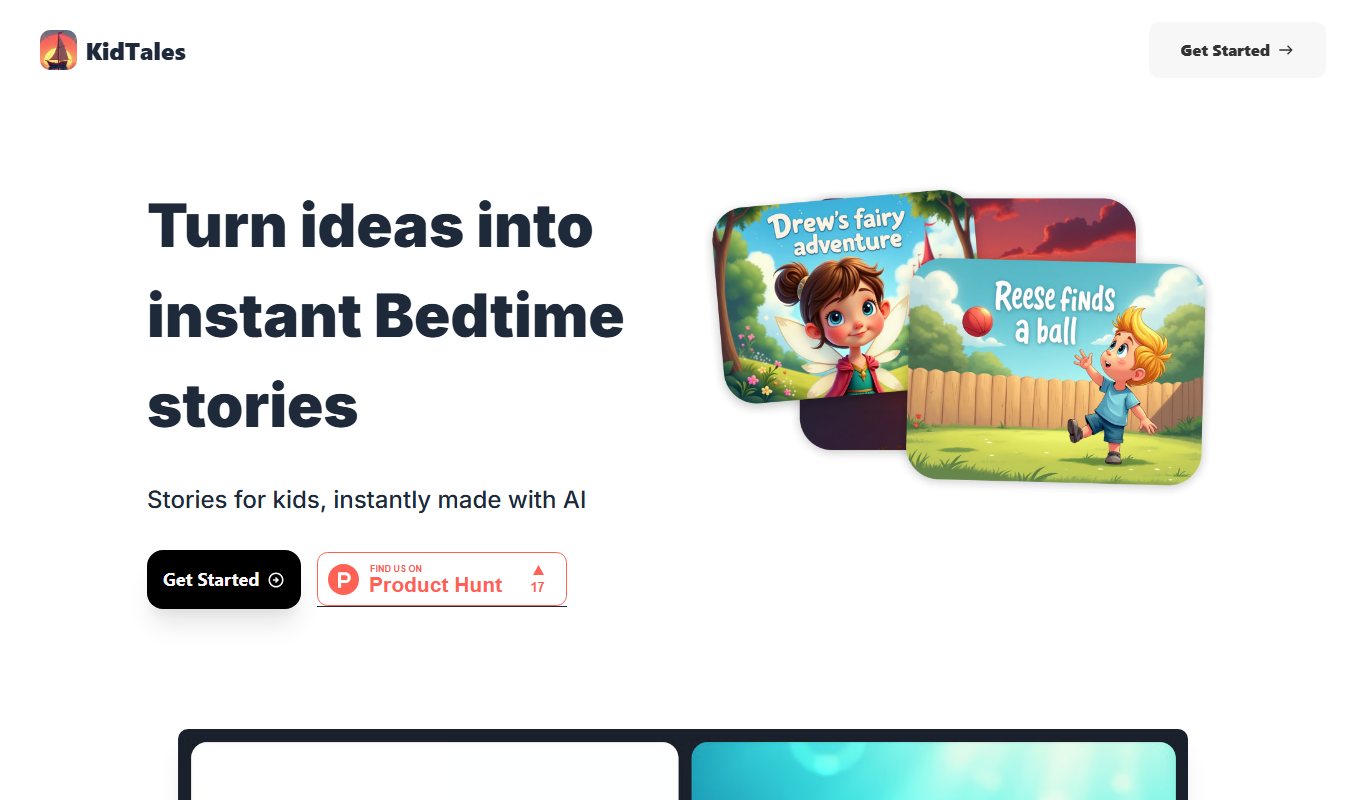
KidTales AI is an online tool that generates personalized, age-appropriate stories for children to support creativity and learning.

Freemium
Mi Cuento Digital
Mi Cuento Digital is an online platform that lets you create personalized digital storybooks for children by adding names, photos, and custom details to engage young readers.

Free
Kidgeni
Kidgeni is an AI-powered tutoring platform designed to provide personalized learning and homework help for children, focusing on core subjects like math and reading through interactive sessions.

Freemium
flAI
flAI is an AI-driven language learning app that provides personalized speaking and writing practice with real-time feedback to help users improve fluency and confidence in multiple languages.