

From my experience with CodeSee, I found it excels at transforming complex codebases into clear, interactive visual maps that make understanding and collaborating on software projects much easier. The tool is particularly well-suited for development teams and engineering managers who want to speed up onboarding and improve code reviews through visual documentation. However, the reliance on GitHub integration and the learning curve for those unfamiliar with visual tools can be limiting. Overall, if you need to demystify large codebases and enhance team communication, CodeSee delivers practical and insightful solutions.
CodeSee Visual Code Mapping Tool for Software Development and Collaboration
CodeSee is a software visualization tool that generates interactive maps of codebases to help developers understand, document, and collaborate on complex projects.
- Best for
- Codebase Visualization
- Key capability
- Interactive Code Maps
Do you recommend this tool?
What is CodeSee?
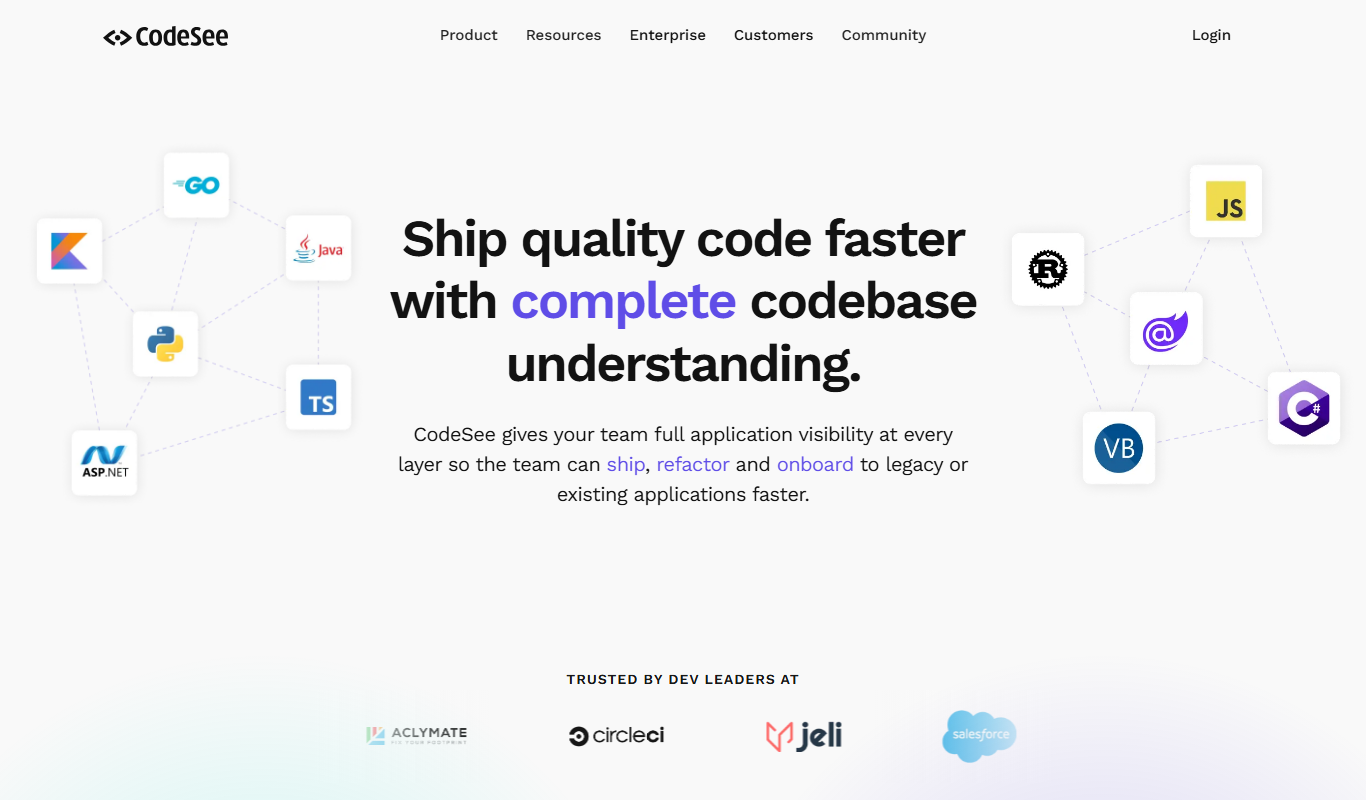
CodeSee is a developer-focused tool that creates interactive visual maps of software codebases. It helps teams understand, document, and collaborate on complex projects by transforming code into intuitive diagrams that reveal structure, dependencies, and recent changes. This visual approach accelerates onboarding, improves code reviews, and supports impact analysis for safer development.
Key features of CodeSee
CodeSee offers automated codebase visualization, change tracking, interactive maps, integration with GitHub and other repositories, and tools for sharing and collaborating on code insights.
Interactive Code Maps
Visualize your entire codebase with clickable, zoomable maps that reveal structure and dependencies.
Change Visualization
See how recent code changes impact different parts of the system with clear visual indicators.
GitHub Integration
Seamlessly connect with GitHub repositories to keep visualizations up to date and integrated into workflows.
Annotations and Comments
Add notes and comments directly on the visual maps to facilitate team communication.
Automated Documentation
Generate and maintain visual documentation automatically as your code evolves.
Pros and cons of CodeSee
Pros
- Provides clear visual understanding of complex codebases
- Improves team collaboration and communication
- Speeds up developer onboarding
- Automates documentation to keep it current
- Integrates smoothly with GitHub
Cons
- Limited repository support beyond GitHub
- May have a learning curve for non-visual thinkers
- Advanced features require paid plans
Key use cases for CodeSee
Codebase Visualization
Generate interactive maps of your codebase to understand structure and dependencies visually.
Developer Onboarding
Help new developers quickly grasp complex codebases through visual documentation and guided tours.
Code Review and Collaboration
Facilitate team collaboration by sharing visual code maps that highlight changes and impact areas.
Software Documentation
Automatically create and maintain up-to-date visual documentation to improve knowledge sharing.
Impact Analysis
Analyze how code changes affect different parts of the system to reduce bugs and improve quality.
How CodeSee works
- 1
Connect Your Repository
Link your GitHub or other supported code repository to CodeSee.
- 2
Generate Visual Maps
CodeSee scans your codebase and creates interactive visual maps showing file relationships and dependencies.
- 3
Explore and Annotate
Navigate through the maps, add annotations, and highlight areas of interest for your team.
- 4
Collaborate and Share
Share visual maps with teammates to improve communication, onboarding, and code reviews.
Who is using CodeSee
Software development teams
Engineering managers
DevOps engineers
Technical leads
New developer hires
CodeSee pricing
Free
$0/month
Basic features with limited repositories and visualizations.
Pro
$15/month
Advanced features including unlimited repositories, team collaboration, and priority support.
Enterprise
Custom pricing
Tailored solutions with enhanced security, integrations, and dedicated support.
Plans and prices are as published by the vendor and can change. Check the official site before you buy. Open the pricing page (opens in a new tab)
Frequently asked questions about CodeSee
CodeSee primarily supports GitHub repositories, with plans to expand support to other platforms.
Yes, CodeSee is designed to efficiently visualize and manage large and complex codebases.
Absolutely, its visual maps help new team members understand the code structure quickly.
Currently, CodeSee focuses on code visualization and GitHub integration; CI/CD integration is planned.
This tool is designed to help users accomplish its core tasks more efficiently. It is typically used by individuals or teams looking to improve productivity and workflow.
It depends on your specific needs and how you plan to use the tool. The official website and documentation are the best sources for the latest details.
Integration support depends on the tool and its available connectors or API. Check the official documentation or integrations page to confirm what is supported.
Some tools offer a free plan or trial with limited features. Availability can vary, so confirm on the official website.
Sign in to review this tool.
Sign In to ReviewNo reviews yet
Be the first to share how this tool worked for you.
Ask about pricing, limits, or how it compares — or answer someone else.
Sign In to AskNo questions yet
Have a question about using or paying for this tool? Be the first to ask.
Featured on TiorAI



Alternative Tools
Explore similar AI tools that might fit your needs

Enterprise
Sourcegraph
Sourcegraph is a universal code search and intelligence platform that enables developers to search, navigate, and understand code across multiple repositories and languages, improving productivity and collaboration.

Free
GitKraken
GitKraken is a cross-platform Git client that provides an intuitive graphical interface for managing Git repositories, simplifying version control, collaboration, and conflict resolution.
More AI Code Explanation tools
Other tools in the same category, for when this one is not quite the fit.
Free
Netron
Netron is a free, open-source viewer that allows users to visualize and inspect AI and machine learning models interactively across many popular formats.
Free
Dafny
Dafny is an open-source programming language and verification tool that enables developers to write formally specified programs and automatically verify their correctness using SMT solvers.

Free
Coq
Coq is an open-source formal proof assistant developed by Inria that enables interactive theorem proving and formal verification of mathematical theorems and software.
Free
LIME
LIME is an open-source Python tool that explains individual machine learning predictions by approximating complex models locally with interpretable models, helping users understand model decisions.

Free
Codewars
Codewars is an online platform offering coding challenges in multiple programming languages to help developers improve skills through gamified practice and community engagement.

Free
PlantUML
PlantUML is an open-source tool that creates UML diagrams from simple text descriptions, supporting various diagram types and integration with development tools.

Free
TypeScript Playground
TypeScript Playground is a free, web-based interactive editor by Microsoft that lets you write, compile, and share TypeScript code instantly in your browser without any setup.

Free
Chrome DevTools
Chrome DevTools is a free set of web development tools built into Google Chrome that enables developers to inspect, debug, and optimize web applications directly in the browser.