

From my experience with Claid AI Scene Creation, I found it excels at simplifying the complex process of generating professional visual scenes, especially for marketing and e-commerce purposes. The platform’s intuitive interface and AI-driven automation make it accessible for users without design expertise, which is a significant advantage. However, the lack of transparent pricing and absence of mobile apps could be limiting factors for some users. Overall, if you need to quickly produce customized marketing visuals or product scenes without hiring designers, Claid AI delivers efficient and high-quality results.
Claid AI Scene Creation Tool for Automated Visual Content Generation
Claid AI Scene Creation is a web-based AI tool that automates the generation of customized visual scenes for marketing, e-commerce, and creative projects, supporting English and Japanese languages.
- Best for
- Marketing Visuals
- Key capability
- Automated Scene Composition
Your actions
Save Claid AI Scene Creation, follow its updates and vote on it — everything stays in your account.
Sign in or create a free account
What is Claid AI Scene Creation?
Claid AI Scene Creation is an AI-powered platform designed to automate the generation of visual scenes and images. It leverages advanced machine learning models to create customized, high-quality visual content tailored to marketing, e-commerce, and creative needs. The tool simplifies the process of producing professional visuals without requiring extensive design skills.
Key features of Claid AI Scene Creation
Claid AI offers automated scene generation, customizable templates, integration with marketing workflows, and support for multiple languages. Its AI engine intelligently composes images based on user inputs, enabling rapid content creation for various digital channels.
Automated Scene Composition
Generates complete visual scenes based on minimal user input, saving time and effort.
Customizable Templates
Offers a variety of templates that can be tailored to brand and campaign needs.
Multi-language Support
Supports English and Japanese, facilitating use in diverse markets.
Web-based Platform
Accessible through browsers without the need for software installation.
Pros and cons of Claid AI Scene Creation
Pros
- Automates complex visual content creation
- User-friendly interface suitable for non-designers
- Supports multiple languages including Japanese
- Web-based with no installation required
Cons
- Pricing details are not publicly transparent
- Limited to web platform without mobile apps
Key use cases for Claid AI Scene Creation
Marketing Visuals
Generate customized marketing images and scenes quickly to enhance campaigns.
Social Media Content
Create engaging visual content tailored for social media platforms to boost engagement.
E-commerce Product Scenes
Automatically produce product scenes and lifestyle images for online stores.
Creative Concept Development
Assist designers and creators in visualizing concepts through AI-generated scenes.
How Claid AI Scene Creation works
- 1
Input Requirements
Users provide key details such as product information, scene preferences, and style guidelines.
- 2
AI Scene Generation
The AI engine processes inputs to generate multiple visual scene options automatically.
- 3
Customization
Users can refine generated scenes by adjusting elements or selecting preferred styles.
- 4
Download and Use
Finalized images can be downloaded and integrated into marketing materials or online platforms.
Who is using Claid AI Scene Creation
Marketing agencies
E-commerce businesses
Social media managers
Content creators
Small to medium enterprises
Claid AI Scene Creation pricing
Free Trial
$0
Limited access to features for evaluation purposes.
Subscription
Contact for pricing
Full access to all features with usage-based or fixed subscription plans.
Plans and prices are as published by the vendor and can change. Check the official site before you buy. Open the pricing page (opens in a new tab)
Frequently asked questions about Claid AI Scene Creation
Yes, you can adjust elements and select different templates to match your brand style.
Absolutely, the platform is designed to be user-friendly and requires no advanced design skills.
Generated images can be downloaded in common formats such as PNG and JPEG.
It depends on your specific needs and how you plan to use the tool. The official website and documentation are the best sources for the latest details.
It depends on your specific needs and how you plan to use the tool. The official website and documentation are the best sources for the latest details.
It depends on your specific needs and how you plan to use the tool. The official website and documentation are the best sources for the latest details.
Sign in to review this tool.
Sign In to ReviewNo reviews yet
Be the first to share how this tool worked for you.
Ask about pricing, limits, or how it compares — or answer someone else.
Sign In to AskNo questions yet
Have a question about using or paying for this tool? Be the first to ask.
Featured on TiorAI


More AI Content Generation Tools tools
Other tools in the same category, for when this one is not quite the fit.

Free
AI Text Editor
AI Text Editor is an online writing assistant that uses AI to improve grammar, style, and tone, helping users create clearer and more polished text.

Free
Free Ai text Generator
Free AI Text Generator by Copyson is a web-based AI text generator on copyson.com that supports more than 54 languages and uses a freemium model.
Free
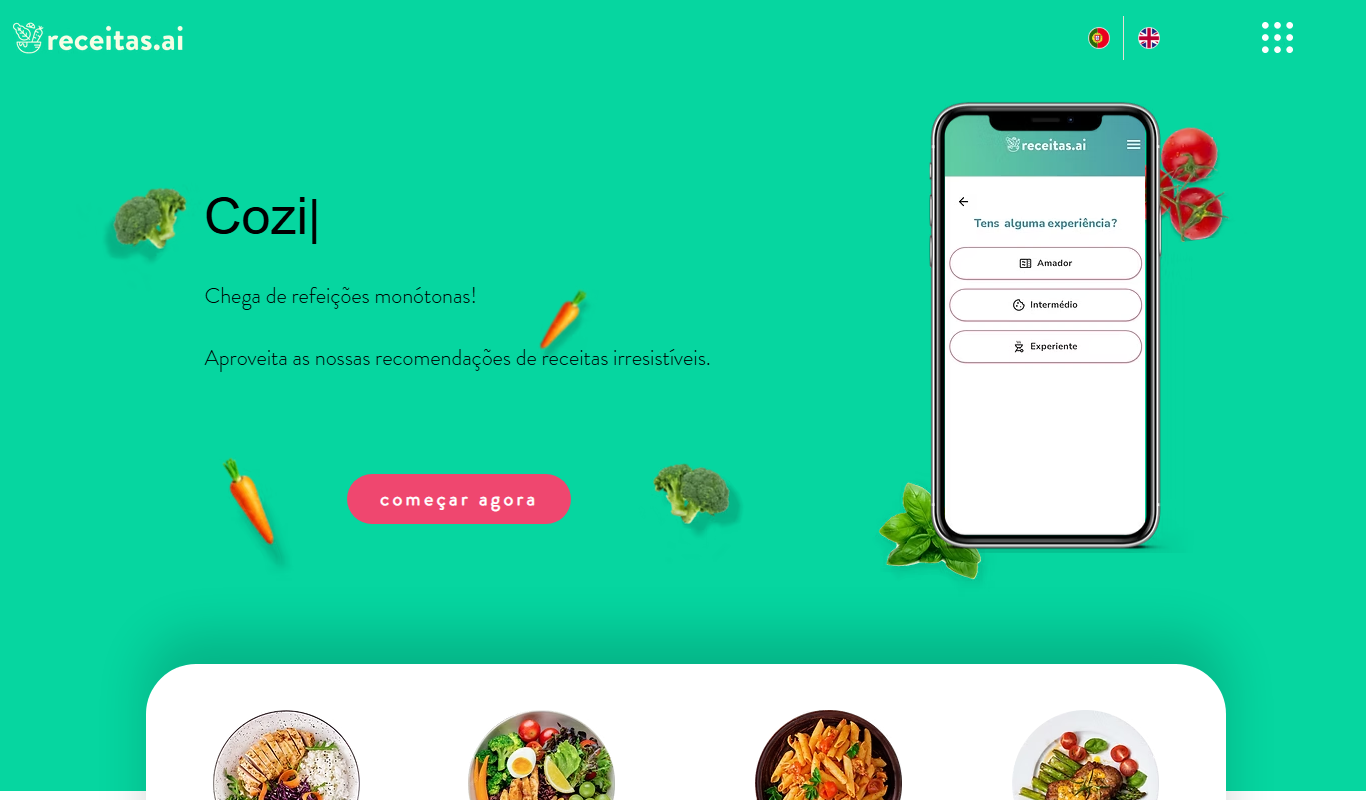
receitas.ai
receitas.ai is an AI-driven platform that generates personalized cooking recipes based on your ingredients, dietary needs, and cuisine preferences, primarily serving Portuguese-speaking users.

Free
SEO GPT
SEO GPT is an AI tool that automates the creation of SEO-optimized content, including articles, meta titles, and descriptions, helping marketers improve search rankings efficiently.

Freemium
BulkGPT.ai
BulkGPT.ai is a no-code AI workflow platform for web scraping, search enrichment, SEO operations, research and batch content generation.
Free
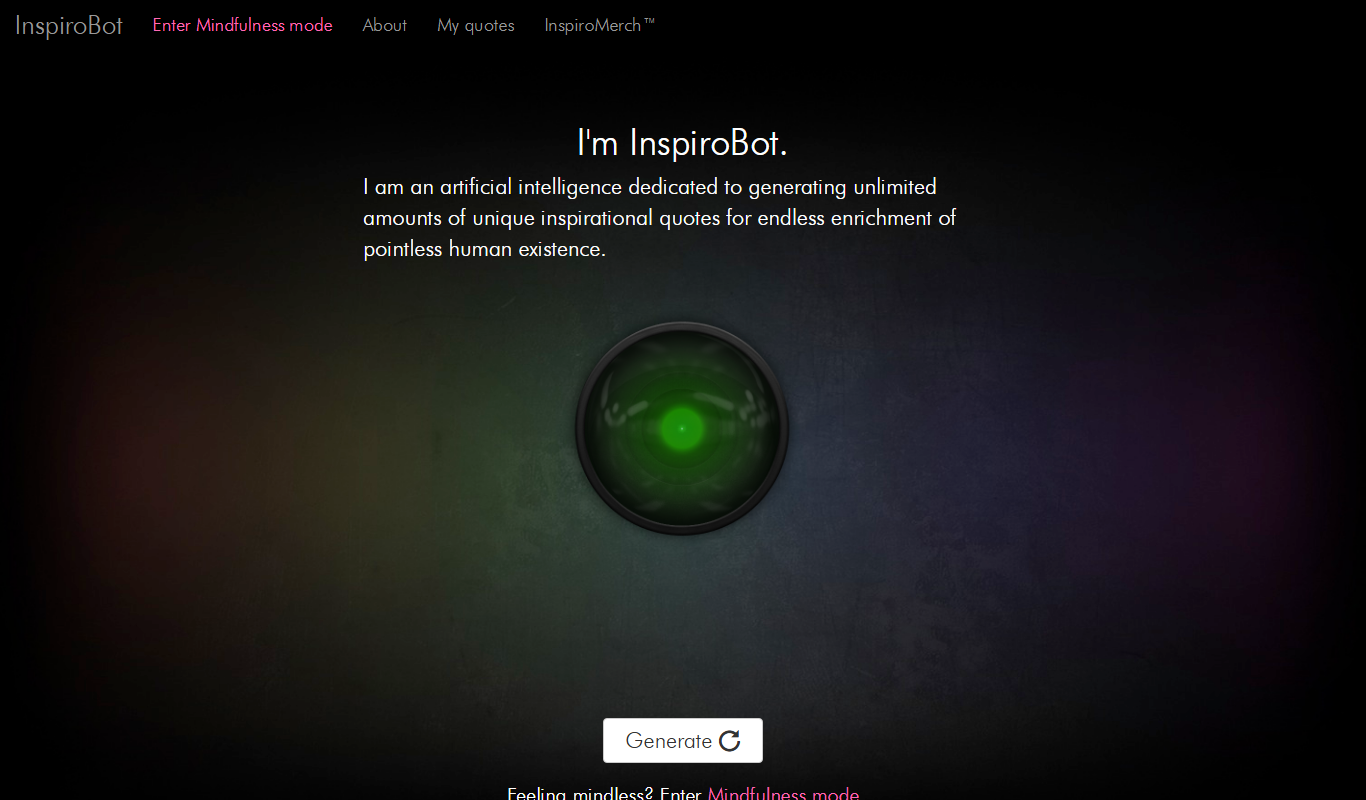
inspirobot.me
InspiroBot is a free AI-powered web tool that instantly generates unique inspirational quotes paired with images, ideal for social media sharing and creative motivation.

Free
Write Me A Prayer – AI Prayer Generator
Write Me A Prayer is an AI tool that generates personalized prayers based on user input, helping individuals and religious leaders create meaningful spiritual texts quickly.

Free
Once Upon A Bot
Once Upon A Bot lets users create children's stories with AI, with illustrations and a voice narrator.