

InspiroBot AI Quote Generator for Unique Inspirational Messages Online
InspiroBot is a free AI-powered web tool that instantly generates unique inspirational quotes paired with images, ideal for social media sharing and creative motivation.
- Best for
- Social Media Content
- Key capability
- AI-Generated Inspirational Quotes
Save inspirobot.me, follow its updates and vote on it — everything stays in your account.
Sign in or create a free account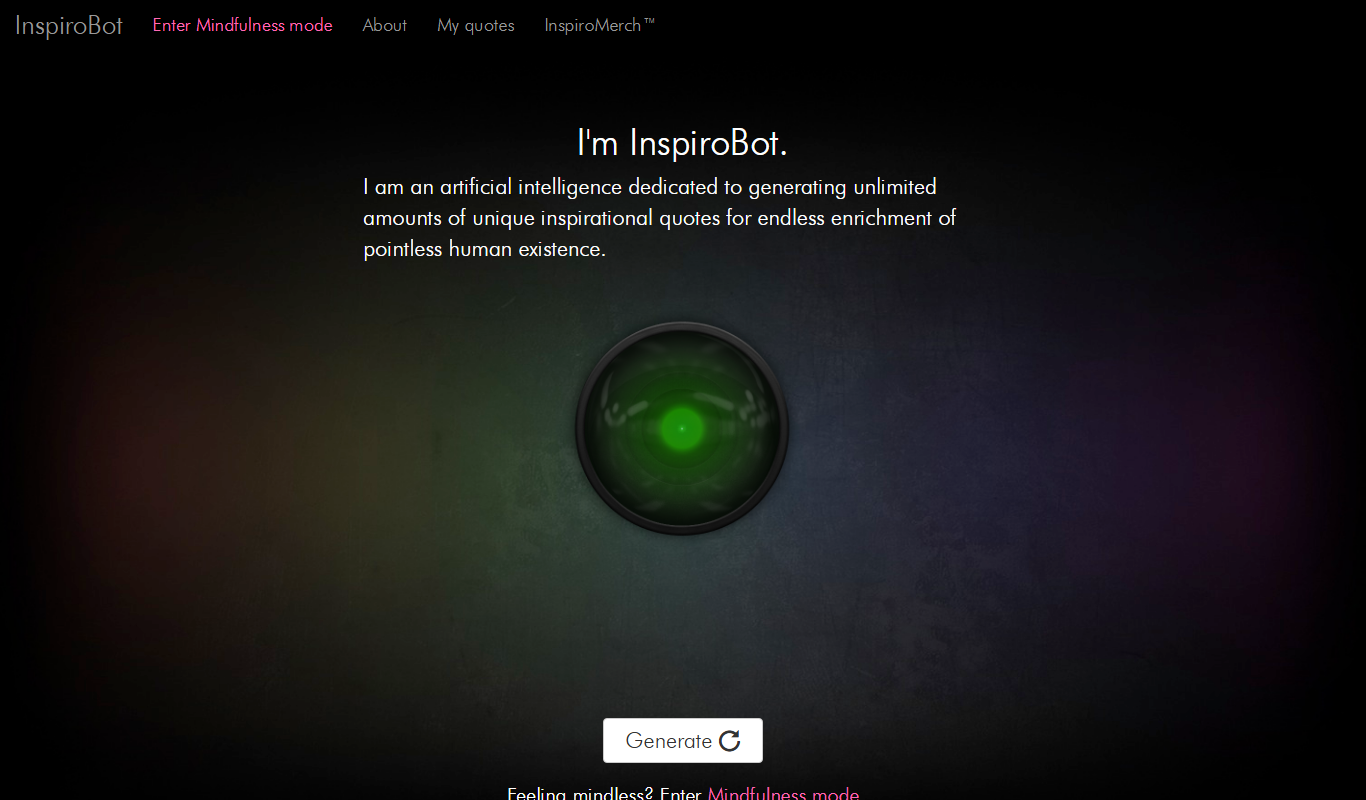
What is inspirobot.me?
InspiroBot is a free web-based AI tool that automatically generates unique, often quirky or thought-provoking inspirational quotes. It uses artificial intelligence to create novel motivational messages paired with abstract or surreal backgrounds, designed to inspire or entertain users seeking creative content.
Key features of inspirobot.me
InspiroBot offers instant generation of AI-crafted inspirational quotes with accompanying images, easy sharing options, and a simple interface requiring no sign-up or payment. It emphasizes randomness and creativity in its outputs.
AI-Generated Inspirational Quotes
Creates unique motivational messages using artificial intelligence algorithms.
Automatic Image Pairing
Pairs quotes with abstract or surreal background images for visual impact.
Instant Generation
Produces new quotes instantly with a single click.
No Account Required
Users can generate and share quotes without signing up or providing personal information.
Pros and cons of inspirobot.me
Pros
- Completely free with unlimited use
- No registration or personal data required
- Instant generation of unique quotes
- Simple and intuitive web interface
Cons
- Limited to English language quotes
- No customization options for quote style or themes
- Occasionally produces nonsensical or humorous quotes
Key use cases for inspirobot.me
Social Media Content
Generate unique inspirational quotes to share on social media platforms for engagement and motivation.
Creative Writing Inspiration
Use AI-generated quotes as prompts or ideas to spark creativity in writing projects.
Presentation and Speech Enhancements
Add AI-generated inspirational quotes to presentations or speeches to motivate and engage audiences.
Personal Motivation
Receive unique motivational quotes to boost personal morale and mindset.
How inspirobot.me works
- 1
Visit Website
Access InspiroBot.me on any web browser without registration.
- 2
Generate Quote
Click the ‘Generate’ button to receive a new AI-created inspirational quote with an image.
- 3
Share or Save
Download the image or share it directly on social media platforms.
Who is using inspirobot.me
inspirobot.me pricing
Free
$0
Unlimited access to AI-generated quotes with no cost or subscription.
Plans and prices are as published by the vendor and can change. Check the official site before you buy. Open the pricing page (opens in a new tab)
Frequently asked questions about inspirobot.me
Yes, InspiroBot is completely free and does not require any payment.
No account or registration is needed to generate quotes.
Yes, you can download or directly share quotes on various social media platforms.
Yes, the quotes are generated by AI and are unique each time.
It depends on your specific needs and how you plan to use the tool. The official website and documentation are the best sources for the latest details.
Yes, it can help with that use case depending on how you configure it and what features are available. You’ll get the best results with clear inputs and a defined goal.
Conclusion
One click on the Generate button produces a new inspirational quote paired with an abstract or surreal background image. The messages are often quirky or thought-provoking, and some come out nonsensical or humorous. Each image can be downloaded or shared directly on social media platforms.
Access is free, and no account or registration is needed to generate quotes. People turn to it for social media content, as prompts that spark creativity in writing projects, or for quotes in presentations and speeches. The design goal is to inspire or entertain users seeking creative content.
Sources
Sign in to review this tool.
Sign In to ReviewNo reviews yet
Be the first to share how this tool worked for you.
Ask about pricing, limits, or how it compares — or answer someone else.
Sign In to AskNo questions yet
Have a question about using or paying for this tool? Be the first to ask.
Featured on TiorAI



Alternative Tools
Explore similar AI tools that might fit your needs
BrainyQuote
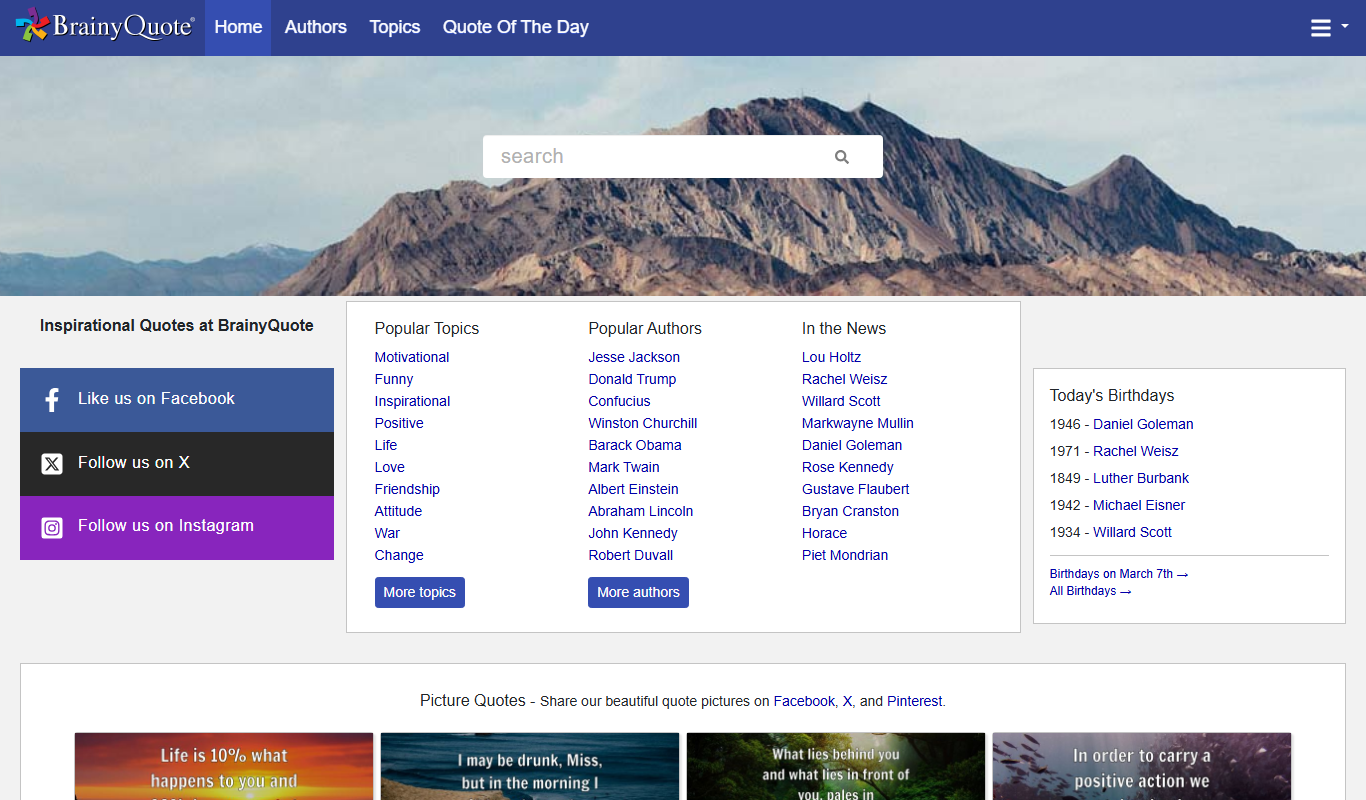
BrainyQuote is a free online platform offering a vast collection of quotes from famous authors and celebrities, useful for inspiration, writing, and social media content.
More AI Content Generation Tools tools
Other tools in the same category, for when this one is not quite the fit.

BulkGPT.ai
BulkGPT.ai is a no-code AI workflow platform for web scraping, search enrichment, SEO operations, research and batch content generation.

Write Me A Prayer – AI Prayer Generator
Write Me A Prayer is an AI tool that generates personalized prayers based on user input, helping individuals and religious leaders create meaningful spiritual texts quickly.

Once Upon A Bot
Once Upon A Bot lets users create children's stories with AI, with illustrations and a voice narrator.

Fablerr
Fablerr is a Chrome Extension that writes posts and comments on any website, such as Twitter, Reddit, Gmail and YouTube.
ArticleForge
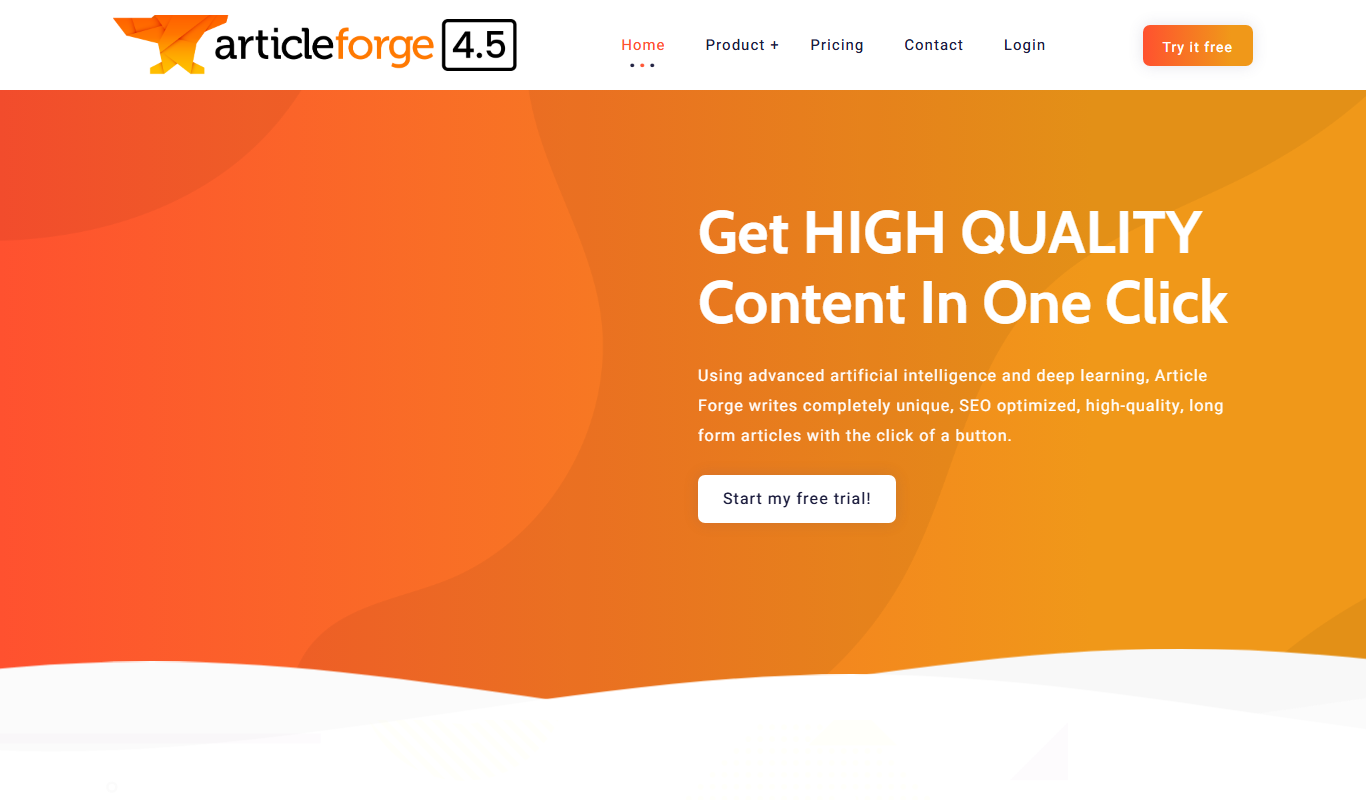
ArticleForge is an AI-driven platform that automatically creates unique, SEO-optimized articles based on user keywords, helping marketers and businesses automate content creation.

AI Text Generator
AI Text Generator is a web tool that uses AI to generate written content from user prompts, with a free playground and paid plans.
AI Storyteller
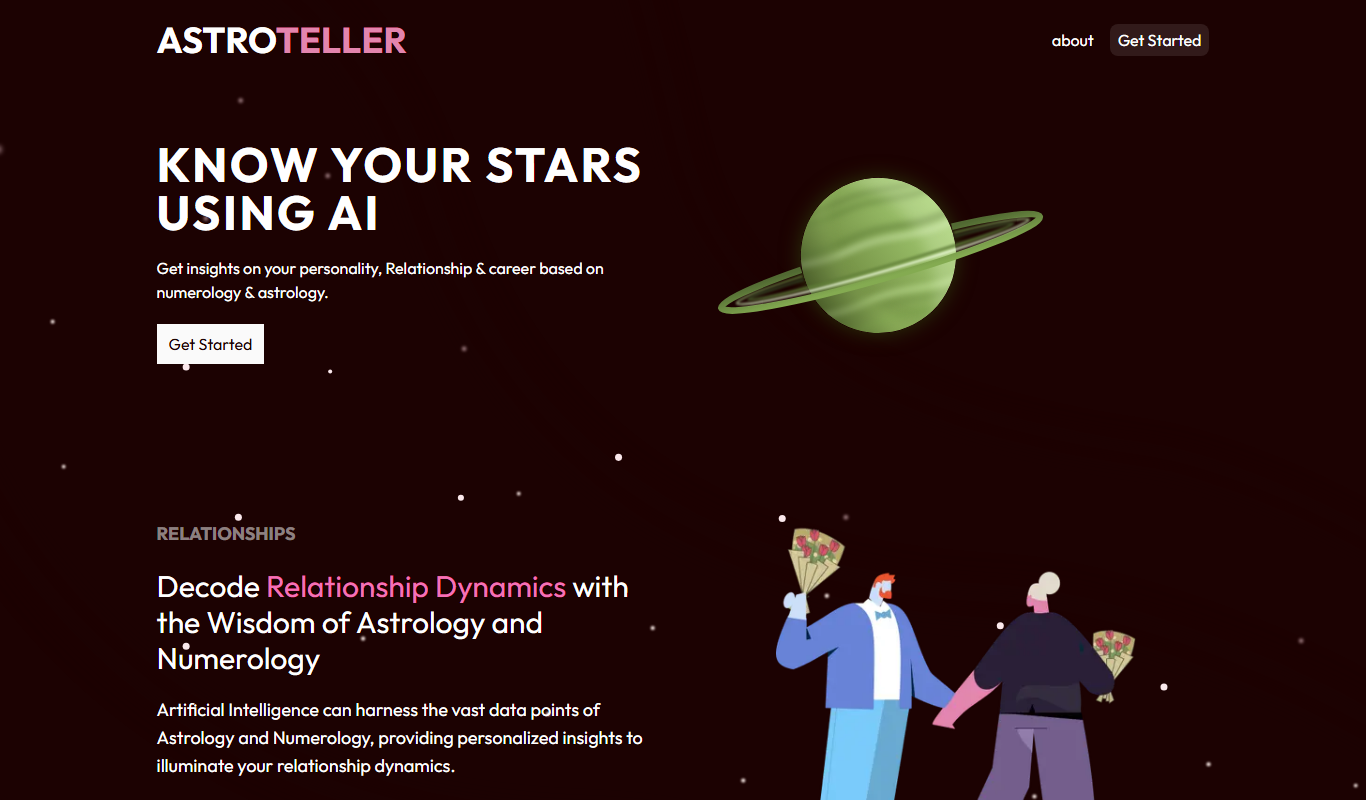
AI Storyteller is a free web tool that uses AI to generate original stories from user prompts without requiring registration.

CoverLetterSimple.ai
CoverLetterSimple.ai is an AI-powered web tool that helps job seekers generate personalized cover letters quickly by inputting job and personal details, producing professional drafts ready for application.