

From my experience with Chipmunks AI, I found it excels at quickly cleaning up audio recordings with minimal user effort. The automatic noise and hiss removal features deliver noticeably clearer voice tracks, which is a huge time saver for podcasters and content creators who want professional sound without complex editing. However, the tool lacks advanced manual controls, so users needing fine-tuned audio adjustments might find it limiting. Overall, if you want a straightforward, AI-powered solution to enhance audio quality efficiently, Chipmunks AI is a solid choice.
Chipmunks AI Review: AI-Powered Audio Enhancement and Noise Reduction Tool
Chipmunks AI is a web-based tool that uses AI to automatically reduce background noise and enhance voice clarity in audio recordings, ideal for podcasters and content creators.
- Best for
- Podcast Audio Enhancement
- Key capability
- Automatic Noise Reduction

Do you recommend this tool?
What is Chipmunks AI?
Chipmunks AI is an AI-powered web-based audio enhancement tool designed to improve the quality of audio recordings by reducing background noise, removing hiss, and enhancing voice clarity. It leverages advanced machine learning algorithms to automatically analyze and clean audio files, making it ideal for podcasters, voiceover artists, musicians, and video editors seeking professional sound quality without complex manual editing.
Key features of Chipmunks AI
Chipmunks AI offers automatic noise reduction, hiss removal, voice enhancement, and easy-to-use web interface that requires no technical expertise. Users can upload audio files and receive cleaned, enhanced versions quickly, streamlining audio post-production workflows.
Automatic Noise Reduction
Removes background noise such as hum, hiss, and ambient sounds without manual adjustments.
Voice Clarity Enhancement
Improves vocal presence and intelligibility for clearer speech.
Hiss Removal
Effectively eliminates tape hiss and static noise from recordings.
User-Friendly Web Interface
No software installation required; accessible from any modern browser.
Fast Processing
Quick turnaround times for audio enhancement, suitable for tight deadlines.
Pros and cons of Chipmunks AI
Pros
- Simple and intuitive web interface
- Effective automatic noise and hiss removal
- Fast processing speeds
- No software installation needed
- Supports multiple common audio formats
Cons
- Limited advanced manual controls for audio editing
- Subscription required for extended usage beyond free trial
Key use cases for Chipmunks AI
Podcast Audio Enhancement
Improve podcast audio quality by removing background noise and enhancing voice clarity.
Voiceover Cleaning
Clean and enhance voiceover recordings for professional-sounding audio.
Music Track Noise Reduction
Reduce unwanted noise and hiss in music tracks to improve overall sound quality.
Video Audio Post-Production
Enhance audio tracks in video projects by removing noise and balancing sound levels.
Call and Meeting Recordings
Clean up recorded calls or meetings to make speech clearer and more intelligible.
How Chipmunks AI works
- 1
Upload Audio
Users upload their audio files directly through the web interface.
- 2
AI Processing
The AI analyzes the audio to detect noise, hiss, and voice characteristics.
- 3
Noise Reduction & Enhancement
Chipmunks AI automatically removes unwanted noise and enhances voice clarity.
- 4
Download Enhanced Audio
Users download the processed, high-quality audio file for use.
Who is using Chipmunks AI
Podcasters
Voiceover artists
Musicians
Video editors
Content creators
Chipmunks AI pricing
Free Trial
$0
Limited number of free audio processing minutes to test the service.
Subscription
Starts at $9.99/month
Monthly plans offering higher processing limits and priority support.
Plans and prices are as published by the vendor and can change. Check the official site before you buy. Open the pricing page (opens in a new tab)
Frequently asked questions about Chipmunks AI
It supports common audio formats such as MP3, WAV, and AAC.
Yes, limits depend on the subscription plan; free trials have shorter limits.
Yes, the tool can be used for both personal and commercial audio enhancement.
No, the tool is designed to be user-friendly and requires no prior audio editing experience.
It depends on your specific needs and how you plan to use the tool. The official website and documentation are the best sources for the latest details.
Some tools offer a free plan or trial with limited features. Availability can vary, so confirm on the official website.
Yes, it can help with that use case depending on how you configure it and what features are available. You’ll get the best results with clear inputs and a defined goal.
Sign in to review this tool.
Sign In to ReviewNo reviews yet
Be the first to share how this tool worked for you.
Ask about pricing, limits, or how it compares — or answer someone else.
Sign In to AskNo questions yet
Have a question about using or paying for this tool? Be the first to ask.
Featured on TiorAI



Alternative Tools
Explore similar AI tools that might fit your needs
Freemium
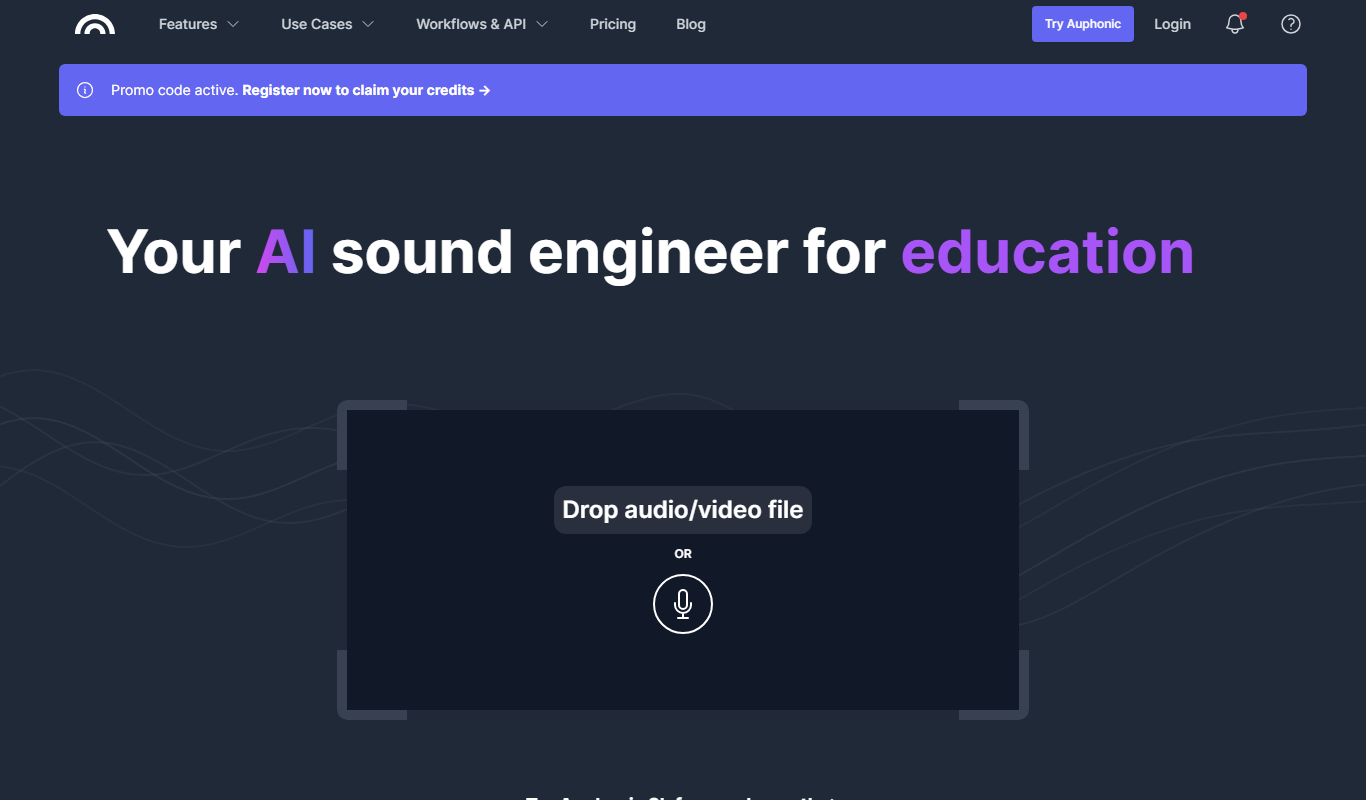
Auphonic
Auphonic is an AI-driven audio post-production tool that automates leveling, noise reduction, loudness normalization, and metadata tagging to produce professional-quality audio for podcasts and broadcasts.
More AI Ai Tools tools
Other tools in the same category, for when this one is not quite the fit.

Free
Pogo Travel
Pogo Travel is an AI-driven platform that generates personalized travel itineraries based on your preferences, travel dates, and interests, offering collaborative planning and offline access.

Freemium
PlaninGo
PlaninGo is an AI travel planning tool that generates personalized trip itineraries and guides based on your preferences, helping you plan efficient and enjoyable trips.

Free
Travelwiz
Travelwiz is an AI-powered travel planning tool that creates personalized trip itineraries and offers tailored travel recommendations based on user preferences.

Free
Momo
Momo is an AI-powered assistant that automates workflows, manages tasks, and enhances team collaboration by integrating with popular productivity tools.

Free
Nextrip
Nextrip AI is an online travel planning tool that uses artificial intelligence to generate personalized trip itineraries based on your preferences, travel dates, and destinations.

Freemium
TravelBot AI Travel Assistant
TravelBot AI Travel Assistant is a web-based platform that uses artificial intelligence to help users create personalized travel itineraries, book flights and hotels, and receive tailored travel recommendations based on preferences and budget.

Freemium
AIreelity
AIreelity is an AI-driven video creation platform that transforms text scripts into engaging marketing videos with customizable templates and AI voiceovers.

Free
AIJOURNEY
AIJOURNEY is an AI-driven career development tool that provides personalized career path recommendations, identifies skill gaps, and offers curated learning resources to help users advance professionally.