

From my experience with Checkvist, I found it excels at providing a fast, keyboard-driven interface that makes managing complex task hierarchies intuitive and efficient. Its real-time collaboration features make it a solid choice for teams who want to stay organized without the clutter of more visual project boards. However, the lack of dedicated mobile apps can be a limitation for users needing offline access or native mobile experiences. Overall, if you prioritize structured outlining and keyboard efficiency in your task management, Checkvist delivers reliable and flexible functionality.
Checkvist Task Management and Outlining Tool for Productivity and Collaboration
Checkvist is a web-based tool for managing tasks and outlines with powerful keyboard shortcuts, real-time collaboration, and API integration to boost productivity.
- Best for
- Task Management
- Key capability
- Hierarchical Task Lists
Your actions
Save Checkvist, follow its updates and vote on it — everything stays in your account.
Sign in or create a free account
What is Checkvist?
Checkvist is a web-based task management and outlining tool designed to help individuals and teams organize their work through hierarchical lists, tags, and keyboard shortcuts. It combines the simplicity of to-do lists with powerful outlining capabilities, enabling users to manage tasks, projects, and notes efficiently in a collaborative environment.
Key features of Checkvist
Checkvist offers features such as nested task lists, tagging, due dates, reminders, real-time collaboration, keyboard shortcuts for rapid input, and integration options via API. Its minimalist interface focuses on productivity and ease of use for both personal and professional task management.
Hierarchical Task Lists
Organize tasks and subtasks in nested outlines for clear project structure.
Powerful Keyboard Shortcuts
Navigate and manage tasks rapidly without leaving the keyboard.
Tags and Filters
Categorize tasks with tags and filter views to focus on relevant items.
Real-Time Collaboration
Work simultaneously with team members on shared lists.
Due Dates and Reminders
Set deadlines and receive notifications to keep tasks on schedule.
API Access
Integrate Checkvist with other tools and automate workflows via API.
Pros and cons of Checkvist
Pros
- Efficient keyboard-driven interface speeds up task management
- Supports complex nested outlines for detailed project planning
- Real-time collaboration enhances team productivity
- Flexible tagging and filtering for task organization
- API access allows custom integrations and automation
Cons
- No dedicated mobile applications limits offline access
- Limited native integrations compared to competitors
- User interface may feel minimalistic for users preferring visual task boards
Key use cases for Checkvist
Task Management
Organize, prioritize, and track tasks efficiently using hierarchical lists and tags.
Project Planning
Plan projects with nested outlines, deadlines, and progress tracking to ensure timely completion.
Collaboration
Share lists and collaborate with team members in real-time for improved communication and productivity.
Note Taking and Outlining
Create structured notes and outlines for meetings, research, or writing projects.
Keyboard-Driven Workflow
Use extensive keyboard shortcuts to speed up task entry, navigation, and editing.
How Checkvist works
- 1
Create an Account
Sign up on the Checkvist website to start managing your tasks and outlines.
- 2
Build Lists and Outlines
Create hierarchical lists with tasks and subtasks, adding tags and due dates as needed.
- 3
Collaborate with Others
Share your lists with team members to work together in real-time.
- 4
Use Keyboard Shortcuts
Leverage extensive keyboard commands to quickly add, edit, and navigate tasks.
- 5
Track Progress
Mark tasks as complete and monitor deadlines to stay on top of your projects.
Who is using Checkvist
Project managers
Software developers
Content creators
Small to medium teams
Productivity enthusiasts
Checkvist pricing
Free
$0/month
Basic features with limited collaboration and storage.
Pro
$9/month
Advanced features including unlimited collaborators, API access, and priority support.
Team
$15/user/month
Designed for teams with enhanced collaboration tools and administrative controls.
Plans and prices are as published by the vendor and can change. Check the official site before you buy. Open the pricing page (opens in a new tab)
Frequently asked questions about Checkvist
Yes, Checkvist offers a free plan with basic features suitable for individual users.
Yes, Checkvist supports real-time collaboration on shared lists for team productivity.
Checkvist is primarily web-based but can be accessed via mobile browsers; there are no dedicated mobile apps.
Checkvist provides API access for custom integrations but does not have many native third-party integrations.
This tool is designed to help users accomplish its core tasks more efficiently. It is typically used by individuals or teams looking to improve productivity and workflow.
Yes, it can help with that use case depending on how you configure it and what features are available. You’ll get the best results with clear inputs and a defined goal.
Some tools offer a free plan or trial with limited features. Availability can vary, so confirm on the official website.
It depends on your specific needs and how you plan to use the tool. The official website and documentation are the best sources for the latest details.
Sign in to review this tool.
Sign In to ReviewNo reviews yet
Be the first to share how this tool worked for you.
Ask about pricing, limits, or how it compares — or answer someone else.
Sign In to AskNo questions yet
Have a question about using or paying for this tool? Be the first to ask.
Featured on TiorAI



Alternative Tools
Explore similar AI tools that might fit your needs

Free
Todoist
Todoist is a cross-platform task management app designed to help users organize tasks, set priorities, collaborate on projects, and track productivity efficiently.

Free
Workflowy
Workflowy is a web-based outliner tool that helps users organize tasks, notes, and projects using infinite nested lists, tagging, and real-time collaboration.

Free
Trello
Trello is a visual project management tool that helps teams organize tasks and workflows using boards, lists, and cards, with automation and integrations to enhance productivity.
More Business Management tools
Other tools in the same category, for when this one is not quite the fit.
Subscription
FellowshipOne
FellowshipOne is a church management software designed to help faith-based organizations manage members, donations, events, and communications efficiently through web and mobile platforms.

Subscription
Planning Center
Planning Center is a church management software that helps churches schedule services, manage volunteers, handle online giving, and plan events through an integrated platform accessible on web and mobile.

Free
PrayerPath
PrayerPath is a Christian app for prayer and devotionals on the web, Android and iOS.
Custom Pricing
Sinequa
Sinequa by ChapsVision is an enterprise AI search and analytics platform for large volumes of structured and unstructured data, with pricing on request.

Subscription
BetterWorks
BetterWorks is a cloud-based software platform designed to help organizations manage Objectives and Key Results (OKRs) and continuous employee performance through goal setting, regular check-ins, and real-time progress tracking.

Custom Pricing
GreyOrange
GreyOrange provides AI-driven autonomous robots and software solutions to automate warehouse operations, improving efficiency and accuracy in logistics.

Free Trial
Mobicip
Mobicip is a parental control app that helps parents filter internet content, manage screen time, monitor app usage, and track their children's location across multiple devices.
Free Trial
Bark
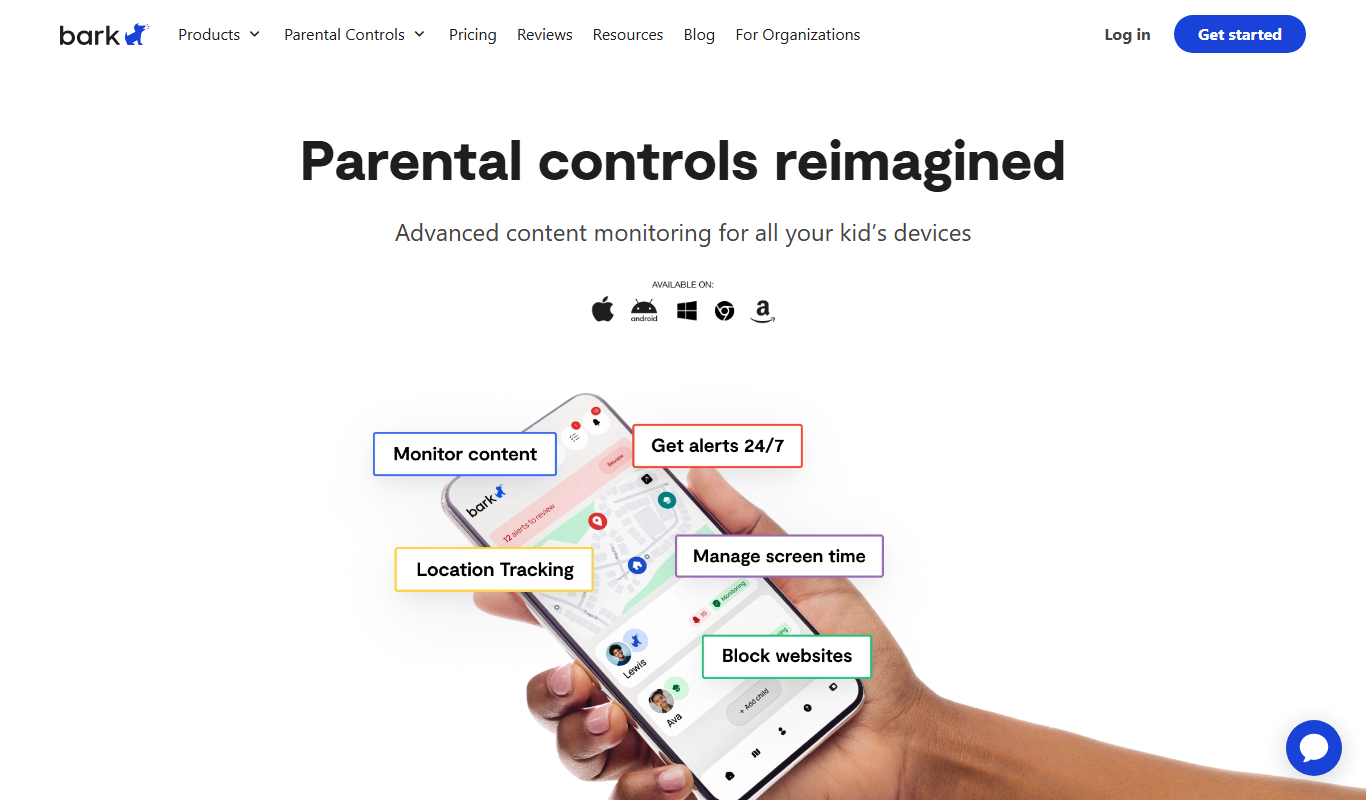
Bark is a parental control app that monitors children's online activity using AI to detect cyberbullying, threats, and inappropriate content, while offering screen time management and content filtering.