

From my experience with Charts Not Chapters, I found it excels at transforming complex storylines into clear visual charts, which is invaluable for writers who think visually. The platform’s simplicity and focus on narrative flow make it particularly well-suited for fiction authors and creative professionals looking to organize ideas beyond traditional outlines. However, the lack of collaboration features means it’s less ideal for teams working together in real time. Overall, if you want to see your story’s structure at a glance and plan visually, this tool delivers a straightforward and effective solution.
Charts Not Chapters Review - Visual Storytelling Tool for Writers and Creators
Charts Not Chapters is a web-based tool that helps writers and creators visually map their stories and ideas using charts, making complex narratives easier to plan and understand.
- Best for
- Story Plot Visualization
- Key capability
- Visual Story Mapping


Do you recommend this tool?
What is Charts Not Chapters?
Charts Not Chapters is a web-based visual storytelling tool designed to help writers and creators map out their stories and ideas using charts instead of traditional chapter outlines. It emphasizes visual clarity and narrative flow, making it easier to plan complex storylines or content structures.
Key features of Charts Not Chapters
The tool offers intuitive drag-and-drop chart creation, customizable visual elements, and a clean interface that supports organizing story elements visually rather than textually. It focuses on helping users see the big picture of their narrative or content structure.
Visual Story Mapping
Create charts that visually represent story arcs and plot progression.
Drag-and-Drop Interface
Easily add and rearrange elements within your charts with intuitive controls.
Customizable Visual Elements
Adjust colors, shapes, and connections to personalize your storytelling charts.
Cloud-Based Access
Access your charts from any device with internet connectivity.
Pros and cons of Charts Not Chapters
Pros
- Intuitive visual interface simplifies complex story planning
- Cloud-based platform accessible from anywhere
- Customizable charts enhance creative flexibility
Cons
- Limited collaboration options for teams
- Pricing may be a barrier for casual users
Key use cases for Charts Not Chapters
Story Plot Visualization
Allows writers to visually map out story arcs and plot points to better understand narrative flow.
Creative Writing Planning
Helps authors organize ideas and chapters into clear, visual charts for easier story development.
Content Structuring for Creators
Enables content creators to structure complex information visually for presentations or storytelling.
How Charts Not Chapters works
- 1
Create an Account
Sign up on the Charts Not Chapters website to access the platform.
- 2
Start a New Chart
Begin by creating a new visual chart to map your story or content.
- 3
Add Story Elements
Use drag-and-drop tools to add plot points, characters, or content sections.
- 4
Customize and Organize
Arrange and style your chart to reflect the narrative flow and relationships.
- 5
Save and Export
Save your work online and export charts for sharing or reference.
Who is using Charts Not Chapters
Fiction writers
Content creators
Storytellers
Creative professionals
Educators teaching narrative structure
Charts Not Chapters pricing
Free Trial
$0
Limited access to core features for a trial period.
Subscription
$9.99/month
Full access to all features with ongoing updates and support.
Plans and prices are as published by the vendor and can change. Check the official site before you buy. Open the pricing page (opens in a new tab)
Frequently asked questions about Charts Not Chapters
Yes, the tool is designed with an intuitive interface that is accessible to writers and creators of all experience levels.
Yes, users can export their charts for offline use or sharing.
Currently, Charts Not Chapters focuses on individual use and does not offer real-time collaboration features.
Yes, it can help with that use case depending on how you configure it and what features are available. You’ll get the best results with clear inputs and a defined goal.
Some tools offer a free plan or trial with limited features. Availability can vary, so confirm on the official website.
Yes, it can help with that use case depending on how you configure it and what features are available. You’ll get the best results with clear inputs and a defined goal.
Sign in to review this tool.
Sign In to ReviewNo reviews yet
Be the first to share how this tool worked for you.
Ask about pricing, limits, or how it compares — or answer someone else.
Sign In to AskNo questions yet
Have a question about using or paying for this tool? Be the first to ask.
Featured on TiorAI



Alternative Tools
Explore similar AI tools that might fit your needs

Free Trial
Plottr
Plottr is a visual story planning tool designed to help writers outline novels, develop characters, and organize multi-book series with drag-and-drop timelines and customizable templates.

Free
Milanote
Milanote is a visual collaboration and note-taking tool designed for creative project planning, brainstorming, and team collaboration using an intuitive drag-and-drop interface.
More AI Charting tools
Other tools in the same category, for when this one is not quite the fit.

Free
Anania AI
Anania AI is a web-based platform that allows users to query databases and spreadsheets using natural language, providing instant answers and visualizations without requiring SQL knowledge.

Free
Gorilla Terminal
Gorilla Terminal is a web platform providing real-time stock market data, customizable stock scanners, and integrated trading capabilities for active traders.

Freemium
DressPlay
DressPlay is an AI-driven virtual try-on platform that creates realistic 3D avatars and uses augmented reality to help users visualize clothing before purchase.

Subscription
TradeUI
TradeUI is a web-based platform that provides customizable stock scanning, real-time trading alerts, and a market dashboard to help investors identify trading opportunities and manage portfolios efficiently.

Custom Pricing
Bodh
Bodh is a web-based data annotation platform that supports multi-modal data labeling including images, videos, text, and audio to help teams create accurate datasets for machine learning models.

Free Trial
Analytics Model
Analytics Model is a web-based AI platform that automates data analysis and predictive modeling, enabling users to generate insights and visualizations without coding expertise.
Free
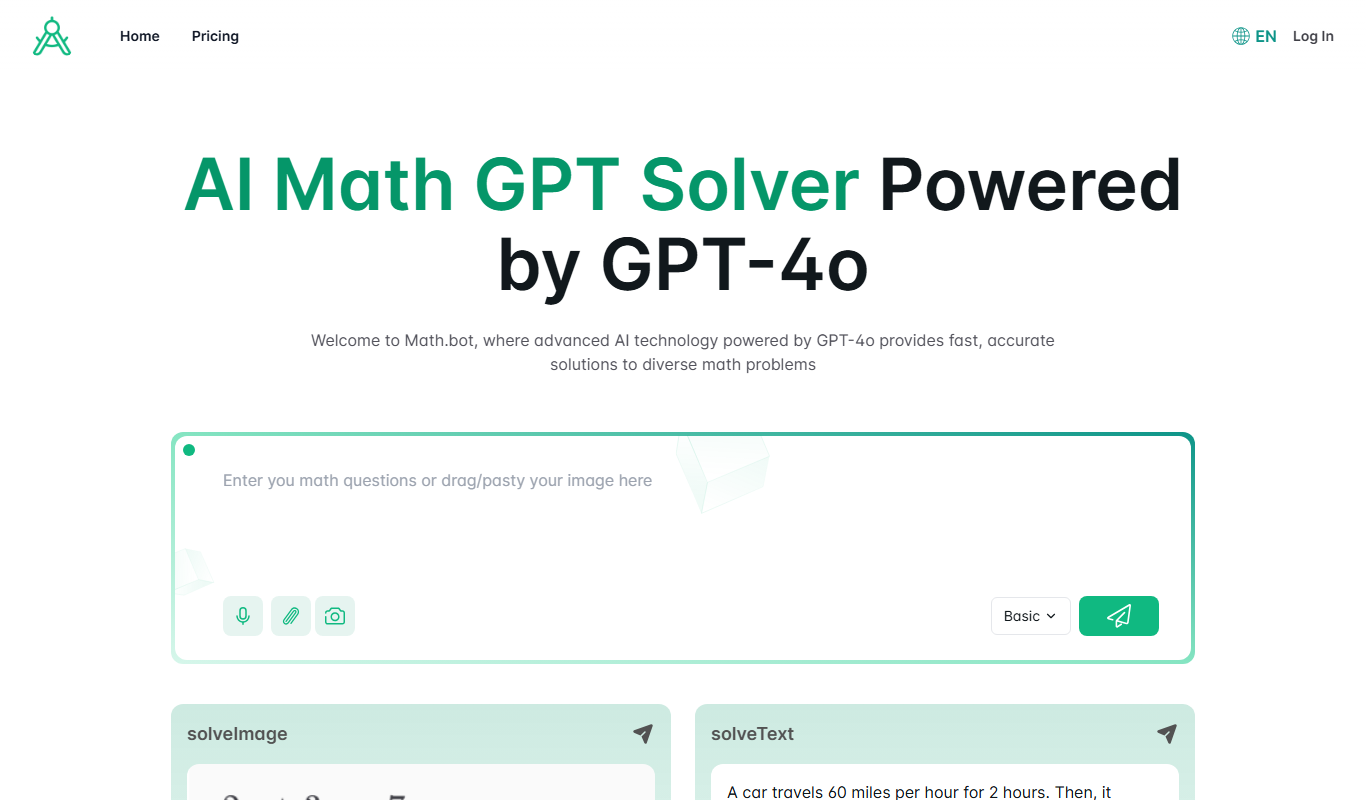
Math.bot: AI Math Solver by GPT-4o
Math.bot is an AI-powered math solver using GPT-4o that provides detailed step-by-step solutions to a wide range of math problems via a web interface.

Freemium
Mest
Mest is an AI writing assistant that helps users generate and edit content efficiently with grammar and style suggestions.