

From my experience with Charm Check, I found it excels at simplifying complex sentences and making writing more concise without losing meaning. After spending time with the platform, I can say it’s particularly well-suited for professionals and students who want quick, actionable editing suggestions to improve clarity and tone. However, there’s a trade-off: it currently supports only English and lacks a mobile app, which might limit flexibility for some users. Overall, if you need an easy-to-use AI assistant focused on concise and clear writing, Charm Check delivers solid results.
Charm Check AI Writing Assistant for Clear and Concise Content Editing
Charm Check is an AI-powered writing assistant that improves clarity, conciseness, grammar, and tone in English text through real-time suggestions.
- Best for
- Content Editing
- Key capability
- Conciseness Suggestions
Your actions
Save Charm Check, follow its updates and vote on it — everything stays in your account.
Sign in or create a free account
What is Charm Check?
Charm Check is an AI-powered writing assistant designed to help users improve their writing by making it clearer, more concise, and easier to read. It analyzes text and suggests edits that reduce wordiness, fix grammar issues, and enhance overall tone without changing the original meaning.
Key features of Charm Check
Charm Check offers real-time suggestions for clarity, conciseness, grammar, and tone improvements. It provides an intuitive interface where users can paste or type text and receive actionable feedback to polish their writing efficiently.
Conciseness Suggestions
Identifies and removes unnecessary words and phrases to make writing more direct.
Grammar and Spelling Checks
Detects and corrects common grammar and spelling mistakes.
Tone Improvement
Offers recommendations to adjust tone for professionalism or friendliness.
Real-Time Feedback
Provides instant suggestions as users type or paste text.
Pros and cons of Charm Check
Pros
- Easy to use with a clean interface
- Effective at reducing wordiness
- Provides helpful tone adjustment suggestions
Cons
- Limited to English language support
- No mobile app available
- Free plan has daily usage limits
Key use cases for Charm Check
Content Editing
Improve clarity, conciseness, and tone of written content for blogs, articles, and emails.
Professional Writing
Enhance business communications, reports, and proposals with polished language.
Academic Writing
Refine essays and research papers by eliminating wordiness and improving readability.
Creative Writing
Streamline storytelling and creative drafts for better flow and engagement.
How Charm Check works
- 1
Input Text
Users paste or type their content into the Charm Check editor.
- 2
AI Analysis
The AI scans the text for wordiness, grammar errors, and tone inconsistencies.
- 3
Receive Suggestions
Charm Check highlights areas for improvement and offers concise rewrite options.
- 4
Apply Edits
Users review and accept suggested changes to enhance their writing.
Who is using Charm Check
Content writers
Business professionals
Students and academics
Creative writers
Charm Check pricing
Free
$0/month
Basic access with limited daily usage and core editing features.
Pro
$9/month
Unlimited usage with advanced suggestions and priority support.
Plans and prices are as published by the vendor and can change. Check the official site before you buy. Open the pricing page (opens in a new tab)
Frequently asked questions about Charm Check
Yes, Charm Check offers a free plan with limited daily usage and basic editing features.
Yes, it provides suggestions to adjust your writing tone for clarity and professionalism.
Currently, Charm Check supports English only.
It depends on your specific needs and how you plan to use the tool. The official website and documentation are the best sources for the latest details.
Yes, it can help with that use case depending on how you configure it and what features are available. You’ll get the best results with clear inputs and a defined goal.
Sign in to review this tool.
Sign In to ReviewNo reviews yet
Be the first to share how this tool worked for you.
Ask about pricing, limits, or how it compares — or answer someone else.
Sign In to AskNo questions yet
Have a question about using or paying for this tool? Be the first to ask.
Featured on TiorAI



More AI Bio Generator tools
Other tools in the same category, for when this one is not quite the fit.

Free
Bio.fm
Bio.fm is a web-based link in bio tool that helps users create a personalized landing page to aggregate multiple links, social media profiles, and content blocks for easy sharing on social media.

Free
LoveGenius
LoveGenius writes dating profiles and opening lines for dating apps.

Free
AutoProfile: Personal Profiles
AutoProfile is a web platform that helps users create customizable, professional personal profiles to showcase skills and experience online.

Free
AI Social Bio
AI Social Bio is a web-based AI tool that generates personalized social media bios tailored to various platforms, helping users create engaging profiles quickly.

Free
LingoJam Bio Generator
LingoJam Bio Generator is a free online tool that quickly creates personalized social media bios by generating multiple options based on your input keywords.

Free
Seapik AI
Seapik AI is a web platform that uses artificial intelligence to generate images from text descriptions, helping users create unique visuals for various creative and marketing needs.
Free
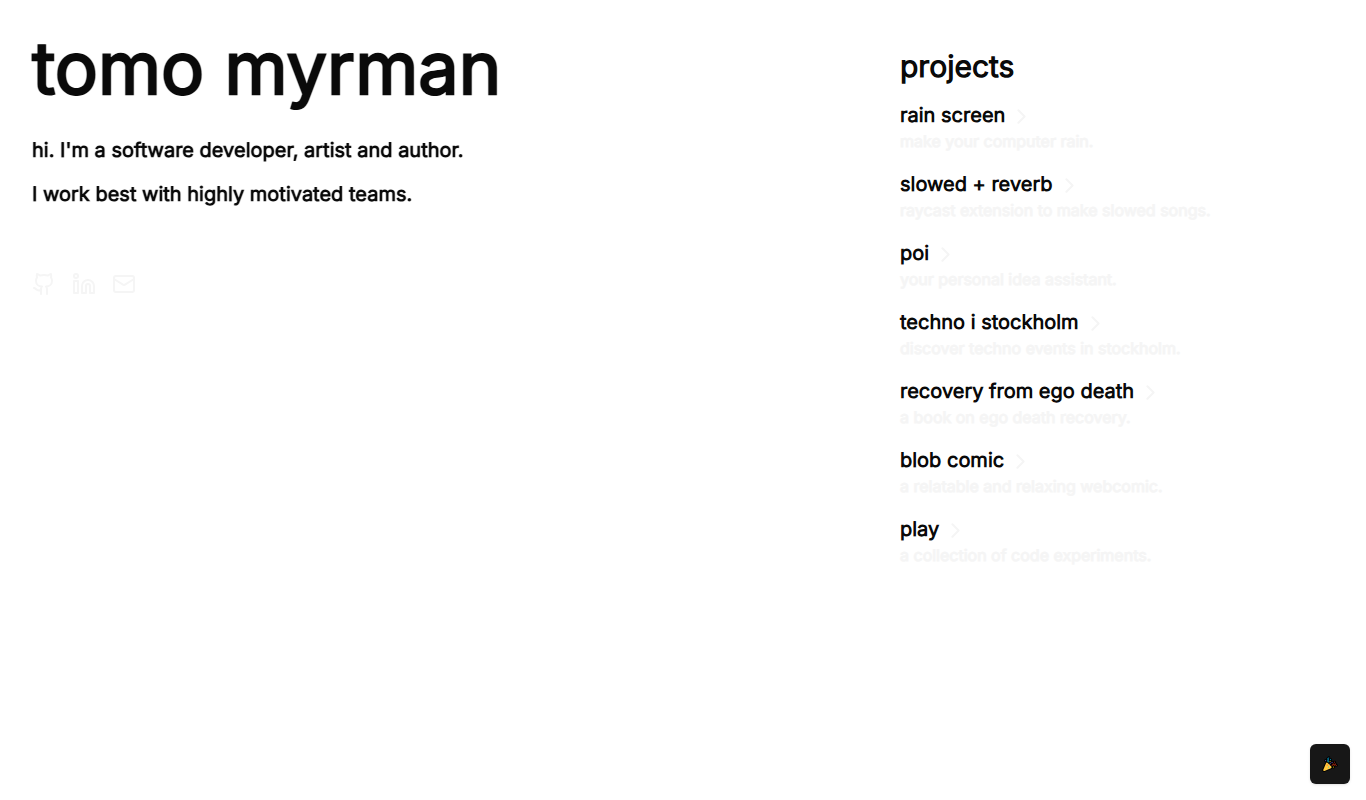
Recovery From Ego Death
Recovery From Ego Death is a free online resource by Neon Tomo offering educational content and practical advice to help individuals recover from ego dissolution experiences and integrate them into daily life.

Free
ResumeFromSpace
ResumeFromSpace is an AI-driven online resume builder that helps users quickly create professional resumes and cover letters with customizable templates and smart content suggestions.