

From my experience with Ceeya AI, I found it excels at simplifying the deployment of AI chatbots for customer support and lead engagement. The platform’s intuitive customization and real-time interaction capabilities make it a practical choice for small to medium businesses looking to automate conversations without heavy technical overhead. However, its current limitation to English and pricing tiers might be restrictive for very small or multilingual operations. Overall, if you want to enhance your website’s customer interaction with an AI-powered chatbot, Ceeya AI offers a solid, user-friendly solution.
Ceeya AI Review: AI-Powered Conversational Agent for Customer Support
Ceeya AI is an AI-driven chatbot platform that automates customer interactions on websites using natural language processing to improve support and engagement.
- Best for
- Customer Support Automation
- Key capability
- Natural Language Understanding
Your actions

Do you recommend this tool?
What is Ceeya AI?
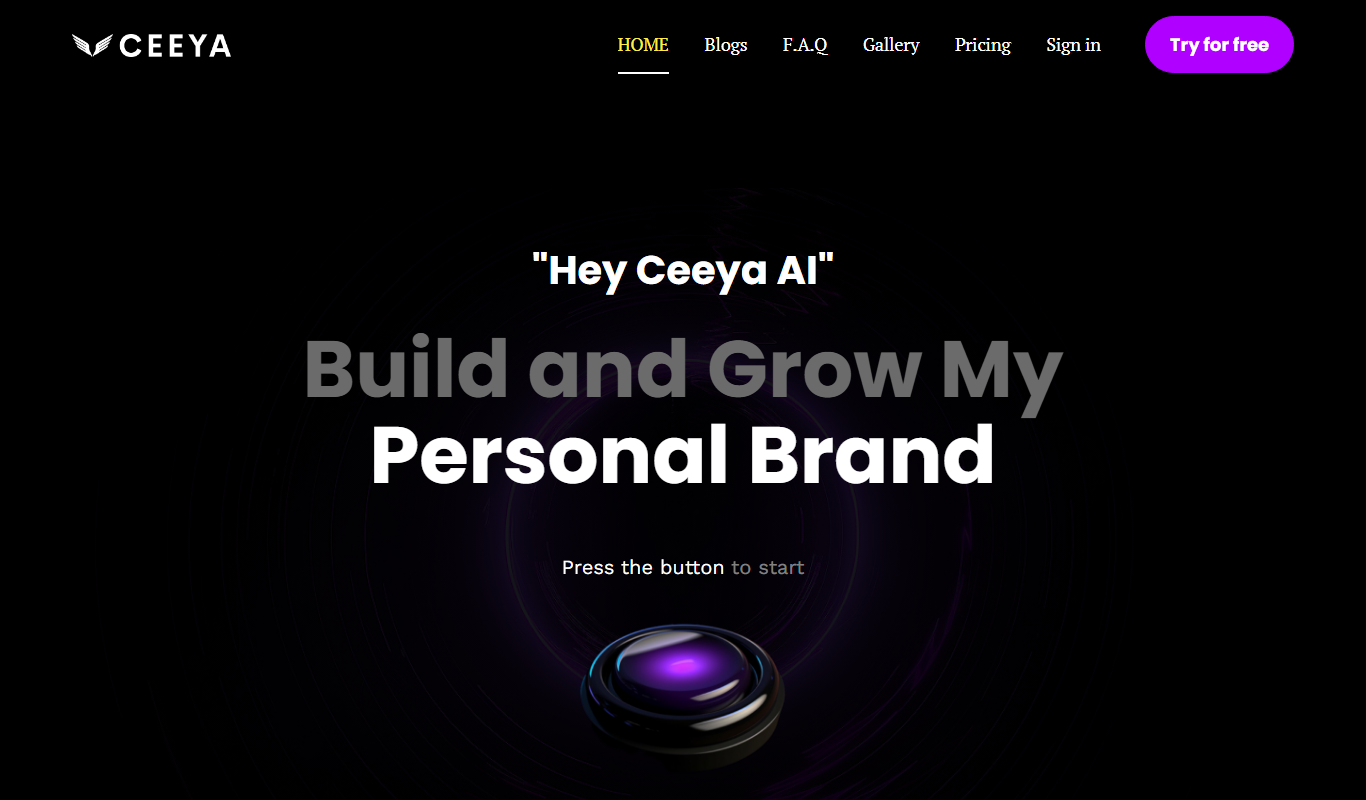
Ceeya AI is an AI-powered conversational agent platform designed to automate customer interactions on websites. It leverages natural language processing to understand and respond to user queries in real time, helping businesses improve customer support efficiency and engagement.
Key features of Ceeya AI
Ceeya AI offers features such as customizable chatbots, real-time conversation handling, integration capabilities via API, and analytics to monitor chatbot performance and user interactions.
Natural Language Understanding
Enables the chatbot to comprehend user intent and provide relevant answers.
Customizable Conversational Flows
Allows businesses to tailor chatbot dialogues to specific customer needs and scenarios.
Real-Time Interaction
Engages users instantly with automated responses to their queries.
API Integration
Supports integration with existing systems and platforms for seamless workflow.
Analytics Dashboard
Provides insights into chatbot performance and user engagement metrics.
Pros and cons of Ceeya AI
Pros
- Easy to set up and customize chatbots
- Real-time user engagement improves customer experience
- API integration allows flexible use cases
Cons
- Limited language support currently (English only)
- Pricing may be high for very small businesses
Key use cases for Ceeya AI
Customer Support Automation
Automate responses to common customer inquiries to reduce support workload and improve response times.
Lead Qualification
Engage website visitors in real-time conversations to qualify leads and gather contact information.
FAQ Handling
Provide instant answers to frequently asked questions, enhancing user experience and reducing repetitive queries.
Conversational Marketing
Use AI-driven chat to guide visitors through product information and promotions, increasing conversion rates.
How Ceeya AI works
- 1
Sign Up
Create an account on Ceeya AI’s platform to access the chatbot builder and dashboard.
- 2
Customize Chatbot
Configure the chatbot’s conversational flows, responses, and appearance to match your brand and use case.
- 3
Integrate on Website
Embed the chatbot widget on your website using provided code snippets or API integration.
- 4
Monitor and Optimize
Use analytics tools to track chatbot interactions and improve responses based on user behavior.
Who is using Ceeya AI
Small to medium-sized businesses
E-commerce websites
Customer support teams
Marketing professionals
Ceeya AI pricing
Free Trial
$0 for 14 days
Access to core features to evaluate the platform.
Starter
$29/month
Basic chatbot features suitable for small businesses.
Professional
$99/month
Advanced features including API access and analytics.
Plans and prices are as published by the vendor and can change. Check the official site before you buy. Open the pricing page (opens in a new tab)
Frequently asked questions about Ceeya AI
Yes, Ceeya AI allows full customization of conversational flows and responses.
Yes, it offers API integration to connect with various systems.
Yes, Ceeya AI provides a 14-day free trial for new users.
This tool is designed to help users accomplish its core tasks more efficiently. It is typically used by individuals or teams looking to improve productivity and workflow.
Integration support depends on the tool and its available connectors or API. Check the official documentation or integrations page to confirm what is supported.
Some tools offer a free plan or trial with limited features. Availability can vary, so confirm on the official website.
Sign in to review this tool.
Sign In to ReviewNo reviews yet
Be the first to share how this tool worked for you.
Ask about pricing, limits, or how it compares — or answer someone else.
Sign In to AskNo questions yet
Have a question about using or paying for this tool? Be the first to ask.
Featured on TiorAI



More AI Brochure Maker tools
Other tools in the same category, for when this one is not quite the fit.

Freemium
Blogbutler Ai
Blogbutler AI is an AI-driven writing assistant designed to help bloggers and content creators generate SEO-optimized articles and social media content efficiently through a user-friendly web platform.

Free
BixGPT ReleaseNotes
BixGPT ReleaseNotes is an AI-driven tool that automatically generates software release notes by analyzing commit messages and pull requests, primarily integrating with GitHub to streamline release documentation.

Freemium
Logomaster
Logomaster is an AI-driven online logo maker that generates and customizes professional logos for businesses and individuals without design experience.

Freemium
CelebrateAlly AI
CelebrateAlly AI is a web platform that provides organizations with an inclusive holiday calendar and AI-driven event planning tools to celebrate diverse cultural and identity-based observances.

Freemium
Inksprout Video
Inksprout Video is an AI-driven platform that automates video creation by converting text content into customizable marketing videos optimized for social media.

Freemium
Producks AI
Producks AI is an AI-driven tool that generates unique and SEO-optimized product descriptions for e-commerce stores, helping businesses save time and improve product page performance.

Free
The New GitBook
GitBook is a web-based documentation platform that helps teams and developers create, manage, and share collaborative knowledge bases, internal wikis, and technical documentation with real-time editing and version control.
Freemium
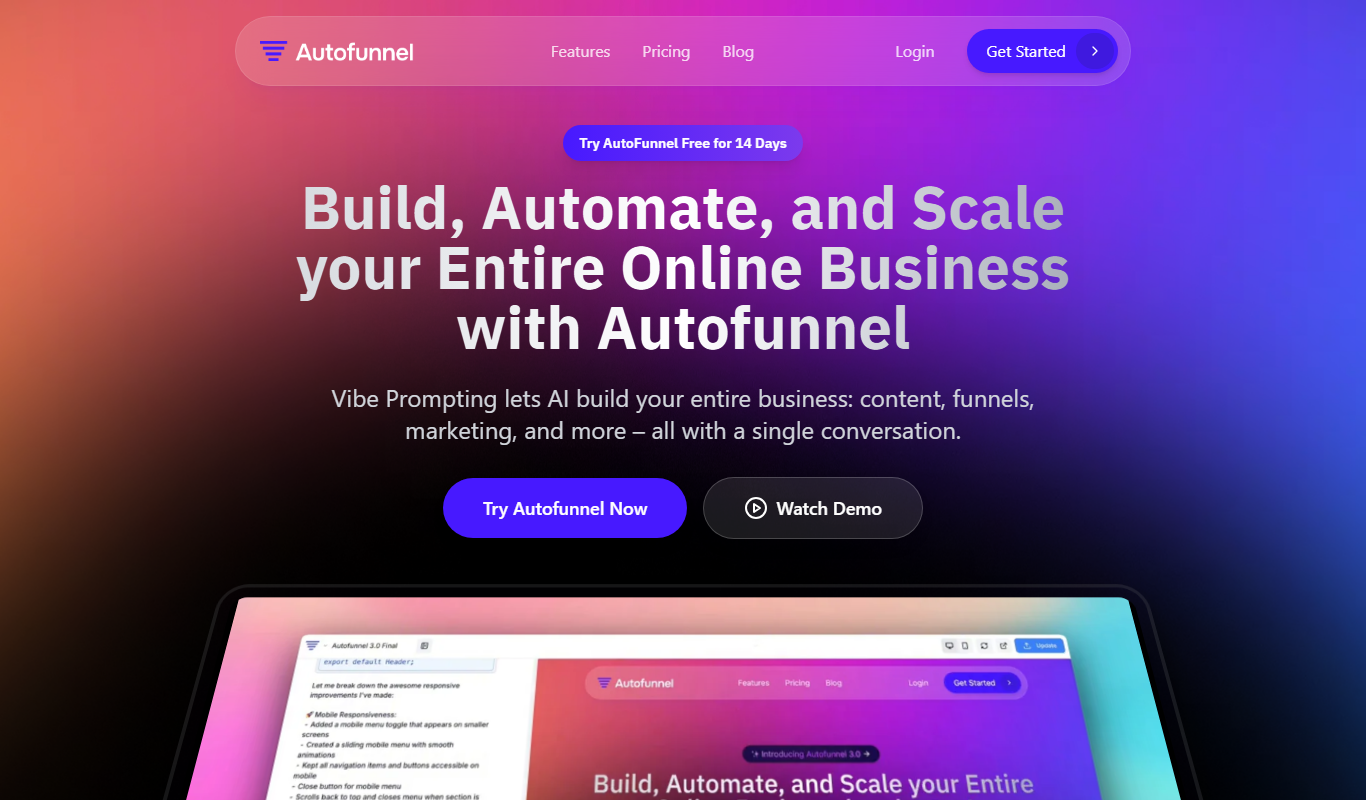
AutoFunnel
AutoFunnel is an AI-driven marketing funnel builder that helps businesses automate lead capture, sales funnel creation, and email follow-ups to boost conversions.