

CashKaka - AI expense tracker that works on WhatsApp
CashKaka is an AI expense tracker that uses WhatsApp to track transactions, savings, investments and expenses and generate detailed reports.
- Best for
- Daily expense tracking
- Key capability
- Expense logging on WhatsApp
Save CashKaka, follow its updates and vote on it — everything stays in your account.
Sign in or create a free account
What is CashKaka?
CashKaka is an AI expense tracker that works through WhatsApp. Users log expenses by sending WhatsApp messages, the AI understands the messages and records the transactions, and the service tracks savings and investments and generates detailed personal finance reports for any time period.
Key features of CashKaka
CashKaka logs expenses from WhatsApp messages with AI, tracks savings and investments, and generates personalized reports on spending habits and financial health.
Expense logging on WhatsApp
Log expenses by messaging CashKaka on WhatsApp; the AI understands your messages.
Savings and investments
Track savings and investments alongside expenses.
Personalized reports
Detailed reports on spending habits and financial health for any time period.
Multi-Platform Access
Use CashKaka via Android, iOS apps, or web browser for convenience.
Agent Network for Cash Withdrawals
Withdraw physical cash at authorized agents across Kenya.
Pros and cons of CashKaka
Pros
- Works inside WhatsApp with no separate app to learn
- AI understands expense messages
- Personalized reports for any time period
- Free to try
- Cash withdrawal through agent network
Cons
- Limited to Kenyan market currently
- Transaction fees apply for some services
- No disclosed support for international transfers
Key use cases for CashKaka
Daily expense tracking
Log everyday expenses from a WhatsApp chat.
Savings and investment tracking
Keep track of savings and investments next to spending.
Understanding spending habits
Review reports that show spending habits and financial health.
Merchant Payments
Make payments to participating merchants using CashKaka’s digital wallet.
Cash Withdrawals
Withdraw cash from authorized agents or partner locations.
How CashKaka works
- 1
Message CashKaka on WhatsApp
Log an expense by sending a WhatsApp message.
- 2
AI records it
The AI understands your message and records the transaction.
- 3
Get reports
Access personalized reports for any time period with a few clicks.
- 4
Withdraw Cash
Visit a CashKaka agent or partner location to withdraw cash using your app credentials.
Who is using CashKaka
CashKaka pricing
Free
$0
No subscription fees; standard transaction fees may apply.
Plans and prices are as published by the vendor and can change. Check the official site before you buy. Open the pricing page (opens in a new tab)
Frequently asked questions about CashKaka
Send the expense as a WhatsApp message; CashKaka’s AI understands your messages.
Yes. It tracks savings and investments as well as expenses.
Personalized reports for any time period are available with just a few clicks.
Yes, CashKaka supports bill payments for utilities and other service providers directly through the app.
It depends on your specific needs and how you plan to use the tool. The official website and documentation are the best sources for the latest details.
Yes, it can help with that use case depending on how you configure it and what features are available. You’ll get the best results with clear inputs and a defined goal.
It depends on your specific needs and how you plan to use the tool. The official website and documentation are the best sources for the latest details.
It depends on your specific needs and how you plan to use the tool. The official website and documentation are the best sources for the latest details.
Conclusion
Expenses are logged by sending a WhatsApp message, with no separate app to learn, and the AI understands the text and records the transaction. That design is aimed at non-tech-savvy individuals who want to manage their money without a learning curve. Beyond spending, the service tracks savings and investments, and personalized reports on spending habits and financial health can be opened for any time period. Its pitch is to become your own money manager and make every cent count, and the site offers to try it for free without listing paid plans.
Sources
Sign in to review this tool.
Sign In to ReviewNo reviews yet
Be the first to share how this tool worked for you.
Ask about pricing, limits, or how it compares — or answer someone else.
Sign In to AskNo questions yet
Have a question about using or paying for this tool? Be the first to ask.
Featured on TiorAI



Alternative Tools
Explore similar AI tools that might fit your needs
Tala
Tala is a credit app offering a credit line and fast loans, presented as AI-native credit infrastructure.
More AI Finance & Accounting Tools tools
Other tools in the same category, for when this one is not quite the fit.

Newmoney.AI
Newmoney.AI is an AI-powered crypto and cash wallet: buy, trade, swap and send crypto across SUI, Solana, Ethereum and Bitcoin with the AI agent Newton, including via WhatsApp and Telegram.

investiment.io
investiment.io is an AI-powered investment platform featuring an intelligent assistant that provides real-time stock analysis across 40+ global exchanges through conversational AI.
FinanceGPT
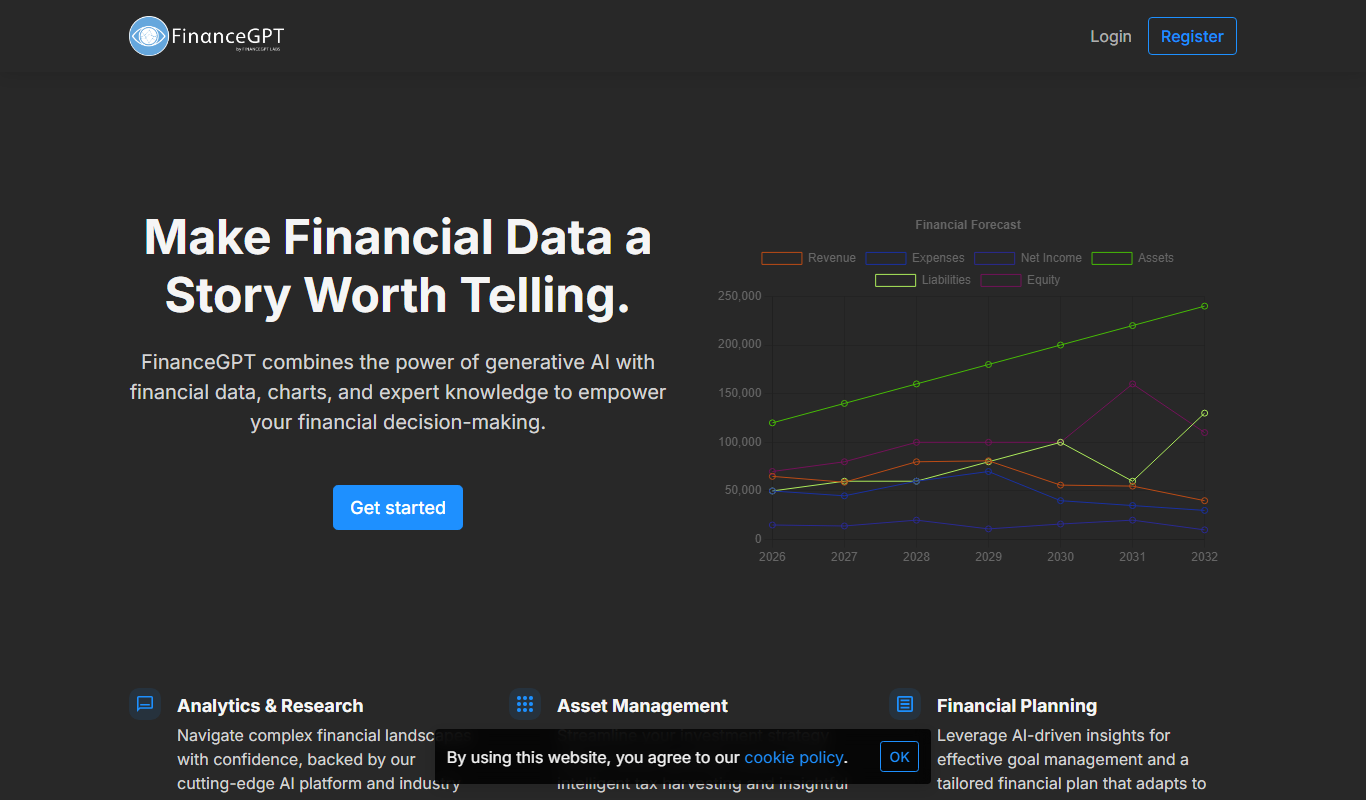
FinanceGPT is an AI financial analysis platform for analysing financial statements, building forecasts, researching companies and portfolios, and creating financial reports with reviewable assumptions and checks.

Folionomics
FolioNomics is a privacy-first crypto portfolio tool that organizes wallet holdings and DeFi positions across 60+ blockchains in one view.

Procys
Procys is an automated data extraction platform that uses AI-powered OCR to pull data from invoices, purchase orders, receipts and ID documents.
ASSIST Biz
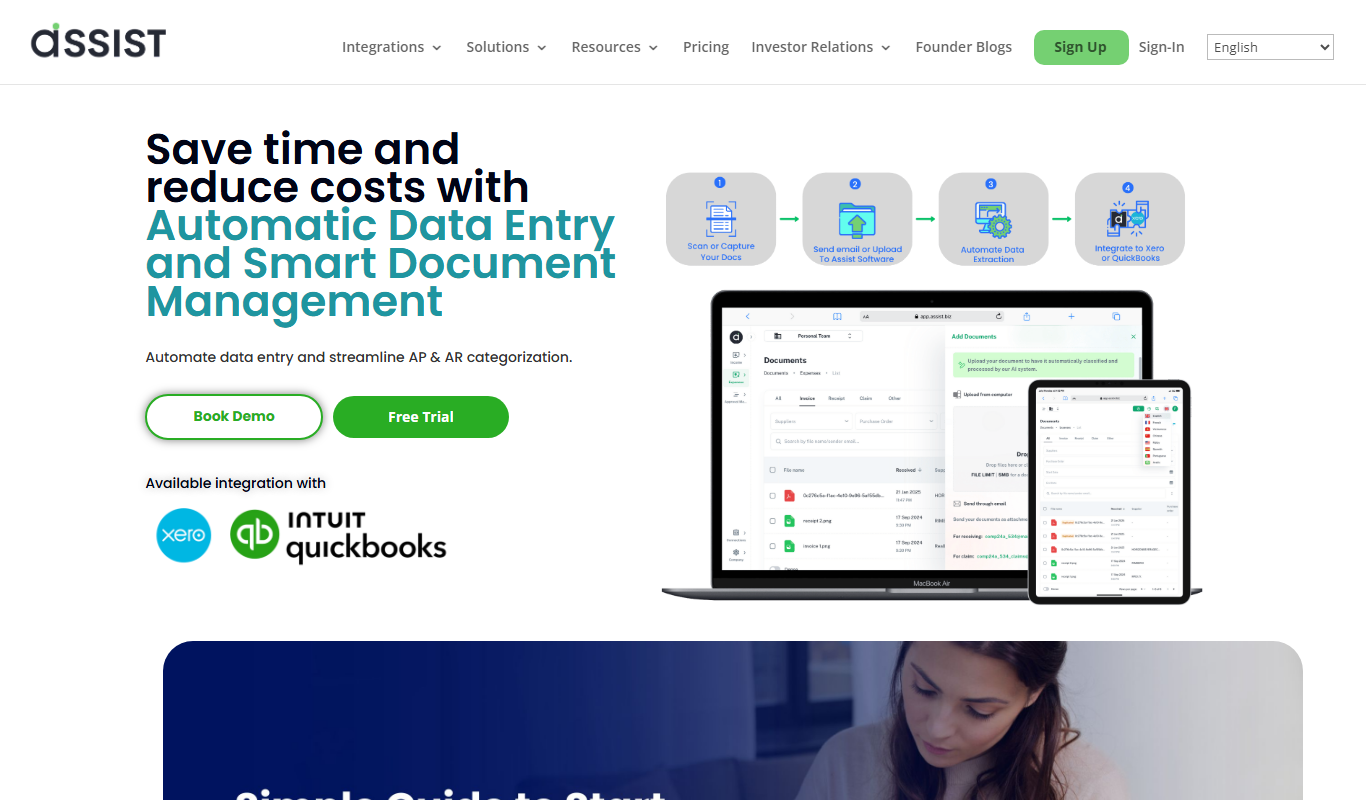
ASSIST Biz automates invoice extraction, approvals, expense claims and e-invoicing for finance teams in Singapore and Malaysia, with Xero and QuickBooks sync.

Bank Statement Converter
Bank Statement Converter converts single or multiple PDF bank statements into a single CSV file containing only the transaction data extracted from their tables.

serina
Serina is invoice automation software for AP teams in the UAE, with automated capture, validation and approval workflows for supplier invoices.