

From my experience with Case Radar, I found it excels at streamlining legal research through AI-powered case law analysis. The platform’s intuitive interface and advanced analytics make it particularly well-suited for lawyers and legal researchers who need to quickly identify relevant precedents and understand judicial trends. However, the tool currently covers mainly U.S. jurisdictions, which may limit its use for international legal professionals. Overall, if you require efficient, AI-driven legal research with actionable insights, Case Radar delivers solid results.
Case Radar AI Legal Research Tool for Case Law Analysis and Insights
Case Radar is an AI-driven legal research platform that helps legal professionals efficiently search and analyze case law with advanced analytics and filtering.
- Best for
- Case Law Research
- Key capability
- AI-Powered Case Search
Your actions
Save Case Radar, follow its updates and vote on it — everything stays in your account.
Sign in or create a free account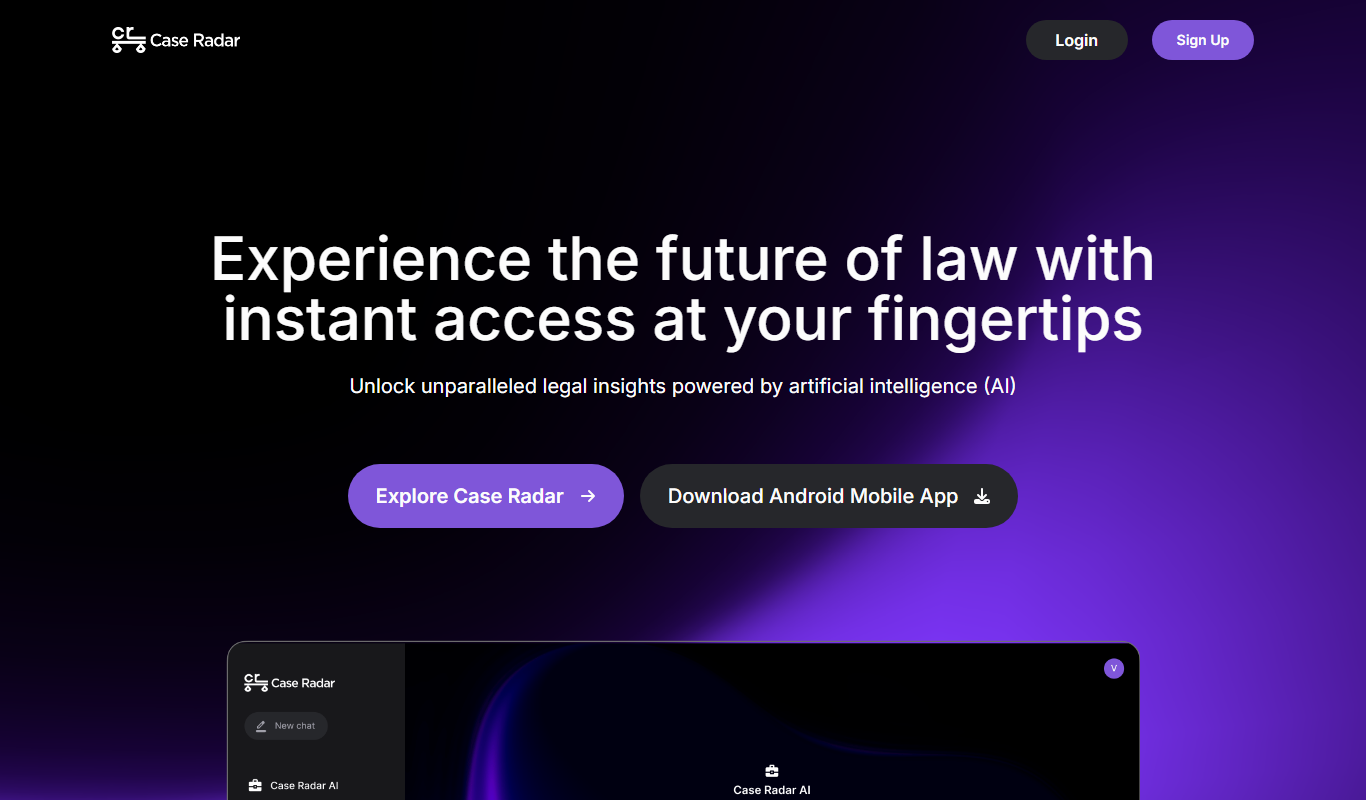

What is Case Radar?
Case Radar is an AI-powered legal research platform designed to help lawyers, paralegals, and legal professionals quickly find and analyze relevant case law. By leveraging advanced machine learning and natural language processing, it streamlines the process of legal research, providing actionable insights and comprehensive case data to support litigation and legal decision-making.
Key features of Case Radar
Case Radar offers advanced search capabilities, AI-driven case analysis, legal analytics dashboards, and intuitive filters to help users pinpoint relevant precedents and understand judicial trends efficiently.
AI-Powered Case Search
Leverages machine learning to deliver precise and relevant case law results.
Legal Analytics Dashboard
Visualizes trends and patterns in case law to inform legal strategies.
Comprehensive Case Database
Access to a broad collection of case law across multiple jurisdictions.
Advanced Filtering Options
Refine search results by jurisdiction, date, court, and other parameters.
Pros and cons of Case Radar
Pros
- AI-driven search improves research efficiency
- User-friendly interface for legal professionals
- Comprehensive analytics to support case strategy
Cons
- Limited jurisdiction coverage currently
- Advanced features require paid subscription
Key use cases for Case Radar
Case Law Research
Efficiently search and analyze case law to support legal arguments and decisions.
Legal Analytics
Gain insights from case data trends and judicial behavior using AI-powered analytics.
Litigation Strategy
Develop stronger litigation strategies by understanding relevant precedents and case outcomes.
Legal Document Review
Quickly identify key information and relevant cases within large volumes of legal documents.
How Case Radar works
- 1
Create an Account
Sign up on the Case Radar website to access the platform.
- 2
Input Search Queries
Enter case names, legal topics, or keywords to begin research.
- 3
Review AI-Generated Results
Examine curated case law results and analytics provided by the AI engine.
- 4
Analyze and Export
Use insights and export relevant case data for legal documentation or strategy.
Who is using Case Radar
Lawyers
Paralegals
Legal Researchers
Law Firms
Legal Tech Enthusiasts
Case Radar pricing
Free
$0/month
Limited access to case search and basic analytics.
Pro
$49/month
Full access to all features including advanced analytics and export options.
Plans and prices are as published by the vendor and can change. Check the official site before you buy. Open the pricing page (opens in a new tab)
Frequently asked questions about Case Radar
Case Radar covers major U.S. jurisdictions and is expanding its database to include more regions.
Yes, Pro users can export case summaries and analytics for offline use.
Yes, new users can access a free plan with limited features to try the platform.
It depends on your specific needs and how you plan to use the tool. The official website and documentation are the best sources for the latest details.
It depends on your specific needs and how you plan to use the tool. The official website and documentation are the best sources for the latest details.
Sign in to review this tool.
Sign In to ReviewNo reviews yet
Be the first to share how this tool worked for you.
Ask about pricing, limits, or how it compares — or answer someone else.
Sign In to AskNo questions yet
Have a question about using or paying for this tool? Be the first to ask.
Featured on TiorAI



Alternative Tools
Explore similar AI tools that might fit your needs

Enterprise
LexisNexis
LexisNexis is a comprehensive legal research and analytics platform providing access to extensive legal databases, risk management tools, and compliance monitoring for legal professionals and businesses.
More AI Artificial Intelligence Tools tools
Other tools in the same category, for when this one is not quite the fit.

Custom Pricing
berkshiregrey.com
Berkshire Grey provides AI-driven robotic automation systems designed to optimize warehouse and supply chain operations through intelligent picking, packing, and sorting.

Free
Semantic Scholar
Semantic Scholar is a free, AI-driven academic search engine developed by the Allen Institute for AI that helps users find, summarize, and analyze scientific research papers and citations.

Free
EasyNoteAI
EasyNoteAI is an AI-driven tool that automates note taking and summarization, helping users quickly capture and organize information from meetings, lectures, and content.

Free Trial
Low-Code Development and AI
Amoga's Low-Code Development and AI platform enables rapid application building with drag-and-drop tools and AI automation, suitable for users with minimal coding skills.
Free
AI World Today
AI World Today is a free online platform providing daily news, expert analysis, and research updates on artificial intelligence.

Free
Neural Network Tutorial
Neural Network Tutorial by LeapAI is a free web-based platform offering interactive lessons and practical exercises to learn neural networks and deep learning concepts.

Free
debate AI
Debate AI is an online platform where users debate an AI that responds with counterarguments.

Free
Nolej
Nolej is an AI-powered education platform that generates personalized learning content and manages knowledge bases to improve learner engagement and outcomes.