

Calorie AI Nutrition Tracker and Food Diary App for Healthy Eating
CalCounter is an AI-powered calorie tracker that uses photos to log meals, with the Calite app for iOS and Android.
- Best for
- Calorie Counting
- Key capability
- AI Food Recognition
Save CalCounter, follow its updates and vote on it — everything stays in your account.
Sign in or create a free account
What is CalCounter?
CalCounter is the brand of an AI calorie tracker that logs food from photos; its app, Calite, is available on iOS and Android.
Key features of CalCounter
Calorie AI offers AI-powered food recognition, comprehensive calorie and nutrient tracking, personalized diet recommendations, and progress visualization. Its user-friendly interface allows easy meal logging via photo or manual input, making nutrition management accessible and efficient.
AI Food Recognition
Automatically identify foods from photos to speed up meal logging.
Comprehensive Nutrient Tracking
Track calories, macros, vitamins, and minerals for balanced nutrition.
Personalized Diet Recommendations
Receive tailored meal suggestions based on your goals and preferences.
Progress Visualization
Graphs and reports to monitor weight and nutrition trends.
Multi-platform Access
Available on web, iOS, and Android for seamless tracking anywhere.
Pros and cons of CalCounter
Pros
- Easy meal logging with AI photo recognition
- Detailed nutrient tracking beyond calories
- Personalized diet and meal recommendations
- Cross-platform availability
- User-friendly interface
Cons
- Premium features require subscription
- AI recognition may struggle with complex dishes
- Limited language support (English only)
Key use cases for CalCounter
Calorie Counting
Track daily calorie intake easily by logging meals and snacks to support weight management goals.
Nutrition Monitoring
Monitor macro- and micronutrient consumption to ensure balanced and healthy eating habits.
Diet Planning
Plan meals ahead with AI-powered suggestions tailored to dietary preferences and goals.
Weight Management
Use personalized insights and progress tracking to support weight loss, maintenance, or gain.
Food Diary Logging
Maintain a detailed food diary with photo recognition and manual entry options for accurate tracking.
How CalCounter works
- 1
Create an Account
Sign up on the Calorie AI app or website to start tracking your nutrition.
- 2
Log Your Meals
Use the AI-powered photo recognition or manual entry to record your food intake.
- 3
Track Nutrients
View detailed calorie and nutrient breakdowns for each meal and daily totals.
- 4
Set Goals
Define your dietary and weight goals to receive personalized recommendations.
- 5
Monitor Progress
Review your nutrition and weight trends over time to stay on track.
Who is using CalCounter
CalCounter pricing
Free
$0/month
Basic calorie and nutrient tracking with limited features.
Premium
$9.99/month
Unlock advanced features including AI food recognition, personalized plans, and detailed reports.
Plans and prices are as published by the vendor and can change. Check the official site before you buy. Open the pricing page (opens in a new tab)
Frequently asked questions about CalCounter
Yes, Calorie AI offers a free plan with basic tracking features. Premium features require a subscription.
Yes, Calorie AI is available on web, iOS, and Android platforms, allowing syncing across devices.
Yes, the app provides personalized recommendations based on your dietary preferences and goals.
The AI uses advanced image recognition to identify common foods accurately, but manual adjustments are possible.
It depends on your specific needs and how you plan to use the tool. The official website and documentation are the best sources for the latest details.
It depends on your specific needs and how you plan to use the tool. The official website and documentation are the best sources for the latest details.
Yes, it can help with that use case depending on how you configure it and what features are available. You’ll get the best results with clear inputs and a defined goal.
Some tools offer a free plan or trial with limited features. Availability can vary, so confirm on the official website.
Conclusion
Meals are logged either by photo, where AI recognition identifies the food, or by manual entry. Each meal then gets a calorie and nutrient breakdown alongside daily totals, covering macros, vitamins and minerals. Dietary and weight goals feed personalized recommendations, and graphs show nutrition and weight trends over time.
The tracker now carries the CalCounter brand, and its app, Calite, runs on iOS and Android. It is aimed at people tracking calories for weight management and at fitness enthusiasts monitoring nutrition. AI recognition may struggle with complex dishes, although manual adjustments are possible.
Sources
Sign in to review this tool.
Sign In to ReviewNo reviews yet
Be the first to share how this tool worked for you.
Ask about pricing, limits, or how it compares — or answer someone else.
Sign In to AskNo questions yet
Have a question about using or paying for this tool? Be the first to ask.
Featured on TiorAI



Alternative Tools
Explore similar AI tools that might fit your needs

MyFitnessPal
MyFitnessPal is a nutrition and fitness tracking app that helps users log food intake, exercise, and monitor progress toward health goals with a large food database and device integrations.

Lose It!
Lose It! is a weight loss app that helps users track calories, log meals and exercise, set personalized goals, and engage with a supportive community to achieve their health objectives.

Cronometer
Cronometer is a nutrition tracking app that helps users log food intake and monitor detailed nutrient consumption including vitamins and minerals to support health and fitness goals.
More AI Healthcare & Wellness Tools tools
Other tools in the same category, for when this one is not quite the fit.

Skinive AI
Skinive AI is a CE-certified artificial intelligence platform that analyzes skin images to detect and assess various dermatological conditions, supporting telemedicine and clinical workflows.
Livongo
Livongo is a digital health platform that uses connected devices and AI-driven coaching to help individuals manage chronic conditions such as diabetes and hypertension effectively.

artivatic.ai
Artivatic.ai is an AI platform specializing in automating insurance and healthcare processes like underwriting and fraud detection through machine learning.

Miiskin
Miiskin is a mobile app that helps users monitor their skin for changes, especially moles, to aid early detection of skin cancer by tracking photos over time.
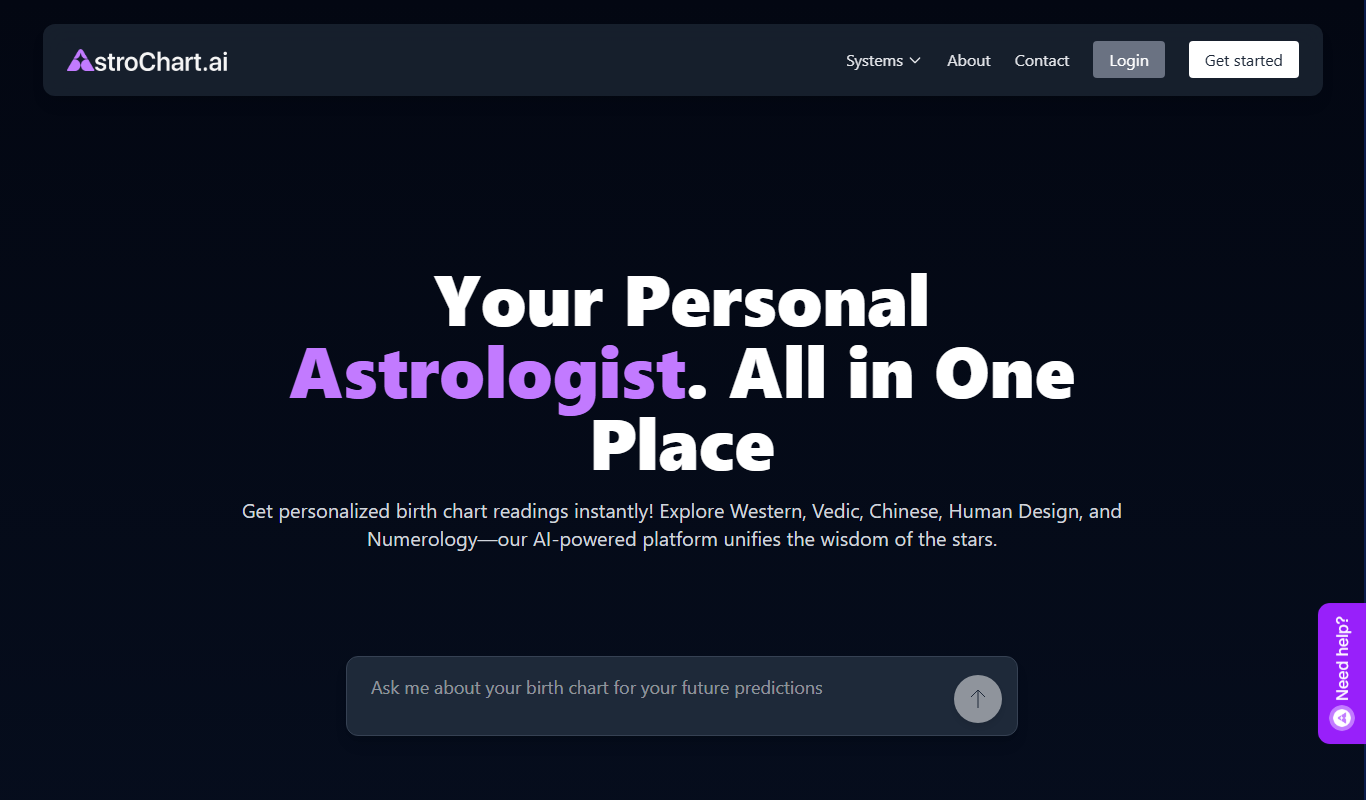
AstroChart.ai
AstroChart.ai is an AI-driven platform that creates personalized astrology birth charts and detailed interpretations based on your birth data, helping users understand their astrological profile easily online.

Dream Advisor
Dream Advisor is an app that helps users record and interpret their dreams using personalized insights to promote mental wellness and self-awareness.

Mind Tracker
Mind Tracker is an app on the App Store and Google Play.

Alya
Alya is an AI therapist app. The site lists 22 languages and more than 100 AI models, with downloads on the App Store and Google Play.