

From my experience with ByteCap, I found it excels at providing straightforward and reliable API uptime and functional monitoring with easy setup. The platform is particularly well-suited for developers and small to medium businesses who need to ensure their APIs and webhooks are consistently available and performant without complex configurations. However, the tool currently lacks a mobile app and some advanced integrations that larger enterprises might require. Overall, if you want a focused, user-friendly API monitoring solution with flexible alerting, ByteCap delivers solid value.
ByteCap API Monitoring and Testing Tool for Reliable Web Services
ByteCap is a cloud-based platform that monitors API uptime, tests API functionality, tracks webhooks, and sends alerts to maintain API reliability and performance.
- Best for
- API Uptime Monitoring
- Key capability
- Automated API Uptime Checks
Your actions
Save ByteCap, follow its updates and vote on it — everything stays in your account.
Sign in or create a free account
What is ByteCap?
ByteCap is a cloud-based API monitoring and testing platform designed to help developers and businesses ensure their APIs and webhooks are reliable, performant, and functioning as expected. It provides automated uptime checks, functional tests, and alerting mechanisms to detect and respond to issues quickly.
Key features of ByteCap
ByteCap offers comprehensive API monitoring with customizable test scenarios, webhook tracking, detailed performance metrics, and flexible alerting options to maintain API health and reliability.
Automated API Uptime Checks
Regularly verify API availability and response status to detect downtime promptly.
Customizable Functional Testing
Create detailed test scenarios to validate API responses and workflows.
Webhook Delivery Monitoring
Track webhook events and failures to ensure event-driven systems operate smoothly.
Performance Metrics and Reporting
Analyze response times and latency trends to optimize API performance.
Multi-Channel Alerting
Receive notifications via email, Slack, or other integrations when issues arise.
Pros and cons of ByteCap
Pros
- User-friendly interface for quick setup
- Supports both API and webhook monitoring
- Flexible alerting options
- Detailed performance analytics
- Free tier available for small projects
Cons
- Limited integrations compared to some competitors
- No mobile app available currently
Key use cases for ByteCap
API Uptime Monitoring
Continuously monitor API endpoints to ensure they are available and responsive.
API Functional Testing
Automate tests to verify API responses and behavior meet expected criteria.
Webhook Monitoring
Track webhook deliveries and failures to maintain reliable event-driven integrations.
Performance Tracking
Measure API response times and latency to detect performance degradation.
Alerting and Notifications
Receive real-time alerts via email, Slack, or other channels when issues are detected.
How ByteCap works
- 1
Create an Account
Sign up on ByteCap’s website to access the dashboard and monitoring tools.
- 2
Add API Endpoints or Webhooks
Configure the APIs or webhooks you want to monitor by specifying URLs and test parameters.
- 3
Set Up Tests and Alerts
Define functional tests, performance thresholds, and alert channels to be notified of issues.
- 4
Monitor and Analyze
View real-time monitoring data, test results, and receive alerts to maintain API reliability.
Who is using ByteCap
Developers and DevOps teams
Startups and SMBs
API product managers
QA engineers
SaaS companies
ByteCap pricing
Free
$0/month
Basic monitoring for up to 5 API endpoints with limited tests and alerts.
Pro
$29/month
Advanced monitoring with up to 50 endpoints, unlimited tests, and priority support.
Enterprise
Custom pricing
Tailored solutions with dedicated support, SLAs, and extended features.
Plans and prices are as published by the vendor and can change. Check the official site before you buy. Open the pricing page (opens in a new tab)
Frequently asked questions about ByteCap
Yes, ByteCap supports monitoring of REST APIs as well as webhook event deliveries.
Yes, you can configure alerts to be sent instantly via email, Slack, or other channels.
Yes, ByteCap offers a free plan with basic monitoring capabilities.
Absolutely, ByteCap allows you to create detailed and customizable test cases.
This tool is designed to help users accomplish its core tasks more efficiently. It is typically used by individuals or teams looking to improve productivity and workflow.
Integration support depends on the tool and its available connectors or API. Check the official documentation or integrations page to confirm what is supported.
Some tools offer a free plan or trial with limited features. Availability can vary, so confirm on the official website.
Integration support depends on the tool and its available connectors or API. Check the official documentation or integrations page to confirm what is supported.
Sign in to review this tool.
Sign In to ReviewNo reviews yet
Be the first to share how this tool worked for you.
Ask about pricing, limits, or how it compares — or answer someone else.
Sign In to AskNo questions yet
Have a question about using or paying for this tool? Be the first to ask.
Featured on TiorAI



Alternative Tools
Explore similar AI tools that might fit your needs
Free
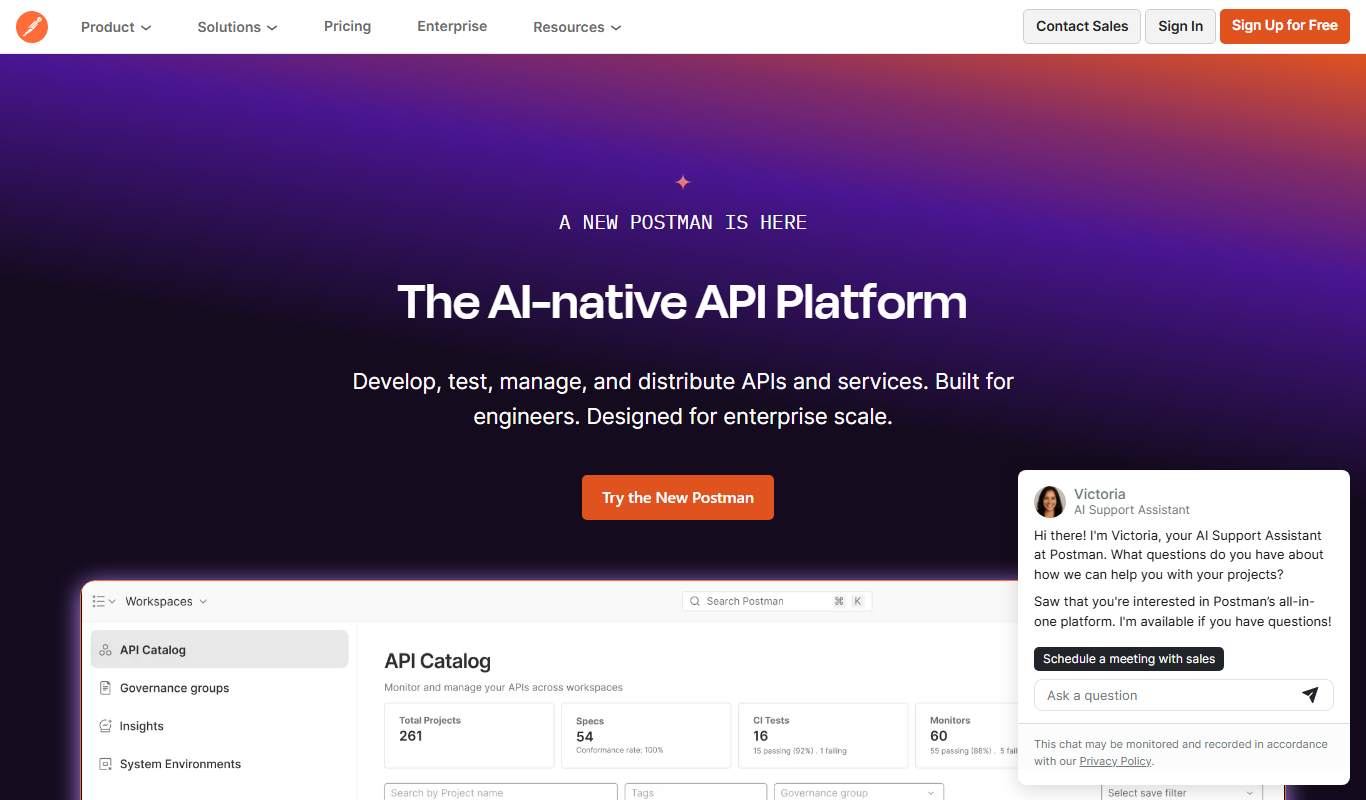
Postman
Postman is a comprehensive API platform that helps developers design, test, automate, document, and monitor APIs efficiently with collaboration tools.
Freemium
Pingdom
Pingdom is a website monitoring tool that tracks uptime, performance, and user experience through real user and synthetic monitoring, providing alerts and detailed reports to help maintain website reliability.
More AI Personalized Video Generator tools
Other tools in the same category, for when this one is not quite the fit.

Free
Random Movie Generator
Random Movie Generator is a free web tool that instantly suggests random movies to help users decide what to watch without browsing extensive lists.

Freemium
VideoGen – AI Video Generator
VideoGen is an AI video generator that transforms text scripts into fully automated videos with voiceovers and visuals, ideal for marketers and content creators.

Freemium
Customuse
Customuse is an AI-driven platform that automates personalized content creation and marketing campaigns to enhance customer engagement and conversion.

Contact for pricing
Empirical Health
Empirical Health is a healthcare analytics platform that aggregates and analyzes clinical data to generate real-world evidence, supporting clinical trials, patient outcomes analysis, and healthcare research.

Free Trial
getmylp.com
GetMyLP is an AI-powered landing page builder that helps marketers create and optimize landing pages quickly using no-code tools and AI-generated templates.

Free
Eklipse.GG
Eklipse.GG is a free game overlay software that allows gamers and streamers to customize in-game overlays with real-time stats and widgets to enhance gameplay and streaming experiences.