

From my experience with Bravoclient, I found it excels at simplifying client and project management for freelancers and small agencies. The platform’s integrated invoicing and task tracking features help keep workflows organized without juggling multiple tools. After spending time with Bravoclient, I can say it’s particularly well-suited for solo professionals and small teams who need an affordable, easy-to-use solution. However, the lack of mobile apps and limited third-party integrations may be a drawback for users seeking more flexibility. Overall, if you want a straightforward client management tool with invoicing capabilities, Bravoclient delivers solid value.
Bravoclient Client Management Software for Freelancers and Agencies
Bravoclient is a web-based client management platform that helps freelancers and agencies organize projects, communicate with clients, manage tasks, and handle invoicing and payments all in one place.
- Best for
- Freelancer Client Management
- Key capability
- Client and Project Dashboard
Your actions


Do you recommend this tool?
What is Bravoclient?
Bravoclient is a web-based client management software designed specifically for freelancers and agencies. It consolidates project management, client communication, invoicing, and task tracking into a single platform to streamline workflows and improve productivity.
Key features of Bravoclient
Bravoclient offers features such as client and project organization, task management, invoicing, payment tracking, and communication tools tailored for freelance professionals and small agencies.
Client and Project Dashboard
Centralized view of all clients and their associated projects for easy management.
Task Management
Organize tasks with deadlines and priorities to keep projects on track.
Invoicing and Payment Tracking
Create professional invoices and track payments to streamline billing.
Communication Tools
Built-in messaging to facilitate client communication without leaving the platform.
Time Tracking
Monitor time spent on tasks to improve billing accuracy and productivity.
Pros and cons of Bravoclient
Pros
- User-friendly interface tailored for freelancers and small agencies
- Integrated invoicing and payment tracking
- Centralized client and project management
- Affordable pricing with a free tier
Cons
- Limited integrations with third-party tools
- No dedicated mobile app currently
Key use cases for Bravoclient
Freelancer Client Management
Manage client projects, communications, and payments efficiently in one place.
Agency Project Tracking
Track multiple client projects, deadlines, and deliverables with team collaboration.
Invoicing and Payments
Create and send invoices, track payments, and manage billing cycles seamlessly.
Task and Deadline Management
Organize tasks, set deadlines, and monitor progress to ensure timely project delivery.
How Bravoclient works
- 1
Sign Up
Create a free account on Bravoclient’s website to start managing your clients.
- 2
Add Clients and Projects
Input client details and set up projects with deadlines and tasks.
- 3
Manage Tasks and Communications
Assign tasks, track progress, and communicate with clients within the platform.
- 4
Create and Send Invoices
Generate invoices based on completed work and send them directly to clients.
- 5
Track Payments
Monitor invoice status and payment history to maintain financial oversight.
Who is using Bravoclient
Freelancers
Small agencies
Consultants
Creative professionals
Project managers
Bravoclient pricing
Free
$0/month
Basic client and project management features with limited invoicing.
Pro
$15/month
Full access to all features including unlimited invoicing and priority support.
Plans and prices are as published by the vendor and can change. Check the official site before you buy. Open the pricing page (opens in a new tab)
Frequently asked questions about Bravoclient
Yes, Bravoclient offers a free plan with basic features to get started.
Yes, Bravoclient is designed to handle multiple clients and projects simultaneously.
While primarily for freelancers, agencies can use it for team collaboration on projects.
Bravoclient integrates with common payment gateways to facilitate client payments.
This tool is designed to help users accomplish its core tasks more efficiently. It is typically used by individuals or teams looking to improve productivity and workflow.
It depends on your specific needs and how you plan to use the tool. The official website and documentation are the best sources for the latest details.
It depends on your specific needs and how you plan to use the tool. The official website and documentation are the best sources for the latest details.
Pricing depends on the plan and included features. For the most accurate and up-to-date details, check the official pricing page.
Sign in to review this tool.
Sign In to ReviewNo reviews yet
Be the first to share how this tool worked for you.
Ask about pricing, limits, or how it compares — or answer someone else.
Sign In to AskNo questions yet
Have a question about using or paying for this tool? Be the first to ask.
Featured on TiorAI



Alternative Tools
Explore similar AI tools that might fit your needs

Free Trial
HoneyBook
HoneyBook is a client management software designed for freelancers and small businesses, combining CRM, project workflows, invoicing, contracts, and scheduling into one platform.
Free Trial
Dubsado
Dubsado is a client management and business automation software designed for freelancers and small businesses to streamline workflows, invoicing, contracts, and scheduling.
More AI Project Management Tools tools
Other tools in the same category, for when this one is not quite the fit.

Free
Core Beta
Core Beta is a project management and team collaboration platform that offers task management, real-time messaging, workflow automation, and mobile access to help teams work efficiently.

Free Trial
AgilePlus
AgilePlus is a cloud-based project management tool that supports agile methodologies like Scrum and Kanban, offering boards, sprint planning, and collaboration features to help teams deliver projects efficiently.

Free
Miro
Miro is a cloud-based collaborative online whiteboard platform that enables teams to brainstorm, plan projects, and collaborate visually in real time across multiple devices.

Free
Pneumatic Workflow
Pneumatic Workflow is a web-based platform that helps teams manage projects and automate workflows with customizable boards, task tracking, and collaboration tools designed for agile methodologies.

Free
Asa.team
Asa.team is a web-based task management platform that helps teams organize projects using Kanban boards, real-time collaboration, and task tracking features.

Free
Village
Village is a remote collaboration tool that integrates video conferencing, chat, and project management features to create a virtual office environment for distributed teams.
Free
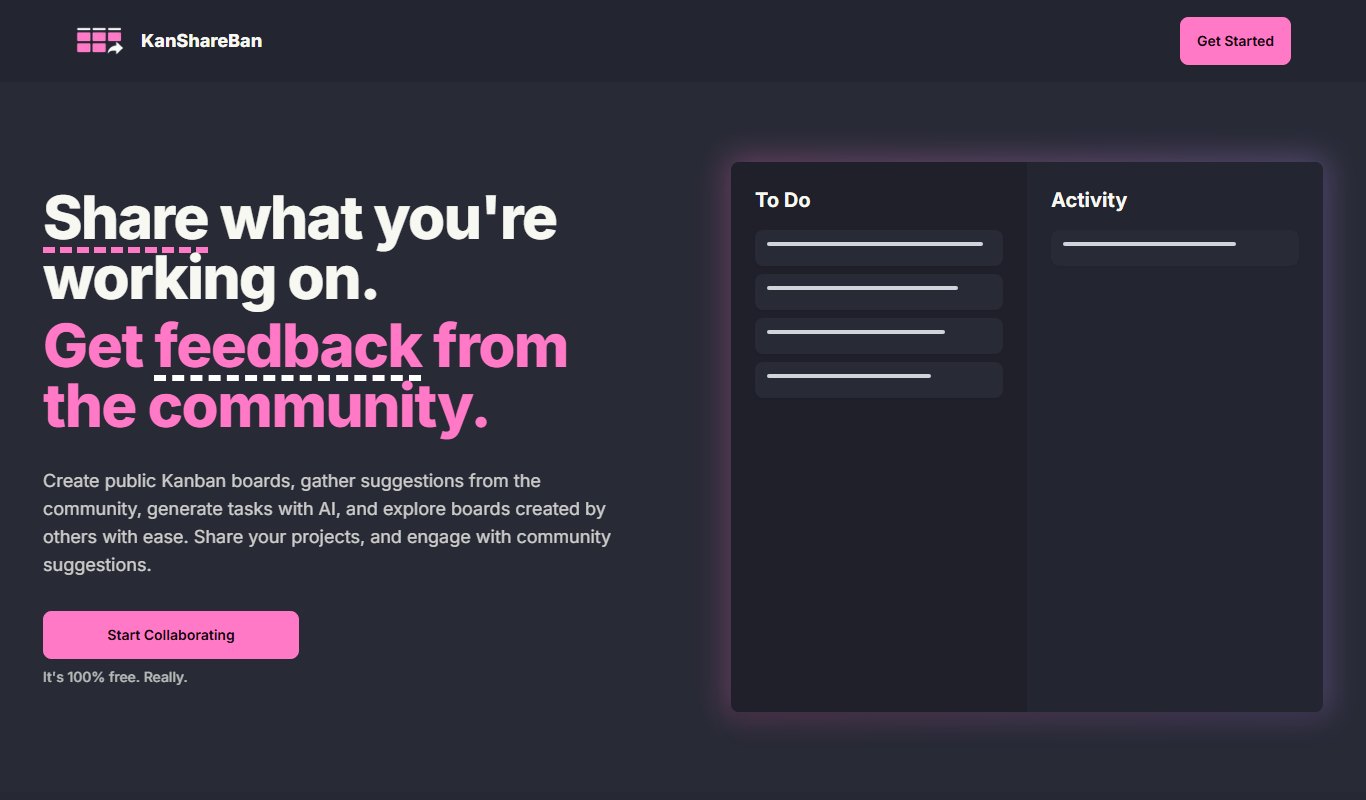
KanShareBan
KanShareBan is a web-based project management tool that uses Kanban boards to help teams organize, track, and collaborate on tasks efficiently.

Free
OpenBuckets
OpenBuckets is a free and open source web-based project management software designed for teams to organize tasks, collaborate, and track project progress with simplicity and transparency.