

From my experience with Boost Interview, I found it excels at providing a seamless environment for conducting live technical interviews with integrated video and collaborative coding tools. The ability to record sessions and involve multiple interviewers makes it particularly well-suited for distributed hiring teams and remote recruitment. However, the platform is primarily web-based with limited mobile support, which may be a drawback for some users. Overall, if you need a reliable and feature-rich solution for technical candidate assessment, Boost Interview delivers solid results.
Boost Interview - Online Technical Interview Platform for Hiring Teams
Boost Interview is an online platform that enables recruiters and hiring teams to conduct live technical interviews with real-time coding, video conferencing, and interview recording capabilities.
- Best for
- Technical Candidate Assessment
- Key capability
- Collaborative Coding Editor

Do you recommend this tool?
What is Boost Interview?
Boost Interview is a web-based platform designed to streamline the technical hiring process by providing tools for live coding interviews, video conferencing, and candidate evaluation. It enables recruiters and hiring managers to conduct remote technical interviews efficiently, assess candidates’ coding abilities, and collaborate with team members in real-time.
Key features of Boost Interview
Boost Interview offers a collaborative coding environment with support for multiple programming languages, integrated video and audio communication, interview recording, customizable templates, and analytics to help hiring teams make informed decisions.
Collaborative Coding Editor
Supports real-time code editing with syntax highlighting for multiple languages.
Integrated Video and Audio
Built-in video conferencing to communicate seamlessly during interviews.
Interview Recording
Record sessions for later review and sharing with stakeholders.
Customizable Interview Templates
Create reusable interview templates tailored to different roles.
Multi-User Collaboration
Allow multiple interviewers to join and evaluate candidates together.
Pros and cons of Boost Interview
Pros
- User-friendly interface with integrated video and coding tools
- Supports real-time collaboration among multiple interviewers
- Interview recording for thorough candidate evaluation
- Customizable templates streamline repetitive interview setups
Cons
- Limited mobile platform support; primarily web-based
- Pricing may be high for small teams or startups
Key use cases for Boost Interview
Technical Candidate Assessment
Conduct live coding interviews and evaluate candidates' programming skills in real-time.
Remote Hiring
Facilitate remote interviews with integrated video conferencing and collaborative coding environments.
Interview Collaboration
Allow multiple interviewers to join and collaborate during candidate assessments.
Interview Recording and Playback
Record interviews for later review and sharing with hiring teams.
Customizable Interview Templates
Create and reuse interview templates tailored to specific roles and skill requirements.
How Boost Interview works
- 1
Sign Up
Create an account on Boost Interview’s website to access the platform.
- 2
Schedule Interview
Set up interview sessions and invite candidates and interviewers.
- 3
Conduct Interview
Use the integrated coding editor and video conferencing tools to assess candidates live.
- 4
Review and Collaborate
Replay recorded interviews and share feedback with your hiring team.
Who is using Boost Interview
Recruitment agencies
Tech hiring managers
HR teams in software companies
Startups conducting remote technical interviews
Educational institutions assessing coding skills
Boost Interview pricing
Free Trial
$0 for 7 days
Access to all features for a limited trial period.
Professional
$49/month
Full access to interview tools with unlimited interviews and candidates.
Enterprise
Custom pricing
Tailored solutions with advanced features and dedicated support.
Plans and prices are as published by the vendor and can change. Check the official site before you buy. Open the pricing page (opens in a new tab)
Frequently asked questions about Boost Interview
Yes, Boost Interview supports a wide range of programming languages with syntax highlighting.
Yes, the platform allows you to record interviews and replay them anytime.
Yes, Boost Interview offers a 7-day free trial with access to all features.
Yes, Boost Interview supports multiple interviewers collaborating in real-time.
Yes, it can help with that use case depending on how you configure it and what features are available. You’ll get the best results with clear inputs and a defined goal.
Yes, it can help with that use case depending on how you configure it and what features are available. You’ll get the best results with clear inputs and a defined goal.
Some tools offer a free plan or trial with limited features. Availability can vary, so confirm on the official website.
Yes, it can help with that use case depending on how you configure it and what features are available. You’ll get the best results with clear inputs and a defined goal.
Sign in to review this tool.
Sign In to ReviewNo reviews yet
Be the first to share how this tool worked for you.
Ask about pricing, limits, or how it compares — or answer someone else.
Sign In to AskNo questions yet
Have a question about using or paying for this tool? Be the first to ask.
Featured on TiorAI



Alternative Tools
Explore similar AI tools that might fit your needs
Free Trial
CoderPad
CoderPad is an online platform that enables live coding interviews and assessments with real-time collaborative code editing, multi-language support, and interview recording to help companies evaluate technical candidates effectively.

Free
HackerRank
HackerRank is an online platform that offers coding challenges and skill assessments to help developers prepare for technical interviews and assist companies in evaluating candidates’ programming abilities.

Freemium
Codility
Codility is an online platform that provides automated coding assessments and developer screening tools to help companies evaluate programming skills efficiently during technical hiring.
More AI Interview Assistant tools
Other tools in the same category, for when this one is not quite the fit.

Freemium
Super Filter AI
Super Filter AI is an AI-driven platform that automatically detects and filters toxic and inappropriate content across multiple languages, helping businesses maintain safe online environments.

Custom Pricing
SkillSpot.ai
SkillSpot.ai is an AI-driven recruitment platform that helps recruiters find qualified candidates by aggregating data from multiple sources and automating sourcing workflows.

Freemium
GradAI
GradAI is an AI-driven platform that helps job seekers build professional resumes, customize job applications, and prepare for interviews with personalized career advice.
Subscription
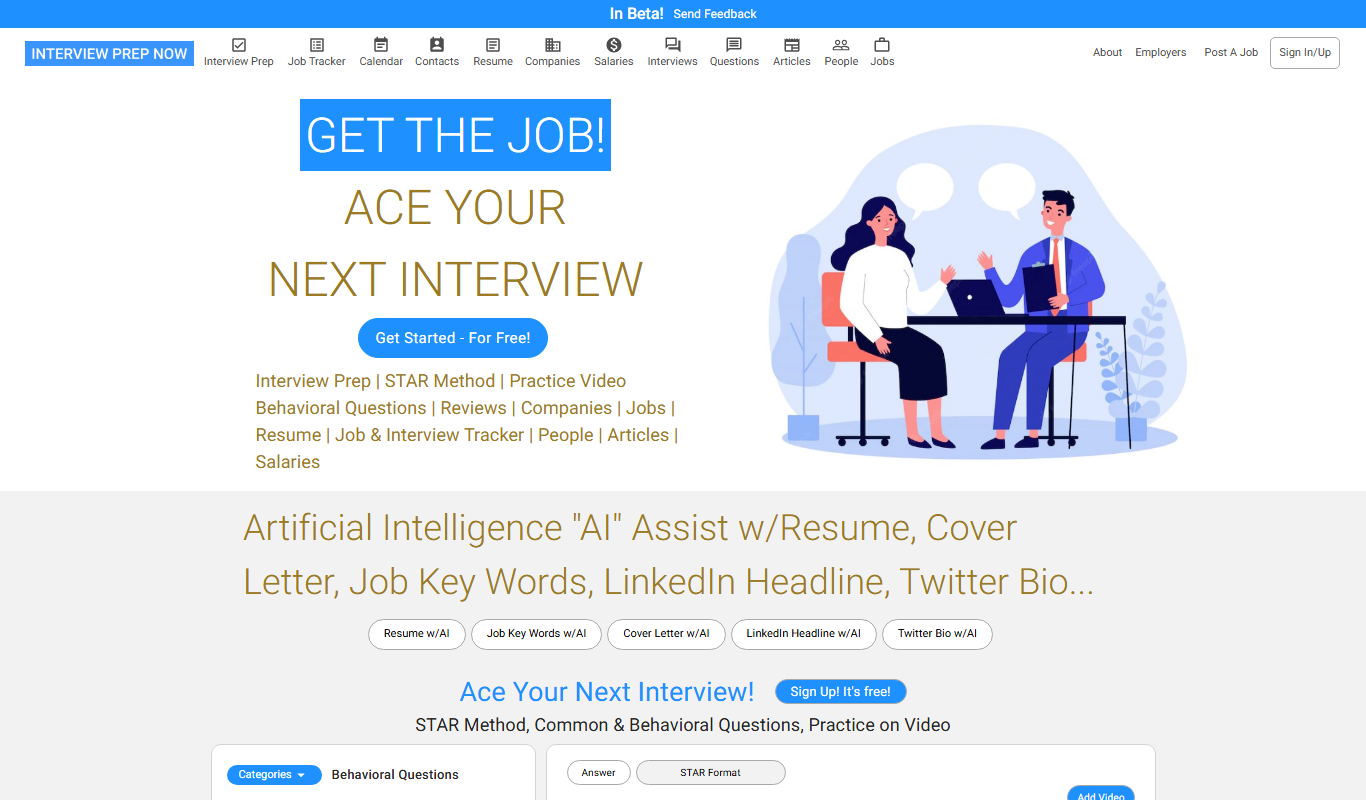
Interview Prep Now
Interview Prep Now is an online subscription-based platform offering extensive interview practice questions, answer frameworks, and coaching strategies tailored to various industries to help job seekers prepare effectively for interviews.

Custom Pricing
Cruit
Cruit is an AI-powered recruitment automation platform that helps HR teams automate candidate screening, interview scheduling, and candidate engagement to streamline hiring processes.

Freemium
PrepBuddy
PrepBuddy is an AI-driven platform that provides personalized mock interviews and feedback to help users prepare effectively for job interviews.

Freemium
Mentara
Mentara is an AI-powered writing assistant designed to help marketers and content creators generate high-quality marketing content, blog posts, and social media copy with SEO optimization features.
Freemium
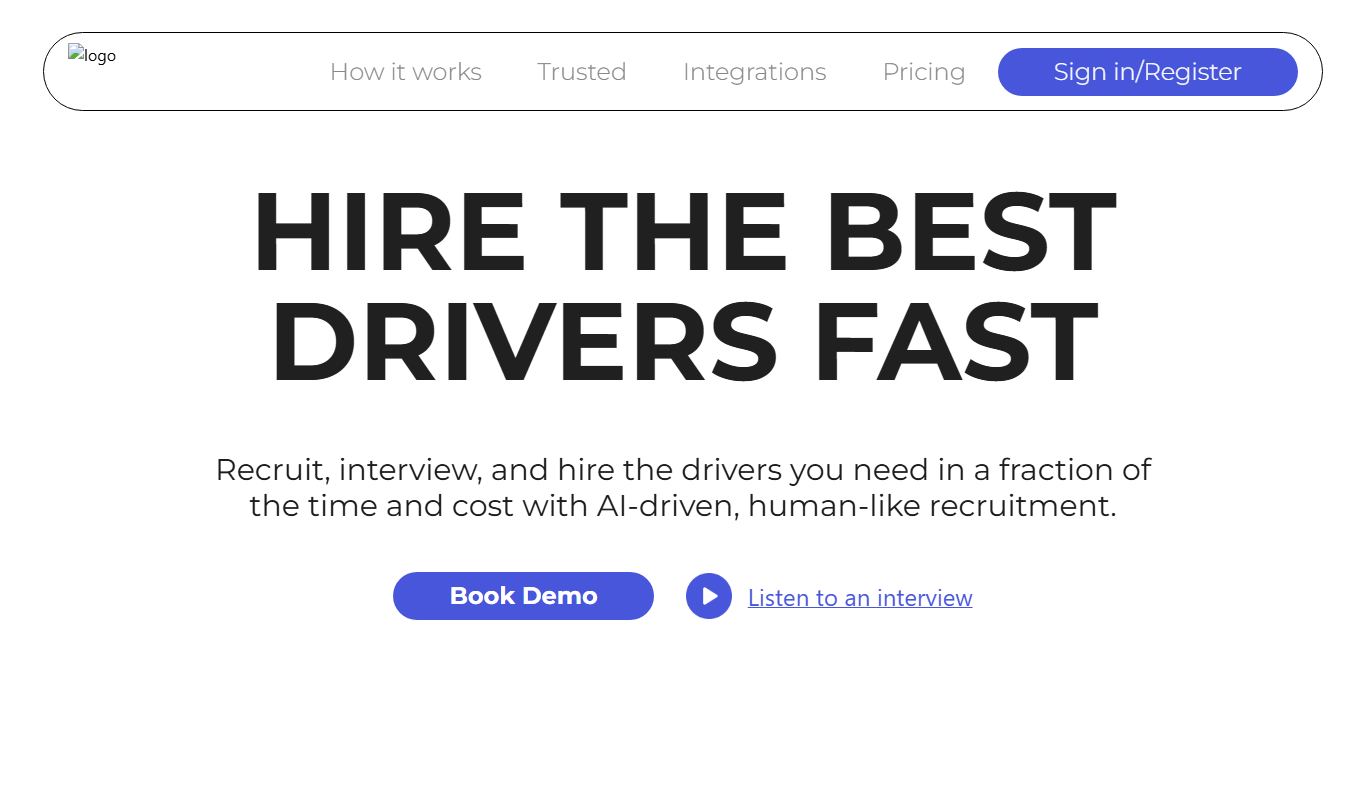
Call2action AI
Call2action AI is an AI-powered platform that automates and personalizes sales outreach across multiple channels, integrates with CRMs, and provides lead scoring to improve sales efficiency.