

From my experience with Super Filter AI, I found it excels at providing accurate, real-time content moderation that can be tailored to various platforms and languages. Its API integration is straightforward, making it practical for developers and community managers to implement quickly. The detailed analytics help moderators understand content trends and improve safety measures effectively. However, advanced features and higher usage limits require paid plans, which might be a consideration for smaller projects. Overall, if you need a reliable AI-driven solution to maintain safe and compliant online environments, Super Filter AI delivers solid, customizable results.
Super Filter AI - Advanced AI-Powered Content Moderation and Filtering Tool
Super Filter AI is an AI-driven platform that automatically detects and filters toxic and inappropriate content across multiple languages, helping businesses maintain safe online environments.
- Best for
- Online Community Moderation
- Key capability
- Real-Time Toxicity Detection

Do you recommend this tool?
What is Super Filter AI?
Super Filter AI is an advanced AI-powered content moderation and filtering platform designed to help businesses and online communities automatically detect and manage toxic, offensive, or inappropriate content. It leverages state-of-the-art machine learning models to analyze text in real-time, enabling safer and more compliant digital environments.
Key features of Super Filter AI
The tool offers real-time content analysis, customizable filtering rules, multi-language support, and an easy-to-integrate API. It provides detailed reporting and analytics to help moderators understand content trends and improve community safety.
Real-Time Toxicity Detection
Instantly identifies and filters toxic language, hate speech, and harassment.
Customizable Filtering Levels
Adjust sensitivity and categories to fit different moderation policies.
Multi-Language Support
Supports content filtering in multiple languages including English, Spanish, French, and German.
Easy API Integration
Simple RESTful API allows seamless integration with websites, apps, and platforms.
Detailed Reporting and Analytics
Provides insights into content trends and moderation effectiveness.
Pros and cons of Super Filter AI
Pros
- Accurate real-time content moderation
- Flexible customization options
- Supports multiple languages
- Comprehensive analytics dashboard
- Easy API integration
Cons
- Advanced features require paid plans
- Limited offline or desktop platform support
Key use cases for Super Filter AI
Online Community Moderation
Automatically detect and filter toxic, hateful, or inappropriate user-generated content to maintain a safe environment.
Social Media Content Filtering
Protect social media platforms from harmful content by leveraging AI to moderate posts and comments in real-time.
E-commerce Review Moderation
Ensure product reviews and customer feedback are free from spam, offensive language, or misleading information.
Gaming Chat Moderation
Monitor and filter in-game chat messages to prevent harassment and maintain positive player interactions.
Corporate Communication Compliance
Automatically scan internal communications for compliance with company policies and regulatory standards.
How Super Filter AI works
- 1
Sign Up and Access API
Create an account on the Super Filter AI platform and obtain API credentials for integration.
- 2
Integrate API with Your Platform
Use the provided API to connect Super Filter AI with your website, app, or communication channels.
- 3
Configure Filtering Rules
Customize filtering thresholds and categories based on your community standards and compliance needs.
- 4
Monitor and Moderate Content
The AI analyzes incoming content in real-time, flagging or blocking inappropriate material automatically.
- 5
Review Analytics and Reports
Access dashboards to track moderation activity, content trends, and adjust settings as needed.
Who is using Super Filter AI
Online community managers
Social media platforms
E-commerce businesses
Gaming companies
Corporate compliance teams
Super Filter AI pricing
Free
$0/month
Basic access with limited API calls and standard filtering features.
Pro
$49/month
Higher API limits, advanced filtering options, and priority support.
Enterprise
Custom pricing
Tailored solutions with dedicated support, SLAs, and custom integrations.
Plans and prices are as published by the vendor and can change. Check the official site before you buy. Open the pricing page (opens in a new tab)
Frequently asked questions about Super Filter AI
It can detect toxic language, hate speech, profanity, spam, and other inappropriate content.
Yes, you can adjust filtering thresholds and categories to match your moderation policies.
Yes, Super Filter AI supports multiple languages including Spanish, French, and German.
Integration is done via a RESTful API with detailed documentation provided.
It depends on your specific needs and how you plan to use the tool. The official website and documentation are the best sources for the latest details.
Yes, it can help with that use case depending on how you configure it and what features are available. You’ll get the best results with clear inputs and a defined goal.
Yes, it can help with that use case depending on how you configure it and what features are available. You’ll get the best results with clear inputs and a defined goal.
Sign in to review this tool.
Sign In to ReviewNo reviews yet
Be the first to share how this tool worked for you.
Ask about pricing, limits, or how it compares — or answer someone else.
Sign In to AskNo questions yet
Have a question about using or paying for this tool? Be the first to ask.
Featured on TiorAI



Alternative Tools
Explore similar AI tools that might fit your needs
Custom Pricing
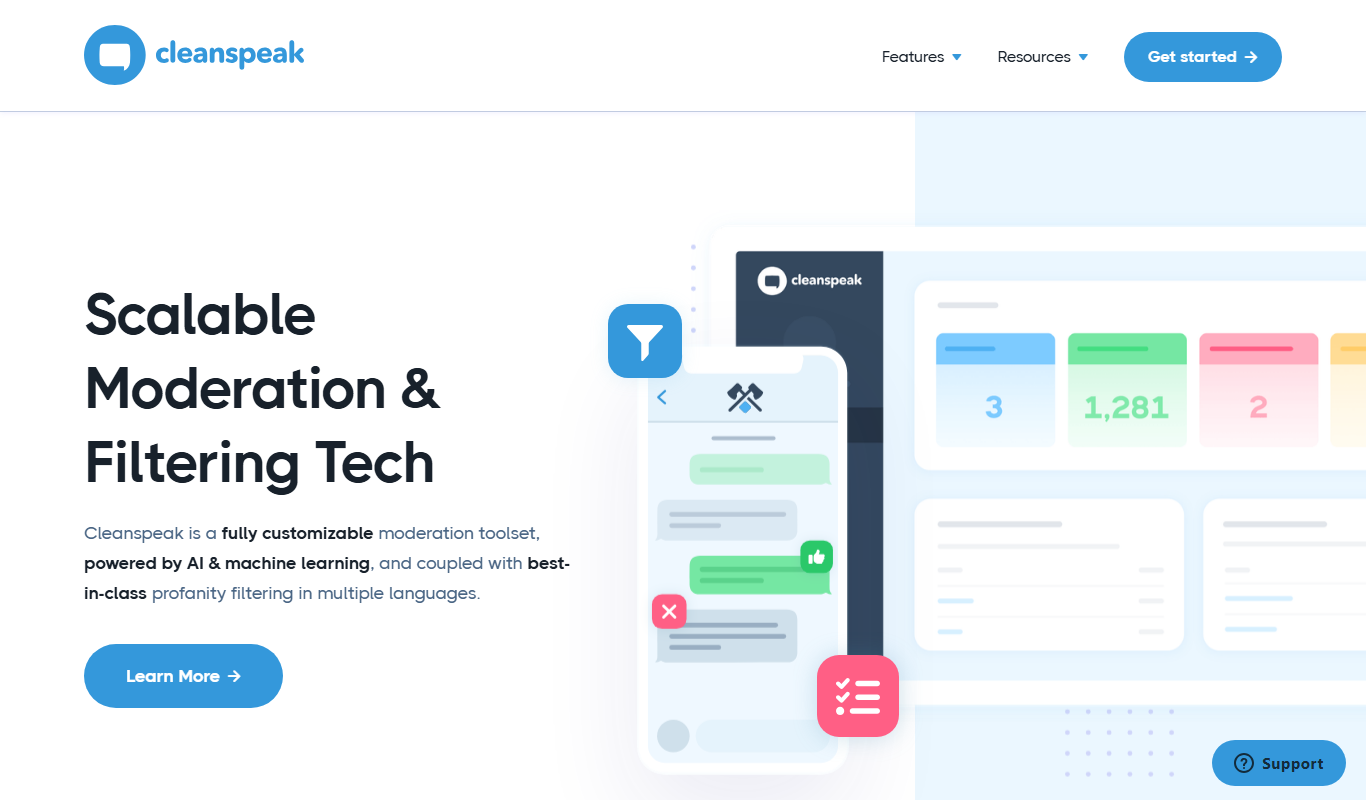
CleanSpeak
CleanSpeak is an AI-powered content moderation platform by Inversoft that helps online communities automatically detect and filter harmful user-generated content such as profanity, hate speech, and spam to maintain safe digital environments.

Custom Pricing
Two Hat
Two Hat is an AI-powered content moderation platform that automatically detects and filters toxic, abusive, and inappropriate user-generated content in real time across multiple languages and platforms.
More AI Ai Tools tools
Other tools in the same category, for when this one is not quite the fit.

Free
Pogo Travel
Pogo Travel is an AI-driven platform that generates personalized travel itineraries based on your preferences, travel dates, and interests, offering collaborative planning and offline access.

Freemium
PlaninGo
PlaninGo is an AI travel planning tool that generates personalized trip itineraries and guides based on your preferences, helping you plan efficient and enjoyable trips.

Free
Travelwiz
Travelwiz is an AI-powered travel planning tool that creates personalized trip itineraries and offers tailored travel recommendations based on user preferences.

Free
Momo
Momo is an AI-powered assistant that automates workflows, manages tasks, and enhances team collaboration by integrating with popular productivity tools.

Free
Nextrip
Nextrip AI is an online travel planning tool that uses artificial intelligence to generate personalized trip itineraries based on your preferences, travel dates, and destinations.

Freemium
TravelBot AI Travel Assistant
TravelBot AI Travel Assistant is a web-based platform that uses artificial intelligence to help users create personalized travel itineraries, book flights and hotels, and receive tailored travel recommendations based on preferences and budget.

Freemium
AIreelity
AIreelity is an AI-driven video creation platform that transforms text scripts into engaging marketing videos with customizable templates and AI voiceovers.

Free
AIJOURNEY
AIJOURNEY is an AI-driven career development tool that provides personalized career path recommendations, identifies skill gaps, and offers curated learning resources to help users advance professionally.