

From my experience with Bluedot, I found it excels at delivering highly accurate geofencing capabilities that reduce false triggers, which is critical for effective location-based marketing. The platform’s mobile SDKs and APIs make integration into apps and systems straightforward, providing real-time location triggers and valuable analytics. However, the lack of publicly available pricing and absence of a free trial means businesses need to engage directly with sales to evaluate fit. Overall, if your goal is to build precise, location-aware experiences or campaigns, Bluedot offers a robust and reliable solution.
Bluedot Location Platform for Precise Geofencing and Location Data Solutions
Bluedot is a location intelligence platform providing precise geofencing, mobile SDKs, and APIs to enable location-based marketing, customer engagement, and analytics.
- Best for
- Location-Based Marketing
- Key capability
- High-Precision Geofencing

Do you recommend this tool?
What is Bluedot?
Bluedot is a location platform that provides highly accurate geofencing and location data solutions for businesses. It enables companies to build location-aware applications and marketing campaigns by leveraging precise location triggers and analytics. The platform offers SDKs for mobile devices and APIs to integrate location intelligence into various systems, helping businesses engage customers contextually and optimize operations.
Key features of Bluedot
Bluedot’s main features include advanced geofencing technology with high accuracy, mobile SDKs for iOS and Android, real-time location triggers, location analytics dashboards, and API integrations. These features empower businesses to create personalized, location-based experiences and gain actionable insights from location data.
High-Precision Geofencing
Enables accurate location triggers with minimal false positives, improving targeting and user experience.
Mobile SDKs for iOS and Android
Easy integration of location services into mobile applications with support for major platforms.
Real-Time Location Triggers
Immediate execution of actions based on user location changes within geofences.
Location Analytics Dashboard
Visualize and analyze location data to gain insights into customer behavior and campaign performance.
API Access
Flexible API for integrating location intelligence into existing systems and workflows.
Pros and cons of Bluedot
Pros
- Highly accurate geofencing reduces false triggers
- Comprehensive SDK support for mobile platforms
- Robust analytics for actionable location insights
- Flexible API for custom integrations
Cons
- Pricing details are not publicly available
- No clear free trial or self-service onboarding
Key use cases for Bluedot
Location-Based Marketing
Deliver personalized marketing messages and offers based on precise user location to increase engagement and conversion.
Geofencing and Location Triggers
Set up virtual boundaries to trigger actions or notifications when users enter or exit specific locations.
Customer Journey Analytics
Analyze foot traffic and customer movement patterns to optimize store layouts and marketing strategies.
Mobile App Location Services
Integrate accurate location data into mobile apps to enhance user experience and enable location-aware features.
Operational Efficiency
Use location data to improve logistics, workforce management, and asset tracking.
How Bluedot works
- 1
Integrate SDK
Developers integrate Bluedot’s SDK into their mobile apps to enable precise location tracking and geofencing.
- 2
Define Geofences
Set up virtual boundaries (geofences) around physical locations where specific actions or notifications should be triggered.
- 3
Trigger Actions
When users enter or exit geofences, the platform triggers predefined actions such as push notifications or data collection.
- 4
Analyze Data
Use Bluedot’s analytics tools to monitor location data, customer movements, and campaign effectiveness.
Who is using Bluedot
Retail and e-commerce businesses
Marketing agencies
Mobile app developers
Logistics and operations managers
Customer experience teams
Bluedot pricing
Custom Pricing
Contact for pricing
Pricing tailored to business needs based on usage, features, and scale.
Plans and prices are as published by the vendor and can change. Check the official site before you buy. Open the pricing page (opens in a new tab)
Frequently asked questions about Bluedot
Bluedot supports iOS and Android mobile platforms through SDKs, as well as web and API integrations.
Bluedot provides high-precision geofencing with advanced algorithms to minimize false triggers and improve location accuracy.
Yes, Bluedot offers APIs that allow integration with various marketing and CRM platforms to enhance location-based campaigns.
Bluedot does not publicly list a free trial; interested businesses should contact sales for demos and custom pricing.
This tool is designed to help users accomplish its core tasks more efficiently. It is typically used by individuals or teams looking to improve productivity and workflow.
It depends on your specific needs and how you plan to use the tool. The official website and documentation are the best sources for the latest details.
Yes, it can help with that use case depending on how you configure it and what features are available. You’ll get the best results with clear inputs and a defined goal.
Some tools offer a free plan or trial with limited features. Availability can vary, so confirm on the official website.
Sign in to review this tool.
Sign In to ReviewNo reviews yet
Be the first to share how this tool worked for you.
Ask about pricing, limits, or how it compares — or answer someone else.
Sign In to AskNo questions yet
Have a question about using or paying for this tool? Be the first to ask.
Featured on TiorAI



Alternative Tools
Explore similar AI tools that might fit your needs

Free
Radar
Radar is a location data platform offering geofencing, location tracking SDKs, and analytics to enable location-based experiences in mobile and web apps.
More AI Video Recording tools
Other tools in the same category, for when this one is not quite the fit.

Free
SantaCard
SantaCard is a web platform for creating and sending personalized digital holiday greeting cards with customizable templates and easy sharing options.

Free Trial
Interruptible
Interruptible is an AI writing assistant that allows users to interrupt and redirect AI-generated content in real time, supporting collaborative writing and dynamic content creation.

Freemium
reccloud.cn
RecCloud.cn is a cloud-based AI video recording and transcription platform that supports Chinese and English, designed to help businesses and educators capture and transcribe audio and video content efficiently.

Free Trial
interview.co
Interview.co is a web-based platform that enables recruiters and hiring managers to conduct live coding technical interviews with integrated video, collaborative coding environment, and interview recording features.

Custom Pricing
Roll
Roll AI is a data annotation platform that automates labeling workflows to accelerate machine learning model training with high-quality annotated datasets.
Free
Wudpecker
Wudpecker is an AI-powered meeting assistant that automatically transcribes and summarizes online meetings to improve productivity and collaboration.
Freemium
Supercreator
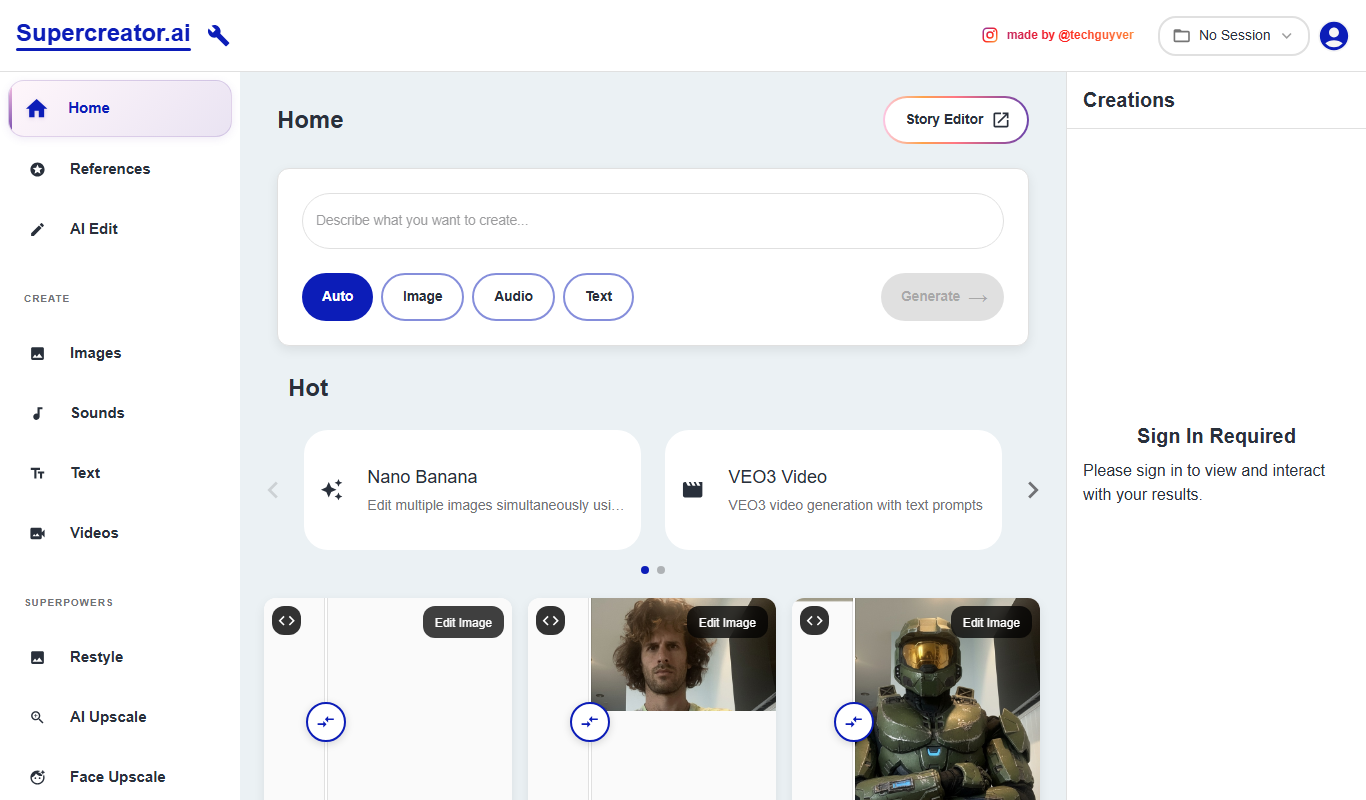
Supercreator is an AI content generation platform designed to help marketing and social media teams create tailored, engaging content efficiently.

Freemium
Noota
Noota is an AI-driven tool that transcribes and summarizes meetings, enabling users to capture accurate notes and key points efficiently.