

From my experience with Batteries Included, I found it excels at streamlining the initial setup and development process for web projects by providing a solid foundation of reusable components and utilities. It’s particularly well-suited for JavaScript developers and teams looking to boost productivity without reinventing the wheel. However, the toolkit focuses mainly on web development and could benefit from more extensive documentation to help new users onboard faster. Overall, if you want a free, open-source toolkit to accelerate your web app development, Batteries Included offers practical, ready-to-use solutions.
Batteries Included - All-in-One Developer Toolkit for Web Projects
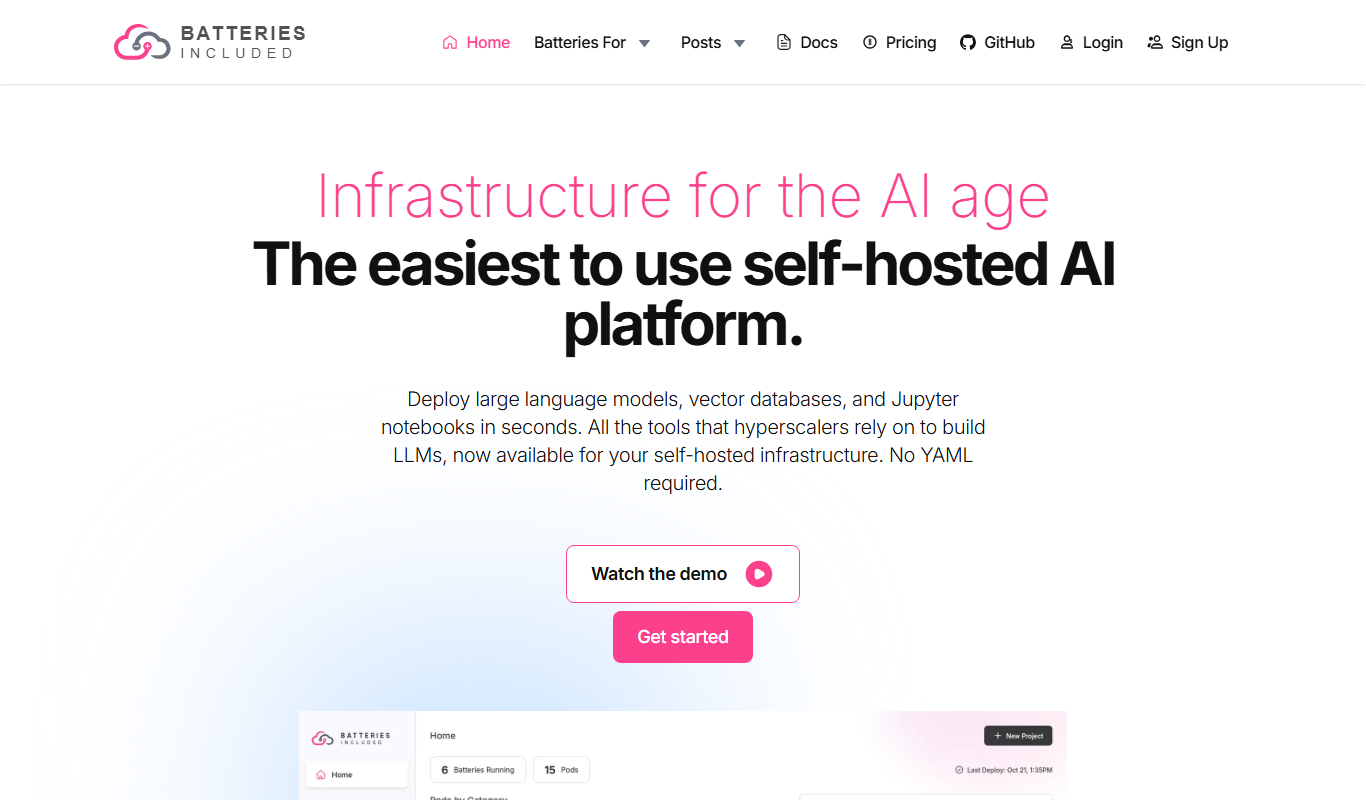
Batteries Included is an open-source developer toolkit that provides pre-built UI components, project templates, utility functions, and CLI tools to help web developers quickly scaffold and build projects using modern JavaScript frameworks like React.
- Best for
- Rapid Web Development
- Key capability
- Pre-built UI Components
Do you recommend this tool?
What is Batteries Included?
Batteries Included is an open-source developer toolkit designed to provide a comprehensive set of utilities, components, and templates that help web developers rapidly build and maintain projects. It aims to reduce the overhead of setting up and configuring common development tasks by offering ready-to-use solutions that follow best practices.
Key features of Batteries Included
The toolkit includes project scaffolding templates, reusable UI components, utility functions, and CLI tools that simplify development workflows. It supports modern JavaScript frameworks and encourages modular, maintainable code.
Pre-built UI Components
A library of customizable components that can be easily integrated into web projects.
Project Templates
Boilerplates and scaffolding tools to quickly set up new projects with best practices.
Utility Functions
Common helper functions to simplify coding tasks and improve code quality.
Command-Line Interface
CLI tools to automate setup, build, and other repetitive development tasks.
Pros and cons of Batteries Included
Pros
- Open-source and free to use
- Comprehensive set of components and utilities
- Speeds up project setup and development
- Supports modern JavaScript frameworks
- Includes CLI tools for automation
Cons
- Limited to web development use cases
- Documentation could be more extensive
Key use cases for Batteries Included
Rapid Web Development
Provides a comprehensive set of pre-built components and utilities to accelerate building web applications.
Project Scaffolding
Offers templates and boilerplates to quickly scaffold new projects with best practices.
Code Reusability
Includes modular components that can be reused across different projects to maintain consistency and reduce development time.
Developer Productivity
Streamlines common development tasks and setup processes to improve workflow efficiency.
How Batteries Included works
- 1
Install the Toolkit
Add Batteries Included to your project via npm or yarn to access its components and utilities.
- 2
Use Scaffolding Templates
Generate new project structures or components using provided templates to jumpstart development.
- 3
Integrate Components
Import and customize pre-built UI components and utilities to fit your project needs.
- 4
Leverage CLI Tools
Use command-line tools to automate repetitive tasks and streamline your workflow.
Who is using Batteries Included
Web developers
Frontend engineers
JavaScript developers
Development teams seeking productivity tools
Open-source enthusiasts
Batteries Included pricing
Free
$0
Open-source access to all features and components.
Plans and prices are as published by the vendor and can change. Check the official site before you buy. Open the pricing page (opens in a new tab)
Frequently asked questions about Batteries Included
Yes, Batteries Included is an open-source toolkit available for free.
It primarily supports JavaScript and is designed for modern web development.
Yes, the toolkit includes components and utilities compatible with React.
Yes, Batteries Included offers CLI tools to automate common development tasks.
This tool is designed to help users accomplish its core tasks more efficiently. It is typically used by individuals or teams looking to improve productivity and workflow.
Yes, it can help with that use case depending on how you configure it and what features are available. You’ll get the best results with clear inputs and a defined goal.
It depends on your specific needs and how you plan to use the tool. The official website and documentation are the best sources for the latest details.
Sign in to review this tool.
Sign In to ReviewNo reviews yet
Be the first to share how this tool worked for you.
Ask about pricing, limits, or how it compares — or answer someone else.
Sign In to AskNo questions yet
Have a question about using or paying for this tool? Be the first to ask.
Featured on TiorAI



Alternative Tools
Explore similar AI tools that might fit your needs

Free
Next.js
Next.js is an open-source React framework by Vercel that enables server-side rendering, static site generation, and API routes to build fast, SEO-friendly web applications.

Free
Vite
Vite is a modern frontend build tool that uses native ES modules and Rollup to provide fast development server startup, instant hot module replacement, and optimized production builds for web applications.
Free
Parcel
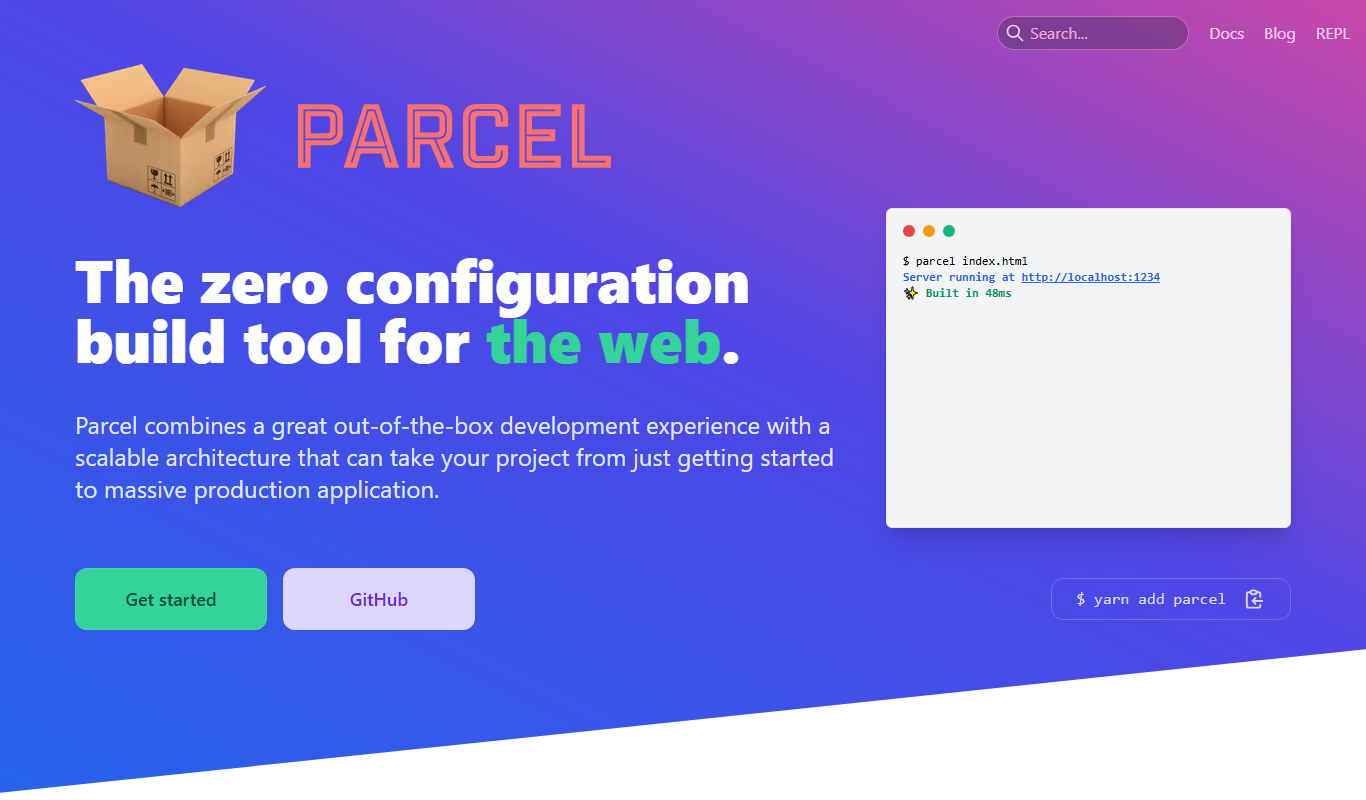
ParcelJS is an open-source web bundler that offers zero configuration, fast multi-core builds, and automatic asset handling for modern web development.
More AI Productivity Tools tools
Other tools in the same category, for when this one is not quite the fit.

Free
Merlin AI
Merlin AI is a GPT-4 powered AI chat assistant that integrates as a browser extension, enabling users to access AI-generated content and assistance directly on any website to improve productivity and content creation.

Freemium
Wanderlust Browser Extension V2
Wanderlust Browser Extension V2 is a travel planning tool that integrates with Chrome and Firefox browsers, enabling users to save travel ideas, build itineraries, and collaborate on trip plans directly from their browsing experience.

Freemium
EasyTrip AI
EasyTrip AI is an AI-driven travel planner that generates customized trip itineraries based on your travel dates, destinations, and preferences, helping you organize your trip efficiently.

Freemium
PlaninGo
PlaninGo is an AI travel planning tool that generates personalized trip itineraries and guides based on your preferences, helping you plan efficient and enjoyable trips.

Free
Travelwiz
Travelwiz is an AI-powered travel planning tool that creates personalized trip itineraries and offers tailored travel recommendations based on user preferences.

Freemium
Swifty
Swifty is an AI writing assistant that helps users create and edit English content quickly with AI-generated suggestions and grammar corrections.

Free
Momo
Momo is an AI-powered assistant that automates workflows, manages tasks, and enhances team collaboration by integrating with popular productivity tools.

Freemium
Travel Itinerary AI
Travel Itinerary AI is an AI-powered web tool that creates personalized travel itineraries based on your preferences, helping you plan and manage trips efficiently.