

From my experience with Backpackk, I found it excels at providing a clean, hierarchical structure for organizing knowledge that suits both individuals and teams. Its real-time collaboration and rich media embedding make it practical for project documentation and knowledge sharing. However, the lack of offline access and mobile apps can limit flexibility for users on the go. Overall, if you need a straightforward, web-based knowledge management tool with solid collaboration features, Backpackk delivers a focused and user-friendly solution.
Backpackk Review: Collaborative Knowledge Management for Teams and Individuals
Backpackk is a web-based knowledge management tool that enables teams and individuals to organize, share, and collaborate on information using hierarchical pages and rich media embedding.
- Best for
- Team Knowledge Sharing
- Key capability
- Hierarchical Page Structure

Do you recommend this tool?
What is Backpackk?
Backpackk is a web-based collaborative knowledge management platform designed to help teams and individuals organize, share, and manage information effectively. It offers a flexible, hierarchical page system that supports rich media embedding, making it easy to build interconnected knowledge bases and documentation repositories.
Key features of Backpackk
Backpackk provides hierarchical page organization, real-time collaboration, rich media embedding, version history, and permission controls to streamline knowledge sharing and documentation within teams and for personal use.
Hierarchical Page Structure
Organize information in nested pages for intuitive navigation and categorization.
Rich Media Embedding
Embed images, videos, PDFs, and links directly into pages to create comprehensive content.
Real-Time Collaboration
Multiple users can edit pages simultaneously with live updates.
Version History
Track changes over time and revert to previous versions if needed.
Permission Controls
Set access levels for team members to control who can view or edit content.
Pros and cons of Backpackk
Pros
- Flexible hierarchical organization of content
- Supports rich media embedding for comprehensive pages
- Real-time collaboration with permission settings
- Clean and intuitive user interface
- Version history for content tracking
Cons
- No offline access available
- Limited integrations with other tools
- Mobile app not available; web-only platform
Key use cases for Backpackk
Team Knowledge Sharing
Facilitates centralized knowledge bases where teams can collaboratively create, organize, and share information.
Personal Knowledge Management
Allows individuals to capture and organize notes, ideas, and resources in a flexible, hierarchical structure.
Project Documentation
Supports documentation of projects with easy linking and embedding of various content types for clear communication.
Meeting Notes and Agendas
Enables teams to prepare, share, and archive meeting notes and agendas efficiently.
Content Organization
Helps users structure information with nested pages and rich media embedding for better content navigation.
How Backpackk works
- 1
Create an Account
Sign up on Backpackk’s website to start building your knowledge base.
- 2
Build Pages
Create pages and subpages to organize your content hierarchically.
- 3
Add Content
Embed text, images, videos, links, and other media to enrich your pages.
- 4
Collaborate
Invite team members to view or edit pages with customizable permissions.
- 5
Manage and Share
Use version history to track changes and share knowledge bases with your team or publicly.
Who is using Backpackk
Small to medium-sized teams
Knowledge workers and researchers
Project managers
Content creators
Individuals seeking personal knowledge management
Backpackk pricing
Free
$0/month
Basic features with limited pages and collaborators.
Pro
$10/month
Expanded limits, advanced features, and priority support.
Plans and prices are as published by the vendor and can change. Check the official site before you buy. Open the pricing page (opens in a new tab)
Frequently asked questions about Backpackk
Yes, Backpackk supports individual users who want to organize personal notes and knowledge.
Absolutely, Backpackk is designed for team collaboration with real-time editing and permission controls.
Currently, Backpackk is a web-based tool and does not support offline access.
You can embed images, videos, PDFs, links, and other rich media formats.
This tool is designed to help users accomplish its core tasks more efficiently. It is typically used by individuals or teams looking to improve productivity and workflow.
Yes, it can help with that use case depending on how you configure it and what features are available. You’ll get the best results with clear inputs and a defined goal.
Some tools offer a free plan or trial with limited features. Availability can vary, so confirm on the official website.
Yes, it can help with that use case depending on how you configure it and what features are available. You’ll get the best results with clear inputs and a defined goal.
Sign in to review this tool.
Sign In to ReviewNo reviews yet
Be the first to share how this tool worked for you.
Ask about pricing, limits, or how it compares — or answer someone else.
Sign In to AskNo questions yet
Have a question about using or paying for this tool? Be the first to ask.
Featured on TiorAI



Alternative Tools
Explore similar AI tools that might fit your needs

Free
Notion
Notion is a versatile productivity tool that combines note-taking, task management, databases, and team collaboration in one customizable workspace accessible across devices.

Free
Coda
Coda is an all-in-one productivity platform that merges documents, spreadsheets, and apps into customizable, collaborative workflows with automation and integrations.

Free
Slite
Slite is a collaborative knowledge base and team wiki software designed to help teams organize, share, and manage information efficiently, especially for remote and distributed teams.
More AI Collaboration & Team Tools tools
Other tools in the same category, for when this one is not quite the fit.

Free
Aardvark
Aardvark is an AI assistant that helps teams quickly search and access internal knowledge by integrating with multiple data sources and providing natural language answers.
Free
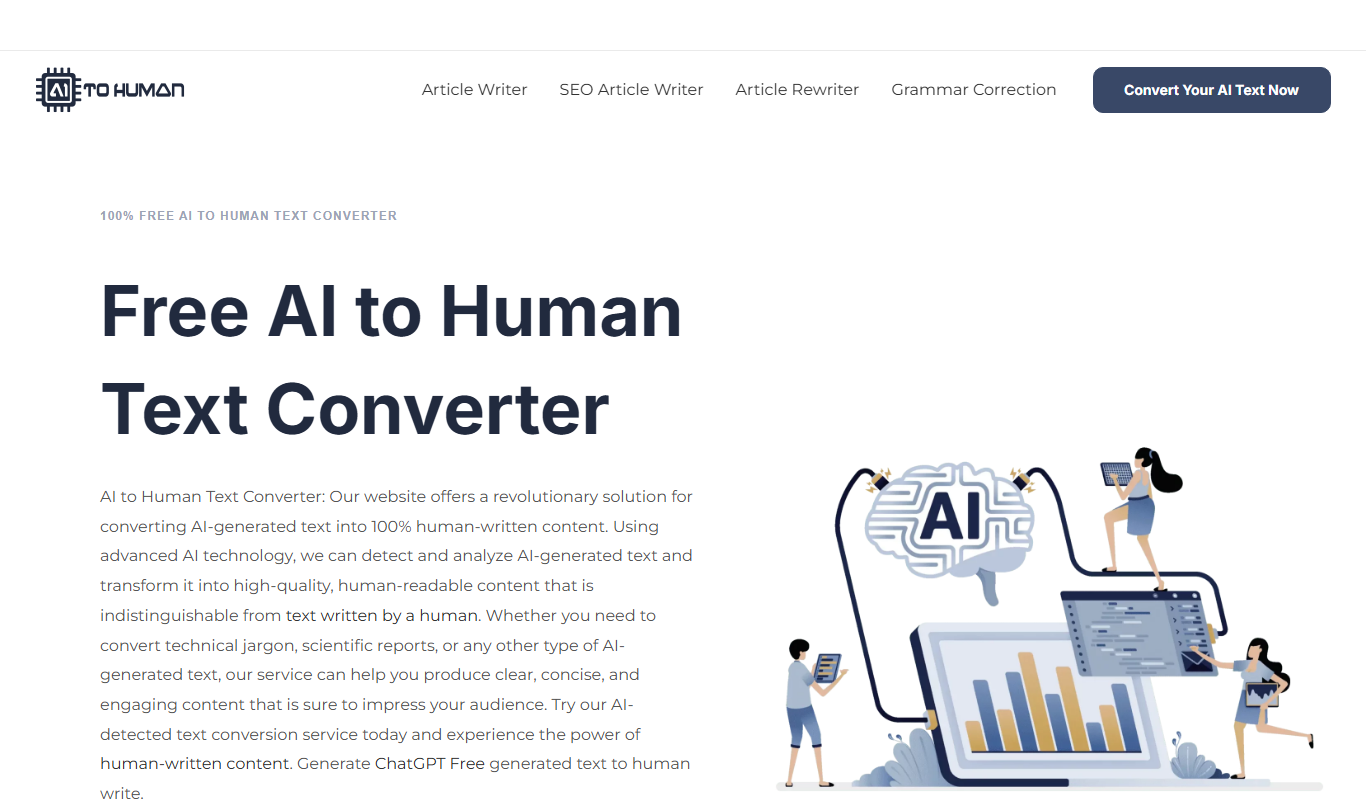
AI to Human
AI to Human is a free web platform that promotes ethical collaboration among AI developers, policymakers, and communities to ensure responsible AI innovation.

Pay Per Service
Hauservice
Hauservice is a German online platform that connects homeowners with vetted local professionals for home maintenance and repair services, offering transparent pricing and easy booking.
Freemium
IntelliOptima
IntelliOptima is an AI optimization platform that automates workflows, analyzes business data, and provides predictive insights to improve operational efficiency.

Freemium
Klart AI
Klart AI is an AI-powered writing assistant that helps users improve clarity, grammar, and tone in their writing through real-time suggestions on a web platform.

Free
GptPanda
GptPanda is a no-code AI chatbot platform that enables users to create customized GPT-powered chatbots for automation, customer support, and content generation.

Freemium
Langtail
Langtail is an AI-driven translation platform that automates multilingual content management through machine learning, API integration, and collaborative editing features.

Free
Plot
Plot is a web-based platform that allows teams to collaboratively design, prototype, and share interactive user interfaces in real-time without installing software.