

From my experience with BacklinkBot, I found it excels at automating the tedious process of backlink discovery and monitoring through AI, saving significant time for SEO professionals. The real-time alerts and spam detection features are particularly useful for maintaining a healthy backlink profile and protecting SEO rankings. However, the platform currently supports only English and lacks a mobile app, which may limit accessibility for some users. Overall, if you need a streamlined, AI-driven backlink analysis tool with competitor insights and reporting, BacklinkBot delivers reliable and actionable results.
BacklinkBot AI SEO Tool for Automated Backlink Analysis and Monitoring
BacklinkBot is an AI-powered SEO tool that automates backlink discovery, monitoring, competitor analysis, and spam detection to help improve your website's search engine rankings.
- Best for
- Backlink Monitoring
- Key capability
- AI-Powered Backlink Discovery
Your actions
Save BacklinkBot, follow its updates and vote on it — everything stays in your account.
Sign in or create a free account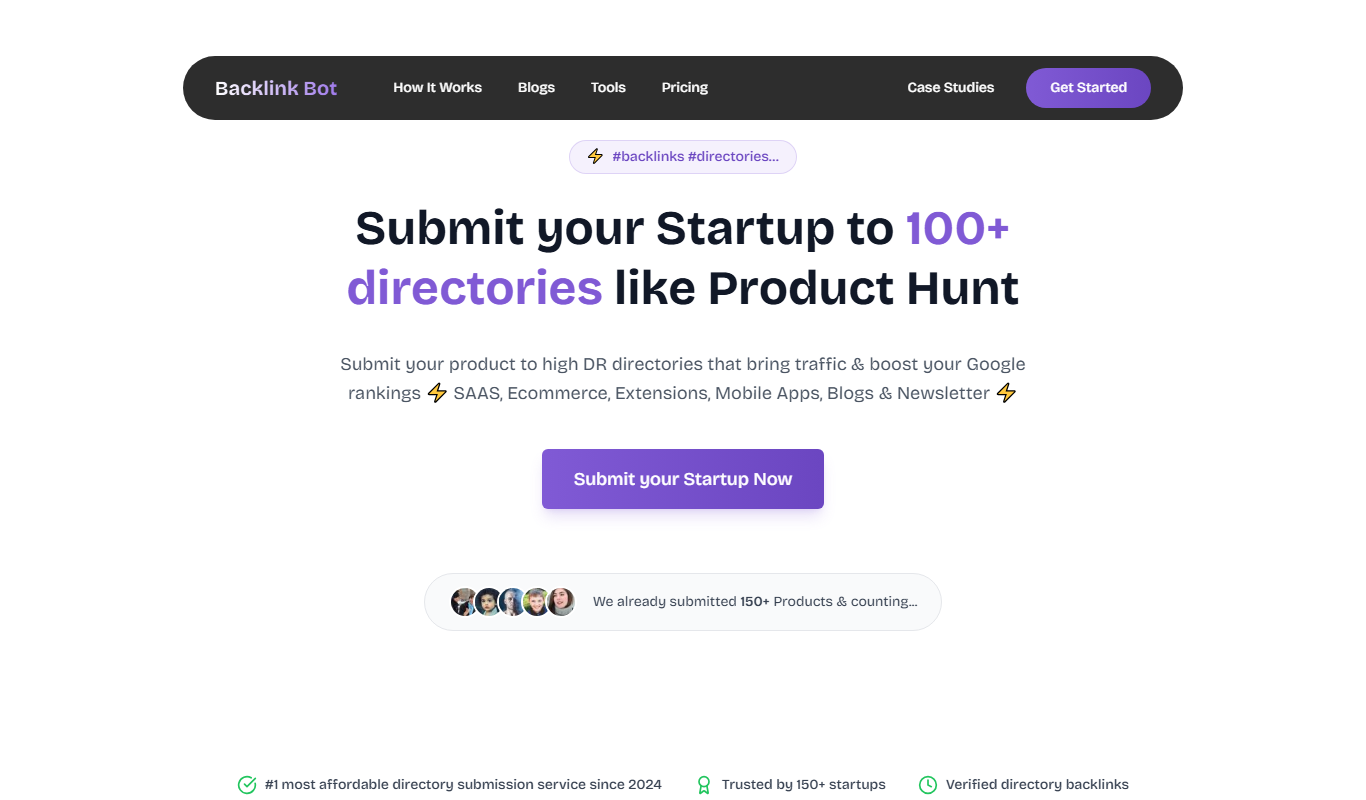
What is BacklinkBot?
BacklinkBot is an AI-powered SEO tool designed to automate backlink analysis and monitoring. It helps website owners, SEO professionals, and agencies track backlinks, assess link quality, and identify opportunities or risks in their link profiles. By leveraging AI, BacklinkBot simplifies the complex process of backlink management, providing actionable insights to improve search engine rankings.
Key features of BacklinkBot
BacklinkBot offers automated backlink discovery, real-time monitoring, competitor backlink analysis, link quality scoring, spam detection, and customizable reporting. Its AI-driven algorithms streamline backlink audits and help users maintain a healthy link profile efficiently.
AI-Powered Backlink Discovery
Automatically find backlinks from across the web using advanced AI algorithms.
Real-Time Link Monitoring
Track backlink status changes instantly to stay updated on your link profile.
Competitor Backlink Analysis
Compare your backlink profile with competitors to identify new link-building opportunities.
Spam and Toxic Link Detection
Detect harmful backlinks that could negatively impact your SEO and take action.
Customizable Reporting
Generate and schedule detailed backlink reports tailored to your needs.
Pros and cons of BacklinkBot
Pros
- Automates backlink discovery and monitoring with AI
- Provides real-time alerts on backlink changes
- Includes competitor backlink analysis
- Detects spammy and toxic backlinks
- Offers customizable and scheduled reporting
Cons
- Limited tech stack details publicly available
- Primarily supports English language
- No mobile app currently available
Key use cases for BacklinkBot
Backlink Monitoring
Continuously track backlinks to your website to identify new, lost, or broken links.
SEO Competitor Analysis
Analyze competitor backlink profiles to discover link-building opportunities.
Link Quality Assessment
Evaluate the quality and authority of backlinks to improve SEO strategy.
Automated Reporting
Generate regular backlink reports for SEO performance tracking and client updates.
Spam Link Detection
Identify potentially harmful or spammy backlinks to protect your website’s SEO health.
How BacklinkBot works
- 1
Sign Up and Connect Website
Create an account and add your website URL to start backlink tracking.
- 2
Automated Backlink Crawling
BacklinkBot scans the web and search engines to discover backlinks pointing to your site.
- 3
Analyze and Score Links
The AI evaluates each backlink’s quality, authority, and potential risk.
- 4
Monitor Changes and Alerts
Receive notifications about new, lost, or suspicious backlinks.
- 5
Generate Reports
Create detailed backlink reports for SEO insights or client presentations.
Who is using BacklinkBot
SEO professionals
Digital marketing agencies
Website owners
Content marketers
Small to medium businesses
BacklinkBot pricing
Free Trial
$0 for 7 days
Access core features with limited backlink tracking to test the platform.
Starter
$29/month
Basic backlink monitoring and reporting for small websites.
Professional
$79/month
Advanced backlink analysis with higher limits and competitor insights.
Agency
$149/month
Full feature set with multi-site support and white-label reporting.
Plans and prices are as published by the vendor and can change. Check the official site before you buy. Open the pricing page (opens in a new tab)
Frequently asked questions about BacklinkBot
BacklinkBot uses AI algorithms to crawl the web and search engines, identifying backlinks pointing to your website.
Yes, BacklinkBot allows you to analyze competitor backlink profiles to discover new link-building opportunities.
Yes, it identifies potentially harmful or toxic backlinks to help protect your SEO health.
Yes, BacklinkBot offers a 7-day free trial with access to core features.
This tool is designed to help users accomplish its core tasks more efficiently. It is typically used by individuals or teams looking to improve productivity and workflow.
It depends on your specific needs and how you plan to use the tool. The official website and documentation are the best sources for the latest details.
Yes, it can help with that use case depending on how you configure it and what features are available. You’ll get the best results with clear inputs and a defined goal.
Some tools offer a free plan or trial with limited features. Availability can vary, so confirm on the official website.
Sign in to review this tool.
Sign In to ReviewNo reviews yet
Be the first to share how this tool worked for you.
Ask about pricing, limits, or how it compares — or answer someone else.
Sign In to AskNo questions yet
Have a question about using or paying for this tool? Be the first to ask.
Featured on TiorAI



More AI Chatbot tools
Other tools in the same category, for when this one is not quite the fit.

Subscription
Open GPT
OpenGPT lets users run a wide range of ChatGPT applications or create their own in seconds, with access sold as a subscription.
Freemium
Nova – ChatGPT AI Chatbot
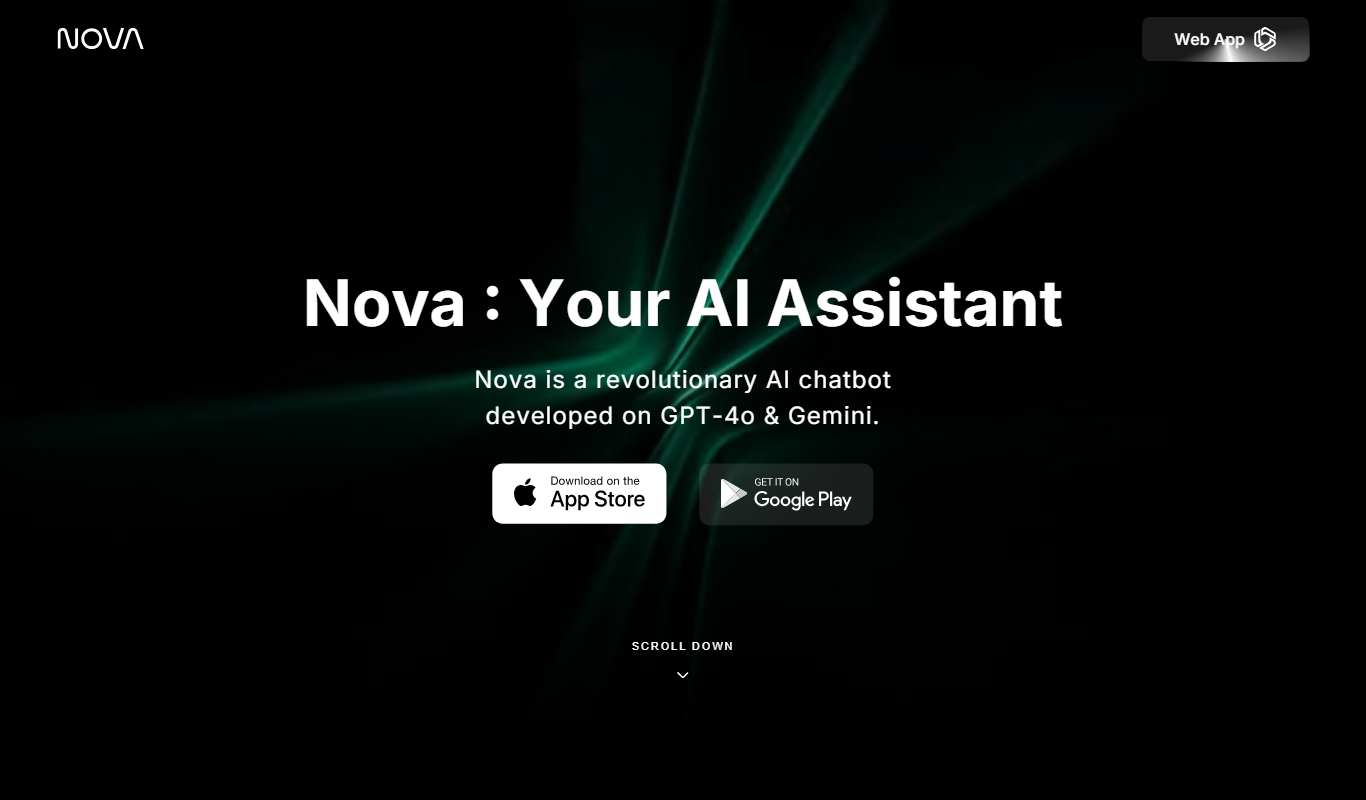
Nova is an AI chatbot powered by ChatGPT technology that helps users automate tasks, generate content, and improve productivity through natural conversational AI available on web and mobile platforms.
Free
Jailbroken ChatGPT
Jailbroken ChatGPT is a web chatbot from AE Studio that bypasses ChatGPT content restrictions and requires the user's own OpenAI API key.

Free
ChatGPT Français (French)
ChatGPT Français is a free web-based AI chatbot designed specifically for French language users to practice conversations, generate content, and support French communication needs.
Free
Gita GPT
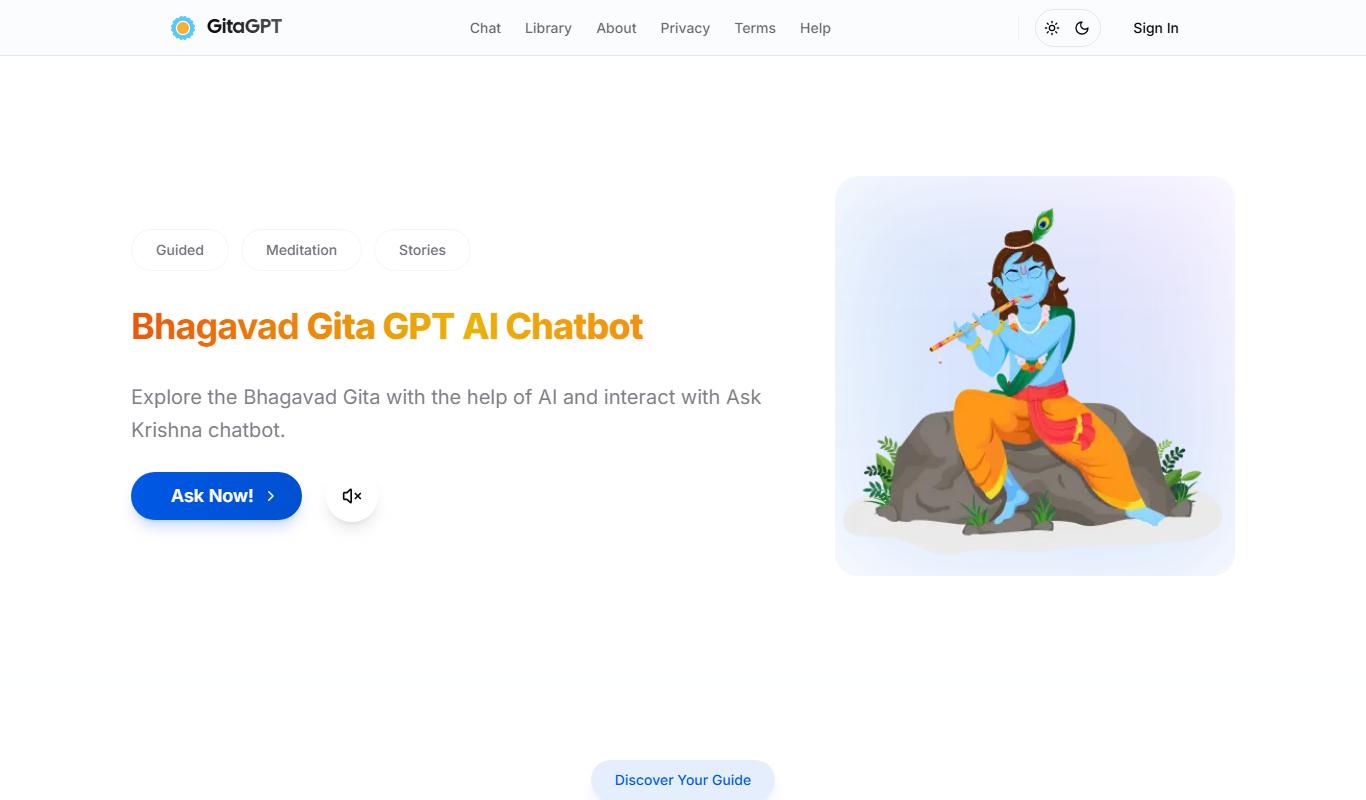
GitaGPT is an AI spiritual companion that answers life questions with Bhagavad Gita shlokas through 10 spiritual guides in 22+ Indian languages, with a free plan and paid upgrades.
Free
LoveGPT
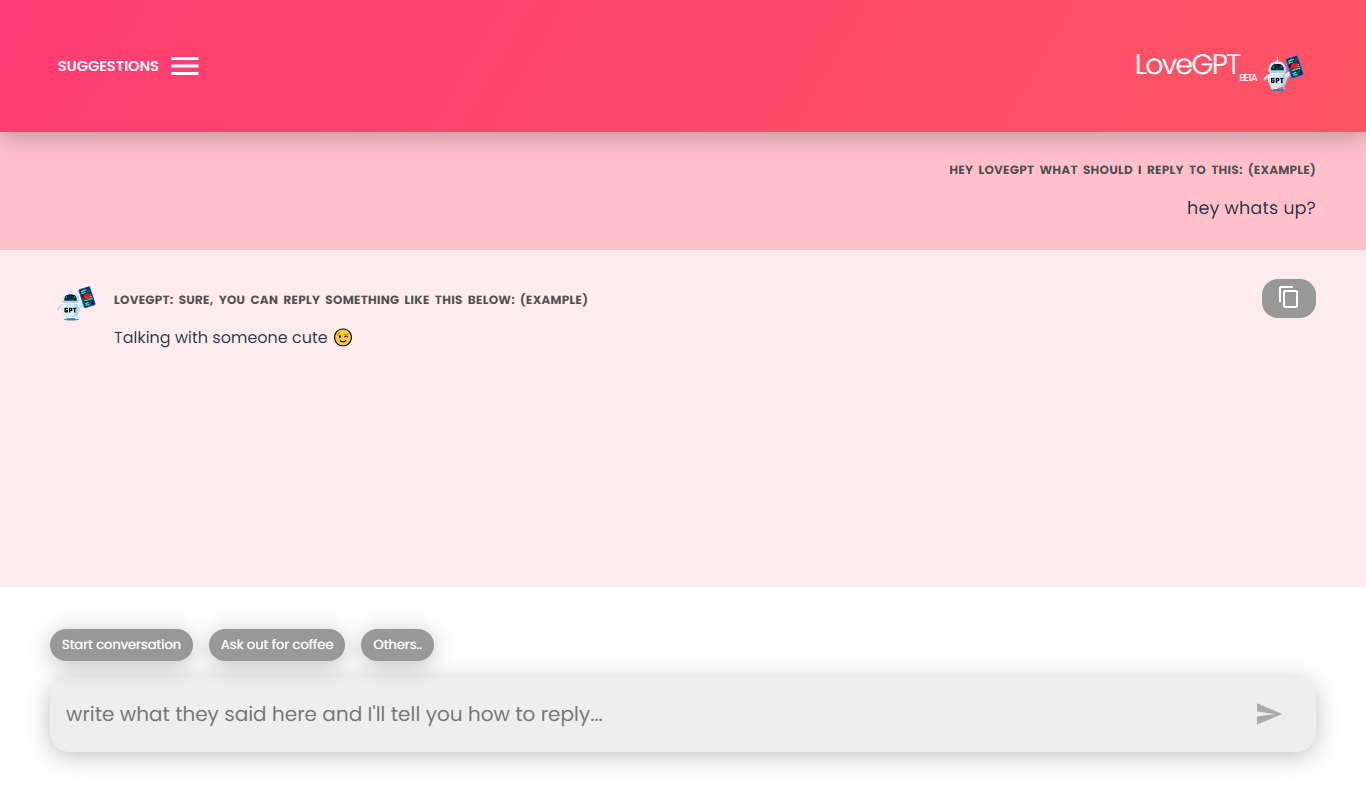
LoveGPT is a free AI chatbot that provides personalized relationship advice and emotional support through empathetic conversations on its web platform.
Free
NepaliGPT
NepaliGPT is a free AI chatbot designed to understand and generate text in the Nepali language, accessible via a web interface without requiring an account.

Free
Alya
Alya is an AI therapist app. The site lists 22 languages and more than 100 AI models, with downloads on the App Store and Google Play.