

From my experience with Avalara, it excels at automating the complex and error-prone process of sales tax calculation and filing across multiple jurisdictions. After spending time with the platform, I can say it’s particularly well-suited for businesses that sell in multiple states or countries and need reliable tax compliance without manual overhead. However, the initial setup and integration can require some effort, and pricing may be a consideration for very small businesses. Overall, if you need to streamline tax compliance and reduce audit risks, Avalara delivers robust and scalable solutions.
Avalara Tax Compliance Software for Automated Sales Tax Calculation
Avalara is a cloud-based tax compliance software that automates sales tax calculation, exemption certificate management, and tax filing to help businesses stay compliant across multiple jurisdictions.
- Best for
- Automated Sales Tax Calculation
- Key capability
- Real-Time Tax Calculation
Your actions
Save Avalara, follow its updates and vote on it — everything stays in your account.
Sign in or create a free account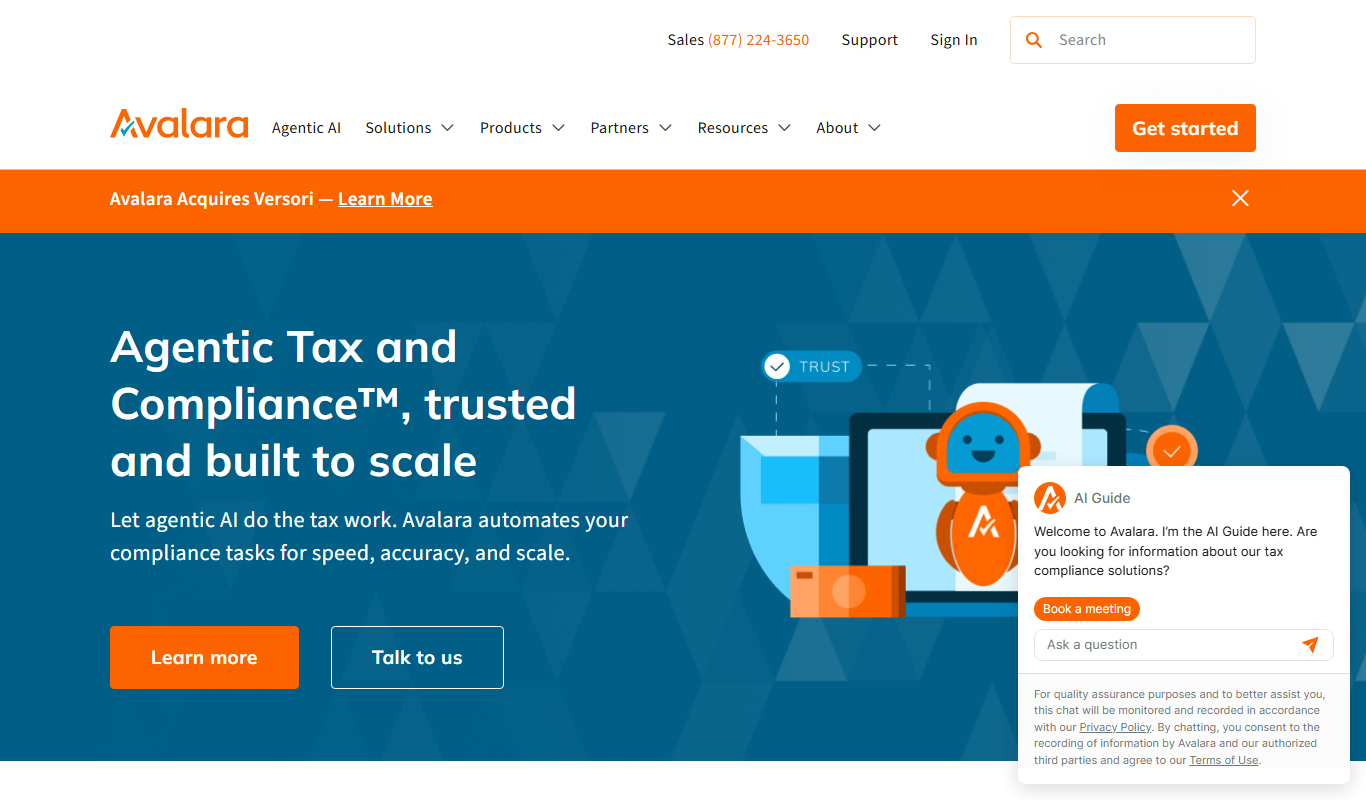
What is Avalara?
Avalara is a cloud-based tax compliance software designed to automate and simplify the complex process of sales tax calculation, filing, and remittance for businesses of all sizes. It helps companies stay compliant with ever-changing tax regulations across multiple jurisdictions by providing real-time tax rates, exemption certificate management, and automated tax return filing.
Key features of Avalara
Avalara offers features such as automated tax calculation, exemption certificate management, tax return filing, compliance reporting, and integrations with various business platforms to streamline tax processes and reduce manual errors.
Real-Time Tax Calculation
Provides accurate tax rates for thousands of jurisdictions instantly during transactions.
Exemption Certificate Management
Stores, validates, and manages exemption certificates to reduce audit risks.
Automated Tax Filing
Prepares and files tax returns automatically, reducing manual workload.
Comprehensive Reporting
Offers detailed reports for compliance, audits, and internal review.
Platform Integrations
Integrates with major ERP, accounting, and e-commerce platforms like QuickBooks, Shopify, and NetSuite.
Pros and cons of Avalara
Pros
- Automates complex tax calculations across multiple jurisdictions
- Reduces risk of tax compliance errors and audits
- Integrates with a wide range of business platforms
- Simplifies exemption certificate management
- Provides comprehensive reporting and audit trails
Cons
- Pricing is customized and may be expensive for very small businesses
- Learning curve for initial setup and integration
Key use cases for Avalara
Automated Sales Tax Calculation
Automatically calculates sales tax for transactions across multiple jurisdictions to ensure compliance.
Tax Filing and Remittance
Facilitates filing tax returns and remitting payments to appropriate tax authorities.
Exemption Certificate Management
Manages and validates exemption certificates to reduce audit risks and ensure proper tax treatment.
Tax Compliance Reporting
Generates detailed reports for audits, compliance reviews, and internal accounting.
Integration with ERP and E-commerce Platforms
Seamlessly integrates with popular accounting, ERP, and e-commerce systems for streamlined tax processes.
How Avalara works
- 1
Integration Setup
Connect Avalara with your ERP, e-commerce, or accounting software to enable automated tax calculations.
- 2
Transaction Processing
Avalara calculates the correct tax for each transaction based on location and product taxability.
- 3
Exemption Management
Manage and validate exemption certificates to apply appropriate tax exemptions.
- 4
Tax Filing
Automatically prepare and file tax returns with relevant tax authorities.
- 5
Reporting and Auditing
Generate compliance reports and audit trails to ensure transparency and accuracy.
Who is using Avalara
E-commerce businesses
Retailers with multi-state sales
Accounting and finance teams
ERP system users
Small to large enterprises needing tax compliance automation
Avalara pricing
Custom Pricing
Varies
Pricing tailored based on business size, transaction volume, and required features.
Plans and prices are as published by the vendor and can change. Check the official site before you buy. Open the pricing page (opens in a new tab)
Frequently asked questions about Avalara
Yes, Avalara supports VAT and other tax compliance requirements in multiple countries.
Avalara offers integrations with many popular accounting, ERP, and e-commerce platforms.
Yes, Avalara serves businesses of all sizes, including small and medium enterprises.
Avalara continuously updates tax rates and rules automatically to ensure compliance.
This tool is designed to help users accomplish its core tasks more efficiently. It is typically used by individuals or teams looking to improve productivity and workflow.
It depends on your specific needs and how you plan to use the tool. The official website and documentation are the best sources for the latest details.
Yes, it can help with that use case depending on how you configure it and what features are available. You’ll get the best results with clear inputs and a defined goal.
Sign in to review this tool.
Sign In to ReviewNo reviews yet
Be the first to share how this tool worked for you.
Ask about pricing, limits, or how it compares — or answer someone else.
Sign In to AskNo questions yet
Have a question about using or paying for this tool? Be the first to ask.
Featured on TiorAI



Alternative Tools
Explore similar AI tools that might fit your needs
Subscription
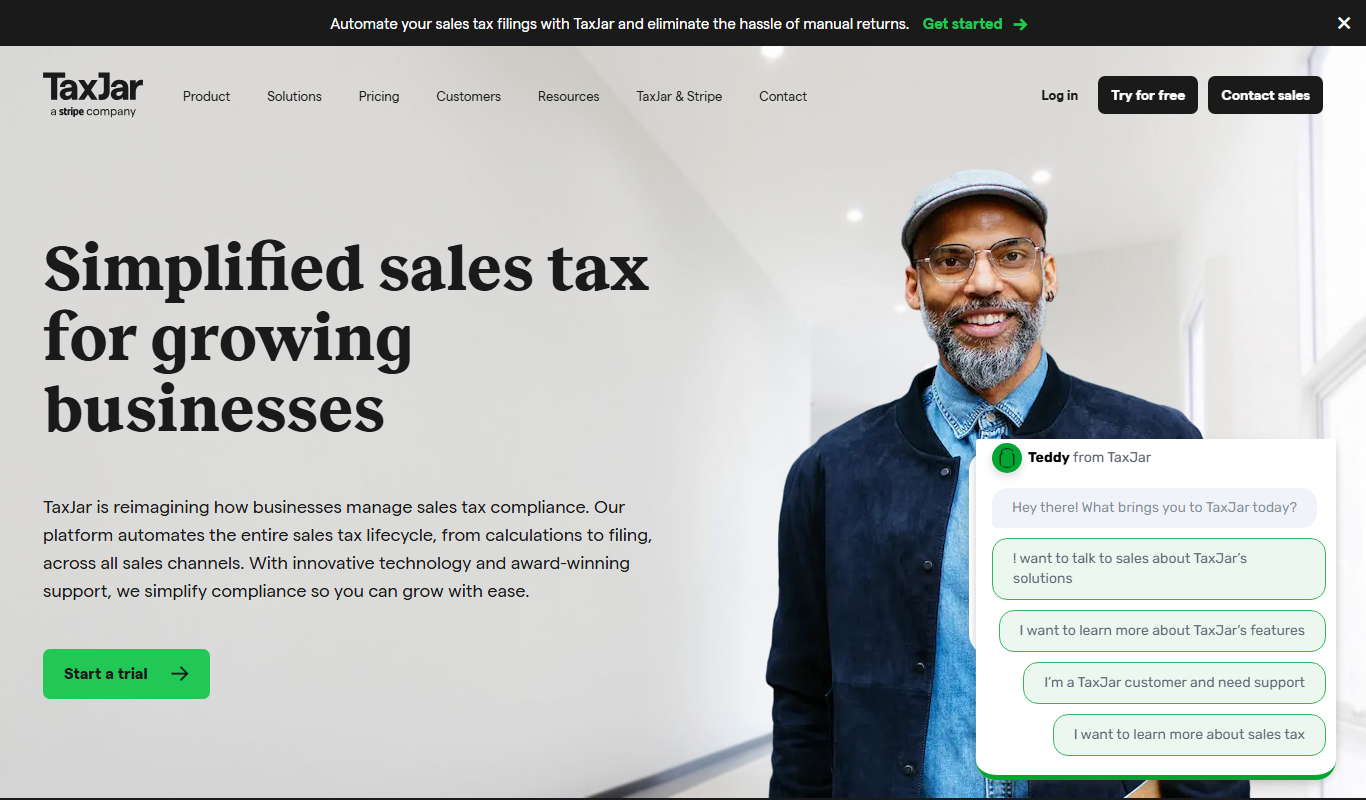
TaxJar
TaxJar is a cloud-based software that automates sales tax calculations, reporting, and filing for U.S. online sellers and businesses, integrating with major e-commerce and accounting platforms.
More AI Workflow tools
Other tools in the same category, for when this one is not quite the fit.

Free
Tandem
Tandem is a remote collaboration tool that creates a virtual office environment with always-on video chat, screen sharing, and presence indicators to help distributed teams communicate effectively.
Subscription
Zscaler
Zscaler is a cloud-native security platform that provides zero trust network access, secure web gateway, and advanced threat protection to secure internet and application access for enterprises.

Free
Chanty
Chanty is a team collaboration and chat software that integrates AI-powered task management and workflow automation to enhance team productivity and communication.

Free Trial
Bigeye
Bigeye is a data observability platform that automates monitoring of data quality, detects anomalies using machine learning, and helps teams quickly identify and resolve data issues to ensure reliable analytics.

Custom Pricing
Monte Carlo
Monte Carlo is a data observability platform that helps organizations monitor, detect, and resolve data quality issues in their data pipelines to ensure reliable analytics and business intelligence.

Custom Pricing
Rossum
Rossum is an AI-driven document processing platform that automates data extraction from business documents like invoices and purchase orders using deep learning, eliminating manual data entry and template setup.

Subscription
SAP Concur
SAP Concur is a cloud-based platform that automates travel booking, expense reporting, and invoice management to help businesses control costs and improve compliance.

Custom Pricing
Coupa
Coupa is a cloud-based spend management platform that automates procurement, expense reporting, supplier management, and invoice processing to help businesses control costs and improve financial operations.