

From my experience with AutoNotes AI, I found it excels at delivering accurate, real-time meeting transcriptions combined with useful features like speaker identification and automatic summarization. This makes it particularly well-suited for remote teams and professionals who want to save time on manual note-taking and improve meeting productivity. However, the tool currently supports only English and lacks a dedicated mobile app, which might limit flexibility for some users. Overall, if you need a streamlined AI-powered solution to capture and organize meeting content efficiently, AutoNotes AI provides solid, user-friendly functionality.
AutoNotes AI - AI-Powered Meeting Transcription and Note Taking Software
AutoNotes AI is an AI-driven tool that transcribes meetings in real-time, identifies speakers, summarizes discussions, and extracts tasks to streamline note taking and collaboration.
- Best for
- Meeting Transcription
- Key capability
- Real-Time Transcription
Your actions
Save AutoNotes AI, follow its updates and vote on it — everything stays in your account.
Sign in or create a free account

What is AutoNotes AI?
AutoNotes AI is an AI-powered meeting transcription and note-taking software designed to automatically capture, transcribe, and organize spoken content from meetings, calls, and webinars. It leverages advanced speech recognition and natural language processing technologies to convert audio into accurate, searchable text notes, helping teams save time and improve productivity.
Key features of AutoNotes AI
AutoNotes AI offers real-time transcription, speaker identification, automatic summarization, task extraction, and seamless integration with popular collaboration platforms. Its intuitive interface and AI-driven features enable users to focus on discussions while the tool handles note-taking and organization.
Real-Time Transcription
Provides live transcription of meetings with high accuracy and minimal delay.
Speaker Identification
Automatically distinguishes between different speakers in the conversation.
Automatic Summarization
Generates concise summaries highlighting key points from lengthy discussions.
Task and Action Item Extraction
Detects and lists actionable tasks mentioned during meetings for easy follow-up.
Integration with Collaboration Tools
Supports exporting notes to platforms like Slack, Google Docs, and project management apps.
Pros and cons of AutoNotes AI
Pros
- Accurate real-time transcription
- Automatic speaker identification
- Useful summarization and task extraction
- Easy integration with collaboration tools
- User-friendly interface
Cons
- Limited language support (English only)
- Free plan has restricted transcription minutes
- No dedicated mobile app currently
Key use cases for AutoNotes AI
Meeting Transcription
Automatically transcribe audio from meetings, calls, and webinars to generate accurate text notes.
Note Taking Automation
Convert spoken content into organized, searchable notes to improve meeting productivity.
Collaboration
Share and edit meeting notes with team members in real-time to enhance communication.
Task Management Integration
Extract action items and tasks from meeting transcripts to streamline follow-up and accountability.
Content Search and Review
Easily search past meeting notes and transcripts to find key information quickly.
How AutoNotes AI works
- 1
Connect Your Meeting Platform
Integrate AutoNotes AI with your preferred video conferencing or audio platform via API or Chrome extension.
- 2
Start Recording
Begin your meeting or call; AutoNotes AI captures audio and transcribes it in real-time.
- 3
Review and Edit Notes
Access the generated transcript and notes, make edits or highlight important points.
- 4
Share and Collaborate
Share notes with your team or export them to other productivity tools.
Who is using AutoNotes AI
Remote teams
Business professionals
Project managers
Content creators
Customer support teams
AutoNotes AI pricing
Free
$0/month
Basic transcription features with limited minutes per month and standard support.
Pro
$19/month
Extended transcription minutes, advanced features like summarization and integrations.
Business
Custom pricing
Tailored solutions with team collaboration, priority support, and API access.
Plans and prices are as published by the vendor and can change. Check the official site before you buy. Open the pricing page (opens in a new tab)
Frequently asked questions about AutoNotes AI
AutoNotes AI supports integration with popular video conferencing platforms via Chrome extension and API, including Zoom and Google Meet.
The tool uses advanced AI models to provide high accuracy, typically above 90%, depending on audio quality.
Yes, users can review and edit transcripts within the AutoNotes AI interface to ensure accuracy.
AutoNotes AI employs industry-standard encryption and security protocols to protect user data.
It depends on your specific needs and how you plan to use the tool. The official website and documentation are the best sources for the latest details.
Integration support depends on the tool and its available connectors or API. Check the official documentation or integrations page to confirm what is supported.
Sign in to review this tool.
Sign In to ReviewNo reviews yet
Be the first to share how this tool worked for you.
Ask about pricing, limits, or how it compares — or answer someone else.
Sign In to AskNo questions yet
Have a question about using or paying for this tool? Be the first to ask.
Featured on TiorAI



More AI Healthcare & Wellness Tools tools
Other tools in the same category, for when this one is not quite the fit.

Enterprise
Skinive AI
Skinive AI is a CE-certified artificial intelligence platform that analyzes skin images to detect and assess various dermatological conditions, supporting telemedicine and clinical workflows.
Enterprise
Livongo
Livongo is a digital health platform that uses connected devices and AI-driven coaching to help individuals manage chronic conditions such as diabetes and hypertension effectively.

Custom Pricing
artivatic.ai
Artivatic.ai is an AI platform specializing in automating insurance and healthcare processes like underwriting and fraud detection through machine learning.

Free
Miiskin
Miiskin is a mobile app that helps users monitor their skin for changes, especially moles, to aid early detection of skin cancer by tracking photos over time.
Free
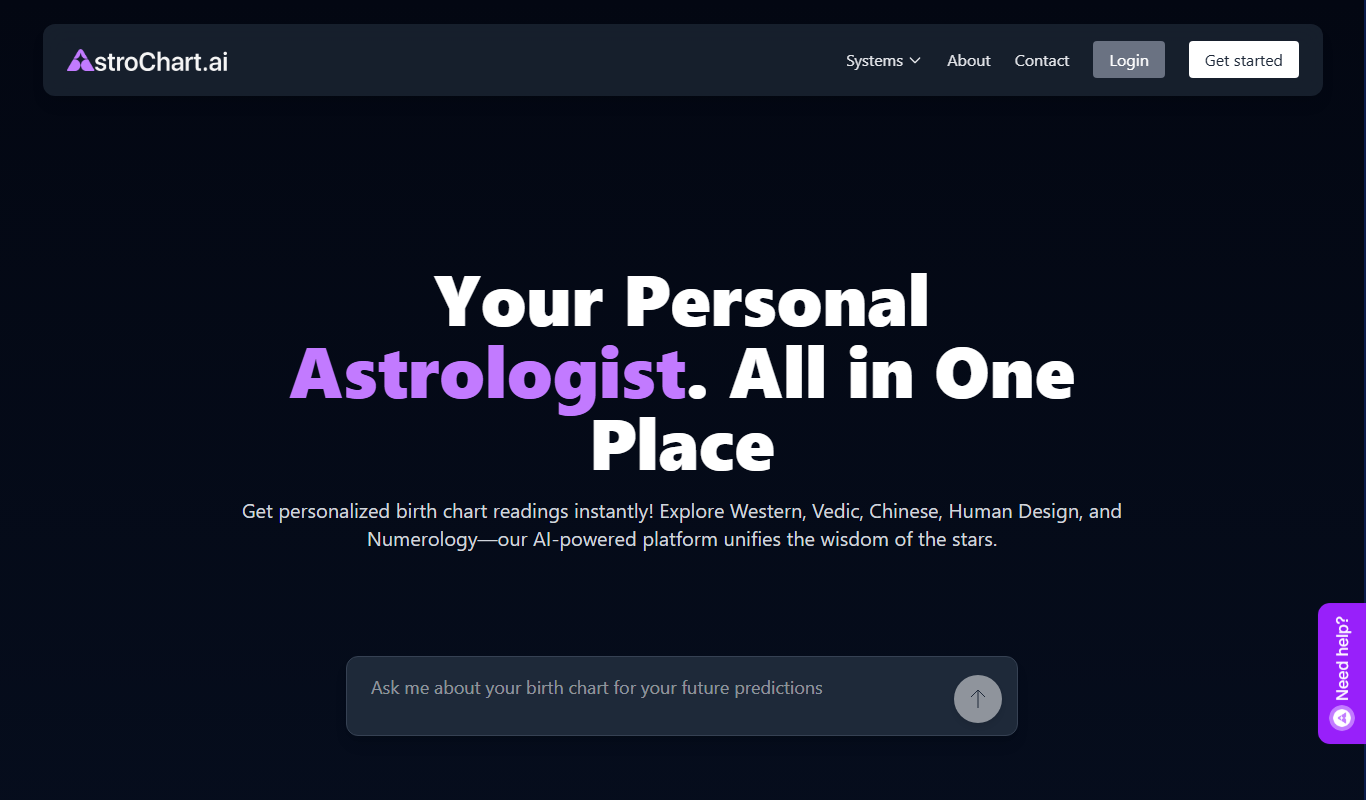
AstroChart.ai
AstroChart.ai is an AI-driven platform that creates personalized astrology birth charts and detailed interpretations based on your birth data, helping users understand their astrological profile easily online.

Free
Dream Advisor
Dream Advisor is an app that helps users record and interpret their dreams using personalized insights to promote mental wellness and self-awareness.

Free
Mind Tracker
Mind Tracker is an app on the App Store and Google Play.

Free
Alya
Alya is an AI therapist app. The site lists 22 languages and more than 100 AI models, with downloads on the App Store and Google Play.