

From my experience with AudiOverFlow, I found it excels at simplifying the transcription and audio editing process by linking transcript edits directly to audio adjustments. This feature significantly speeds up workflows for podcasters and video creators who need accurate captions and transcripts without juggling multiple tools. However, the platform currently supports only English and depends on audio quality for transcription accuracy, which can be a limitation for some users. Overall, if you want an integrated, user-friendly solution for audio transcription and editing, AudiOverFlow delivers solid, practical results.
AudiOverFlow Audio Transcription and Editing Tool for Podcasts and Videos
AudiOverFlow is a web-based platform that provides AI-driven audio transcription and synchronized transcript editing, ideal for podcasters and video creators to generate captions and repurpose content efficiently.
- Best for
- Podcast Transcription
- Key capability
- AI-Powered Transcription
Your actions
Save AudiOverFlow, follow its updates and vote on it — everything stays in your account.
Sign in or create a free account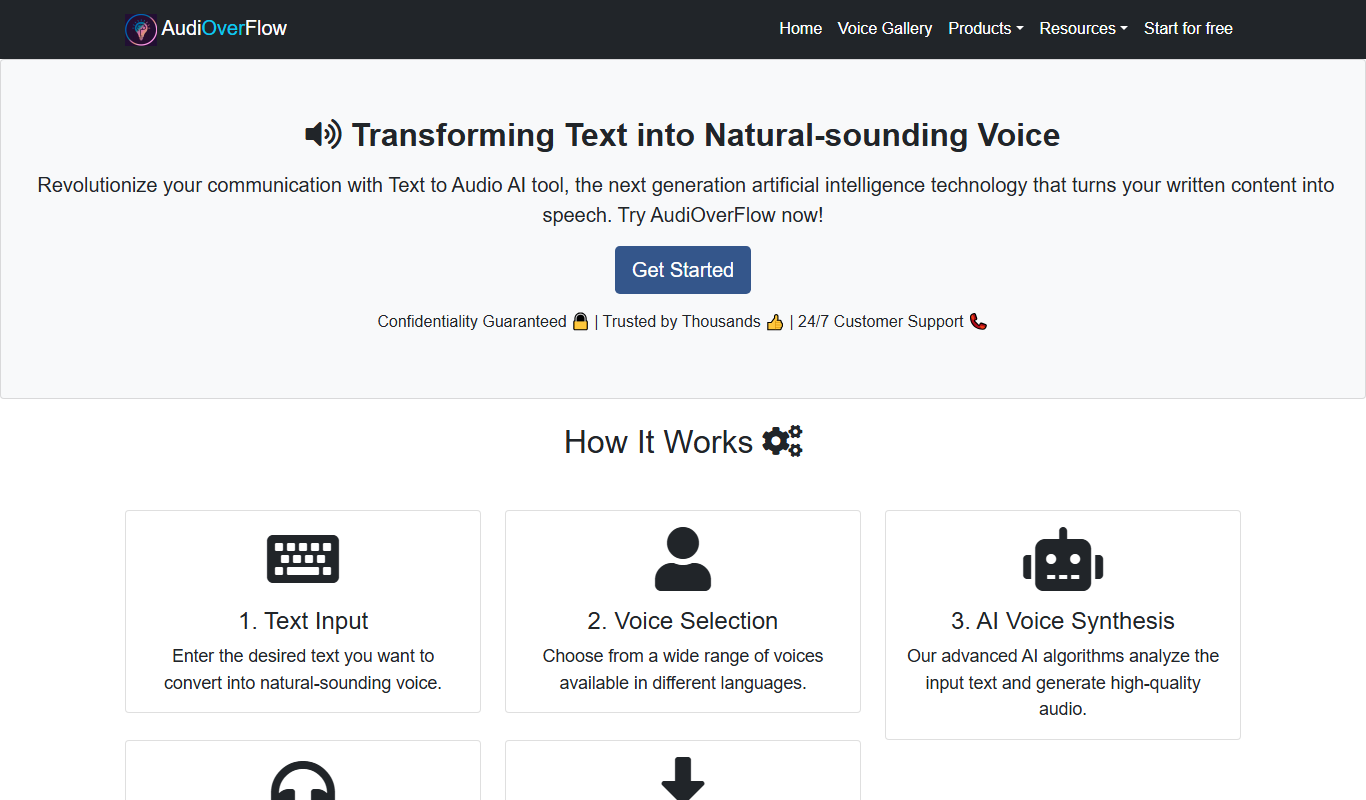
What is AudiOverFlow?
AudiOverFlow is a web-based audio transcription and editing platform designed to convert audio and video files into accurate, editable text transcripts. It streamlines the process of creating captions, editing audio content, and repurposing spoken words into written formats, making it especially useful for podcasters, video creators, and content marketers.
Key features of AudiOverFlow
The platform offers automated speech-to-text transcription, synchronized transcript editing, caption generation, and export options in multiple formats. Its intuitive interface allows users to edit audio by editing the transcript, speeding up the workflow for content creators.
AI-Powered Transcription
High-accuracy automated transcription with time-stamped text for easy navigation.
Synchronized Transcript Editing
Edit the transcript to make precise audio edits without needing complex audio software.
Caption and Subtitle Generation
Create captions for videos to enhance accessibility and viewer engagement.
Multiple Export Formats
Export transcripts and captions in popular formats compatible with various platforms.
User-Friendly Interface
Clean, intuitive design that simplifies transcription and editing workflows.
Pros and cons of AudiOverFlow
Pros
- Easy-to-use synchronized transcript and audio editing
- Supports multiple export formats for captions and transcripts
- Affordable pricing tiers with a free option
- Speeds up podcast and video content workflows
Cons
- Limited language support currently (English only)
- Accuracy can vary with poor audio quality
- No dedicated desktop or mobile apps yet
Key use cases for AudiOverFlow
Podcast Transcription
Convert podcast audio into accurate text transcripts for accessibility, SEO, and content repurposing.
Video Captioning
Generate captions and subtitles for videos to improve viewer engagement and compliance with accessibility standards.
Audio Editing
Edit audio files directly within the platform using the synchronized transcript for efficient corrections and enhancements.
Content Repurposing
Transform audio content into blog posts, social media snippets, or newsletters by leveraging the transcript.
Interview Transcription
Transcribe interviews quickly to facilitate note-taking, quoting, and content creation.
How AudiOverFlow works
- 1
Upload Audio or Video
Users upload their audio or video files directly to the AudiOverFlow platform.
- 2
Automatic Transcription
The tool processes the file and generates a time-synced transcript using AI-powered speech recognition.
- 3
Edit Transcript and Audio
Users can edit the transcript text to correct errors, which simultaneously updates the audio timeline for precise editing.
- 4
Export and Share
Final transcripts and captions can be exported in various formats such as SRT, VTT, TXT, or DOCX for use in publishing or distribution.
Who is using AudiOverFlow
Podcasters
Video content creators
Content marketers
Journalists and interviewers
Accessibility coordinators
AudiOverFlow pricing
Free
$0/month
Limited transcription minutes per month with basic editing features.
Pro
$15/month
Increased transcription minutes, advanced editing tools, and priority support.
Business
$50/month
Extended transcription limits, team collaboration features, and dedicated account management.
Plans and prices are as published by the vendor and can change. Check the official site before you buy. Open the pricing page (opens in a new tab)
Frequently asked questions about AudiOverFlow
AudiOverFlow supports common formats including MP3, WAV, MP4, MOV, and more.
Accuracy depends on audio quality but generally ranges between 85-95% with clear speech.
Yes, you can edit audio by modifying the transcript, which updates the audio timeline accordingly.
File length limits depend on your subscription plan, with higher tiers allowing longer files.
It depends on your specific needs and how you plan to use the tool. The official website and documentation are the best sources for the latest details.
Yes, it can help with that use case depending on how you configure it and what features are available. You’ll get the best results with clear inputs and a defined goal.
Yes, it can help with that use case depending on how you configure it and what features are available. You’ll get the best results with clear inputs and a defined goal.
Sign in to review this tool.
Sign In to ReviewNo reviews yet
Be the first to share how this tool worked for you.
Ask about pricing, limits, or how it compares — or answer someone else.
Sign In to AskNo questions yet
Have a question about using or paying for this tool? Be the first to ask.
Featured on TiorAI



More AI Audio Enhancer tools
Other tools in the same category, for when this one is not quite the fit.

Free
Storyline Online
Storyline Online is a free digital platform where professional actors read children's books aloud in video format, supporting literacy and engagement through animated storytelling.

Free
Spotify
Spotify is a digital music and podcast streaming service that provides access to millions of tracks and personalized playlists across multiple devices, with both free and premium subscription options.

Free
Soundtrap
Soundtrap is a cloud-based digital audio workstation that enables users to create, record, edit, and collaborate on music and podcasts online through web and mobile platforms.

Free
TuneIn Radio
TuneIn Radio is a streaming platform providing access to live radio stations, podcasts, music, and news globally, available on web, mobile, and smart devices with free and premium options.

Free
TwistedWave Online
TwistedWave Online is a browser-based audio editor that enables users to record, edit, and export audio files without installing software, featuring multitrack editing and real-time effects.

Free
AudioMass
AudioMass is a free, open-source online audio editor that runs in your browser, enabling multi-track editing, real-time effects, and audio recording without installation.

Free Trial
Acon Digital DeNoise
Acon Digital DeNoise is a professional audio noise reduction tool that removes unwanted background noise from recordings using adaptive algorithms, available as standalone software and plugins for Windows and macOS.
One-time purchase
Waves X-Noise
Waves X-Noise is a professional audio plugin that uses advanced algorithms to reduce background noise such as hiss and hum in music and audio recordings, improving clarity and quality.