

From my experience with Audio Enhancer, I found it excels at simplifying the process of cleaning up audio recordings without requiring technical expertise. The AI-driven noise reduction and voice clarity improvements are effective for podcasts, videos, and voiceovers. However, the free plan limits file length and features, which might be restrictive for heavy users. Overall, if you need a quick, browser-based solution to enhance audio quality without installing software, Audio Enhancer delivers reliable and user-friendly results.
Audio Enhancer AI Tool for Clearer Sound and Noise Reduction Online
Audio Enhancer is an AI-driven web tool that cleans and improves audio recordings by reducing noise and enhancing voice clarity without requiring software installation.
- Best for
- Podcast Audio Improvement
- Key capability
- Automatic Noise Reduction
Your actions
Save Audio Enhancer, follow its updates and vote on it — everything stays in your account.
Sign in or create a free account

What is Audio Enhancer?
Audio Enhancer is an AI-powered online tool designed to improve the quality of audio recordings by reducing noise, enhancing voice clarity, and balancing sound levels. It allows users to upload audio files and apply intelligent processing to produce cleaner, more professional-sounding audio without requiring advanced technical skills.
Key features of Audio Enhancer
The tool offers automatic noise reduction, voice enhancement, and audio leveling features. It supports multiple audio formats and provides a simple web interface for quick processing. Users can preview results before downloading enhanced audio files.
Automatic Noise Reduction
Removes background noise and hiss to clarify audio recordings.
Voice Clarity Enhancement
Boosts speech frequencies to make voices sound clearer and more natural.
Audio Level Balancing
Normalizes volume levels for consistent sound throughout the recording.
Supports Multiple Audio Formats
Compatible with common audio file types like MP3, WAV, and more.
User-Friendly Web Interface
No software installation required; works directly in the browser.
Pros and cons of Audio Enhancer
Pros
- Easy to use with no technical skills required
- Effective noise reduction and voice enhancement
- Fast processing times
- Accessible from any device with a browser
Cons
- Limited features on the free plan
- No desktop or mobile app versions available
Key use cases for Audio Enhancer
Podcast Audio Improvement
Enhance podcast recordings by reducing background noise and improving voice clarity for a professional sound.
Video Sound Enhancement
Improve audio quality in videos by removing unwanted noise and boosting speech intelligibility.
Voiceover Cleaning
Clean up voiceover tracks to ensure crisp and clear narration without distracting sounds.
Music Track Refinement
Enhance music recordings by balancing audio levels and reducing noise artifacts.
Call Recording Enhancement
Improve clarity and reduce background noise in call recordings for better understanding and transcription.
How Audio Enhancer works
- 1
Upload Audio
Users start by uploading their audio file directly on the web platform.
- 2
AI Processing
The AI analyzes the audio to detect noise and voice elements, then applies enhancement algorithms.
- 3
Preview and Adjust
Users can listen to the enhanced audio and make adjustments if needed.
- 4
Download Enhanced Audio
Once satisfied, users download the improved audio file for use.
Who is using Audio Enhancer
Podcasters
Video creators
Voiceover artists
Musicians
Customer support teams
Audio Enhancer pricing
Free
$0/month
Basic audio enhancement with limited file length and number of uses.
Premium
$9.99/month
Unlimited audio length, faster processing, and priority support.
Plans and prices are as published by the vendor and can change. Check the official site before you buy. Open the pricing page (opens in a new tab)
Frequently asked questions about Audio Enhancer
It supports popular formats including MP3, WAV, and others commonly used for audio recordings.
Yes, it is a web-based tool that works directly in your browser without any downloads.
Yes, the free plan has restrictions on the maximum length of audio files you can process.
Yes, it can enhance both music and voice recordings by reducing noise and balancing audio.
It depends on your specific needs and how you plan to use the tool. The official website and documentation are the best sources for the latest details.
Some tools offer a free plan or trial with limited features. Availability can vary, so confirm on the official website.
Yes, it can help with that use case depending on how you configure it and what features are available. You’ll get the best results with clear inputs and a defined goal.
Sign in to review this tool.
Sign In to ReviewNo reviews yet
Be the first to share how this tool worked for you.
Ask about pricing, limits, or how it compares — or answer someone else.
Sign In to AskNo questions yet
Have a question about using or paying for this tool? Be the first to ask.
Featured on TiorAI



Alternative Tools
Explore similar AI tools that might fit your needs
Freemium
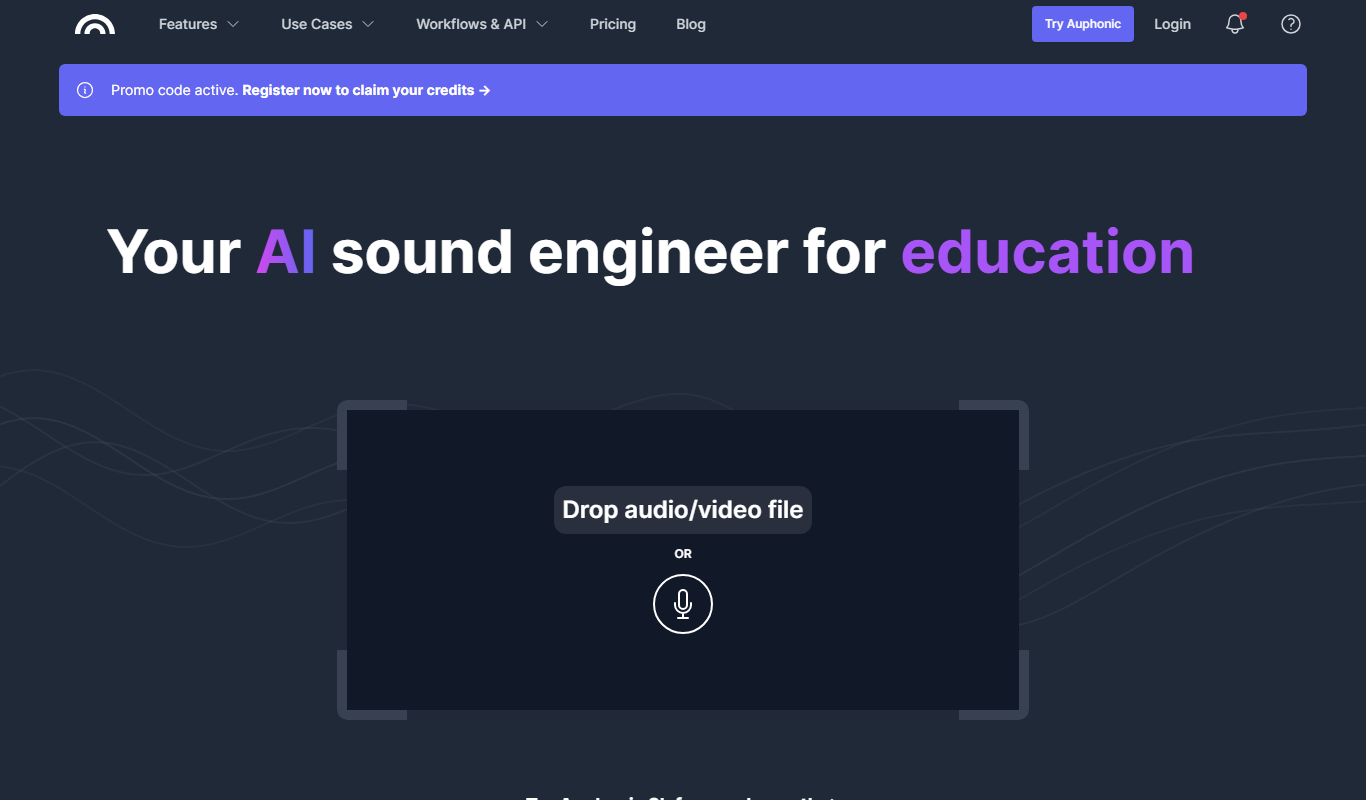
Auphonic
Auphonic is an AI-driven audio post-production tool that automates leveling, noise reduction, loudness normalization, and metadata tagging to produce professional-quality audio for podcasts and broadcasts.
More AI Ai Tools tools
Other tools in the same category, for when this one is not quite the fit.

Free
Ask AI questions
Ask AI Questions is a free web-based AI tool that generates instant answers to user-submitted questions without requiring registration or payment.

Free
edraw ai
Edraw AI is an AI-powered diagramming tool by EdrawSoft that helps users create flowcharts, mind maps, and business diagrams efficiently with AI-assisted features and real-time collaboration.

Custom Quote
afiniti.com
Afiniti is an AI-driven software that enhances call center performance by pairing customers with agents based on behavioral data to improve outcomes and customer satisfaction.

Free
AI Names Generator
AI Names Generator is a free name generator at aithename.com that covers people, pet, fantasy and D&D names, not only company names.

Free
Free AI Face Swap
Free AI Face Swap is a web-based tool that uses artificial intelligence to swap faces between two images realistically and for free, without requiring user registration.

Freemium
VideoFaceSwap
VideoFaceSwap is a web-based AI tool that allows users to swap faces in videos realistically by uploading a video and a face image, then processing them with deep learning algorithms to produce natural-looking face replacements.

Free
BestFaceSwap
BestFaceSwap is an online AI tool that swaps faces in photos and videos using deep learning, offering free and premium plans with realistic results.

Free
Free Face Swap
Free Face Swap is an online face swap tool for photos and videos.