

From my experience with AskCSV, I found it excels at making CSV data analysis accessible to users without any coding skills. The natural language interface is intuitive and allows quick insights and visualizations, which is great for business analysts and educators alike. However, the tool is currently limited to CSV files and lacks advanced data manipulation features, which might be a constraint for power users. Overall, if you need a straightforward way to query and visualize CSV data online without technical overhead, AskCSV delivers solid and practical results.
AskCSV AI Tool for Data Analysis and CSV Querying Online
AskCSV is an AI-driven web tool that allows users to upload CSV files and ask natural language questions to analyze and visualize data without coding.
- Best for
- Data Querying Without Coding
- Key capability
- Natural Language Data Queries
Your actions
Save AskCSV, follow its updates and vote on it — everything stays in your account.
Sign in or create a free account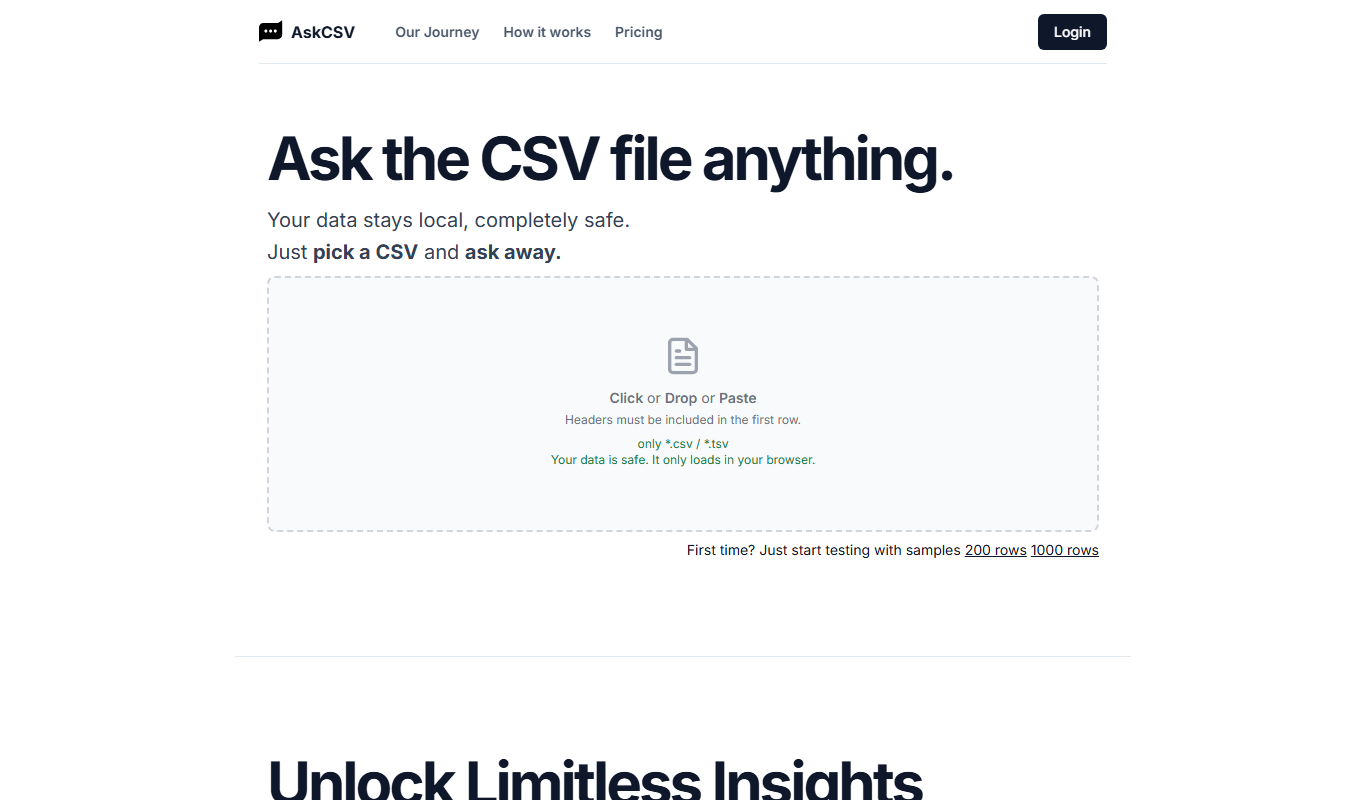
What is AskCSV?
AskCSV is an AI-powered web application that enables users to upload CSV files and interact with their data through natural language queries. It eliminates the need for coding or complex data tools by allowing users to ask questions and receive instant answers, summaries, and visualizations directly from their CSV datasets.
Key features of AskCSV
Key features include natural language querying of CSV files, automatic data summarization, chart generation, and easy data exploration without technical skills.
Natural Language Data Queries
Interact with CSV data using simple English questions without needing SQL or programming.
Automated Data Summaries
Generate quick summaries and insights from large datasets automatically.
Visual Data Representation
Create charts and graphs on the fly to better understand data trends.
User-Friendly Interface
Clean, intuitive web interface designed for users with no technical background.
Pros and cons of AskCSV
Pros
- No coding required to analyze CSV data
- Fast and intuitive natural language interface
- Supports data visualization alongside queries
- Affordable pricing with a free tier
Cons
- Limited to CSV file format only
- Web-only platform without mobile apps
- Advanced data manipulation features are limited
Key use cases for AskCSV
Data Querying Without Coding
Users can upload CSV files and ask natural language questions to extract insights without writing SQL or code.
Quick Data Analysis
Perform fast exploratory data analysis by querying data tables interactively using AI.
Business Reporting
Generate reports and summaries from CSV datasets to support business decision-making.
Data Visualization
Create charts and graphs from CSV data based on user queries to visualize trends and patterns.
Educational Use
Helps students and learners understand data by querying CSV files in plain language.
How AskCSV works
- 1
Upload CSV File
Start by uploading your CSV file to the AskCSV platform.
- 2
Ask Questions
Type natural language questions about your data, such as summaries, trends, or specific values.
- 3
Receive Answers and Visuals
Get instant AI-generated responses, including textual answers and charts based on your queries.
Who is using AskCSV
Business analysts
Small business owners
Students and educators
Data beginners
Marketing professionals
AskCSV pricing
Free
$0/month
Basic access with limited queries and file size.
Pro
$15/month
Higher query limits, larger file uploads, and priority support.
Plans and prices are as published by the vendor and can change. Check the official site before you buy. Open the pricing page (opens in a new tab)
Frequently asked questions about AskCSV
AskCSV currently supports CSV file uploads only.
No, AskCSV is designed for users without any coding experience.
AskCSV uses secure protocols to protect your data and does not share it without permission.
Yes, AskCSV can generate charts and graphs based on your queries.
It depends on your specific needs and how you plan to use the tool. The official website and documentation are the best sources for the latest details.
Some tools offer a free plan or trial with limited features. Availability can vary, so confirm on the official website.
Data handling and security practices vary by provider. Review the official privacy policy to understand how your data is stored and used.
Sign in to review this tool.
Sign In to ReviewNo reviews yet
Be the first to share how this tool worked for you.
Ask about pricing, limits, or how it compares — or answer someone else.
Sign In to AskNo questions yet
Have a question about using or paying for this tool? Be the first to ask.
Featured on TiorAI



Alternative Tools
Explore similar AI tools that might fit your needs

Free
ChatCSV
ChatCSV is an AI tool that enables users to upload CSV files and analyze their data through a conversational chat interface, providing instant insights and summaries without coding.
More AI Ai Tools tools
Other tools in the same category, for when this one is not quite the fit.

Free
Pogo Travel
Pogo Travel is an AI-driven platform that generates personalized travel itineraries based on your preferences, travel dates, and interests, offering collaborative planning and offline access.

Freemium
PlaninGo
PlaninGo is an AI travel planning tool that generates personalized trip itineraries and guides based on your preferences, helping you plan efficient and enjoyable trips.

Freemium
TravelBot AI Travel Assistant
TravelBot AI Travel Assistant is a web-based platform that uses artificial intelligence to help users create personalized travel itineraries, book flights and hotels, and receive tailored travel recommendations based on preferences and budget.

Free
AIJOURNEY
AIJOURNEY is an AI-driven career development tool that provides personalized career path recommendations, identifies skill gaps, and offers curated learning resources to help users advance professionally.

Free Trial
AI VYX
AI VYX is an AI-driven video creation platform that automates script generation and video assembly to help marketers and content creators produce professional videos quickly and easily.

Free
Webo.AI
Webo.AI is an AI-powered no-code website builder that automates website design and content creation, enabling users to launch responsive websites quickly without coding skills.

Freemium
Langtail
Langtail is an AI-driven translation platform that automates multilingual content management through machine learning, API integration, and collaborative editing features.
Freemium
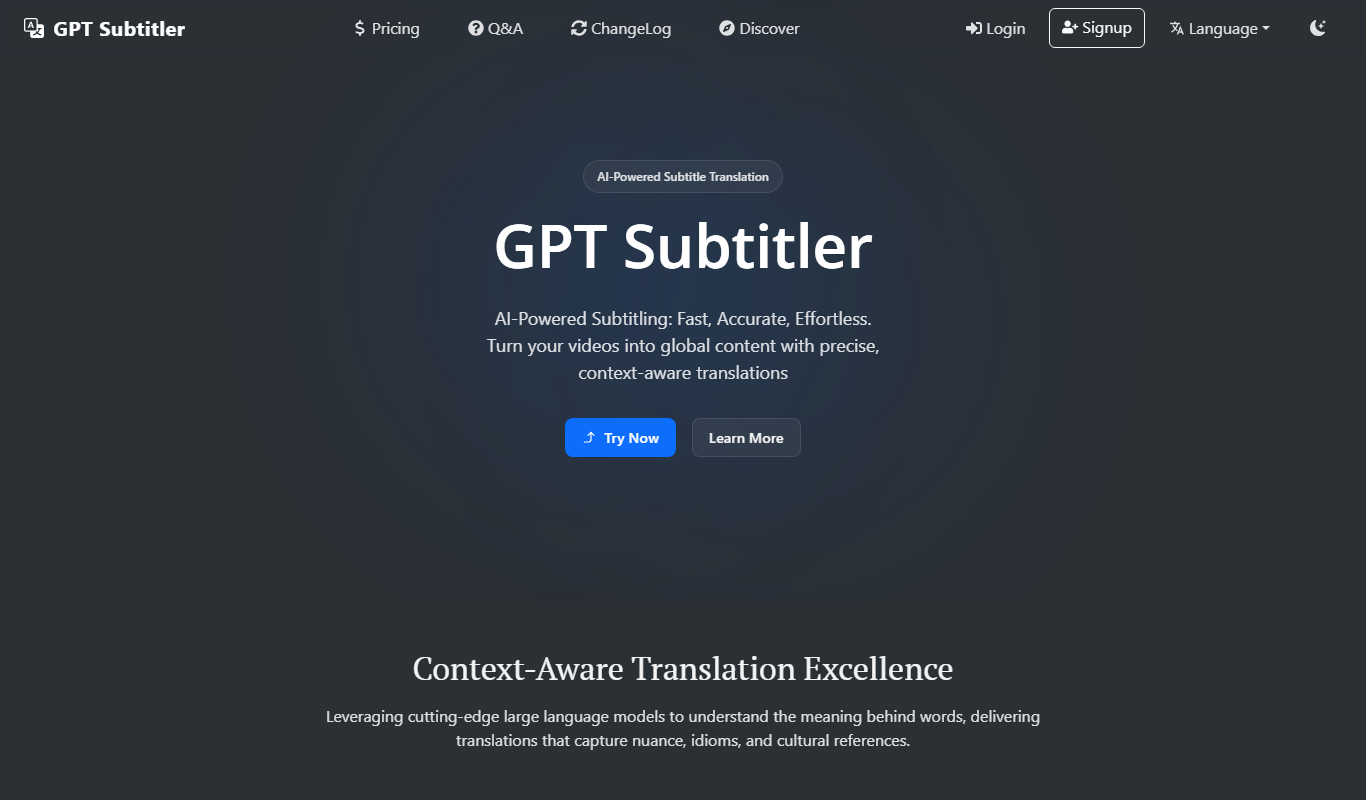
GPT Subtitler
GPT Subtitler is an AI-based tool that automatically generates synchronized subtitles for videos, enabling quick and accurate captioning to improve accessibility and engagement.