

From my experience with Ask Youtube, I found it excels at quickly distilling lengthy YouTube videos into concise summaries, saving significant time for users. The interactive Q&A feature adds a practical layer, allowing deeper engagement with video content without watching it fully. This makes it particularly well-suited for students, researchers, and busy professionals who need fast insights. However, its reliance on video transcripts means accuracy can vary depending on audio quality, and language support is currently limited to English. Overall, if you want to efficiently extract and interact with YouTube video information, Ask Youtube offers a straightforward and effective solution.
Ask Youtube AI Tool for Video Summaries and Q&A from YouTube Content
Ask Youtube is an AI tool that transcribes YouTube videos and provides summaries and interactive Q&A to help users quickly understand video content.
- Best for
- Video Content Summarization
- Key capability
- AI Video Transcription

Do you recommend this tool?
What is Ask Youtube?
Ask Youtube is an AI-powered web application that allows users to interact with YouTube videos by generating summaries and answering questions based on the video’s transcript. It leverages AI to transcribe and understand video content, enabling users to quickly grasp the main ideas or get specific information without watching the entire video.
Key features of Ask Youtube
The tool offers video transcription, AI-generated summaries, and a chatbot interface for asking questions about any YouTube video. It simplifies video consumption by providing quick insights and interactive engagement.
AI Video Transcription
Automatically transcribes YouTube videos to text for analysis.
Summarization
Generates clear and concise summaries of lengthy videos.
Interactive Q&A Chatbot
Allows users to ask detailed questions and get answers based on the video content.
User-Friendly Web Interface
Simple and intuitive design for easy video input and interaction.
Pros and cons of Ask Youtube
Pros
- Quickly understand video content without watching full length
- Interactive Q&A enhances user engagement
- Simple and clean user interface
- Supports a wide range of YouTube videos
Cons
- Limited language support (English only)
- Dependent on video transcript availability and quality
- Subscription pricing details are not fully transparent
Key use cases for Ask Youtube
Video Content Summarization
Generate concise summaries of YouTube videos to quickly understand key points without watching the entire video.
Interactive Q&A on Videos
Ask specific questions about a YouTube video and receive AI-generated answers based on the video's content.
Research and Learning
Use the tool to extract relevant information from educational or informational videos to aid in research or study.
Content Creation Support
Creators can quickly gather insights or quotes from videos to support their own content development.
How Ask Youtube works
- 1
Enter Video URL
Paste the YouTube video link into the Ask Youtube interface.
- 2
AI Processes Video
The tool transcribes the video and uses AI to analyze the content.
- 3
Receive Summary
Get a concise summary highlighting the main points of the video.
- 4
Ask Questions
Interact with the AI chatbot by asking specific questions related to the video content.
Who is using Ask Youtube
Students and researchers
Content creators and marketers
Educators and trainers
Busy professionals seeking quick insights
Ask Youtube pricing
Free
$0/month
Access to basic features with limited usage.
Subscription
Varies
Offers extended usage and additional features for paying users.
Plans and prices are as published by the vendor and can change. Check the official site before you buy. Open the pricing page (opens in a new tab)
Frequently asked questions about Ask Youtube
Ask Youtube supports most publicly available YouTube videos, but videos with restricted access or no transcripts may not work.
The free plan has usage limits, while subscription plans offer higher or unlimited usage.
Transcriptions are generated using AI and depend on the video’s audio quality; accuracy is generally high but may vary.
It depends on your specific needs and how you plan to use the tool. The official website and documentation are the best sources for the latest details.
Yes, it can help with that use case depending on how you configure it and what features are available. You’ll get the best results with clear inputs and a defined goal.
Some tools offer a free plan or trial with limited features. Availability can vary, so confirm on the official website.
Sign in to review this tool.
Sign In to ReviewNo reviews yet
Be the first to share how this tool worked for you.
Ask about pricing, limits, or how it compares — or answer someone else.
Sign In to AskNo questions yet
Have a question about using or paying for this tool? Be the first to ask.
Featured on TiorAI



Alternative Tools
Explore similar AI tools that might fit your needs
Freemium
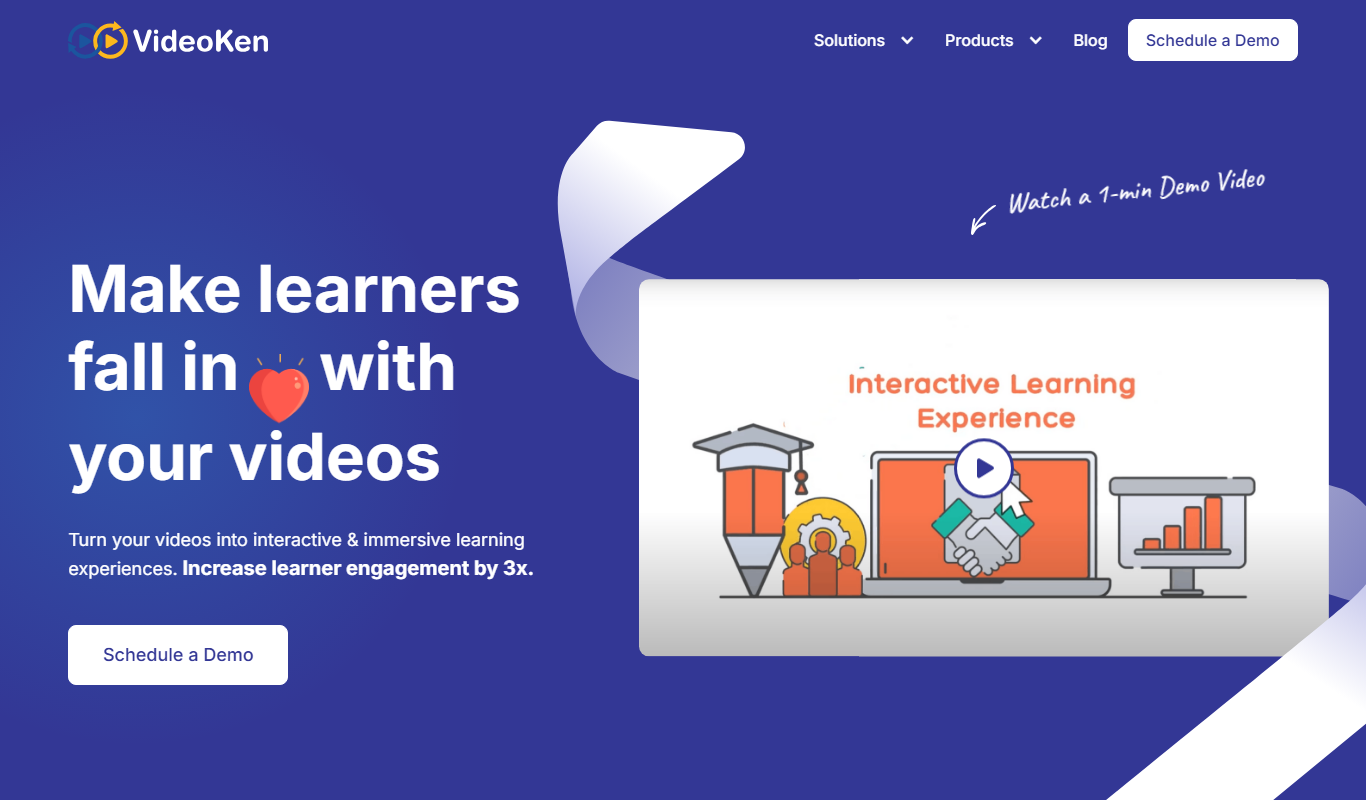
VideoKen
VideoKen is an AI-driven platform that indexes and segments long videos into chapters, provides automatic transcription, and enables interactive navigation to enhance video learning and content accessibility.