

From my experience with Apply AI, I found it excels at saving time by automating the tedious job application process while also enhancing resume relevance through AI-driven optimization. After using the platform, I can say it’s particularly well-suited for job seekers who want to increase their efficiency and improve their chances of landing interviews without manually applying to each job. However, the tool currently supports only select job boards and requires a subscription after the free trial, which may limit accessibility for some users. Overall, if you want to streamline your job search and application workflow, Apply AI delivers practical and effective assistance.
Apply AI Job Application Automation Tool for Streamlined Hiring Process
Apply AI is an AI-driven platform that automates job applications, optimizes resumes, and helps job seekers manage their job search efficiently.
- Best for
- Automated Job Applications
- Key capability
- AI-Powered Job Matching
Your actions
Save Apply AI, follow its updates and vote on it — everything stays in your account.
Sign in or create a free account

What is Apply AI?
Apply AI is an AI-powered platform designed to automate and optimize the job application process. It helps job seekers efficiently apply to multiple relevant jobs by automating application submissions, improving resume matching, and managing job search activities in one place.
Key features of Apply AI
The tool offers automated job application submissions, resume optimization, job tracking, and interview preparation assistance to streamline the hiring journey for candidates.
AI-Powered Job Matching
Uses AI to find and apply to jobs that best fit your skills and preferences.
Resume Optimization
Improves your resume to align with job descriptions and increase interview chances.
Application Automation
Automates the submission process to multiple job portals, saving time.
Job Application Tracking
Keeps all your job applications organized and updated in one dashboard.
Interview Preparation Assistance
Provides tailored tips and guidance to help you prepare for interviews.
Pros and cons of Apply AI
Pros
- Saves significant time by automating applications
- Improves resume relevance with AI optimization
- Centralizes job search management
- Provides interview preparation support
Cons
- Limited to supported job boards
- Subscription required after trial period
- No mobile app currently available
Key use cases for Apply AI
Automated Job Applications
Automatically apply to multiple job listings using AI to save time and increase efficiency.
Resume and Profile Optimization
Enhance resumes and profiles to better match job descriptions and improve chances of selection.
Job Search Management
Organize and track job applications and responses in one centralized platform.
Interview Preparation
Receive AI-driven tips and suggestions to prepare for interviews based on job requirements.
How Apply AI works
- 1
Create an Account
Sign up on the Apply AI platform to start your job application automation.
- 2
Upload Resume and Profile
Provide your resume and professional details for AI analysis and optimization.
- 3
Set Job Preferences
Define your job search criteria such as location, role, and industry.
- 4
Automate Applications
Let Apply AI automatically apply to matching job listings on your behalf.
- 5
Track Applications
Monitor the status of your applications and receive interview preparation tips.
Who is using Apply AI
Job seekers
Recent graduates
Career changers
Recruitment agencies
HR professionals
Apply AI pricing
Free Trial
$0 for 7 days
Access to basic features to test the platform.
Monthly Subscription
$29/month
Full access to all features including unlimited applications and tracking.
Plans and prices are as published by the vendor and can change. Check the official site before you buy. Open the pricing page (opens in a new tab)
Frequently asked questions about Apply AI
Apply AI offers a 7-day free trial. After that, a subscription is required for full access.
Apply AI supports major job boards and company career pages, but not all job portals.
It uses AI algorithms to analyze job descriptions and tailor your resume keywords and format accordingly.
Yes, Apply AI follows industry-standard security practices to protect your data.
It depends on your specific needs and how you plan to use the tool. The official website and documentation are the best sources for the latest details.
Yes, it can help with that use case depending on how you configure it and what features are available. You’ll get the best results with clear inputs and a defined goal.
Data handling and security practices vary by provider. Review the official privacy policy to understand how your data is stored and used.
Sign in to review this tool.
Sign In to ReviewNo reviews yet
Be the first to share how this tool worked for you.
Ask about pricing, limits, or how it compares — or answer someone else.
Sign In to AskNo questions yet
Have a question about using or paying for this tool? Be the first to ask.
Featured on TiorAI



More AI Ai Tools tools
Other tools in the same category, for when this one is not quite the fit.

Freemium
Fathom
Fathom is an AI notetaker that captures, transcribes and summarizes Zoom, Google Meet and Microsoft Teams calls.

Subscription
AskYourDatabase
AskYourDatabase is an AI platform that lets you query SQL databases using natural language, converting your questions into SQL and providing data insights without needing technical skills.

Freemium
Free AI Presentation Maker
AI Presentation Maker by PoweredTemplate is a web tool that creates presentation slides with AI; export to PowerPoint or Google Slides needs premium.

Subscription
TipsterGPT
TipsterGPT offers AI-powered soccer betting predictions and expert tips, with daily predictions for Premier League, Champions League and top football leagues.

Free
Noty.ai
Noty.ai is an AI-driven tool that automatically transcribes and summarizes meeting audio to generate clear, searchable notes and summaries, improving meeting productivity.
Subscription
NoteX AI Notetaker, AI Notebook
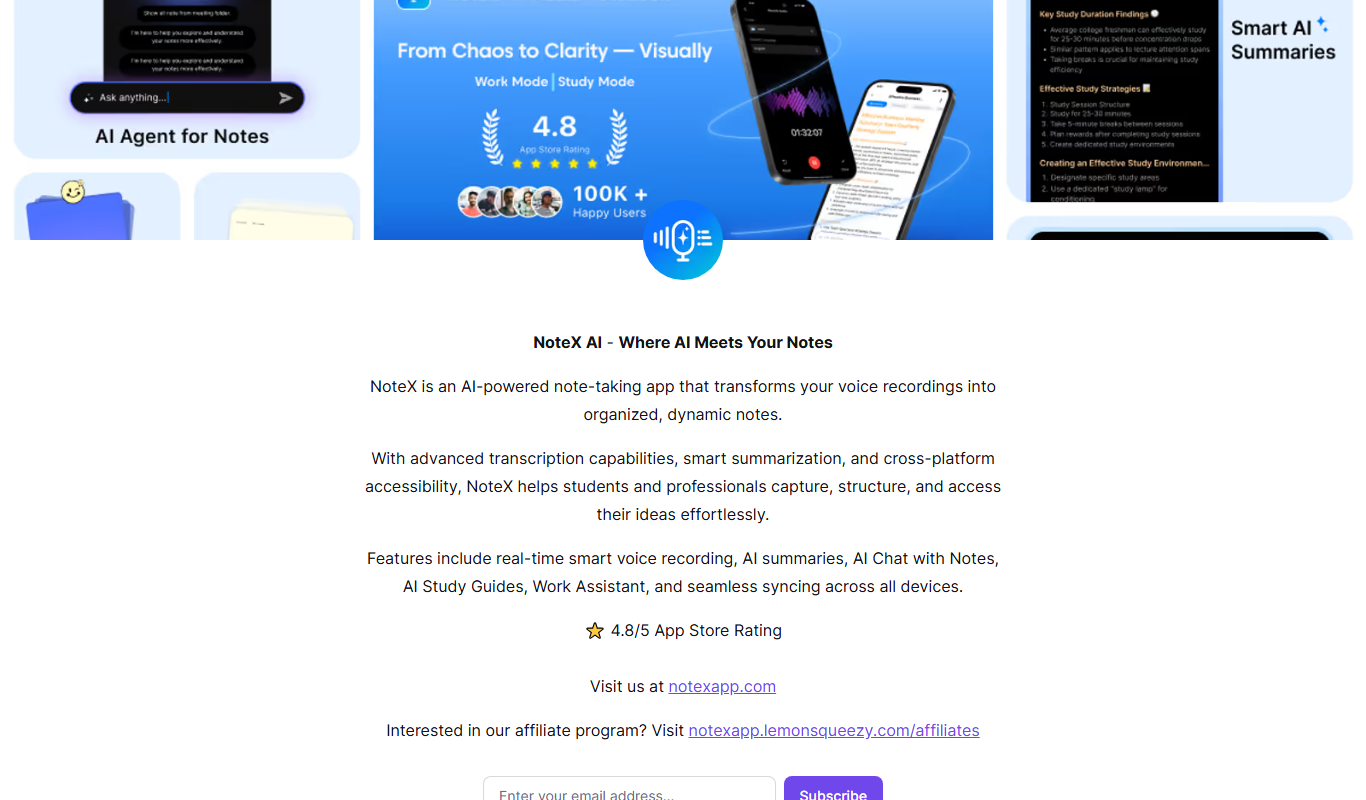
NoteX is an AI meeting agent and note-taking app that transforms voice recordings into organized notes with transcription, smart summaries and syncing across all devices.

Free
AI PPT Maker
AI PPT Maker is an online tool that uses artificial intelligence to automatically generate and design PowerPoint presentations based on your input, helping you create professional slides quickly and easily.
Free Trial
SnowSEO
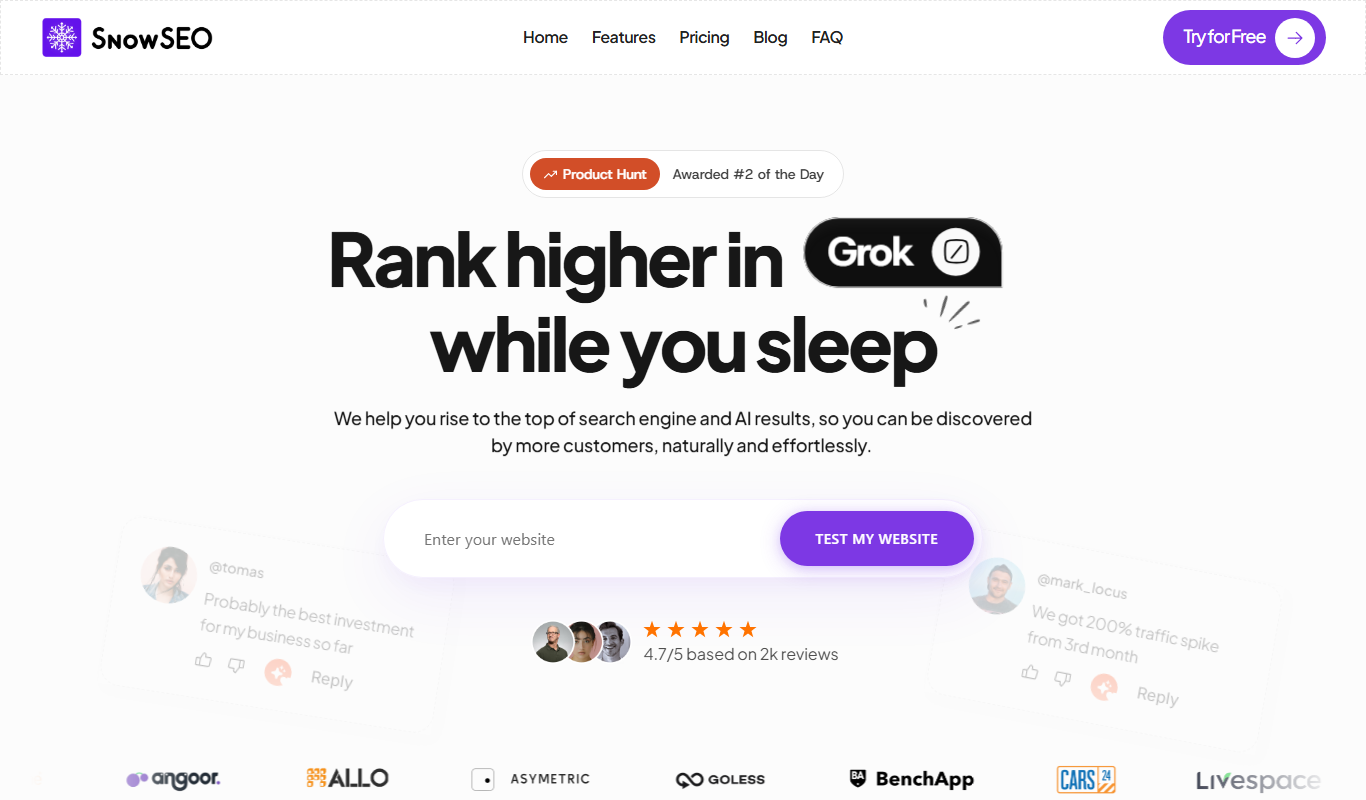
SnowSEO is an SEO and AI search platform that combines keyword research, content creation, backlinks and AI tracking in one place.