

From my experience with Applitools Eyes, I found it excels at detecting subtle visual regressions that traditional testing often misses. Its AI-driven approach significantly reduces false positives and manual review time, making it a valuable asset for teams focused on UI quality. After spending time with the platform, I can say it’s particularly well-suited for QA engineers and DevOps teams integrating visual checks into CI/CD pipelines. However, the initial setup and integration require some learning, and pricing may be a consideration for smaller teams. Overall, if you need reliable automated visual validation across multiple platforms, Applitools Eyes delivers robust and scalable results.
Applitools Eyes Visual AI Testing Platform for Automated UI Validation
Applitools Eyes is an AI-driven visual testing platform that automates UI validation by detecting visual bugs and regressions across web and mobile apps, integrating with popular test automation frameworks.


Do you recommend this tool?
What is Applitools Eyes?
Applitools Eyes is an AI-powered visual testing and monitoring platform designed to automate the validation of user interfaces across web and mobile applications. It uses advanced visual AI algorithms to detect visual bugs, layout shifts, and regressions that traditional functional testing might miss. By integrating with popular test automation frameworks and CI/CD pipelines, Applitools Eyes helps teams ensure consistent UI quality and user experience at scale.
How Applitools Eyes works
-
1
Integrate SDK
Add Applitools Eyes SDK to your existing automated test scripts using supported languages and frameworks.
-
2
Capture Screenshots
During test execution, capture screenshots of your application’s UI at key points.
-
3
Visual Comparison
Applitools AI compares screenshots against the baseline images to detect visual differences.
-
4
Review Results
Review detailed visual reports highlighting differences, approve changes, or flag bugs.
-
5
Integrate with CI/CD
Incorporate visual tests into your continuous integration and delivery pipelines for automated quality checks.
Frequently asked questions about Applitools Eyes
Applitools Eyes supports web, mobile, and native applications across various browsers and devices.
Yes, it integrates with popular frameworks like Selenium, Cypress, Appium, and others.
It uses AI-powered visual comparison algorithms that go beyond pixel matching to detect layout shifts and subtle UI changes.
Applitools offers a free trial for 14 days with full feature access to evaluate the platform.
It depends on your specific needs and how you plan to use the tool. The official website and documentation are the best sources for the latest details.
Yes, it can help with that use case depending on how you configure it and what features are available. You’ll get the best results with clear inputs and a defined goal.
Some tools offer a free plan or trial with limited features. Availability can vary, so confirm on the official website.
Yes, it can help with that use case depending on how you configure it and what features are available. You’ll get the best results with clear inputs and a defined goal.
Sign in to review this tool.
Sign In to ReviewNo reviews yet
Be the first to share how this tool worked for you.
Ask about pricing, limits, or how it compares — or answer someone else.
Sign In to AskNo questions yet
Have a question about using or paying for this tool? Be the first to ask.
Featured on TiorAI



Alternative Tools
Explore similar AI tools that might fit your needs

Free
Percy
Percy is a visual testing platform that automates UI regression testing by capturing and comparing screenshots to detect visual changes, integrating with CI/CD pipelines for continuous quality assurance.
Free Trial
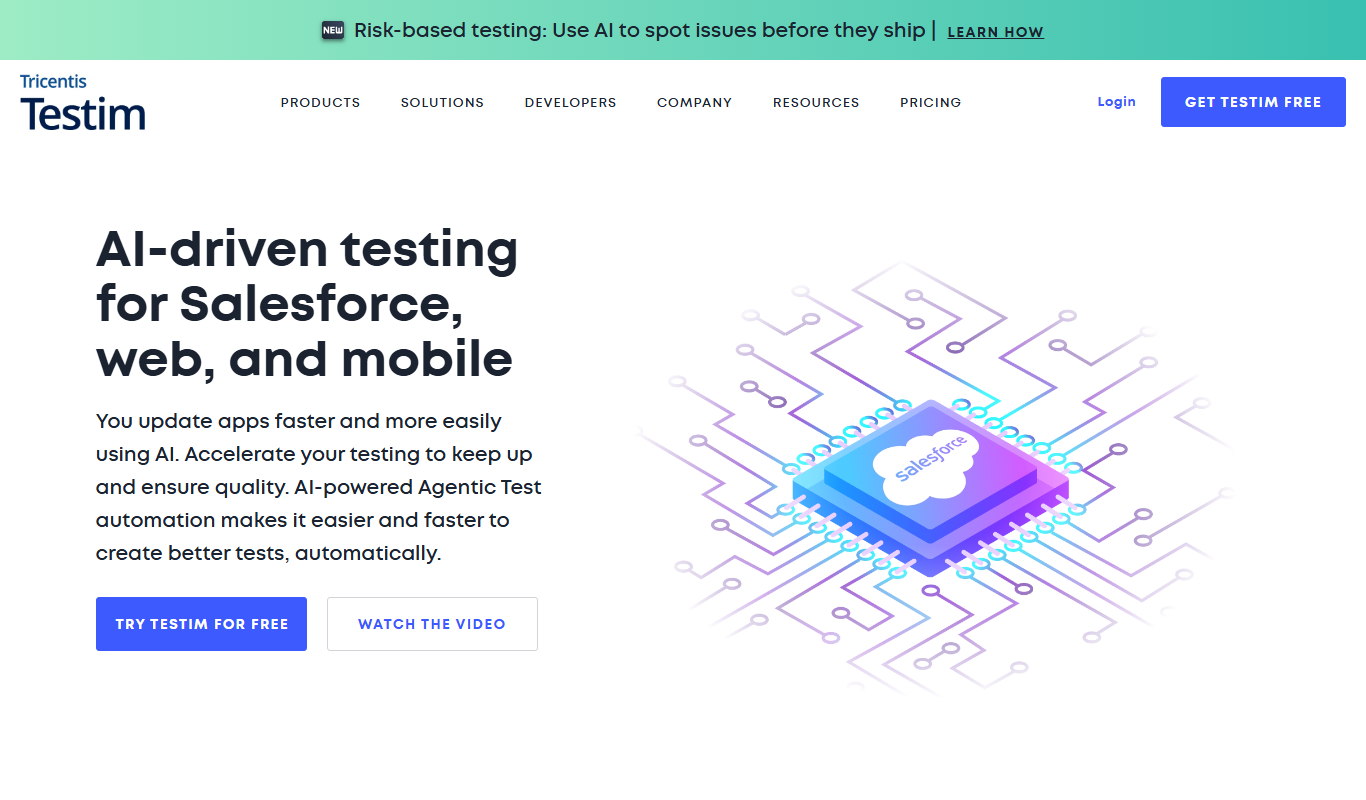
Testim
Testim is an AI-driven test automation platform that enables codeless test creation, self-healing tests, and seamless integration with CI/CD pipelines to improve software quality and reduce testing time.

Freemium
Screener
Screener is an AI-driven video interview platform that enables asynchronous candidate screening, automates interview scheduling, and uses AI analytics to help recruiters make better hiring decisions remotely.
More AI Developer Docs tools
Other tools in the same category, for when this one is not quite the fit.

Free
Sphinx
Sphinx is an open-source documentation generator primarily for Python projects that converts reStructuredText and docstrings into multi-format technical documentation.
Free
MkDocs
MkDocs is an open-source static site generator written in Python that converts Markdown files into fast, easy-to-navigate documentation websites.

Free
ReadMe
ReadMe is a SaaS platform that enables companies to create, manage, and publish interactive API documentation and developer portals with features like API explorers, versioning, and user feedback collection.

Free
Docusaurus
Docusaurus is an open source static site generator built with React that helps developers create, version, and maintain documentation websites easily.
Freemium
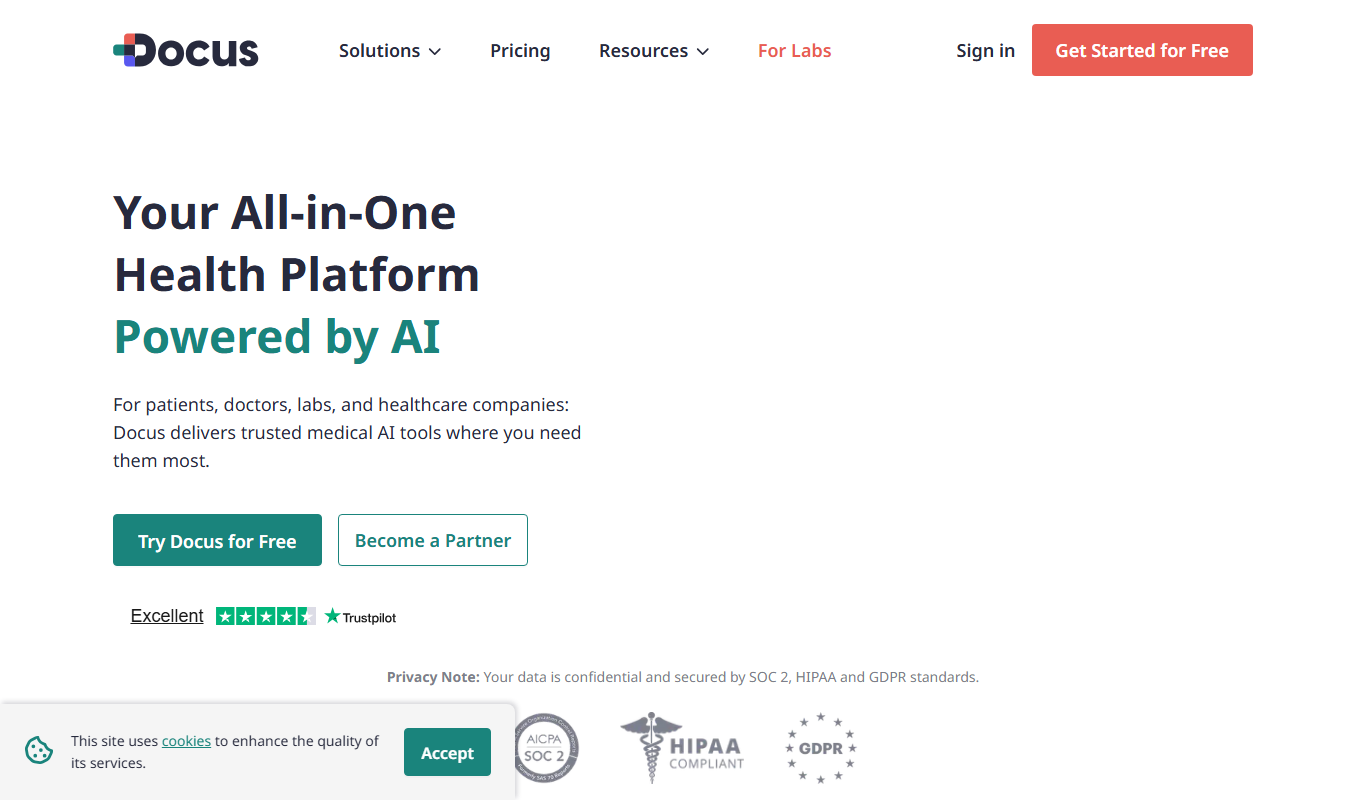
Docus.ai
Docus.ai is an AI-powered platform that automates document processing by extracting key data, managing contracts, and optimizing workflows to save time and reduce errors.
Free
Accesssgpts
Accesssgpts is a no-code AI platform that enables users to create, customize, and deploy their own GPT-powered chatbots for various applications such as customer support and content generation.

Free Trial
LastMile AI
LastMile AI is a platform that automates the deployment and management of machine learning models, enabling scalable, reliable production environments with monitoring and integration capabilities.

Free
Mintlify
Mintlify is an AI-powered documentation platform that assists developers and technical writers in creating, managing, and publishing technical documentation with features like AI writing assistance, real-time collaboration, and automatic formatting.