

AliveCor Kardia Heart Monitor App for Instant ECG and Heart Health Tracking
AliveCor Kardia is a mobile ECG device paired with a smartphone app that records medical-grade heart rhythm data, detects arrhythmias like atrial fibrillation instantly, and allows users to share results with doctors for proactive heart health management.
- Best for
- Personal Heart Health Monitoring
- Key capability
- FDA-Cleared ECG Device
Save AliveCor Kardia, follow its updates and vote on it — everything stays in your account.
Sign in or create a free account
What is AliveCor Kardia?
AliveCor Kardia is a mobile ECG (electrocardiogram) monitoring system that allows users to record medical-grade heart rhythm data using a compact device paired with a smartphone app. It provides instant analysis for common arrhythmias such as atrial fibrillation and offers users actionable insights to manage their heart health proactively.
Key features of AliveCor Kardia
The tool features FDA-cleared ECG recording, real-time arrhythmia detection, symptom logging, cloud data storage, and easy sharing of reports with healthcare providers. It empowers users with clinically validated heart monitoring outside traditional clinical settings.
FDA-Cleared ECG Device
Provides clinically accurate single-lead ECG recordings approved for medical use.
Instant Arrhythmia Detection
Automatically detects atrial fibrillation, bradycardia, tachycardia, and normal sinus rhythm.
Symptom and Event Logging
Users can record symptoms and events alongside ECGs for detailed health tracking.
Cloud Storage and Data Security
Securely stores ECG data in the cloud for easy access and sharing.
Multi-Language Support
Available in multiple languages to serve a global user base.
Pros and cons of AliveCor Kardia
Pros
- Clinically validated and FDA-cleared device
- Instant and easy ECG recording on the go
- Supports remote monitoring and doctor sharing
- User-friendly app interface with symptom logging
- Multi-language support for global users
Cons
- Requires compatible smartphone for operation
- Single-lead ECG may not detect all heart conditions
- Subscription needed for full feature access
Key use cases for AliveCor Kardia
Personal Heart Health Monitoring
Users can record medical-grade ECGs anytime to monitor their heart rhythm and detect arrhythmias.
Atrial Fibrillation Detection
The app analyzes ECG data to identify signs of atrial fibrillation, helping users manage stroke risk.
Remote Patient Monitoring
Healthcare providers can receive ECG data remotely for ongoing cardiac care and timely interventions.
Symptom Tracking and Reporting
Users can log symptoms alongside ECG recordings to provide detailed reports for medical consultations.
Fitness and Wellness Tracking
The device supports heart rate monitoring to assist fitness enthusiasts in tracking cardiovascular health.
How AliveCor Kardia works
- 1
Set Up Device
Connect the Kardia device to your smartphone via Bluetooth and install the Kardia app.
- 2
Record ECG
Place your fingers on the device electrodes to capture a 30-second ECG recording.
- 3
Analyze Results
The app instantly analyzes the ECG for arrhythmias and displays the results.
- 4
Log Symptoms
Optionally, add any symptoms experienced during the recording for comprehensive tracking.
- 5
Share with Doctor
Export or share ECG reports securely with your healthcare provider for further evaluation.
Who is using AliveCor Kardia
AliveCor Kardia pricing
Free
$0/month
Non-members get Unlimited EKGs and EKG Sharing.
KardiaCare
$13.99/month or $99/year
The current KardiaCare subscription.
KardiaCare Plus
$299/year
KardiaCare Plus at $299/year with the device.
Plans and prices are as published by the vendor and can change. Check the official site before you buy. Open the pricing page (opens in a new tab)
Frequently asked questions about AliveCor Kardia
Yes, AliveCor Kardia devices are FDA-cleared for medical use as personal ECG monitors.
No, the device requires pairing with the Kardia app on a compatible smartphone to function.
The device uses AI algorithms validated in clinical studies to provide high accuracy in detecting atrial fibrillation and other arrhythmias.
Yes, the app allows easy export and sharing of ECG reports with healthcare providers.
Some tools offer a free plan or trial with limited features. Availability can vary, so confirm on the official website.
It depends on your specific needs and how you plan to use the tool. The official website and documentation are the best sources for the latest details.
Yes, it can help with that use case depending on how you configure it and what features are available. You’ll get the best results with clear inputs and a defined goal.
Yes, it can help with that use case depending on how you configure it and what features are available. You’ll get the best results with clear inputs and a defined goal.
Conclusion
Recording an ECG means placing the fingers on the device electrodes for a 30-second reading, with the device connected over Bluetooth to the Kardia app on a smartphone. The app then analyzes the ECG and detects atrial fibrillation, bradycardia, tachycardia or normal sinus rhythm. ECG reports can be exported or shared securely with a healthcare provider for further evaluation.
It is designed for patients with heart arrhythmias, cardiology healthcare providers and remote patient monitoring programs. A single-lead ECG may not detect all heart conditions, and the device relies on pairing with a compatible smartphone. Without a membership, users still get unlimited EKGs and EKG sharing, while KardiaCare costs $13.99/month or $99/year and KardiaCare Plus $299/year with the device.
Sources
Sign in to review this tool.
Sign In to ReviewNo reviews yet
Be the first to share how this tool worked for you.
Ask about pricing, limits, or how it compares — or answer someone else.
Sign In to AskNo questions yet
Have a question about using or paying for this tool? Be the first to ask.
Featured on TiorAI



More AI Fitness tools
Other tools in the same category, for when this one is not quite the fit.

MyTherapy
MyTherapy is a free medication reminder and health tracking app designed to help people manage chronic illnesses by providing timely medication alerts, symptom tracking, and health report generation.

Medisafe
Medisafe is a medication management app that provides personalized reminders, drug interaction warnings, and health tracking to help users take medications safely and on time.
Size Stream
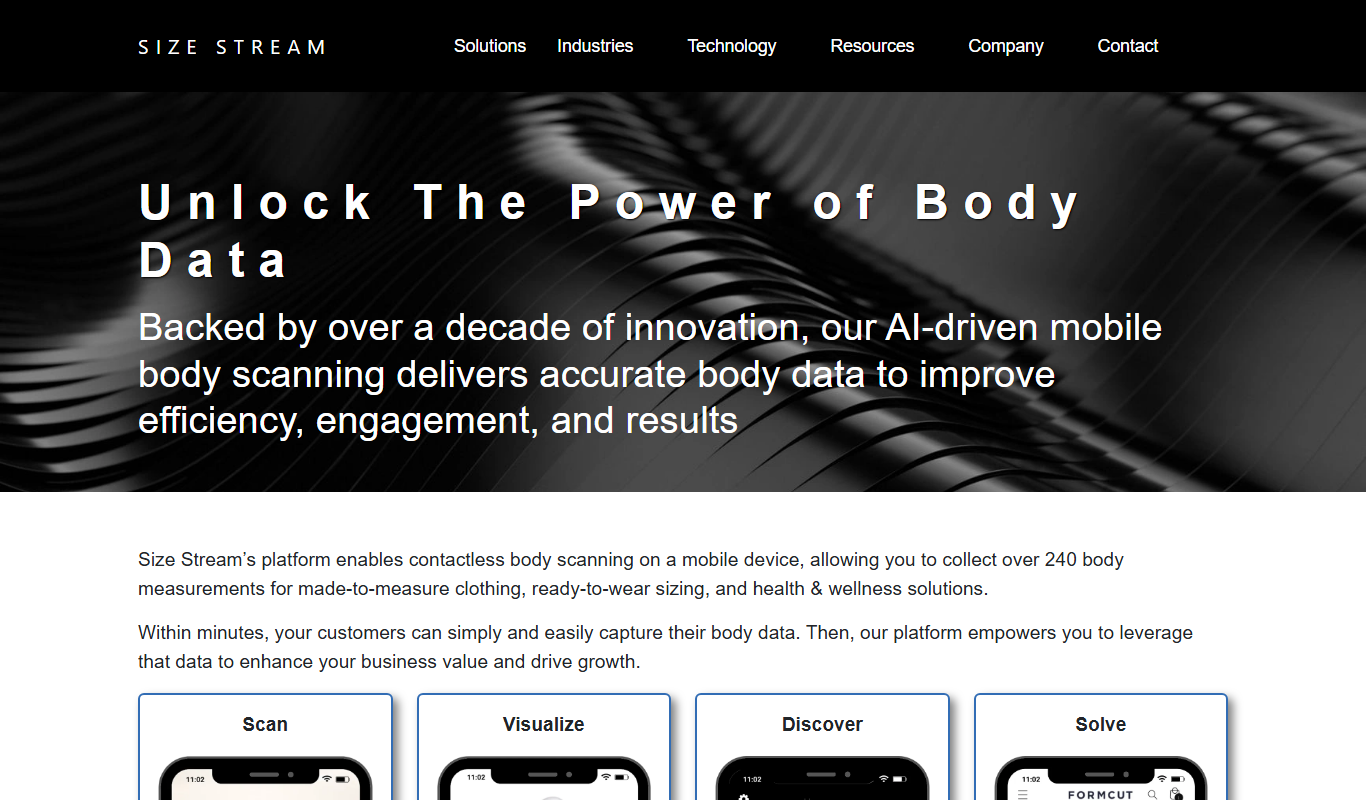
Size Stream is a 3D body scanning platform that captures precise body measurements and creates digital avatars for apparel fitting, health tracking, and virtual try-on applications.
AsthmaMD
AsthmaMD is a free mobile app for iOS and Android that helps individuals with asthma track symptoms, manage medications and create personalized asthma action plans.

CalorieMama
CalorieMama is an AI-driven app that helps users track calories and nutrition by recognizing foods from photos, making diet management easier and more accurate.

Fooducate
Fooducate is a nutrition app that helps users scan foods, track calories, and receive personalized health grades to support healthier eating habits.
Foodvisor
Foodvisor is an AI-driven nutrition app that analyzes meal photos to provide calorie counts, macronutrient breakdowns, and personalized diet recommendations to support health and fitness goals.

Foreo UFO
Foreo UFO is a smart facial device that uses LED light therapy, sonic pulsations, and thermal technology to deliver quick, customizable skincare treatments at home.