

From my experience with AIT Contacts Extractor for Gmail™, the tool stands out for its straightforward integration with Gmail and Google Sheets, making contact extraction effortless for users without technical backgrounds. It is particularly useful for sales and marketing professionals who need to build or update contact lists quickly. However, the free plan’s daily limits can be restrictive for heavy users, and the lack of direct CRM integrations means an extra step for some workflows. Overall, if your primary need is to automate extracting email contacts from Gmail and export them efficiently, this tool offers a practical and user-friendly solution.
AIT Contacts Extractor for Gmail™ – Efficient Email Contact Extraction Tool
AIT Contacts Extractor for Gmail™ is a Google Workspace add-on that automates extracting email addresses and contact details from Gmail messages, enabling easy export to CSV or Google Sheets for efficient contact management.
- Best for
- Email Contact Extraction
- Key capability
- Automated Contact Extraction
Your actions
Save AIT Contacts Extractor for Gmail™, follow its updates and vote on it — everything stays in your account.
Sign in or create a free account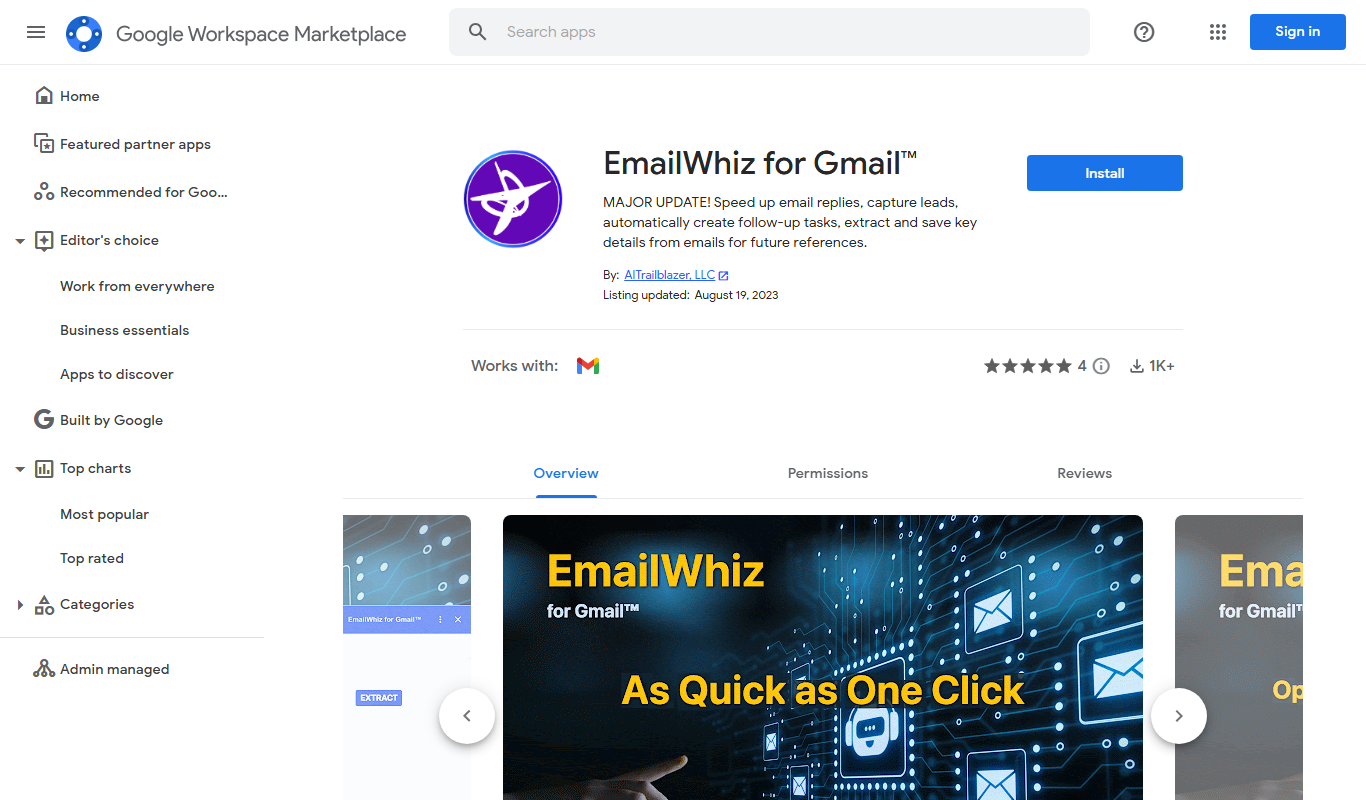
What is AIT Contacts Extractor for Gmail™?
AIT Contacts Extractor for Gmail™ is a productivity add-on available on the Google Workspace Marketplace that enables users to automatically extract email addresses and contact information from their Gmail inbox and messages. It simplifies the process of gathering contacts for marketing, sales, or personal use by exporting them into usable formats such as CSV files or directly integrating with CRM tools.
Key features of AIT Contacts Extractor for Gmail™
The tool offers automated extraction of email contacts from Gmail, bulk export options, filtering capabilities, and seamless integration with Google Sheets and other CRM platforms. It is designed to save time and reduce manual data entry for users managing large volumes of email communications.
Automated Contact Extraction
Automatically scans Gmail messages to extract email addresses and contact information.
Bulk Export Options
Export extracted contacts in bulk to CSV or Google Sheets for easy management.
Selective Extraction
Filter and select specific emails or folders to target relevant contacts.
Google Workspace Integration
Seamlessly integrates with Gmail and Google Sheets within Google Workspace.
User-Friendly Interface
Simple and intuitive UI designed for quick setup and use without technical expertise.
Pros and cons of AIT Contacts Extractor for Gmail™
Pros
- Easy installation via Google Workspace Marketplace
- Automates tedious manual contact extraction
- Integrates well with Google Sheets for data management
- Supports selective extraction for targeted contact lists
Cons
- Limited advanced CRM direct integrations
- Free plan has restrictive daily extraction limits
- No mobile app version available
Key use cases for AIT Contacts Extractor for Gmail™
Email Contact Extraction
Automatically extract email addresses and contact details from Gmail inbox and messages.
CRM Data Enrichment
Export extracted contacts to CRM systems or spreadsheets for sales and marketing follow-up.
Email List Building
Build targeted email lists from existing Gmail conversations for outreach campaigns.
Contact Management
Organize and manage contacts efficiently by extracting and exporting them in bulk.
How AIT Contacts Extractor for Gmail™ works
- 1
Install the Add-on
Add AIT Contacts Extractor for Gmail™ from the Google Workspace Marketplace to your Gmail account.
- 2
Authorize Access
Grant the necessary permissions for the add-on to access your Gmail messages.
- 3
Select Emails
Choose specific emails or entire inbox folders from which to extract contacts.
- 4
Extract Contacts
Run the extraction process to automatically collect email addresses and contact details.
- 5
Export Data
Export the extracted contacts to CSV files, Google Sheets, or compatible CRM systems.
Who is using AIT Contacts Extractor for Gmail™
Sales professionals
Marketing teams
Small business owners
Customer support agents
Freelancers managing client contacts
AIT Contacts Extractor for Gmail™ pricing
Free
$0/month
Basic extraction features with limited daily extraction quota.
Pro
$9.99/month
Higher extraction limits, priority support, and advanced filtering options.
Plans and prices are as published by the vendor and can change. Check the official site before you buy. Open the pricing page (opens in a new tab)
Frequently asked questions about AIT Contacts Extractor for Gmail™
Yes, the add-on uses Google’s OAuth 2.0 for secure authorization and does not store your data outside your account.
You can export contacts to CSV or Google Sheets, which can then be imported into most CRM systems.
It can extract contacts from both individual emails and entire email threads or folders.
The free plan has daily extraction limits, while the Pro plan offers higher quotas.
It depends on your specific needs and how you plan to use the tool. The official website and documentation are the best sources for the latest details.
It depends on your specific needs and how you plan to use the tool. The official website and documentation are the best sources for the latest details.
Yes, it can help with that use case depending on how you configure it and what features are available. You’ll get the best results with clear inputs and a defined goal.
Integration support depends on the tool and its available connectors or API. Check the official documentation or integrations page to confirm what is supported.
Sign in to review this tool.
Sign In to ReviewNo reviews yet
Be the first to share how this tool worked for you.
Ask about pricing, limits, or how it compares — or answer someone else.
Sign In to AskNo questions yet
Have a question about using or paying for this tool? Be the first to ask.
Featured on TiorAI



Alternative Tools
Explore similar AI tools that might fit your needs
Freemium
Scrab.in Email Extractor
Scrab.in Email Extractor is a web-based tool that scrapes and verifies bulk email addresses from websites and social media to support lead generation and outreach.
More AI Document Extraction tools
Other tools in the same category, for when this one is not quite the fit.

Free
PDF AI Sheet
PDF AI Sheet is a web-based AI tool that automates extracting and analyzing data from PDF documents, enabling easy export to Excel and other formats.

Free
Bank Statement Converter
Bank Statement Converter is an online tool that converts PDF bank statements into Excel and CSV formats, enabling easy data extraction and financial management.
Free Trial
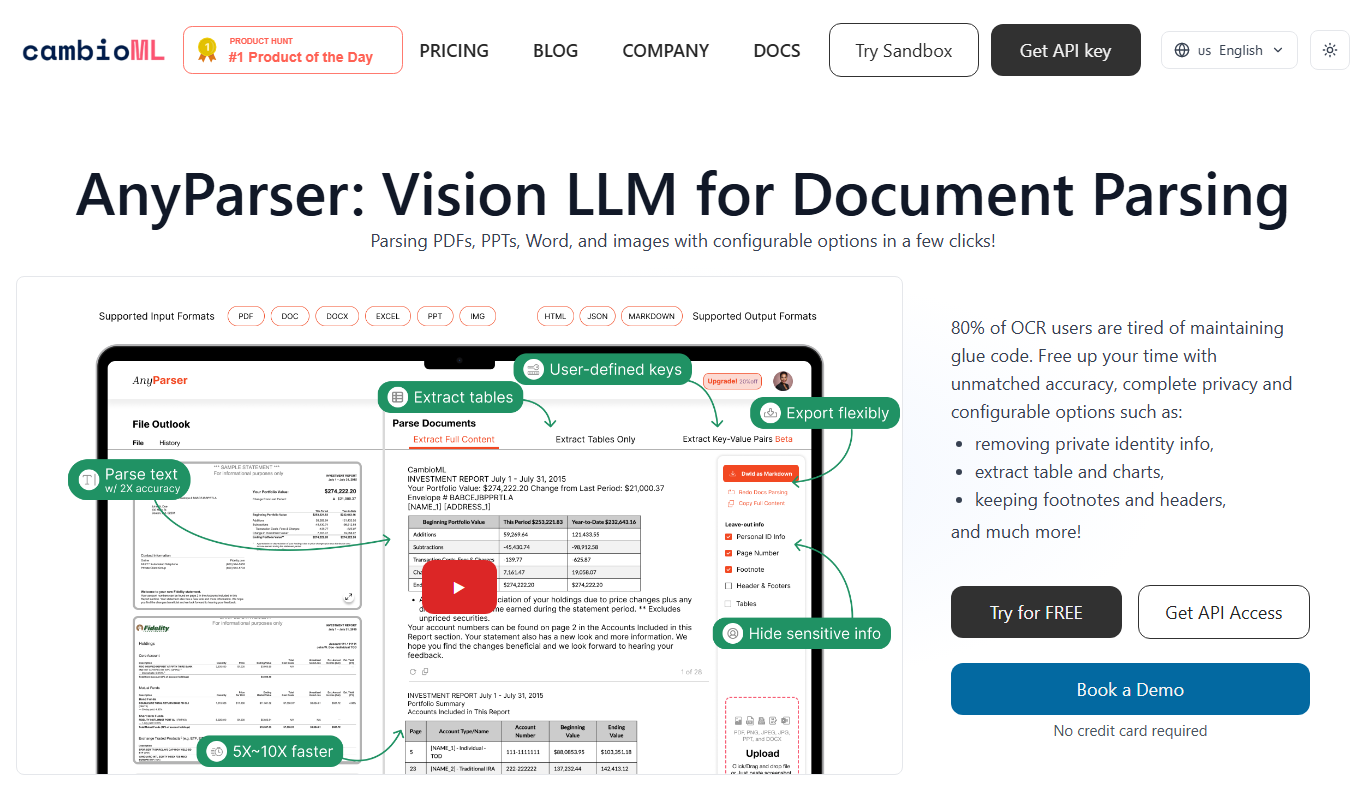
AnyParser
AnyParser is an AI-powered tool that automates extraction of structured data from unstructured documents like PDFs and emails using no-code parser training and OCR technology.

Freemium
DocumentPro
DocumentPro is an AI-driven document automation platform that extracts and processes data from documents to streamline business workflows.

Freemium
serina
Serina AI is an AI-powered meeting assistant that transcribes meetings in real-time, generates concise summaries, and extracts action items to improve team productivity.

Free
Skrape
Skrape AI is a no-code web scraping platform that uses AI to simplify data extraction, offering scheduling, API access, and multi-format exports for automation and integration.
Custom Pricing
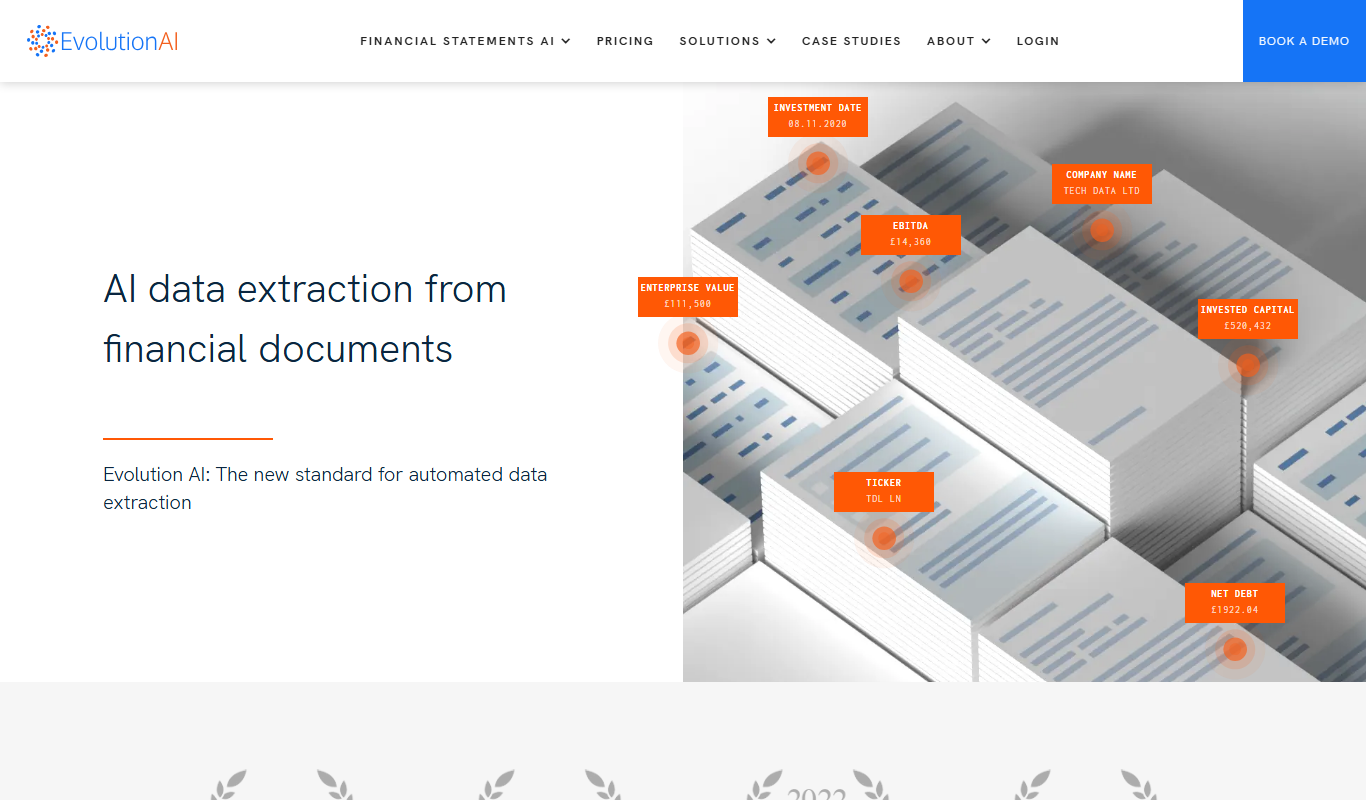
Evolution AI
Evolution AI is a UK-based data labeling platform that combines human expertise with AI tools to provide accurate annotations for text, image, audio, and video data, supporting machine learning and AI training projects.

Free Trial
formx ai
FormX AI is an AI-driven platform that automates data extraction from documents like invoices and forms using advanced OCR and machine learning, enabling faster and more accurate document processing.