

From my experience with AI Document Maker, I found it excels at automating the creation of professional business documents, significantly reducing the time spent on manual drafting. The platform’s customizable templates and collaboration features make it well-suited for small to medium businesses and teams needing consistent, high-quality documents. However, the tool currently supports only English and lacks a mobile app, which may limit flexibility for some users. Overall, if your goal is to streamline document workflows and improve productivity, AI Document Maker delivers reliable and user-friendly solutions.
AI Document Maker - Automated Document Creation Software for Businesses
AI Document Maker is a web-based platform that uses AI to automate the creation of business documents like contracts and proposals, offering customizable templates and collaboration tools.
- Best for
- Automated Business Document Creation
- Key capability
- AI-Powered Document Generation

Do you recommend this tool?
What is AIDocumentMaker?
AI Document Maker is a web-based software platform that leverages artificial intelligence to automate the creation of business documents. It provides users with customizable templates and AI-driven content generation to streamline document workflows, reduce manual drafting time, and ensure professional quality across contracts, proposals, reports, and more.
Key features of AIDocumentMaker
The platform offers AI-powered document generation, template customization, collaboration tools, and workflow integration to help businesses automate and standardize their document creation processes efficiently.
AI-Powered Document Generation
Automatically create high-quality business documents using advanced AI algorithms.
Customizable Templates
Access and modify a wide range of document templates tailored for different business needs.
Collaboration Tools
Work with team members in real-time to edit and finalize documents.
Workflow Integration
Seamlessly integrate document creation into existing business processes.
Export Options
Download documents in multiple formats such as PDF, DOCX, and more.
Pros and cons of AIDocumentMaker
Pros
- Speeds up document creation with AI automation
- Offers customizable templates for diverse business needs
- Supports team collaboration and workflow integration
Cons
- Limited language support (English only)
- No mobile app available currently
- Enterprise pricing requires contacting sales
Key use cases for AIDocumentMaker
Automated Business Document Creation
Generate professional business documents such as contracts, proposals, and reports quickly using AI-powered templates.
Template Customization
Customize document templates to fit specific business needs and branding requirements.
Workflow Integration
Integrate document creation into existing workflows to streamline operations and reduce manual effort.
Collaboration
Enable teams to collaborate on document drafts and revisions within the platform.
Content Consistency
Maintain consistent language and formatting across all business documents.
How AIDocumentMaker works
- 1
Sign Up
Create an account on the AI Document Maker website to access the platform.
- 2
Select or Customize Template
Choose from a library of business document templates or customize your own to fit your needs.
- 3
Input Key Information
Provide essential details and parameters that the AI will use to generate the document content.
- 4
Generate Document
Use the AI engine to automatically create a draft document based on your inputs and template.
- 5
Review and Collaborate
Edit the generated document and collaborate with team members for revisions.
- 6
Export and Use
Download or share the finalized document in various formats for business use.
Who is using AIDocumentMaker
Small to medium businesses
Legal and consulting firms
Sales and marketing teams
Project managers
Freelancers and consultants
AIDocumentMaker pricing
Free Trial
$0 for 7 days
Access to basic features and limited document generation to test the platform.
Professional
$29/month
Full access to all templates, unlimited document generation, and collaboration features.
Enterprise
Custom pricing
Tailored solutions with advanced integrations, dedicated support, and enhanced security.
Plans and prices are as published by the vendor and can change. Check the official site before you buy. Open the pricing page (opens in a new tab)
Frequently asked questions about AIDocumentMaker
Yes, AI Document Maker allows you to modify existing templates or create your own to suit your business needs.
Yes, a 7-day free trial is offered to explore the platform’s features.
You can create contracts, proposals, reports, invoices, and other common business documents.
Yes, multiple users can collaborate on document drafts and revisions within the platform.
It depends on your specific needs and how you plan to use the tool. The official website and documentation are the best sources for the latest details.
Yes, it can help with that use case depending on how you configure it and what features are available. You’ll get the best results with clear inputs and a defined goal.
Some tools offer a free plan or trial with limited features. Availability can vary, so confirm on the official website.
Yes, it can help with that use case depending on how you configure it and what features are available. You’ll get the best results with clear inputs and a defined goal.
Sign in to review this tool.
Sign In to ReviewNo reviews yet
Be the first to share how this tool worked for you.
Ask about pricing, limits, or how it compares — or answer someone else.
Sign In to AskNo questions yet
Have a question about using or paying for this tool? Be the first to ask.
Featured on TiorAI



Alternative Tools
Explore similar AI tools that might fit your needs

Free Trial
DocuSign
DocuSign is a cloud-based electronic signature platform that enables secure, legally binding digital signing and management of documents, streamlining workflows and ensuring compliance.
Free
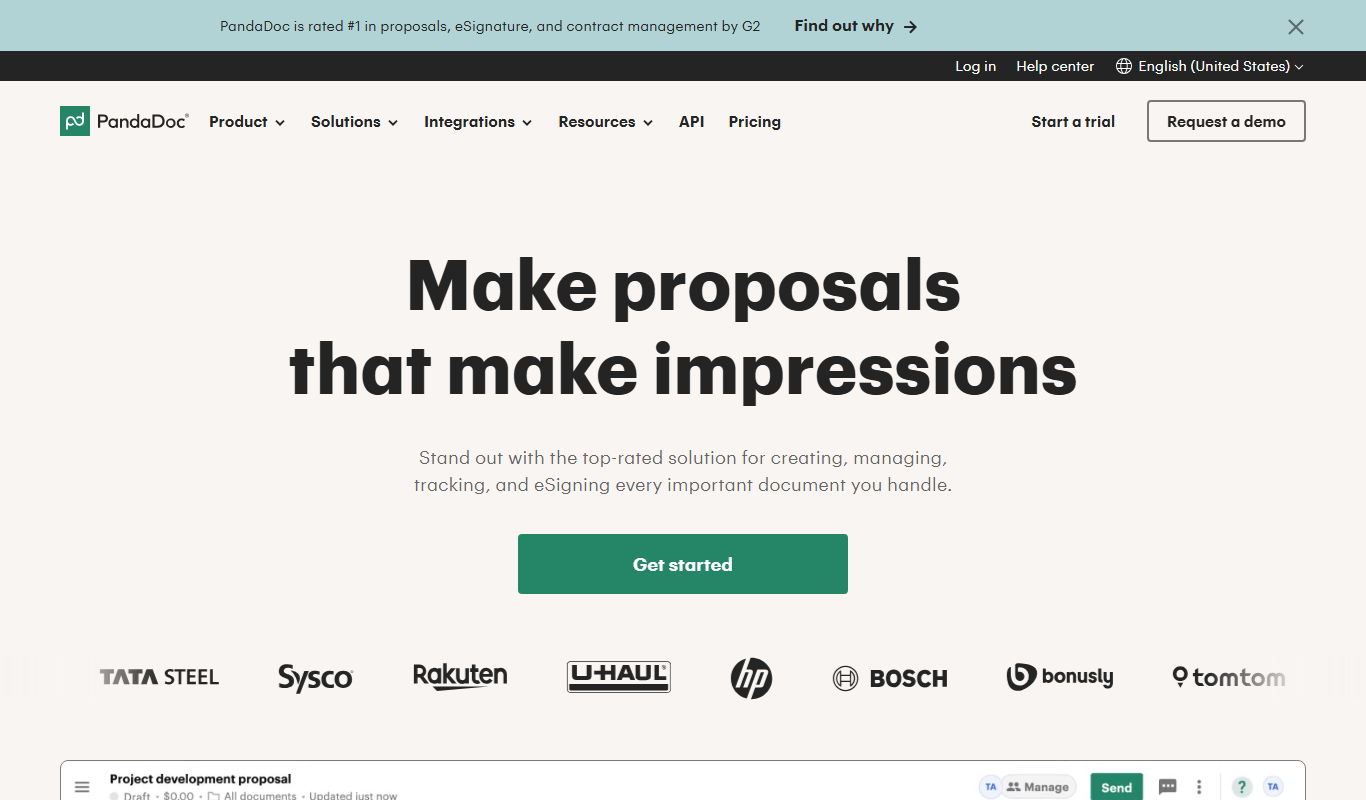
PandaDoc
PandaDoc is a cloud-based platform that automates document creation, approval workflows, and electronic signatures to help businesses streamline proposals, contracts, and payments.

Free
HelloSign
HelloSign is an electronic signature software that allows users to securely sign, send, and manage legally binding digital documents online with compliance to major e-signature laws.