

AI Music Lab Online Generator for AI-Generated Music
AI Music Lab is a paid web platform that generates songs from lyrics or instrumental pieces in various styles, with subscription plans and one-time credit packages.
- Best for
- Music Creation
- Key capability
- AI Music Generation from Lyrics
Save AI Music Lab, follow its updates and vote on it — everything stays in your account.
Sign in or create a free account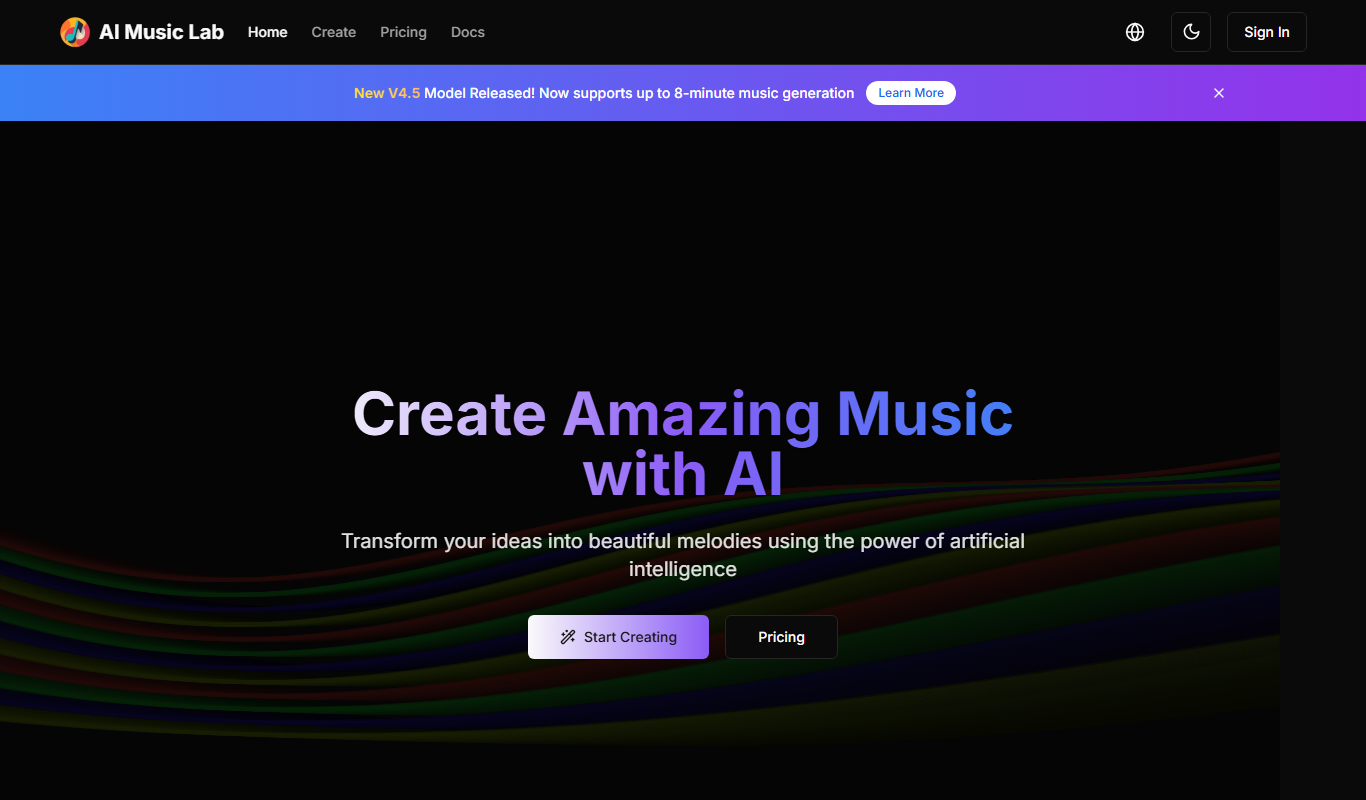

What is AI Music Lab?
AI Music Lab is an online platform that generates unique music with AI from lyrics, or creates instrumental pieces in various styles. It is a paid service with Basic, Pro and Max subscriptions and one-time credit packages; there is no free plan.
Key features of AI Music Lab
AI Music Lab generates music from lyrics or as instrumental pieces in various styles with the new model v4.5, up to 8min per track. Every subscription includes MP3 download, no watermark and a commercial license; Pro and Max add WAV and MIDI file export and audio separation.
AI Music Generation from Lyrics
Generate unique music with AI using lyrics, or create instrumental pieces in various styles.
Customizable Styles and Moods
Tailor music output by selecting different genres and emotional tones.
Commercial License
Every subscription plan includes a commercial license and no watermark.
Easy-to-Use Web Interface
No installation or technical skills required; accessible via any modern browser.
Pros and cons of AI Music Lab
Pros
- Easy and fast music generation process
- No account or installation required
- Royalty-free music suitable for commercial use
Cons
- Limited customization beyond style and mood selection
- No mobile app or offline functionality
Key use cases for AI Music Lab
Music Creation
Generate original music tracks and beats for personal or professional projects.
Content Production
Create background music for videos, podcasts, or presentations without licensing concerns.
Creative Experimentation
Explore AI-generated melodies and rhythms to inspire new musical ideas.
Learning and Education
Use AI Music as a tool to understand music composition and AI capabilities in music.
How AI Music Lab works
- 1
Access the Website
Visit the AI Music Lab website, sign in and choose a subscription plan or a credits package.
- 2
Select Music Style and Mood
Choose from available genres and moods to guide the AI in generating music.
- 3
Generate Music
Click the generate button to produce a unique AI-composed track.
- 4
Preview and Download
Listen to the generated music and download it; MP3 download is included in every plan, and Pro and Max add WAV and MIDI file export.
Who is using AI Music Lab
AI Music Lab pricing
Basic
$12 /month, or $149 billed annually
Perfect for hobbyists and casual creators: 1000 credits per month, basic music styles, MP3 download, community support, no watermark, commercial license.
Pro
$20 /month, or $245 billed annually
Ideal for musicians and content creators: 2500 credits per month, all music styles & fusion genres, priority support, WAV and MIDI file export, audio separation, commercial license.
Max
$84 /month, or $1008 billed annually
Perfect for professional creators and studios needing maximum capacity: 10000 credits per month, WAV and MIDI file export, audio separation, unlimited downloads, custom branding, commercial license.
Plans and prices are as published by the vendor and can change. Check the official site before you buy. Open the pricing page (opens in a new tab)
Frequently asked questions about AI Music Lab
No. AI Music Lab has no free plan; it offers Basic, Pro and Max subscriptions with monthly credits, plus one-time credit packages.
Yes, every subscription plan (Basic, Pro and Max) includes a commercial license.
No account registration is required to generate and download music.
AI Music supports multiple genres and moods, allowing users to customize their music style.
It depends on your specific needs and how you plan to use the tool. The official website and documentation are the best sources for the latest details.
Some tools offer a free plan or trial with limited features. Availability can vary, so confirm on the official website.
Yes, it can help with that use case depending on how you configure it and what features are available. You’ll get the best results with clear inputs and a defined goal.
It depends on your specific needs and how you plan to use the tool. The official website and documentation are the best sources for the latest details.
Conclusion
Lyrics or a short idea go in, and the service returns a generated song, or an instrumental piece in one of various styles. Tracks come from the new model v4.5 at up to 8min, and every subscription includes MP3 download, no watermark and a commercial license.
Access is paid: there is no free plan, and generation runs on credits from a Basic, Pro or Max subscription. Credits can also be bought as one-time packages that stay permanently valid, aimed at occasional users or anyone trying out the platform. Basic is aimed at hobbyists and casual creators with basic music styles, while Pro, for musicians and content creators, adds fusion genres, WAV and MIDI export and audio separation. Max is meant for professional creators and studios needing maximum capacity and also adds custom branding.
Sources
Sign in to review this tool.
Sign In to ReviewNo reviews yet
Be the first to share how this tool worked for you.
Ask about pricing, limits, or how it compares — or answer someone else.
Sign In to AskNo questions yet
Have a question about using or paying for this tool? Be the first to ask.
Featured on TiorAI



More AI Ai Tools tools
Other tools in the same category, for when this one is not quite the fit.
Interviews by AI
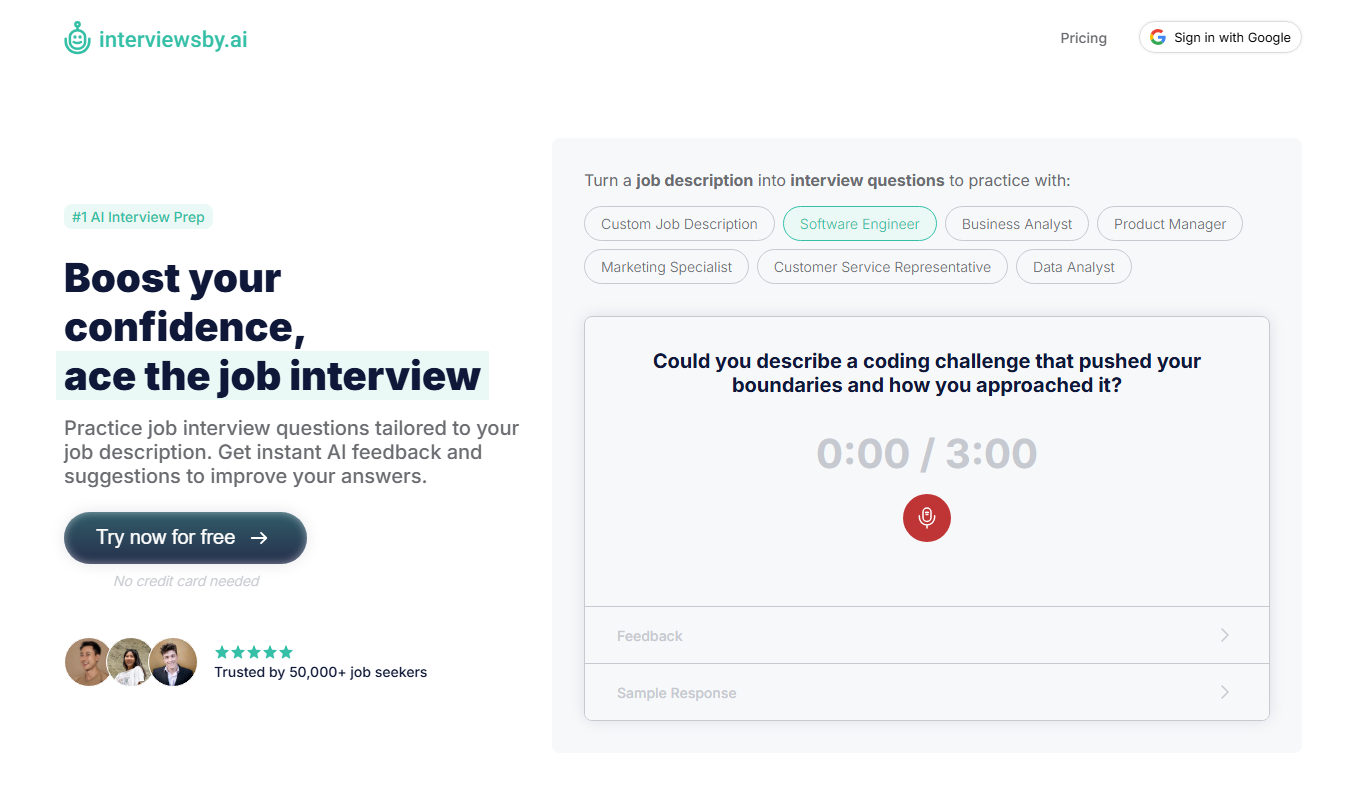
Interviews by AI is a web-based platform that uses artificial intelligence to simulate job interviews by generating tailored questions and providing personalized feedback to help users improve their interview skills.

Wonderin Resume AI
Wonderin Resume AI is an AI-powered resume builder that helps job seekers create professional, ATS-optimized resumes quickly using customizable templates and intelligent content suggestions.

Recruitcrafts
Recruitcrafts is an AI-driven recruitment platform that automates candidate sourcing, resume screening, and interview scheduling to help recruiters hire faster and more efficiently.

Sage Cooking
Sage Cooking is an AI-powered web tool that generates personalized recipes based on your dietary preferences, restrictions, and available ingredients to simplify meal planning and inspire cooking creativity.

Infinite Meals
Infinite Meals is a free AI-based meal planner that generates personalized healthy meal plans tailored to your dietary preferences, allergies, and nutritional goals.

REimagine Home
REimagine Home is an AI-driven platform that transforms your room photos into virtual interior design makeovers, helping you visualize new furniture and decor styles quickly and easily.

Free AI QR Code Generator by MyQRCode
MyQRCode is a web-based QR code generator for restaurants, vCards, events and businesses, with custom designs, editable links, logos and colors.

AIQRHub
AIQRHub is an online tool that uses AI to turn the QR code for a URL into an artistic QR code in a preset style.