

From my experience with AI Ease, I found it excels at simplifying content creation for users who want quick, quality writing assistance without a steep learning curve. The platform’s straightforward interface and useful templates make it particularly well-suited for small business owners and freelance writers who need to produce diverse content types efficiently. However, the tool currently supports only English and lacks a mobile app, which might limit flexibility for some users. Overall, if you need an accessible AI writing assistant for blogs, emails, or social media, AI Ease delivers solid, practical results.
AI Ease AI Writing Assistant for Content Creation and Productivity
AI Ease is an AI-powered writing assistant that helps users generate, edit, and optimize content such as blogs, emails, and social media posts through an easy-to-use web platform.
- Best for
- Content Writing
- Key capability
- AI Content Generation
Your actions
Save AI Ease, follow its updates and vote on it — everything stays in your account.
Sign in or create a free account
What is AI Ease?
AI Ease is an AI-powered writing assistant designed to help users create high-quality content quickly and effortlessly. It leverages advanced natural language processing to generate, edit, and optimize text for various purposes including blogs, emails, social media, and more.
Key features of AI Ease
AI Ease offers features such as AI-generated content suggestions, grammar and style correction, customizable tone settings, and templates for different writing needs, all accessible through an intuitive web interface.
AI Content Generation
Automatically generate coherent and contextually relevant text based on user prompts.
Grammar and Style Correction
Enhance text quality with AI-powered grammar checks and style improvements.
Customizable Tone
Adjust the tone of your writing to suit formal, casual, or creative styles.
Templates and Use Case Support
Access pre-built templates for emails, blogs, social posts, and more to streamline writing.
User-Friendly Interface
Intuitive web platform that simplifies content creation for users of all skill levels.
Pros and cons of AI Ease
Pros
- Easy to use with minimal learning curve
- Supports multiple content types and templates
- Affordable pricing with a free tier
- Good grammar and style correction capabilities
Cons
- Limited language support (English only)
- No mobile app currently available
- Advanced features reserved for paid plans
Key use cases for AI Ease
Content Writing
Generate blog posts, articles, and marketing copy efficiently using AI-powered suggestions.
Email Drafting
Create professional and personalized emails quickly with AI assistance.
Social Media Content
Produce engaging social media posts and captions tailored to your audience.
Idea Generation
Brainstorm topics, headlines, and creative ideas to overcome writer's block.
Editing and Proofreading
Improve grammar, style, and clarity of your text with AI-powered editing tools.
How AI Ease works
- 1
Sign Up
Create a free account on the AI Ease website to access the writing assistant.
- 2
Select Use Case
Choose the type of content you want to create, such as blog post, email, or social media.
- 3
Input Text or Topic
Provide a prompt, topic, or partial text for the AI to generate or improve content.
- 4
Review and Edit
Review AI-generated suggestions and make adjustments as needed.
- 5
Export or Publish
Download your content or copy it for use in your projects.
Who is using AI Ease
Content creators
Small business owners
Marketing professionals
Freelance writers
Social media managers
AI Ease pricing
Free
$0/month
Basic access with limited daily AI generations and standard features.
Pro
$19/month
Unlimited AI generations, priority support, and access to advanced features.
Plans and prices are as published by the vendor and can change. Check the official site before you buy. Open the pricing page (opens in a new tab)
Frequently asked questions about AI Ease
Yes, AI Ease is designed with an intuitive interface that makes it easy for users with no prior experience to create content.
Yes, content generated with AI Ease can be used for commercial purposes according to their terms of service.
Currently, AI Ease primarily supports English language content generation.
AI Ease offers a free plan with limited features, but details about a free trial for Pro should be checked on their website.
This tool is designed to help users accomplish its core tasks more efficiently. It is typically used by individuals or teams looking to improve productivity and workflow.
Pricing depends on the plan and included features. For the most accurate and up-to-date details, check the official pricing page.
Yes, it can help with that use case depending on how you configure it and what features are available. You’ll get the best results with clear inputs and a defined goal.
It depends on your specific needs and how you plan to use the tool. The official website and documentation are the best sources for the latest details.
Sign in to review this tool.
Sign In to ReviewNo reviews yet
Be the first to share how this tool worked for you.
Ask about pricing, limits, or how it compares — or answer someone else.
Sign In to AskNo questions yet
Have a question about using or paying for this tool? Be the first to ask.
Featured on TiorAI


More AI Background Remover tools
Other tools in the same category, for when this one is not quite the fit.

Free Trial
Pixbim
Pixbim sells separate one-time-purchase AI programs such as Color Surprise AI for colorizing photos and Object Remover AI for restoring old photos and removing objects.

One-time purchase
ProCam 8
ProCam - Pro Camera, formerly ProCam 8, is a camera app from Tinkerworks Apps sold for $9.99 as a one-time purchase, with paid in-app add-ons.
Free
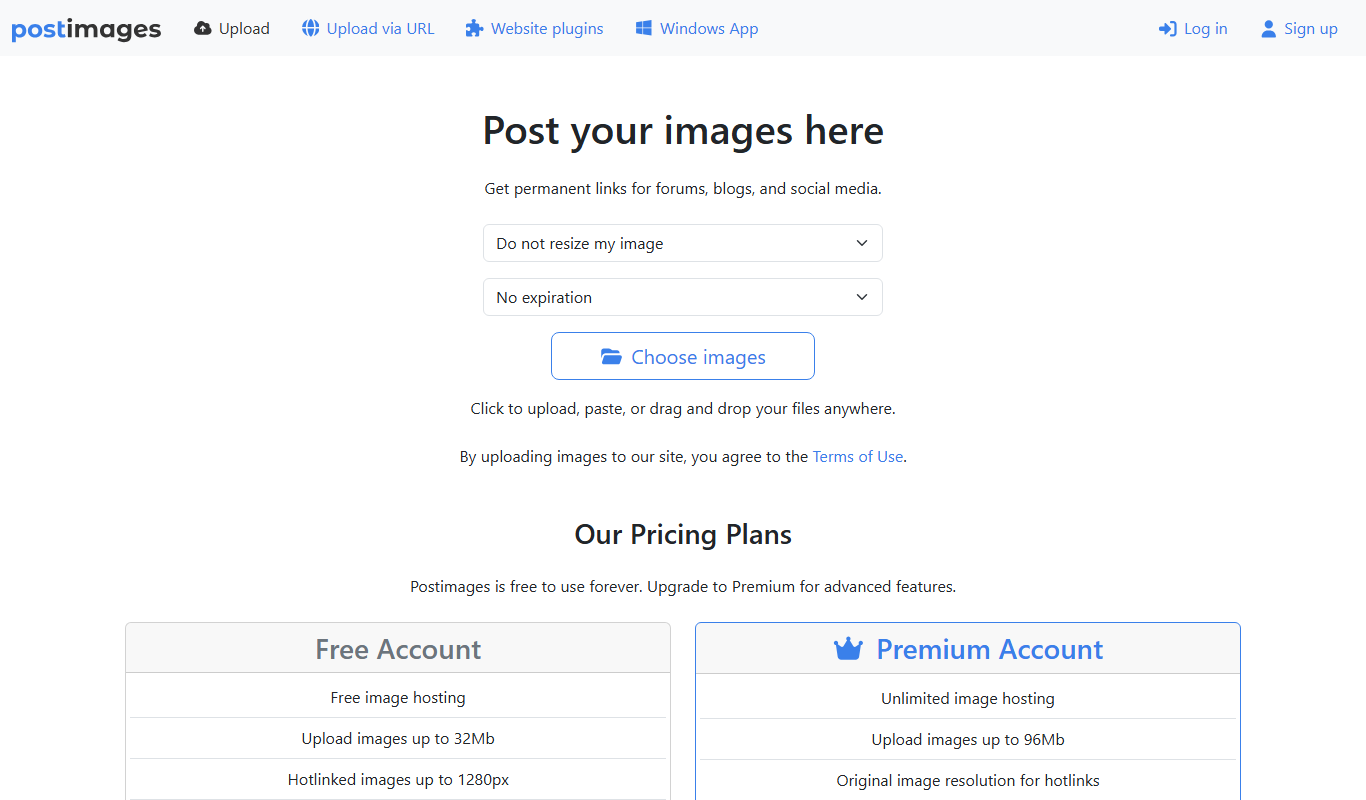
Postimages
Postimages is a free online image hosting service that allows users to upload images quickly without registration, providing multiple link formats for sharing and embedding images on forums, websites, and social media.

Freemium
LetsEnhance
LetsEnhance is an AI-powered web platform that upscales images, removes backgrounds, restores photos, and enhances colors to improve photo quality efficiently.

Freemium
Clipping Magic
Clipping Magic is an AI-based online tool that automatically removes backgrounds from images with options for manual refinement, ideal for e-commerce, design, and social media content creation.

Freemium
Camera+ 2
Camera+ 2 is an iOS photography app that combines manual camera controls with AI-powered editing features like background removal and portrait enhancements, designed for professional and enthusiast iPhone photographers.

Free Trial
PhotoWorks
PhotoWorks is an AI-driven photo editing software for Windows and macOS that automates background removal, portrait retouching, and photo restoration.

Custom Pricing
FittingBox
FittingBox is an augmented reality platform that enables virtual try-on of eyewear using 3D modeling and face detection technology, enhancing online and in-store shopping experiences.